
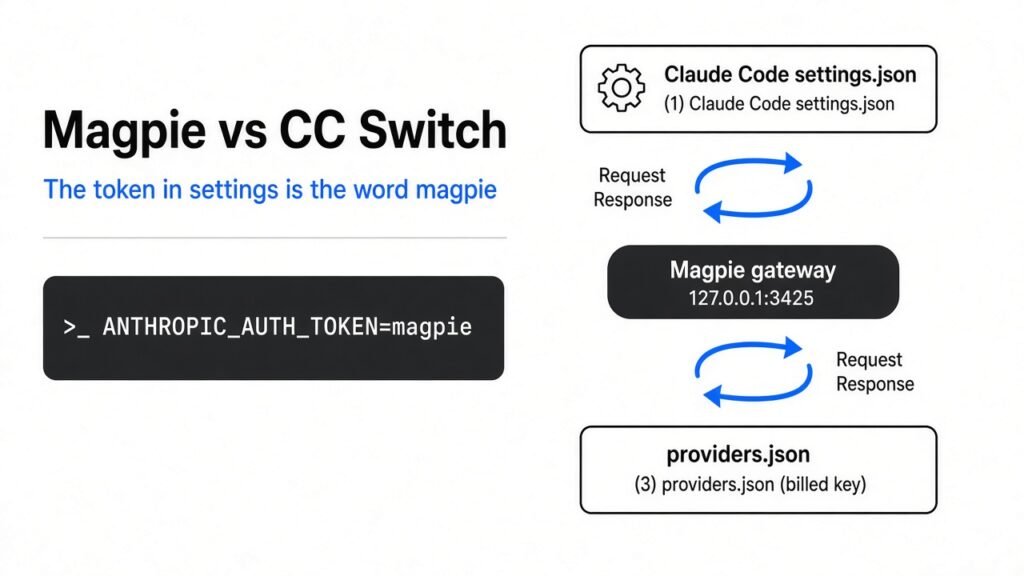
Magpie vs CC Switch: the token in settings is the word magpie.
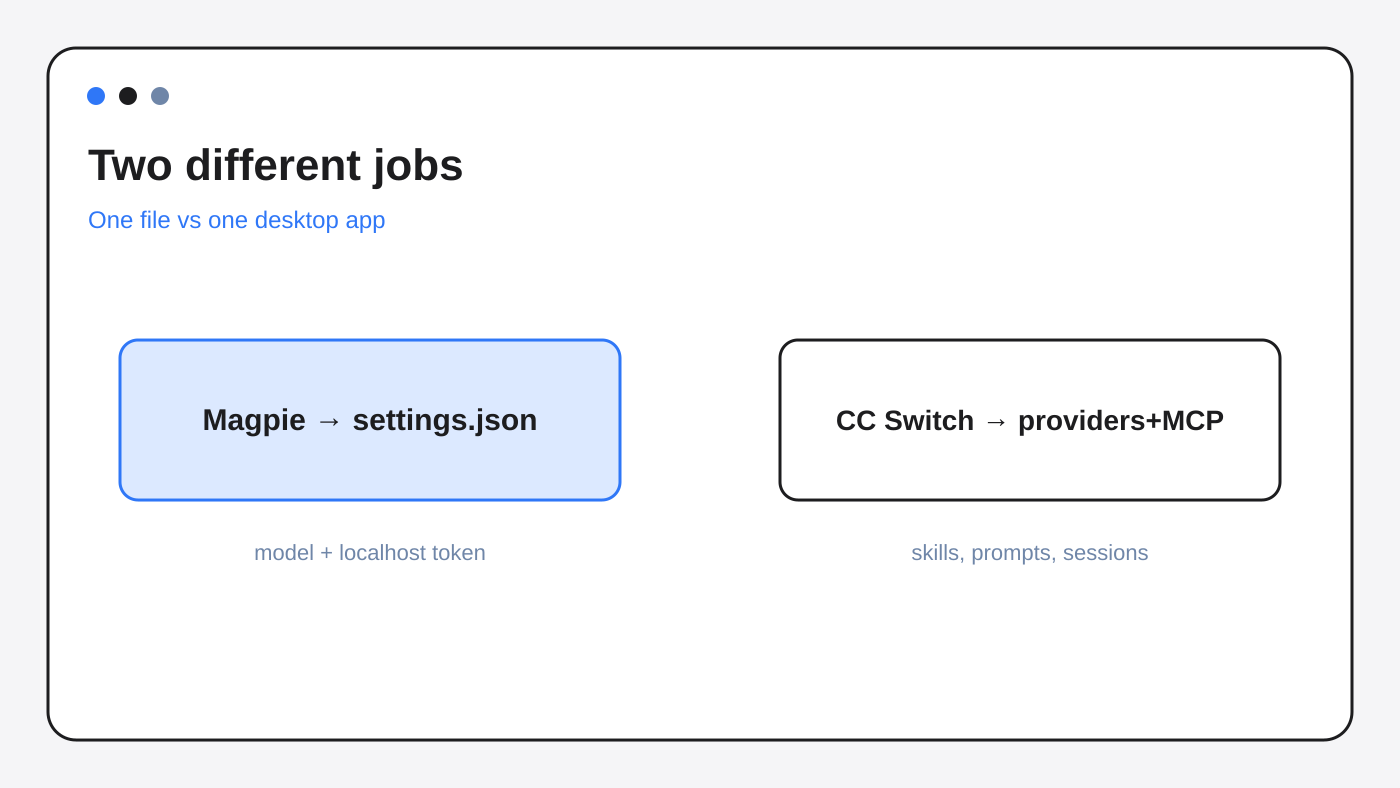
You already run a coding agent (a program that edits your repo with tools, not a chat box that only talks about code). You want a cheaper model behind it. Magpie is a menu-bar app that writes each agent’s model into that agent’s own config. CC Switch is a desktop app that switches providers and also holds MCP servers (small tool plugins), skills (reusable instruction packs), and prompts.
Magpie vs CC Switch is not a fight over which model is smarter. It is a fight over what gets written into Claude Code.
Use Magpie when Claude Code and Codex must share one provider. Skip both apps when Claude Code is the only agent and the provider already speaks its request shape.
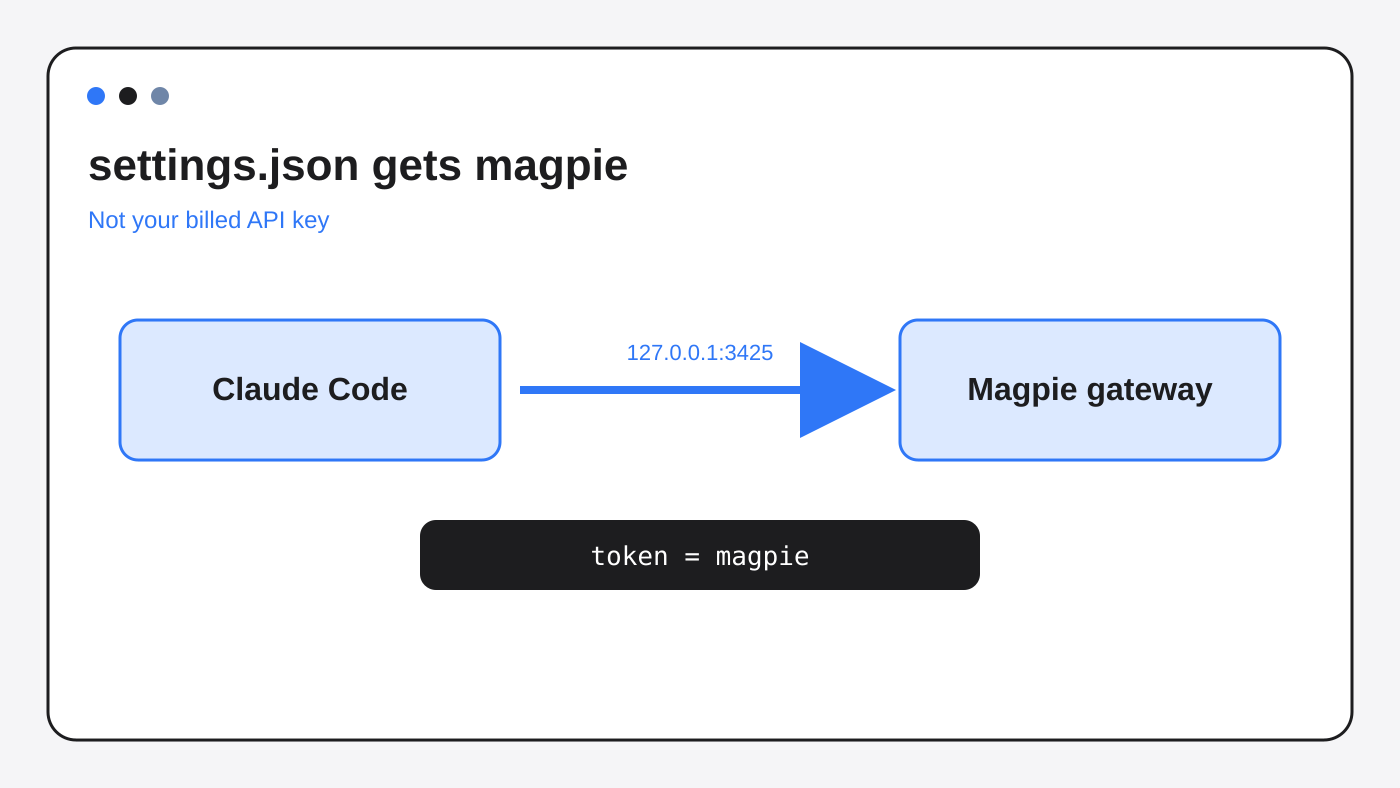
Magpie vs CC Switch comes down to this: Magpie points Claude Code at 127.0.0.1:3425 and puts the word magpie where an API key would go, so the next session fails if you quit Magpie.
What Magpie vs CC Switch actually changes
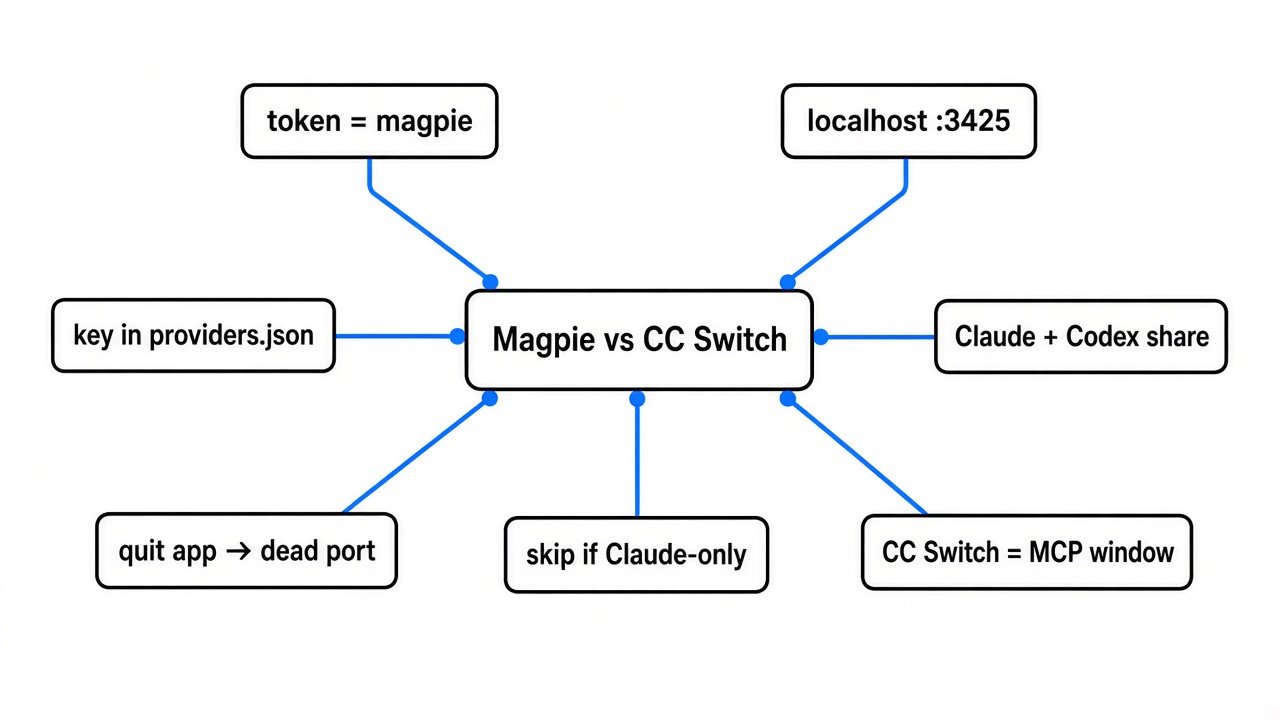
Magpie changes one Claude Code file. CC Switch is the app you open when you want providers, tools, and prompts in one window.
Claude Code reads ~/.claude/settings.json when it starts. The env block can set ANTHROPIC_BASE_URL (where the request goes) and ANTHROPIC_AUTH_TOKEN (the password sent with that request). If those are empty, Claude Code talks to Anthropic.
I ran Magpie’s writer on a throwaway home folder. The start file had a theme and one extra env value, FOO. I set the model to deepseek/pro. The theme and FOO stayed. The model field became deepseek/pro. The env block gained a base URL of http://127.0.0.1:3425 and an auth token of the word magpie.
That word is not your API key (the secret that bills the account). The gateway (a small server on your machine) only listens on loopback (this computer, not the network). It accepts any password, because the agents insist on sending one. The real key stayed in ~/.config/magpie/providers.json.
CC Switch is the other shape. It is a desktop app for Claude Code, Codex, and a long list of other agents. It switches providers, and it also stores MCP servers, skills, prompts, and sessions. Pick it when you want one window for that whole pile. Do not pick it when the only problem is the model line.
Can I run Claude Code on DeepSeek without putting the key in settings
Yes. Magpie keeps the key in its own file and writes the word magpie into Claude Code.
Some providers already publish an Anthropic-compatible address (a URL that accepts the same request shape Claude Code sends). You can set ANTHROPIC_BASE_URL to that address and ANTHROPIC_AUTH_TOKEN to your real key. No Magpie. No CC Switch. The next Claude Code session talks to that provider directly.
That direct path is the better one when Claude Code is the only agent. The key sits in the environment or in settings, and nothing else has to be running.
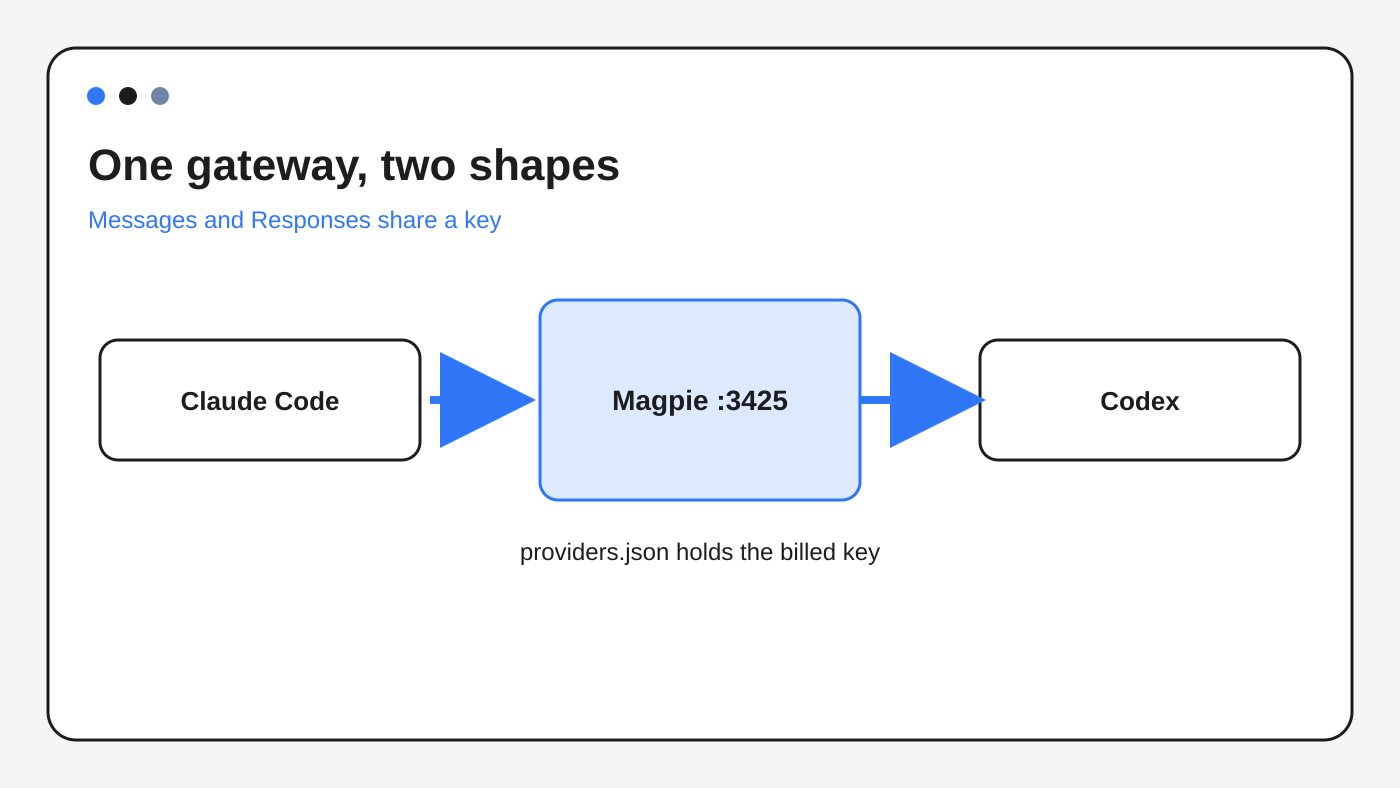
Magpie is the path when you do not want that key in the Claude file, or when a second agent does not speak Messages. Codex speaks the OpenAI Responses API (a different request shape). A Messages URL does not help Codex. Magpie’s gateway translates.
I read the Codex writer. When Codex is not signed in, it adds a provider table whose wire API is responses, whose base URL is http://127.0.0.1:3425/v1, and whose bearer is again the word magpie. That table stays after you switch away, because an old Codex thread looks for the provider it started on. I did not run that Codex writer. I did run the Claude one.
What Magpie writes into Claude Code settings
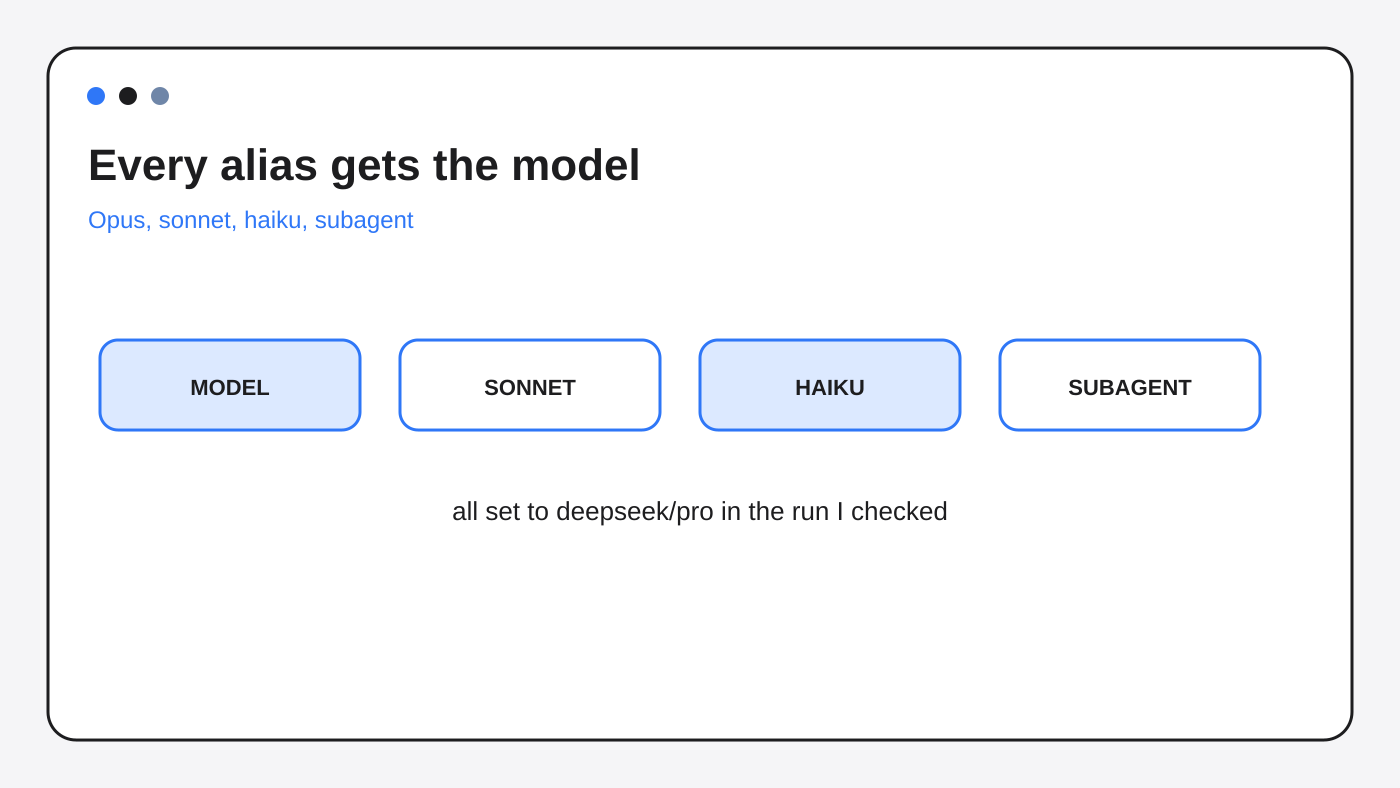
It writes the model, the localhost URL, the word magpie, and the same model on every alias.
After I set deepseek/pro, these env keys were all deepseek/pro:
ANTHROPIC_MODELANTHROPIC_DEFAULT_OPUS_MODELANTHROPIC_DEFAULT_SONNET_MODELANTHROPIC_DEFAULT_HAIKU_MODELANTHROPIC_DEFAULT_FABLE_MODELANTHROPIC_SMALL_FAST_MODEL(the small model Claude Code uses for tiny jobs)CLAUDE_CODE_SUBAGENT_MODEL(the model for a subagent, a helper Claude Code starts)
Opus, sonnet, haiku, and fable are aliases (short names Claude Code uses when a task says “use haiku”). While they all match the main model, the subagent model is set too.
I also ran the tier test. You cannot set haiku on its own until Claude Code is routed through Magpie. After that, setting haiku to a different model removes CLAUDE_CODE_SUBAGENT_MODEL, so a helper can use the alias it asked for instead of being forced onto one model.
Clearing the model deletes those Magpie env keys and the model field. Theme and FOO stayed. That is the undo. Do not delete only the URL by hand. If the token is gone and the URL remains, Magpie reports the wiring as broken.
The menu adds [1m] on a model Magpie marks as a million-token context window (how much text the model can hold). Without that mark, Claude Code treats the model as a smaller window and compacts (shortens the chat) early. I read that option builder. I did not watch a live session compact.
One more trap. An admin file can beat your user file. On Linux that file is /etc/claude-code/managed-settings.json. On macOS it is /Library/Application Support/ClaudeCode/managed-settings.json. If it sets a different ANTHROPIC_BASE_URL, Magpie warns that the admin URL wins.
{
  "model": "deepseek/pro",
  "env": {
    "ANTHROPIC_BASE_URL": "http://127.0.0.1:3425",
    "ANTHROPIC_AUTH_TOKEN": "magpie",
    "ANTHROPIC_MODEL": "deepseek/pro",
    "ANTHROPIC_DEFAULT_SONNET_MODEL": "deepseek/pro",
    "ANTHROPIC_DEFAULT_HAIKU_MODEL": "deepseek/pro",
    "CLAUDE_CODE_SUBAGENT_MODEL": "deepseek/pro"
  }
}
Why Claude Code fails when Magpie is closed
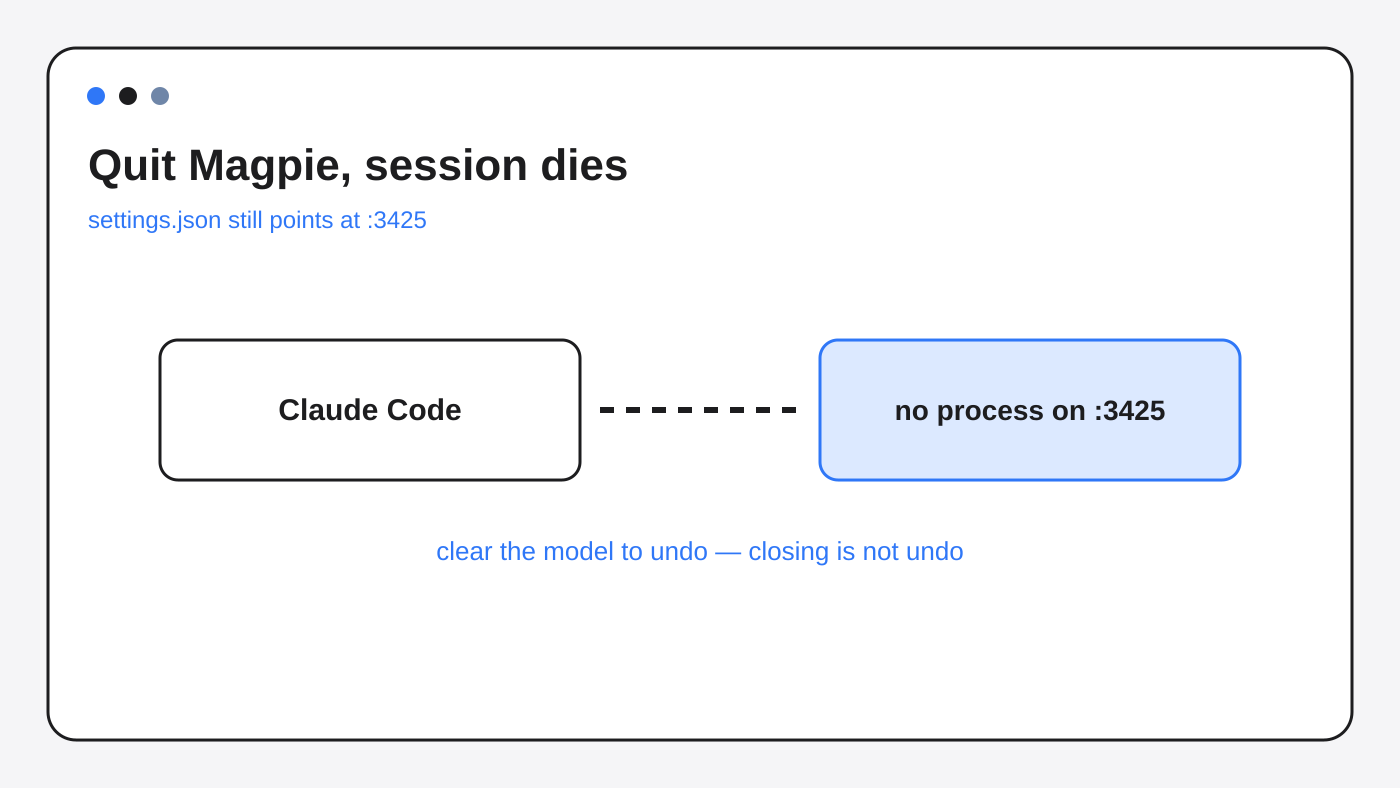
Claude Code still points at 127.0.0.1:3425 after you quit Magpie, so the next session has nowhere to send the request.
The gateway is a process. Quit the app and nothing answers on that port. settings.json does not change when the process dies. The base URL and the token magpie stay. Claude Code starts, reads them, and cannot reach a model.
Start Magpie again and the same file works, because the gateway is back and it still accepts the word magpie.
To leave Magpie, clear the model inside Magpie. That is the path I ran. It removed the Magpie keys and left the rest of the file. Closing the app is not the same as leaving.
Copying settings.json to another laptop does not copy your key. It copies the word magpie and a localhost URL. The other laptop fails until Magpie is installed there, the provider key is added, and the gateway is running.
Magpie vs CC Switch for Codex and Claude Code
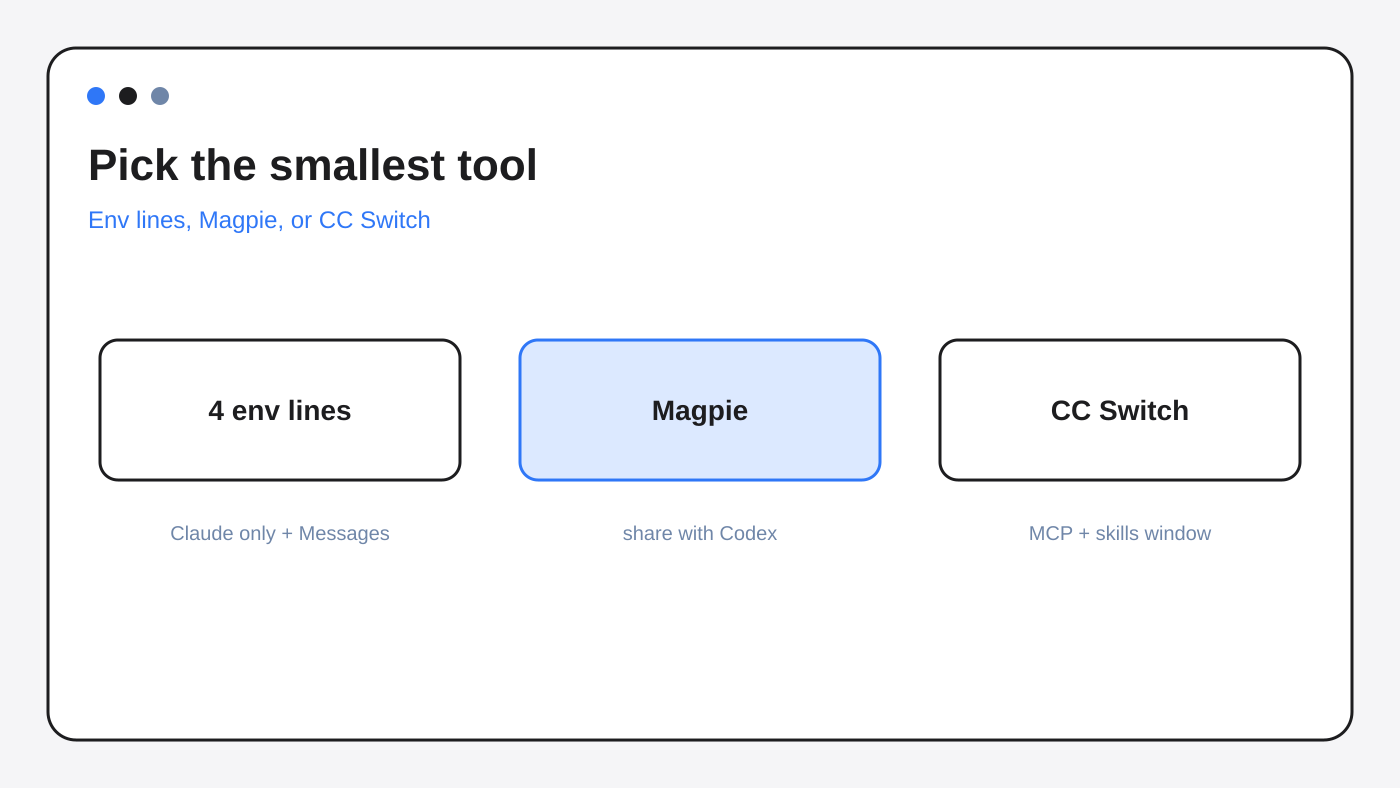
Use Magpie when the two agents must share one provider. Use CC Switch when you want one desktop app for providers plus tools. Use neither when four env lines are enough.
| Job | Four env lines | Magpie | CC Switch |
|---|---|---|---|
| Claude Code only, provider already speaks Messages | Yes | Extra process you must leave running | Extra app |
| Billed key stays out of settings.json | No, the key is in the env or the file | Yes, the file gets the word magpie | Do not assume this until you open the file |
| Codex on the same provider | No, Codex speaks Responses | Yes, the gateway translates | Only if that app routes Codex too |
| MCP, skills, prompts, sessions in one window | No | No | Yes, that is the product |
| Still works after you quit the helper app | Yes | No | Only if it did not leave a localhost URL |
I verified the Magpie column by running the Claude writer and reading the Codex writer. I did not install CC Switch. Treat that column as the job the app is for, not a file I rewrote.
If Claude Code and Codex already share a repo and the fight is the project file, not the model, read Claude Code and Codex together.
How to check Magpie in five minutes
Open ~/.claude/settings.json and see whether Magpie owns the endpoint.
- Open
~/.claude/settings.json. - Look at
env.ANTHROPIC_BASE_URL. - If it is
http://127.0.0.1:3425, Magpie owns Claude Code. env.ANTHROPIC_AUTH_TOKENshould be the wordmagpie, not a key that starts withsk-.- The billed key belongs in
~/.config/magpie/providers.json. That file is meant to be readable by your user only. - To undo, clear the model in Magpie. Confirm the Magpie env keys are gone and your other keys remain.
- If a work laptop ignores the change, open the managed settings file. An admin base URL wins.
You can do steps 1 to 4 without calling a model. That is the whole check.
# Magpie owns Claude Code when both are true:
# ANTHROPIC_BASE_URL == http://127.0.0.1:3425
# ANTHROPIC_AUTH_TOKEN == magpie
jq '{url: .env.ANTHROPIC_BASE_URL, token: .env.ANTHROPIC_AUTH_TOKEN}' ~/.claude/settings.json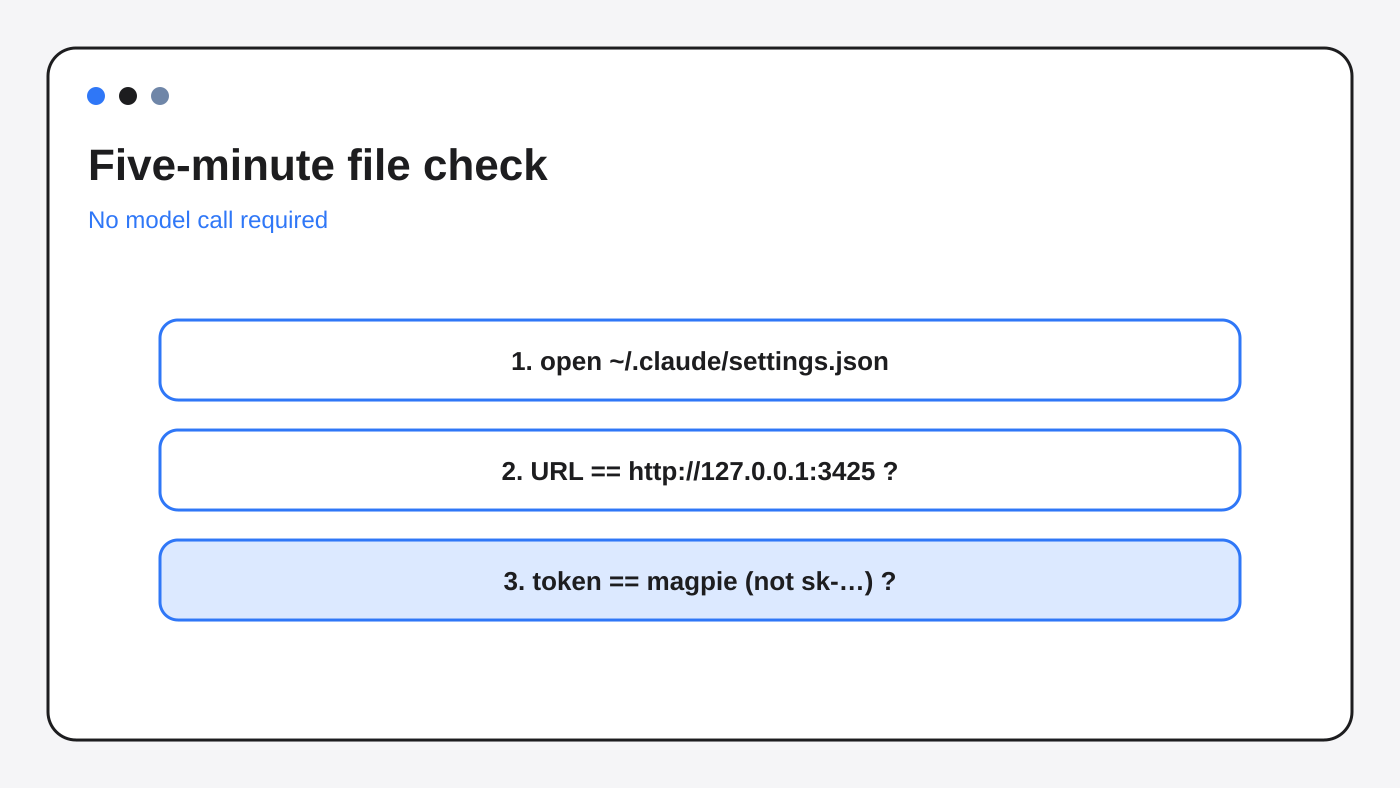
When not to use Magpie
Skip Magpie when Claude Code is the only agent and the provider already speaks Messages.
Set the base URL and the real token the way that provider documents. DeepSeek’s own page is the direct path: Integrate with Claude Code. You then depend on one process, Claude Code, not two.
Skip Magpie if you quit menu-bar apps all day. The failure mode is a dead localhost, and you will hit it.
Skip Magpie if an admin already set ANTHROPIC_BASE_URL. Your user file will not win.
Skip Magpie if you wanted CC Switch’s extras: MCP servers, skills, prompts, and session browsing. Magpie does not do that job. Two apps writing the same settings file will fight. Pick one writer.
Also skip it if you wanted a different agent, not a different model. A terminal agent with its own permission rules is Step Code vs Claude Code. A different CLI is MiniMax Code CLI vs Claude Code.
Is Magpie worth it
Magpie is worth it when you will leave the gateway running and you need one provider behind Claude Code and Codex.
It is not worth it as a shorter way to paste a DeepSeek key into Claude Code. That paste is a few env lines, and those lines keep working when no menu app is open.
The part that pays you back is the file check. If the token is the word magpie, you know why a quit app breaks the next session, and you know the billed key is not sitting in settings.json.
Changing the model does not give the next session a memory. What carries over is a different question: Does Claude Code remember between sessions? A cheaper model also does not make a fat tool list cheap. Tool text still gets billed: why Claude Code costs more once you measure it.
Can I use Claude Code with DeepSeek without pasting my API key into settings?
Yes, if Magpie is running. The Claude file gets the token magpie and the URL http://127.0.0.1:3425. The DeepSeek key stays in ~/.config/magpie/providers.json. If Magpie is not running, that file is a dead end. Use the provider’s own base URL instead, and put the real key there.
Why does Claude Code stop working when I quit Magpie?
Because settings.json still points at 127.0.0.1:3425. Nothing is listening. Start Magpie again, or clear the model in Magpie so those env keys disappear.
Does Magpie put my API key in settings.json?
No. I set a fake key on the provider, sk-secret-not-for-claude. After the write, that string was only in providers.json. settings.json had the word magpie.
Should I use Magpie or set ANTHROPIC_BASE_URL myself?
Set the URL yourself when only Claude Code needs an endpoint that already speaks Messages. Use Magpie when Codex must use the same provider, because Codex speaks Responses and Claude Code speaks Messages.
Magpie vs CC Switch: the token in settings is the word magpie.
Magpie source and docs: github.com/yetone/magpie and usemagpie.ai/docs. Direct Claude Code setup for one provider: DeepSeek’s Claude Code page.
1 comment