
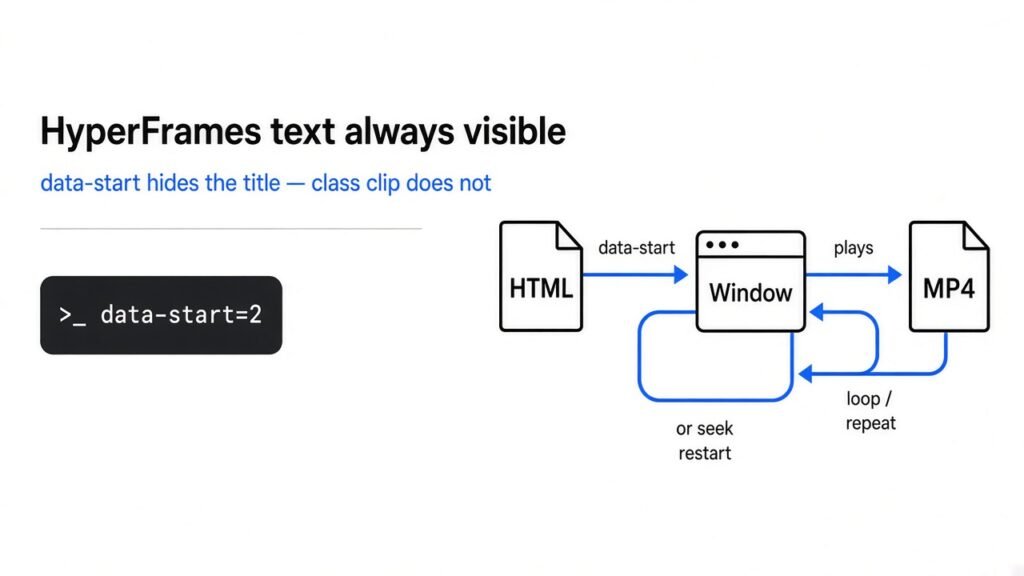
Timed text follows data-start. The class clip label is for the editor.
You asked a coding agent (a program that edits files and runs commands for you) to make a short video. HyperFrames text always visible is the title that never leaves. HyperFrames (the tool that photographs the web page and stitches it into an MP4, a video file) records a composition (the one HTML page that is the whole video). Guides say to add class clip (a CSS class the editor uses as a label). I rendered the page twice. The miss is data-start (when the line appears) or data-duration (how long it stays). The class is not the switch.
HyperFrames hides a timed line with data-start and data-duration. class=”clip” did not change a single frame in the two videos I rendered.

A coding agent writes the page. HyperFrames is the render step that turns that page into a file you can play.
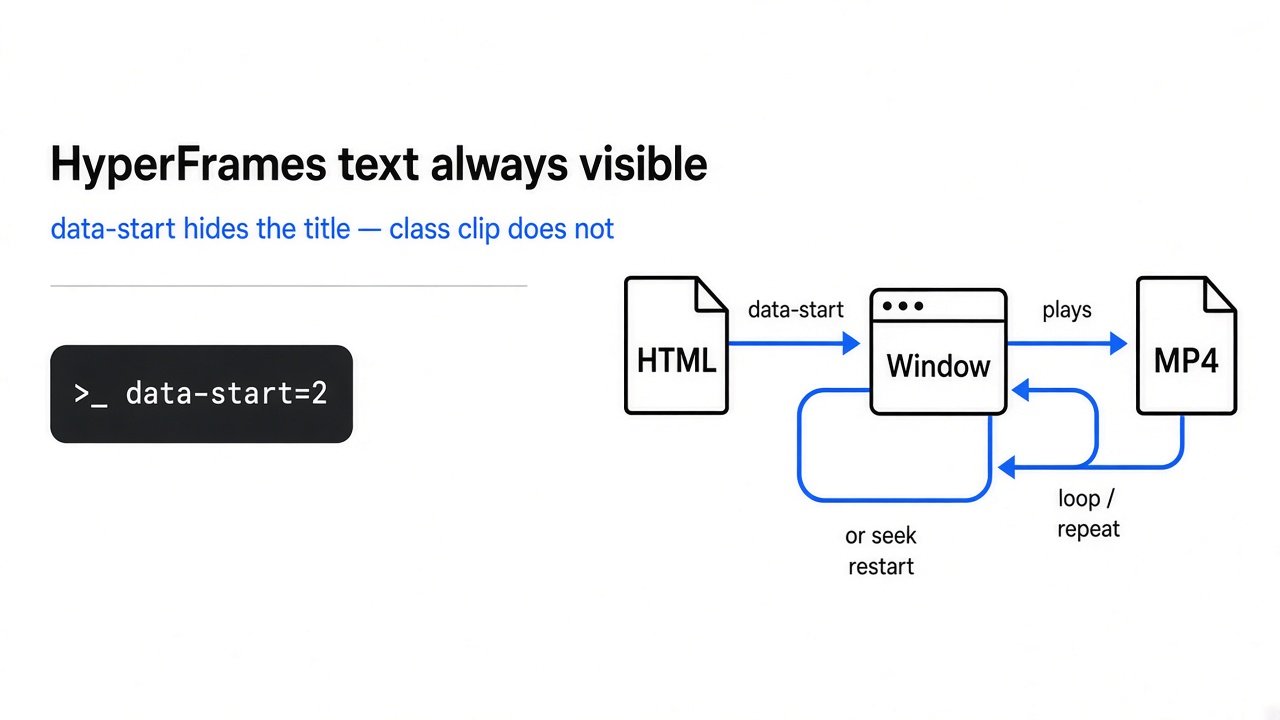
Why is my HyperFrames text always visible?
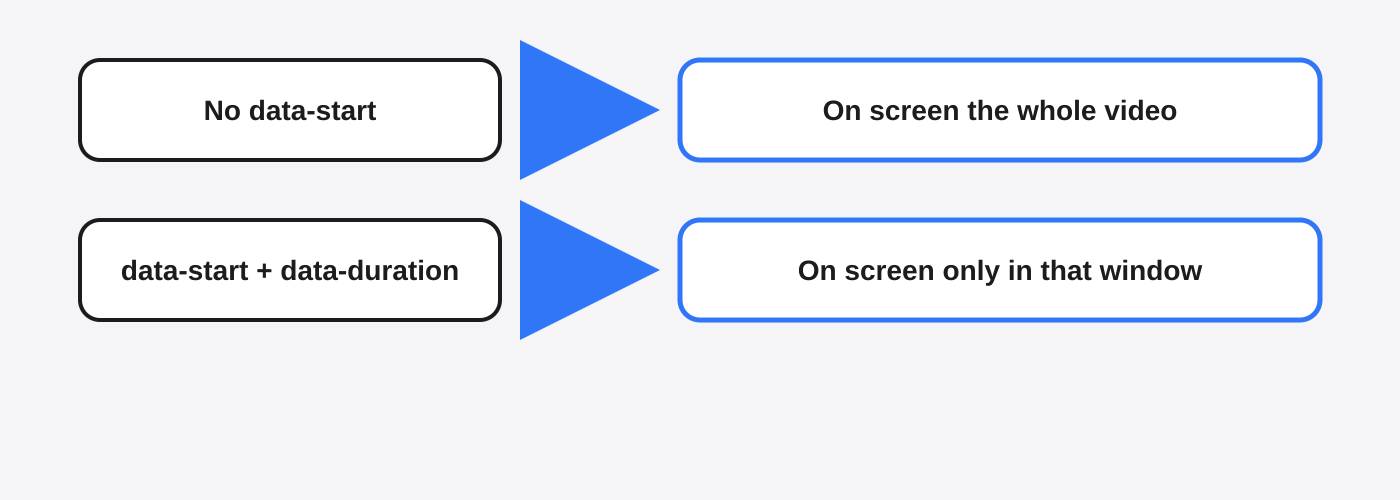
The text stays up because that tag has no data-start, so HyperFrames keeps it for the whole composition.
A browser paints every element that is in the page. HyperFrames starts from that page. It does not guess which line is a title. If you do not give a start time, the line is ordinary HTML, and ordinary HTML is on screen from the first picture to the last.
data-duration only counts after data-start exists. Set data-start=”2″ and data-duration=”2″ and the line is visible from 2 seconds to 4 seconds. At 0.5 seconds it should be gone. At 5 seconds it should be gone again.
A logo you want for the full video should not have data-start. A title you want for two seconds needs both attributes. class clip cannot invent a start time that you never wrote.
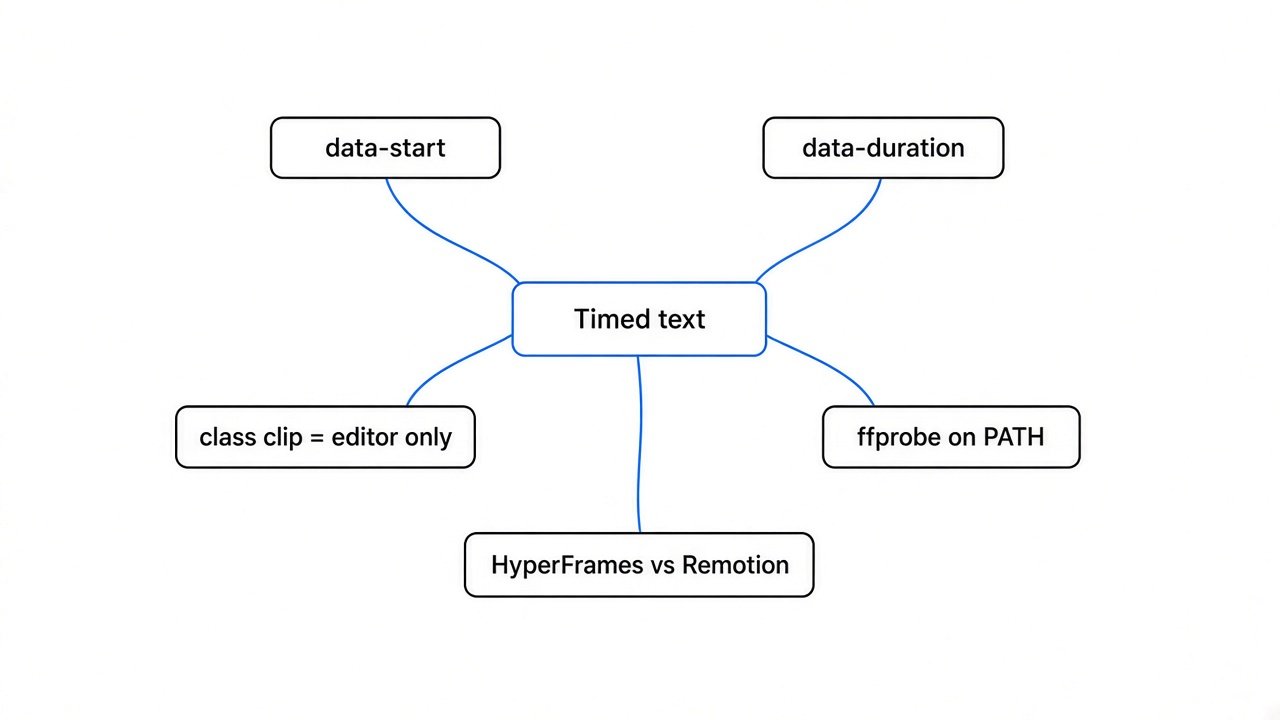
What does class clip actually do in HyperFrames?
class clip labels the tag for Studio (the visual editor) and for the linter (the check command that prints warnings). It does not hide pixels in the MP4.
A clip (one timed piece, a start plus a length) is the thing on the timeline. The class name is the word clip. Studio uses it to list the piece. GSAP (an animation library some pages use to move things) uses that same class for clip ownership, meaning which tag the animation is allowed to drive.
I linted both files with HyperFrames 0.8.82. The file that had class=”clip” on the timed line: 0 errors, 0 warnings. The file that did not: 0 errors, 1 warning. The code was timed_element_missing_clip_class. The message said the runtime still hides the element outside its time range, but Studio and the GSAP clip-ownership rules use .clip to recognise a clip, so leaving it off makes the element harder to edit and to lint.
The troubleshooting guide still says a timed element is always visible if class clip is missing, and that a timed element needs the class plus the timing attributes. That sentence is why people add the class and then watch the title sit there. For the file you export, trust the linter sentence. For the editor list, add the class so you can grab the clip. If you only add the class, and you still have no data-start, nothing gets a window.
HyperFrames text always visible after you add class clip
Adding class=”clip” changed zero bytes. The two MP4 files were the same file.
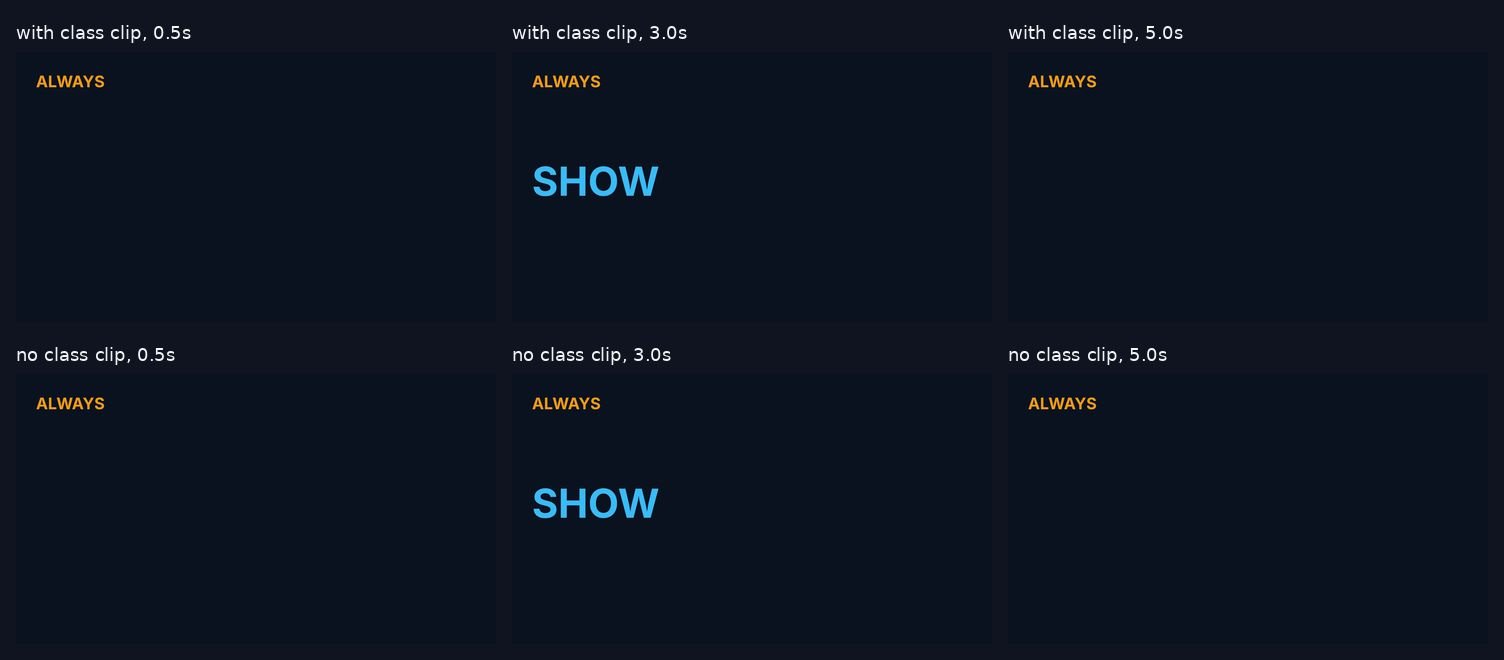
Same composition. 6 seconds. 1920 by 1080. 10 frames per second (10 pictures in each second), 60 frames, draft quality, one worker (one browser doing the capture). An amber word, ALWAYS, had no data-start, so it should stay up. A sky-blue word, SHOW, had data-start=”2″, data-duration=”2″, and data-track-index=”1″ (the row number on the timeline, not a hide switch). One file added class=”clip” on SHOW. The other left the class off. I did not register a GSAP timeline in either file.
I pulled frames at 0.5 seconds, 3.0 seconds, and 5.0 seconds. Each pair of PNGs was byte for byte the same, and the two finished MP4s matched each other too.
| Time | SHOW pixels | ALWAYS pixels | With class vs without |
|---|---|---|---|
| 0.5s | 0 | 5059 | Same frame |
| 3.0s | 26983 | 5059 | Same frame |
| 5.0s | 0 | 5059 | Same frame |
SHOW is inside its window only at 3 seconds. ALWAYS never leaves, which is what you want for a mark and what you do not want for a title. The pixel counts are a rough color tally. The matching files are the proof.
I did not open Studio. If the timeline in the editor does not list the line, add class=”clip” and still set the times. If the exported video is the thing that is wrong, stop chasing the class.
How do I render HTML to an MP4 with HyperFrames?
Write the HTML, set data-start and data-duration on anything that should come and go, lint, then render.
You need Node 22 or newer, because the command runs on Node. You need FFmpeg (the program that encodes the pictures into the MP4) and FFprobe (the matching program that reads a video and prints its length). Both must be real programs on your PATH (the folders your terminal searches when you type a command). My render stopped until ffprobe answered. ffmpeg -version by itself was not enough. After both commands printed a version line, the render finished.
npx hyperframes@0.8.82 init clip-test --example blank --non-interactive --skip-skills --resolution landscape
cd clip-test
npx hyperframes@0.8.82 lint
npx hyperframes@0.8.82 render -o out.mp4 -f 10 -q draft -w 1
ffmpeg -version
ffprobe -version
-f 10 is the test frame rate. Raise it when you care about smooth motion. -q draft is the fast quality. -w 1 keeps a single worker so the log stays readable. I pinned 0.8.82 because that is the build I linted and rendered. A newer build may change the warning text. Re-run the two-file test if you upgrade.
Replace index.html with this. The root div is the composition. data-composition-id names it. data-duration=”6″ is the length of the whole video. data-no-timeline (a flag that says you are not registering a GSAP timeline) is on the root so the tool does not sit and poll for one.
<!doctype html>
<html lang="en">
  <head>
    <meta charset="UTF-8" />
    <style>
      * { margin: 0; padding: 0; box-sizing: border-box; }
      html, body { margin: 0; width: 1920px; height: 1080px; overflow: hidden; background: #0b1220; }
      #root { position: relative; width: 1920px; height: 1080px; font-family: sans-serif; }
      #mark { position: absolute; left: 80px; top: 80px; color: #f59e0b; font-size: 64px; font-weight: 700; }
      #title { position: absolute; left: 80px; top: 420px; color: #38bdf8; font-size: 160px; font-weight: 700; }
    </style>
  </head>
  <body>
    <div id="root" data-composition-id="main" data-no-timeline data-start="0" data-duration="6" data-width="1920" data-height="1080">
      <div id="mark">ALWAYS</div>
      <h1 id="title" class="clip" data-start="2" data-duration="2" data-track-index="1">SHOW</h1>
    </div>
  </body>
</html>
The class on SHOW is there so the linter is quiet and Studio can see the clip. Delete that class and render again if you want the same proof I got. The frames should still match. ALWAYS stays because it has no data-start.
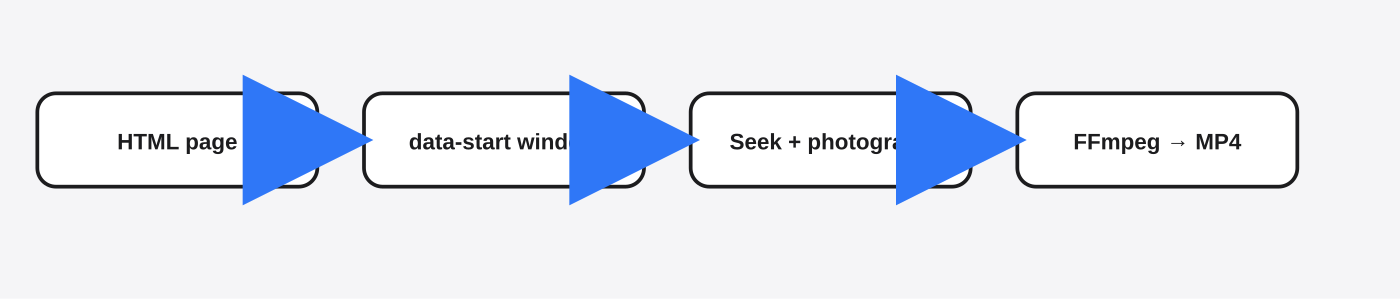
Seek (the renderer jumps the page clock to a time and photographs it) is how the pictures are taken. You do not press play inside the page. The tool seeks, shoots, then hands the pictures to FFmpeg.
Hand this to the coding agent, in these words:
Make a 6 second 1920x1080 HyperFrames page.
ALWAYS stays the whole time, so do not set data-start on it.
SHOW uses data-start="2" and data-duration="2".
Add class="clip" on SHOW so the editor can list it. That class does not hide the text.
Put data-no-timeline on the root. Do not add a GSAP timeline.
Lint, then render at 10 fps, draft, 1 worker.
Do not say the title is fixed just because class clip is present. Check the frame at 0.5 seconds.
The loop that runs those commands is the same agent loop in How Claude Code works. If the agent “fixes” the page by adding only the class, pin the rule in the briefing file from the CLAUDE.md writeup.

What should I check before the render?
Check four things: data-start on every line that should vanish, ffprobe on your PATH, data-no-timeline if you have no GSAP timeline, and a lint you actually read.
The tool help lists a player-ready wait of 45 seconds, and the troubleshooting page says data-no-timeline is how you skip the poll for a timeline that will never register. I put the attribute on the root. Lint did not warn about a missing timeline. I did not sit and time a 45 second hang, so I will not claim I saved 45 seconds. I will claim the warning stayed gone.
Read the one class warning if you left the class off. It is not a render failure. The files I rendered with that warning still hid SHOW outside its window.
Three rules from the same troubleshooting page are still right, and they are easy to miss:
- Do not animate width, height, top, or left on a video element.
- Do not call play, pause, or set currentTime from a script in the page. Seek belongs to the renderer. A second clock will fight it.
- Do not treat a quiet linter as proof the title leaves. Open the frame at 0.5 seconds.
The render starts a browser and runs ffmpeg. If you do not trust the page, or the agent, put that on a fenced machine. That pattern is the coop sandbox. HyperFrames will not edit your slides. If the job is a document, use OfficeCLI instead of a video tool.
Should I use HyperFrames or Remotion?
Use HyperFrames when the video is a timed HTML page. Use Remotion when each frame is computed in React.
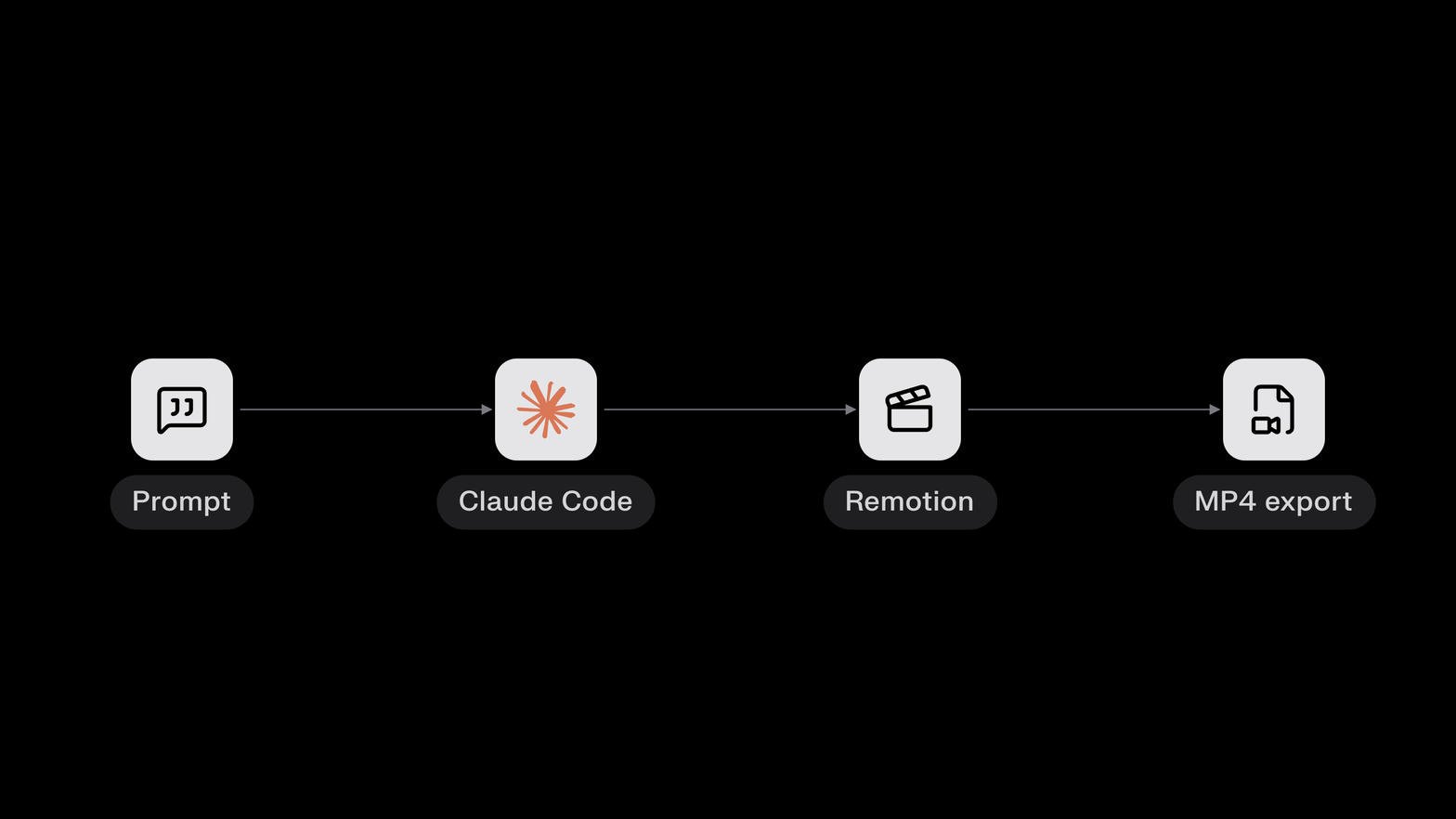
Remotion (a React tool that draws a frame in code, then encodes the frames) is the other thing people mean by “turn this into an MP4.” HyperFrames is “this heading exists from 2 seconds to 4 seconds.” Remotion is “at this frame, run this math.”
| Question | HyperFrames | Remotion |
|---|---|---|
| The page is already HTML | Edit the page | Rebuild it as components |
| A title shows between two times | data-start and data-duration | A frame range in the component |
| A number or chart changes every frame | Awkward | Built for that |
| class clip | Editor label, not the hide switch | Not a thing |
| Before a company ships it | Read the repo license | Read the current license. Do not trust a price from a chat. |
When not to use HyperFrames: the motion is a function of the frame number, the team already has Remotion compositions, or you need the picture computed rather than photographed. When not to use Remotion: you only need titles and a page you can already open, and you want the agent to edit HTML.
The project I rendered is HyperFrames on GitHub. The line I am disagreeing with is on the troubleshooting guide. Read that line, then render the 0.5 second frame before you believe it.
Common questions about HyperFrames text always visible
Do I need class clip in HyperFrames?
No, not to hide text in the MP4. You need data-start and data-duration. Add class=”clip” if you want Studio and the linter to treat the tag as a clip. In my test the class changed zero bytes.
Why is my HyperFrames title on screen the whole video?
The title tag has no data-start, so it is normal HTML and stays for the whole composition. Put data-start and data-duration on that tag. Leave the class for the editor.
How do I turn HTML into an MP4 with a coding agent?
Have the agent write one HTML composition, set data-start and data-duration, add data-no-timeline if there is no GSAP timeline, then run lint and render. Confirm ffmpeg and ffprobe both print a version before you trust a failure.
Can I use HyperFrames instead of Remotion?
Yes, if the video is timed HTML and you do not need per-frame React math. No, if you already have Remotion compositions or the picture has to be computed every frame. Check both licenses before a company render.
Timed text follows data-start. The class clip label is for the editor.