
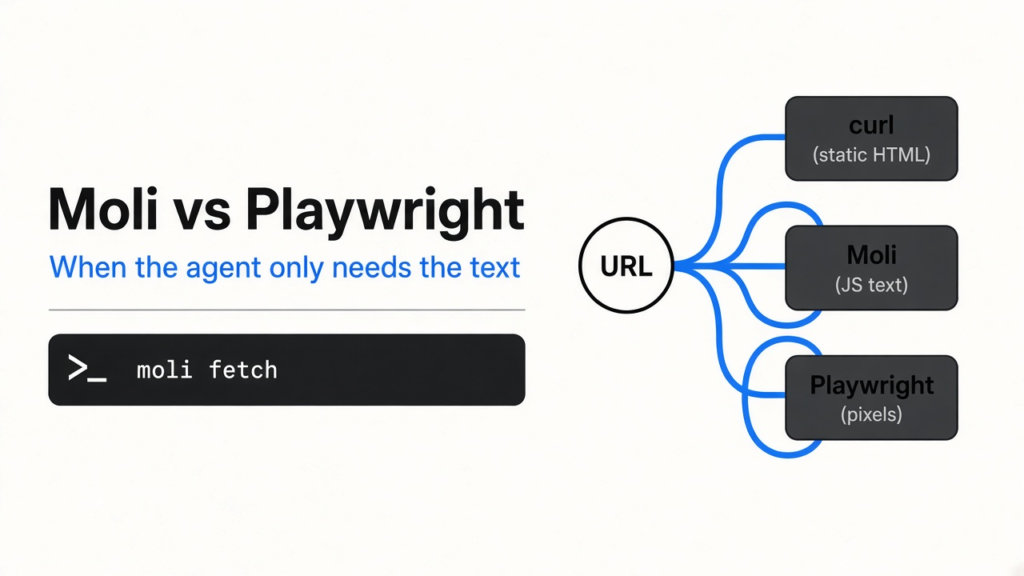
I asked curl for a page of quotes. Curl is the small program that downloads whatever a web address returns, and it does not run a browser. The file came back. The quotes did not. That page builds the lines with JavaScript, which is code a site runs after the first HTML file arrives. A headless browser is a browser with no window on your screen. It still runs that code. Playwright is the usual tool that drives Chrome for this job. Moli is a smaller browser, written in Rust, that speaks the same remote-control language Chrome already uses. I ran Moli on that quotes page and Albert Einstein’s line was in the text. Use Moli instead of Playwright when the agent needs the words after JavaScript runs and you do not need Chrome’s pixels.
A coding agent that “reads the web” is often just starting Chrome. Chrome keeps a full window’s worth of work even when nobody is looking: where each box sits, what color it is, which font to draw. That work is right when a person is clicking. It is a lot of machine when the agent only wanted one sentence.
What is Moli, and should I use it instead of Playwright?
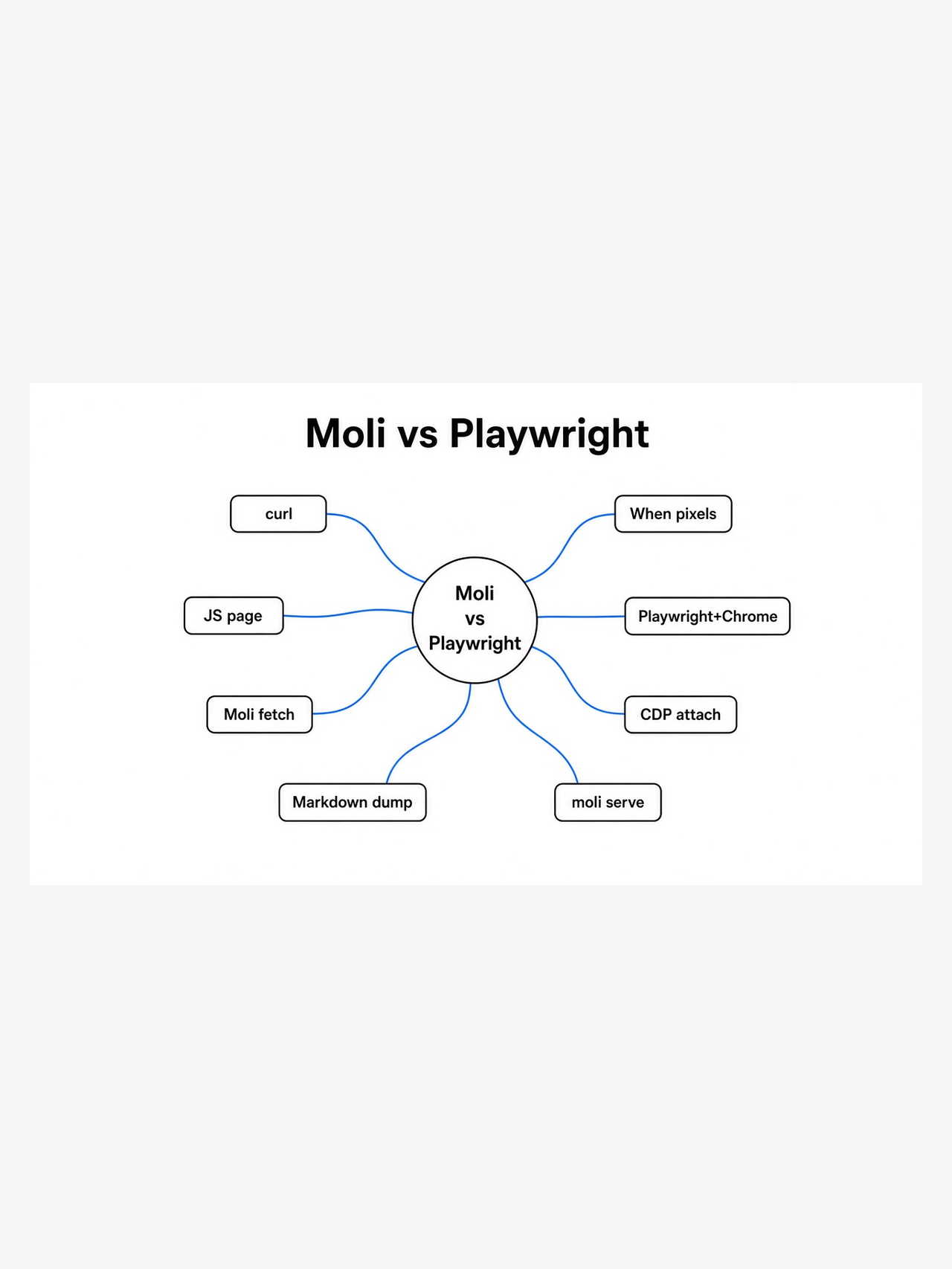
Use Moli when the agent needs the text of a page after JavaScript runs, and keep Playwright when you need Chrome’s pictures or a picky web app.
Moli is one program. It loads the page, runs the page’s JavaScript, and can hand the result back as Markdown. Markdown here just means plain text with light structure, the kind a model can read without a layout engine. Moli does not open a window. Playwright is not itself the browser. It is a library your code calls, and that library usually starts Chrome, Firefox, or WebKit underneath. The library is the part people already trust. The browser under it is the heavy part.
I expected a static page and a JavaScript page to feel like the same job. They did not. On example.com, which is finished HTML before any script runs, curl and Moli both finished in about a tenth of a second. Curl held about 13 MB of RAM. Moli held about 20 MB and wrote the same sentence in several languages. Nothing on that page required a browser.
How do I install Moli and fetch a page?
Download the archive for your machine, unpack it, and run moli fetch on the address. That is the whole first run.
I used the Linux build on an ordinary x86_64 machine. I did not pipe an install script into the shell. The archive is on the project release page, and the program inside is named moli.
curl -fsSL -o moli.tar.gz \
  https://github.com/lexmount/moli/releases/download/v1.1.13/moli-x86_64-unknown-linux-gnu.tar.gz
tar -xzf moli.tar.gz
./moli-v1.1.13-x86_64-unknown-linux-gnu/moli --versionIt printed moli 1.1.13. Mac and Windows archives sit next to that file on the same release. The project also ships an installer script. Read it before you run it.
Then the fetch I actually ran:
./moli fetch --dump markdown --wait-until done \
https://quotes.toscrape.com/js/--dump markdown asks for text instead of the raw HTML. --wait-until done waits until the page says loading has finished. About a third of a second later I had the quotes. The process peaked at about 58 MB of RAM, meaning memory it was actually holding, not a giant number reserved on paper.
The same command with --disable-js came back in about a quarter of a second, peaked near 53 MB, and the file was 176 bytes: a heading, a login link, and a next-page link. No Einstein. Curl on the same address saved an HTML shell too, and that file had no quote blocks in it. The words are not in the download. They show up only after the page’s own script runs.
Can I skip Chrome if the page builds itself with JavaScript?
Yes, for reading. Moli returned the quote text that curl missed, and that Moli itself missed when JavaScript was turned off.
This is the line that showed up only with JavaScript left on:
The world as we have created it is a process of our thinking. It cannot be changed without changing our thinking.
That sentence is credited to Albert Einstein on the page. The test is smaller than it sounds. If your agent is summarizing a site, and the site is empty until a script runs, curl will lie by succeeding. You get a normal response and a shell of a page. Run the fetch twice, once normally and once with --disable-js. Whichever file contains the sentence you came for is the one that actually saw the page.
One caveat. The Markdown is for a model, not for a magazine. I also fetched a busy link site. The titles were there, in about a third of a second, peak RAM about 46 MB, and the text was 11,803 bytes. The formatting was a mess of empty table cells. I could tell what the page was about. I would not paste that dump straight into a post.
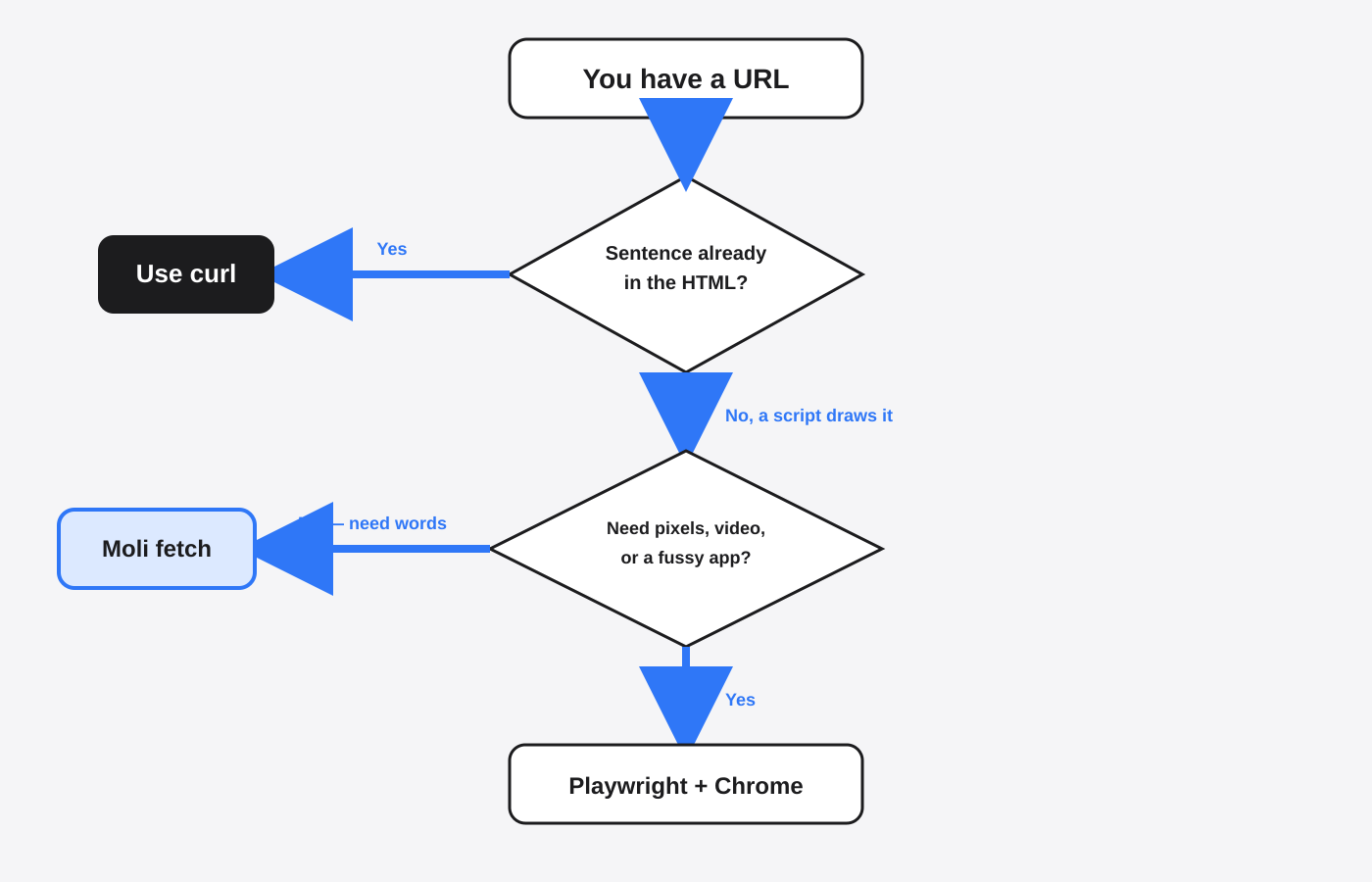
Moli vs Playwright for an AI agent
Pick Moli to read pages. Pick Playwright with Chrome to click through a real site, or to match what a person sees.
Playwright is the steering wheel. Moli can be the car. I started moli serve on 127.0.0.1 port 9222. That address means “this machine only,” so the browser is not sitting open on your network. A version check against it came back in a Chrome-style shape, plus a websocket address. A websocket is a live two-way connection, which is how a driver talks to a browser that is already running. Idle, that server held about 13 MB of RAM. The operating system had also reserved a huge virtual address space. That reservation is not the RAM in use. Trust the smaller figure, the memory the process is actually holding.
The documented next step, from Playwright’s own API, is to attach with connectOverCDP to http://127.0.0.1:9222. CDP is the remote-control protocol Chrome already speaks, so Playwright does not need a second driver installed. I confirmed the socket answered. I stopped before driving a click through it. If the next step is a login form, a canvas, or a video, stay on real Chrome until you have watched one run succeed.
The project also published a crawl I did not repeat, so I will not pretend those numbers are mine. On a mixed set of public pages they report Moli and headless Chrome returning about the same count of useful pages, with Moli’s typical memory near a tenth of Chrome’s. On a harder automation suite they report Chrome finishing nearly all of the tasks, and Moli finishing most of them, not all. Use that as their measurement. Mine is the quotes page, the static page, and the idle server.
| Job | curl | Moli | Playwright with Chrome |
|---|---|---|---|
| Page is already HTML | Enough. About 13 MB on example.com | Works, and it was not lighter than curl | More than you need |
| Text appears only after JavaScript | Misses the words | Einstein’s line in about 0.3 seconds, peak about 58 MB | Works, and it is the heavy option |
| You need a picture, video, or a fussy app | No | The help text says a screenshot needs layout mode. I used it for reading, not for pictures | Use this |
| You already have Playwright tests | No browser to attach | moli serve speaks the same control socket | Native, and still the safe default for pixels |
How do I give an AI agent a browser without Chrome?
Point the agent at moli fetch for reading, or at moli serve on loopback if the agent already speaks Playwright.
A fetch is one shot. The process starts, loads the page, prints text, and exits. That matched the quotes page. A server stays up so many steps can share one browser. Bind it to 127.0.0.1. Do not bind it to every network interface unless you mean to.
./moli serve --host 127.0.0.1 --port 9222If the agent is a coding CLI, the browser is still a separate choice. Step Code versus Claude Code is about which program writes the patch. This page is about which program reads the site. The same split shows up with MiniMax Code CLI. Changing the writer does not force you to keep Chrome under it.
A browser is also a door. It can log in, click, and download. If you already box the agent’s shell, keep the browser in that same story. Claude Code’s sandbox versus OpenShell is the wall around commands. Do not hand the agent your everyday Chrome profile, the one already signed into mail and work. A fresh Moli process does not have that profile. That is the point.
Rules in the project file still matter, because the agent decides when to browse. The short version of those rules is in the CLAUDE.md setup that stops a lot of extra edits. Tell it to fetch text first, and to ask before it clicks anything that spends money or changes an account.
When should I not use Moli?
Do not use Moli when the result has to look like Chrome, or when curl already returns the sentence you need.
I would stay on Playwright with Chrome for video, for canvas, and for any flow where a missing pixel means a failed test. I would stay on curl for docs that are finished HTML. On example.com, curl was the smaller process. Moli did not earn its keep there.
I also would not trust one Markdown dump of a messy page as a clean article. The busy link site showed that the words can arrive and the formatting can still be junk. If the agent is going to quote a page, make it quote a sentence you can see in the dump. Do not let it invent a tidy table around a messy dump.
Is Moli worth it?
Yes, if Chrome is in your agent stack only to read pages. No, if you already have stable Playwright tests and the product on screen is visual.
The check takes a few minutes, and you can rerun it:
./moli fetch --dump markdown --wait-until done https://quotes.toscrape.com/js/
./moli fetch --disable-js --dump markdown --wait-until done https://quotes.toscrape.com/js/If the first file has the quote and the second does not, you have seen the only reason to pick a browser over curl. Then decide if that browser has to be Chrome. For reading, the smaller one was enough.
The program is lexmount/moli. The Playwright attach call is connectOverCDP.
Can I use Moli instead of Playwright?
You can replace Chrome and still keep Playwright, by attaching Playwright to moli serve on the local control socket. If you do not need clicks, skip Playwright and call moli fetch.
Playwright’s job is to say “go here, click that, read this.” Moli’s job in my test was only “go here and give me the text after scripts run.” Those are different jobs that people mash into one install of Chrome. Split them and the memory bill gets easier to explain.
Does Moli run JavaScript?
Yes. On the quotes page, JavaScript on returned Einstein’s line, and --disable-js returned the shell only.
That flag is the honest control. A tool can claim it “renders pages” and still hand you the first HTML snapshot. Run both commands. If they match, the page did not need a browser. If only the first one has the sentence, the script mattered, and curl was the wrong tool.
How do I install Moli without running a mystery script?
Download the archive for your system from the project releases, unpack it, and run the moli binary. Check --version before you point it at anything you care about.
I used v1.1.13 for Linux on x86_64. Pick the archive whose name matches your machine. If the version you need is newer, take that archive from the same release list. The command shape does not change: unpack, run moli fetch, compare it with --disable-js.
Is Moli worth it if I already have Playwright?
Only if Chrome’s memory or its startup is the part that hurts. If your tests need pictures that match Chrome, keep Chrome.
I would not rip Playwright out of a suite that already passes. I would stop launching a full Chrome for the steps that only read. One moli fetch in front of those steps is the smaller change, and it is the change I measured.