
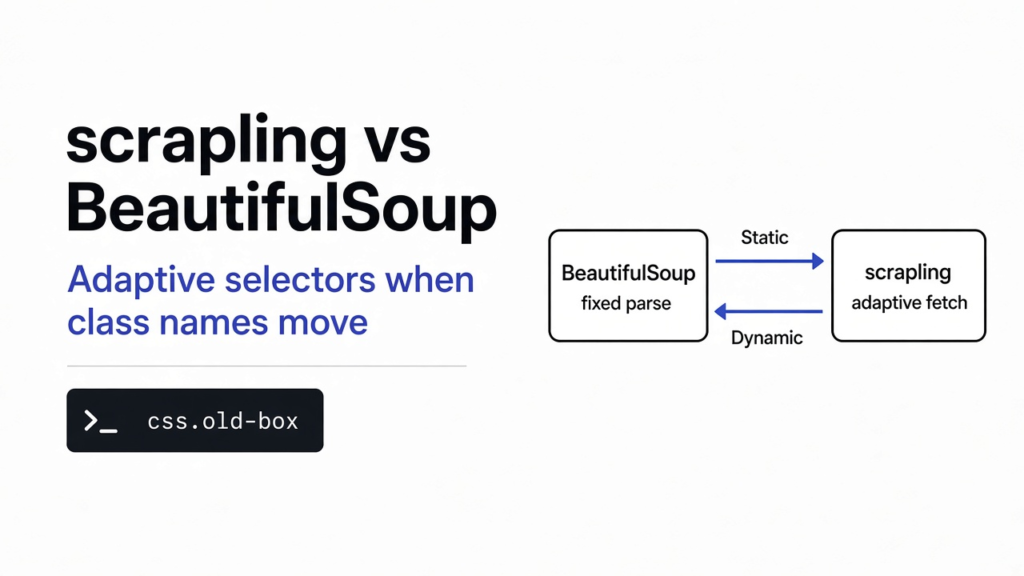

The script returned an empty list. The page was still there. The class name was not. That is the usual way a scraper dies. BeautifulSoup is the Python library most people reach for when they already have the page as text and want one box out of it. Scrapling is the other library in scrapling vs beautifulsoup: it reads that same text, and if you saved the box once, it will try to find a similar box after the names change. BeautifulSoup is the one to keep when you need to edit the HTML. Scrapling is the one to try when the page will change and you can save the element first. The speed gap was real, and too small to matter.
A page is not one string. A browser draws boxes inside boxes. Those boxes are written as HTML (tags such as div and span that say what each box is). A parent box holds child boxes. The drawing below is that tree.
What is Scrapling
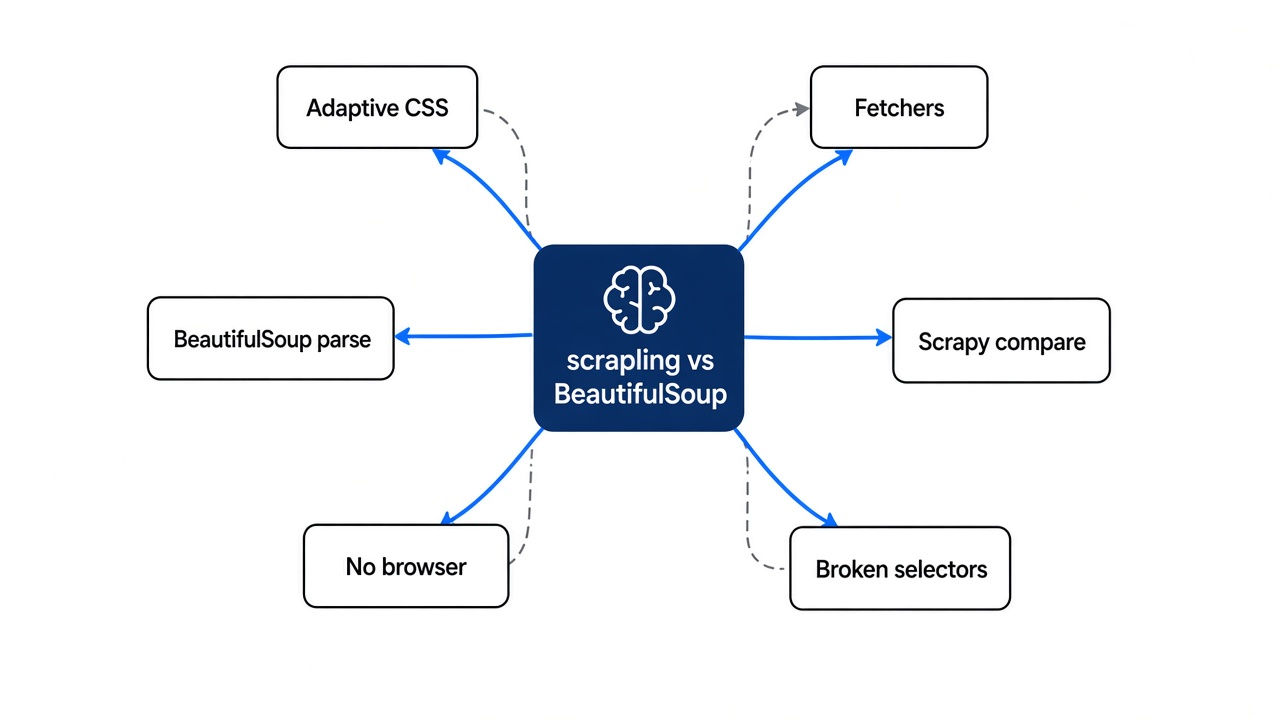
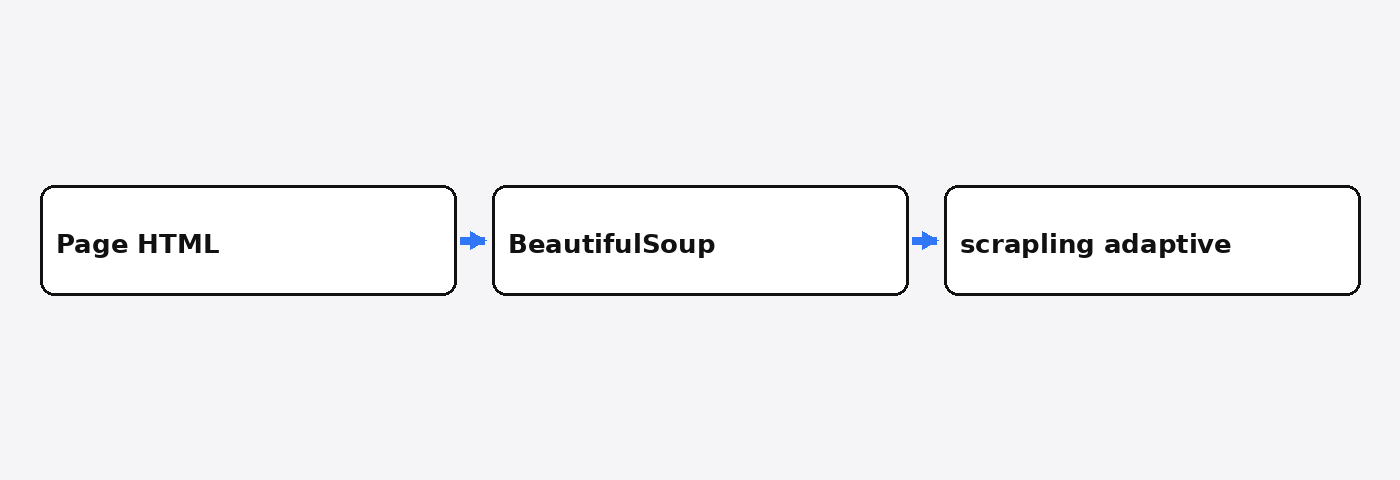
Scrapling is a Python library that turns page text into a tree you can search, and it can remember one element so a later copy of the page can be searched for something similar.
A selector (a short pattern that names a box, such as a class) is how the script asks for the price or the quote. A parser (the program that reads the tags so a selector can run) is the part both tools share. BeautifulSoup is a parser with a long habit of also letting you change the tags and write them back out. Scrapling’s parser is for taking text out. Downloading the page is a second install, not part of the base package. I learned that by trying the download import and watching it fail.
The page I used is the public practice site quotes.toscrape.com. It is a list of short quotes, each in a box, which makes a fair toy for this job and a bad stand-in for a site that builds itself in the browser after load.
Scrapling vs BeautifulSoup
BeautifulSoup only reads HTML you already have. Scrapling’s base install does that too, and a separate extra is what downloads the page.
| BeautifulSoup | Scrapling | |
|---|---|---|
| Reads HTML you already downloaded | Yes | Yes |
| Downloads the page in the base install | No | No. The fetch extra is separate |
| Edits the tags and writes HTML back | Yes | Not the job I used it for |
| Can try to find a box after the class name changes | No | Yes, if you saved that box first |
| How many saved boxes came back in my rename test | Not applicable | 1 of 10 |
I used one downloaded file for both, so this is a parse test, not a race to the server. The file was 11,021 bytes. The download took 0.09 seconds. Both tools returned the same 10 quotes. The first one starts “The world as we have created it is a process of our thinking.”
I then parsed that same file 30 times with each tool. BeautifulSoup was on its lxml parser, not the slow default, so the race was not padded. The median was 4.84 milliseconds. Scrapling’s parser median was 0.53 milliseconds. About nine times faster, on this one small file. The download was about 90 milliseconds. On a single page, the network ate the difference. If you switch libraries for the speed number, you will not feel it.
One caveat. The line people copy first, from scrapling.fetchers import Fetcher, did not run after pip install scrapling. Python stopped because a package named patchright was missing. That package ships with the fetchers extra, not with the base install. The import that did run was from scrapling.parser import Selector. If that text is not in the HTML the server sent, neither parser in this test can see it.
How to Use Scrapling
Install the parser, download the page with a normal HTTP library, and read it with Selector. Add the fetch extra only when you want Scrapling to do the download.
pip install scrapling beautifulsoup4 lxml requestsimport requests
from scrapling.parser import Selector
html = requests.get("https://quotes.toscrape.com/", timeout=30).text
page = Selector(html)
quotes = page.css(".quote .text::text").getall()
print(len(quotes))That printed 10. The BeautifulSoup version of the same file is BeautifulSoup(html, "lxml") and select(".quote .text"). Same 10 strings.
If you do want Scrapling to fetch, the install is the extra, then the class:
pip install "scrapling[fetchers]"from scrapling.fetchers import Fetcher
page = Fetcher.get("https://quotes.toscrape.com/", timeout=30)The base install died on the import, and I stopped there on purpose. A browser fetch is a further step past that extra: it starts a Chrome-like program, which is the right tool only when the server’s first HTML is empty of the text you need. For a quote list that is already in the file, it is wasted weight.
Does Scrapling Fix Broken CSS Selectors
It found the first quote after I renamed the classes. It did not find the other nine, and it refused a box I rebuilt with different tags until I lowered the bar.
You cannot turn this on after the site has already changed, unless you saved the box while the old selector still worked. Adaptive mode (a search that uses a stored description of the box, not only its class) needs that earlier save. I opened the real quote page with adaptive mode on and selected .quote .text with auto-save. The selector matched all 10 quotes. Then I edited the saved file: class="quote" became class="item", and class="text" became class="line". Nothing else moved.
The old selector found 0 boxes. The adaptive search found 1. The text was the same first quote. The save kept a single element, the first match, and the later search returned that one. If your script expects the whole list, this will look like a fix and still drop nine rows.
I tried a harsher break on a tiny made-up page, so I would know the failure and not only the success. The price lived in a div with the id p1 and the text $19, beside a stock line. I rewrote those tags as article, em, and strong, and I kept the words Price and \\$19. The plain selector found nothing. Adaptive mode at its default bar, 40 percent similarity, also found nothing. The best score it reported was about 25 percent.
At 15 percent it returned $19. That is the trap. Lowering the bar until something matches is how a neighbor box sneaks in. On a tiny page with neither a quote nor a price, the best score was about 12 percent, and the result stayed empty. A real product page has more lookalike boxes than my fixture. I would not ship a scraper that quietly accepts 15 percent. Read the text of the match. If it is not the price, the save is stale and the page needs a new selector.
Scrapling vs Scrapy
Use Scrapy when you have to walk a site again tomorrow. Use Scrapling when the job is one page, or a page whose classes move, and you can save the element before they move.
Scrapy is a crawler (a program that follows links, waits, retries, and writes rows). It brings its own download and its own selectors. BeautifulSoup is not a crawler. You bolt a download onto it, then you bolt the next page onto it, and by the time you have retries you have rebuilt a small crawler badly. Scrapling sits between them: a parser, an optional downloader, and a spider API. I only ran the parser and the relocate.
| Job | Use this |
|---|---|
| You have the HTML, and you may edit it | BeautifulSoup |
| One page, the class names change, you saved the box first | Scrapling |
| Thousands of pages, on a schedule, with retries | Scrapy |
| The text appears only after JavaScript | A browser, then any parser |
Once the rows are in a text file, scraping is the wrong tool. A big table of commas is xan vs csvkit. A PDF is a different file again: pdfcraft vs qpdf. A long document is wordcraft vs libreoffice. None of those find a quote inside HTML.
When Not to Use Scrapling
Do not switch if you need to change the HTML and save it. BeautifulSoup is built to edit. Scrapling, in the path I ran, is built to take text out.
Do not switch for the 0.53 millisecond parse. Your wait is the download, and it was about 90 milliseconds before either parser started.
Do not turn adaptive mode on and walk away. It remembers one element from a selector that matched many. It needs the old page once, so it can learn the box. A redesign that changes the tags can fall under the 40 percent bar, which is what the price box did at 25 percent. If you drop the bar until a match appears, check the words yourself.
Do not paste the Fetcher example into a fresh environment and assume the base install is enough. Install scrapling[fetchers], or do what I did: download with requests, parse with Selector.
Common questions about scrapling vs BeautifulSoup
Can I replace BeautifulSoup with scrapling?
Only for reading. Not for editing the page, and not as a silent repair for every broken selector.
If the script still finds the box, leave it. A new library is a new install and a new set of surprises, and the surprise I hit was on the first import. If the site renamed a class and you still have a copy of the old HTML, or you can save the element before the next rename, Scrapling’s adaptive search is the feature BeautifulSoup does not have. Treat the match as a candidate. Count the rows. If you asked for 10 and got 1, that is the save working as designed, not the list coming back.
why did my css selector stop working
The class or the nesting changed, and a selector is only a name, not a description of the box.
.quote .text means “a box with class text inside a box with class quote.” Rename either class and the name points at nothing. The text of the quote can be sitting in the file the whole time. That is what happened in the rename test: 0 hits with the old selector, then 1 hit from the saved description. If you never saved the element, adaptive mode has nothing to look for. Write a new selector from the new tags. Do not lower a match bar you never armed.
do I need a browser for scrapling
Not for a page whose text is already in the first HTML file.
The quote site was that kind of page. requests plus Selector was enough. You need the fetchers extra, and then a browser on top of it, when the server sends a shell and the words arrive later from JavaScript. If you open the page, view the raw HTML, and the sentence you want is missing, a parser will not invent it.
is scrapling faster than beautifulsoup
On this file, the parser was faster, and the page was not.
0.53 milliseconds against 4.84, median of 30 runs, same 11,021 bytes, BeautifulSoup on lxml. The download was 0.09 seconds. For one page, pick the tool for the feature you need, not for the parse time. For a crawl of many pages, the honest answer is that
is scrapling worth it
Worth it when a rename is the bug and you can save the element first. Not worth a migration of a scraper that already works.
I would leave a working BeautifulSoup script alone. I would add Scrapling the day a rename returns an empty list, save the element while the old page is still up, and read the text of whatever comes back. I would not throw out Scrapy for a site I have to walk every night. The code I ran, and the adaptive search, live in the Scrapling project. BeautifulSoup’s own guide is the parser documentation.
What versions did we import?
On 9 November 2026 this box imported scrapling 0.5.1 and BeautifulSoup 4.15.0. A local Adaptor CSS select on .old-box returned hello.