
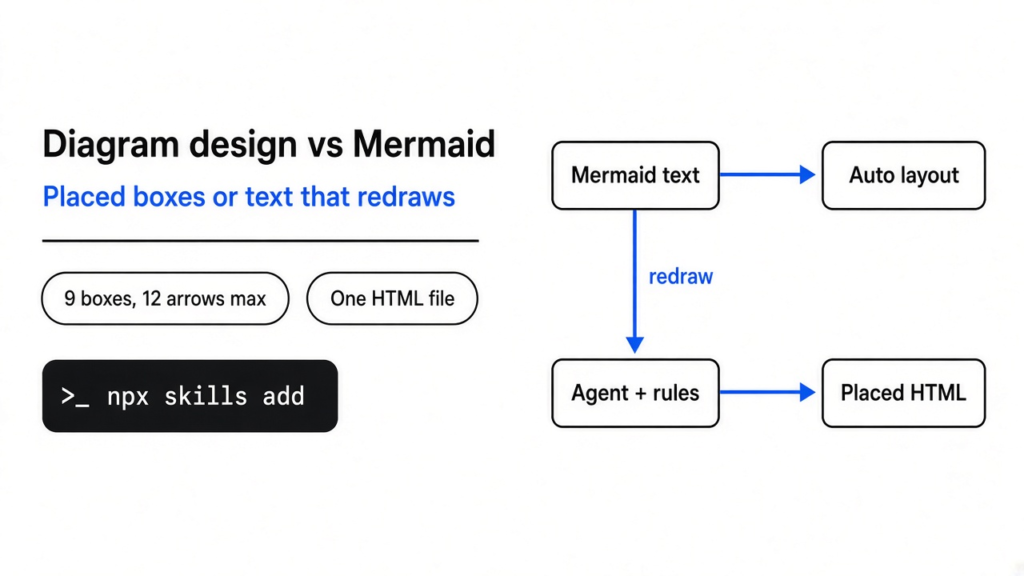
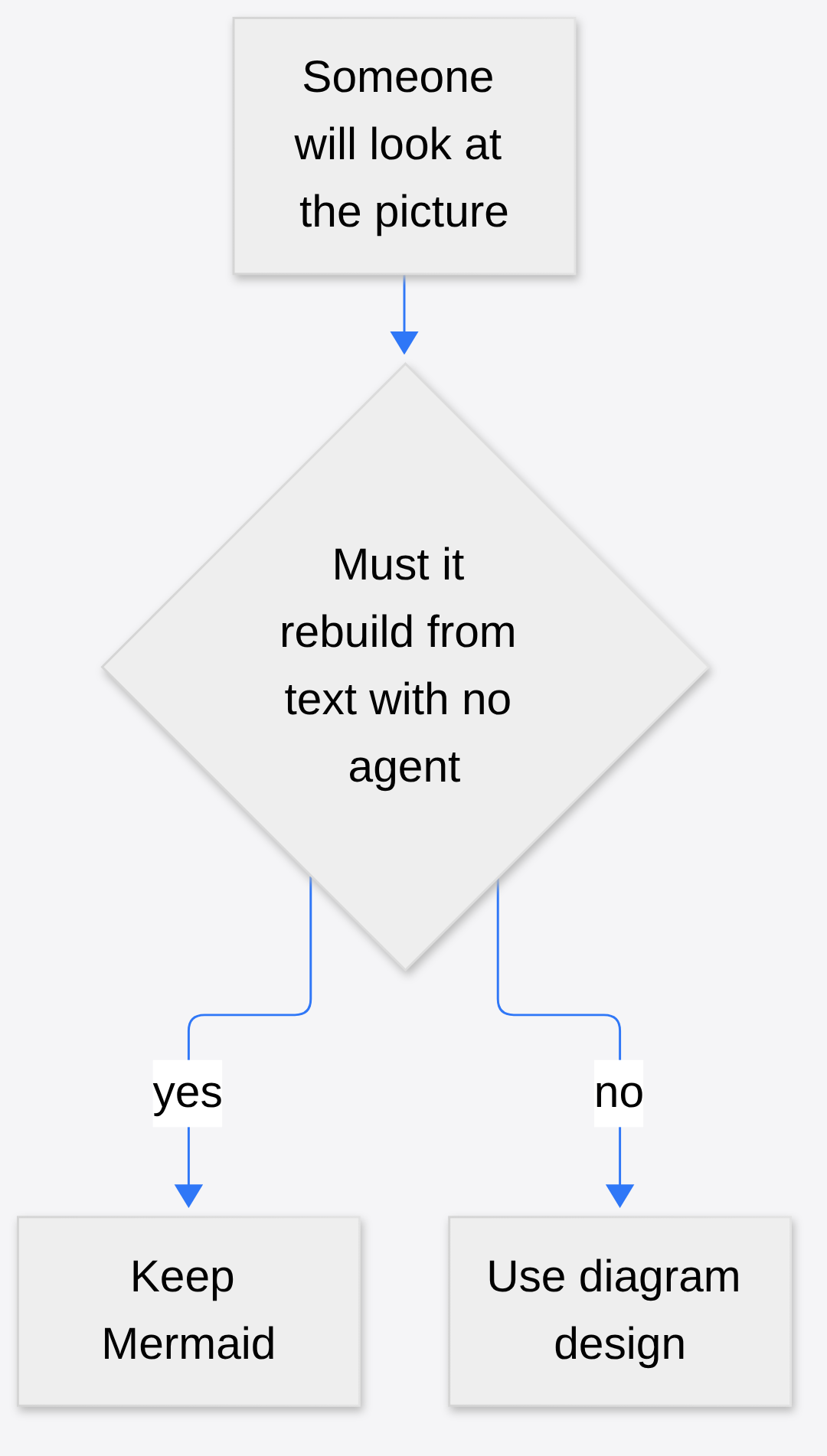
A six-line flow in a README rendered with the diamond sitting on top of its own label. The picture was Mermaid (you type the boxes as text, and a program decides where they sit). Diagram design is the other habit: a folder of rules a coding agent reads, then one web page where every box is placed by hand. Keep Mermaid when the picture has to rebuild itself from that text. Use diagram design when a person will stare at the picture and the automatic layout is the thing they hate.
What is diagram design?
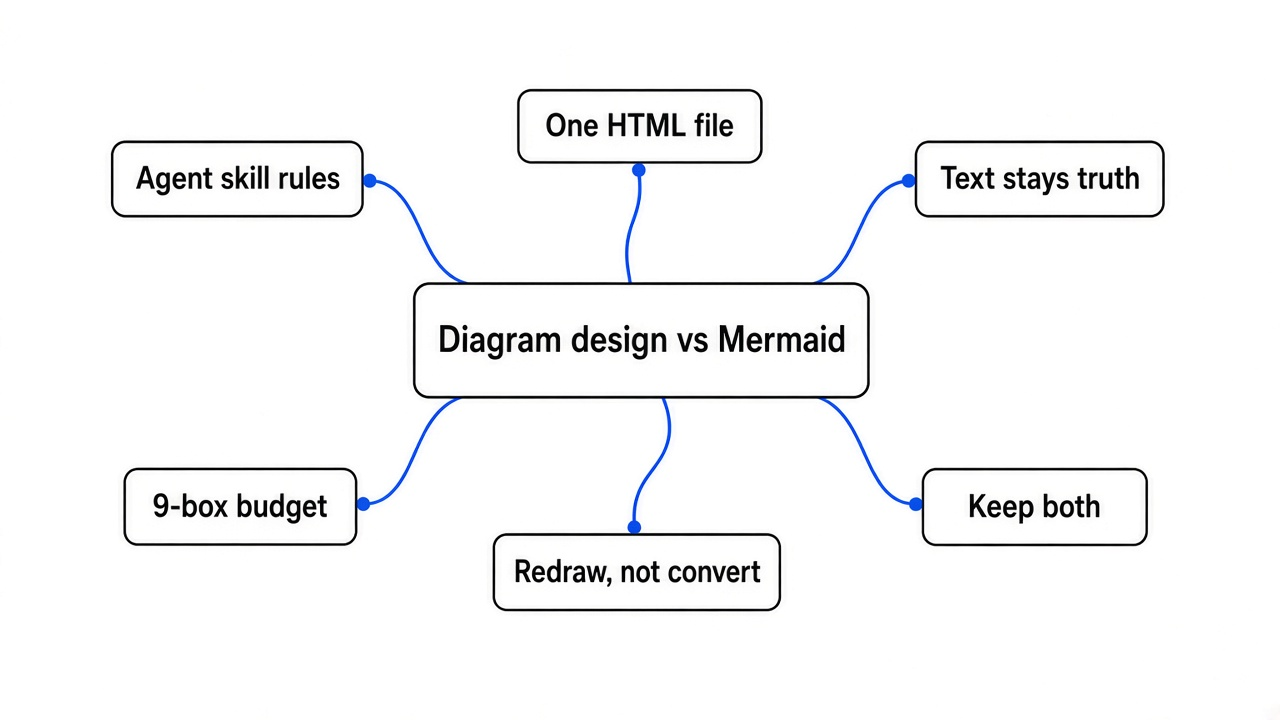
Diagram design is a set of written rules that tell a coding agent how to draw. A coding agent is the program that edits your project from the terminal when you ask it in everyday language. The rules cover forty-four kinds of picture, from a flowchart to a map of who owns what. A flowchart is steps plus a yes or no. An architecture picture is the parts of a program and which part talks to which. The agent does not hand you a sketch it invented in a chat bubble. It writes one HTML file, the same kind of page a browser already opens. Inside that page the drawing is SVG (shapes and letters, not a photo, so zoom does not go fuzzy). You double-click the file. There is no account and no server of theirs waiting for the file.
The look is plain on purpose. Paper-colored background, dark ink, borders instead of shadows, and one rust color, used once or twice, so your eye knows where to start. Coral is that rust color. If it is on every box, it stops meaning anything. The same rule kills the usual automatic look: every box the same, a glow, a shadow, a label lying on the line. The flowchart example that ships with the rules is one file, 9,387 bytes. A search of it for a drop shadow and for the word Mermaid finds neither.
Diagram design vs Mermaid: which should you use?
Use diagram design when a person will look at the picture. Keep Mermaid when the picture has to stay a text file that redraws itself. Mermaid lives in the README, in the docs site, and in the pull request, because GitHub already knows how to turn that text into boxes. Diagram design lives in a slide, a post, or a page you will export, because a person notices when an arrow label is unreadable and a program often does not.
It is tempting to frame the two as “nice picture” versus “ugly picture.” That is the wrong split. Mermaid’s gift is that the picture cannot drift away from the text. Change a line, the picture changes, and you did not open a drawing tool. Diagram design’s gift is the opposite. The text of the picture is not the source of truth. The placed boxes are. You pay for that with an agent session, and you get a file a designer will not immediately reject.
| Mermaid | Diagram design | |
|---|---|---|
| What you write | A short text block in the doc | A request in everyday language, or an old diagram to redraw |
| Who places the boxes | The Mermaid program | The agent, under written spacing rules |
| What you keep in git | The text, and the picture comes back | One HTML file, plus the request if you want it |
| Where it shows up | A README, a docs site, a pull request | A browser, a slide, a post |
| A bad result looks like | A label on a line, a box in the wrong corner | A pretty file that invented a box you did not ask for |
| The honest limit | You do not control the layout | Nothing redraws until you ask again |
This is the same family of choice as a resume that is a text file. RenderCV versus LaTeX is that choice for a CV: text in, a picture out, and you only switch tools when the picture is the thing a person judges. A database picture has the same fork. Generating an ER diagram from a Prisma schema is the Mermaid side of it, a picture that comes back every time the schema changes. Use that when the schema is the truth. Use a placed picture when you are about to show the schema to someone who will not read the file.
How do I install diagram design?
Install it as a skill, which is a folder of instructions the agent loads before it draws. You need Node and npm on the machine. npm is the program that fetches JavaScript packages. This command fetches the folder and puts it where your agent looks:
npx skills add cathrynlavery/diagram-designnpx runs that package once without leaving a global install you have to remember. In Claude Code the marketplace path also turns on updates:
/plugin marketplace add cathrynlavery/diagram-design
/plugin install diagram-design@diagram-designAfter the marketplace install, auto-update stays off until you turn it on. That is a switch in the plugin list, not a second download. The same folder is read by Cursor, Codex, Copilot, Gemini CLI, and the other agents that already understand this skills layout. You do not pick a diagram type in the installer. You ask for the picture in the next message.
Two network facts belong here, before you blame a blank page. The rules themselves do not phone home. There is no account. When a browser opens the HTML file, it asks Google for the fonts named in the file. The picture is not in that request. If you delete the font link, the page falls back to fonts already on the computer. If you ask the agent to copy colors from a website, it fetches that site, and only then. Skip that ask and no site is fetched.
How do I redraw a Mermaid file?
Redraw means read the text, keep the boxes and the arrows, and place them again. It does not mean a converter that copies Mermaid’s coordinates. Here is the project’s own reader run on the sample flow that ships with it:
python3 skills/diagram-design/scripts/mermaid_extract.py scripts/fixtures/sample-flowchart.mmdA node is one box. An edge is one arrow. The reader reported 9 nodes, of which 7 can be drawn and 2 are only groups, and 7 edges. Four of those arrows had labels. It found a cycle, which means you can walk the arrows and return to a box you already left. It found one box, named as a legacy note, attached to nothing. The box called API Gateway was touched by 6 connections, which makes it the hub, the box the eye will hit whether you wanted that or not. The text asked for a left-to-right flow. The flowchart rules in this project want top-to-bottom, and they want every arrow out of a decision to wear a label.
That was the turn. The sample is not a tidy tutorial. It is closer to a README someone actually saved: a group called Edge, a group called Core Services, a decision, a dashed arrow from a box back to itself, and a note nobody connected. The reader prints that list and stops. It does not place a single box. Placement is the agent’s job, and the rules tell it to say what it merged or dropped. A silent drop is a bug. Inventing a box to fill a hole is also a bug.
Then the checker, run on the flowchart they already drew, not one an agent was asked to invent:
python3 scripts/verify-geometry.py skills/diagram-design/assets/example-flowchart.htmlThe checker reported one file and zero findings. So a picture someone already placed can pass the spacing rules, while the Mermaid sample is still only a list. The picture appears only after a redraw, and only if you read what was dropped. The list is the part you can re-run in a few minutes.
When is Mermaid the better diagram?
Mermaid is the better diagram when the text has to stay the truth. A README on GitHub, a docs page that rebuilds in CI, and a pull request where the reviewer should see the change in the diff: those are Mermaid. CI here means the checks that run when you push, with no person and no agent in the room. Diagram design cannot do that. Nothing opens the HTML and moves a box because a line of code changed. You ask again, or the picture rots.
Mermaid is also the better diagram when you have more than the budget. The rules cap one picture at 9 boxes and 12 arrows. Past that, they tell you to split, or not to draw. A system map with twenty services is a bad single picture in either tool, but Mermaid will at least emit it, and you can live with the tangle until you split it yourself. Forcing that tangle through a 9-box rule just hides services. Hiding a service is worse than an ugly arrow.
One more case, and it is the easy one to get wrong. If a three-column table says the same thing, do not draw. The rules say this in the first pages, and they are right. A table of “who calls whom” is faster to read than seven boxes that repeat the same three words. Ponytail is the same refusal in code: the agent wants to add structure you did not need. A diagram tool that begs for another box has the same habit. Tell it to stop.
Should I stop using Mermaid for architecture diagrams?
No. Stop using Mermaid for the architecture picture a person has to trust in a meeting. Keep it for the architecture picture that has to match the repo next week. An architecture diagram is that map of parts and calls. In a meeting the failure is visual: the label sits on the stroke, two arrows share a corner, and someone asks you to “just explain it.” That is the hour diagram design is trying to buy back, by refusing diagonals, by putting a solid chip behind every arrow label, and by allowing the rust color on one or two things.
The rules worth holding a drawing to:
- At most 9 boxes and 12 arrows, or you split the picture.
- Arrow labels stay short, about fourteen characters, and they do not sit on the line.
- Corners are right angles. A diagonal is a failed picture, not a style.
- No shadow. A border does the work.
- The rust color marks the one path you want followed, not every box you like.
- Shape carries the type. An oval is a start or an end. A diamond is a decision, and it does not grow a fourth exit. A rectangle is a step.
If your current Mermaid picture already survives a glance from someone outside the team, leave it. Switching tools to recolor a picture nobody struggles to read is how a drawing folder becomes a second codebase. What belongs in a skill folder is the longer version of that warning: a folder of rules helps only when the agent was already doing the wrong small thing over and over.
Is diagram design worth it?
Worth it when you already ask an agent for pictures and you are tired of cleaning them up. Not worth it as a replacement for every Mermaid block in the docs. The install is one command. The cost shows up later, in the session that places the boxes, and in the fact that you now own an HTML file. If the agent is sloppy, you get a tidy-looking wrong picture, which is more dangerous than an ugly right one. Read the list of boxes before you trust the file. If a box was not in your sentence, delete the file and ask again.
Keep both. Mermaid stays next to the text that generates it. Diagram design is what you open when the picture is the thing being judged: a post, a talk, a page in a design doc that a person will scroll slowly. The project and the rules are at cathrynlavery/diagram-design. Mermaid’s own docs are at mermaid.js.org, which is where the text format lives if you stay on that side. Leave the Mermaid blocks in the docs that rebuild themselves, and keep the one command and the checker that returns zero findings on a picture someone already placed, because a list of nine boxes is a better start than another diamond sitting on its label.
Common questions about diagram design vs Mermaid
Does diagram design replace Mermaid?
No. It replaces the afternoon you spend nudging an automatic picture that a person has to look at. It does not replace the text block that GitHub renders inside a README. If the picture must change whenever the text changes, and no agent will be there to redraw it, Mermaid stays.
Can I import a Mermaid file into diagram design?
Yes, as a reading, not as a conversion. The reader lists the boxes, the arrows, the groups, and the problems, including a box with no arrow and a loop. The agent then draws a new file and is supposed to tell you what it dropped. Treat that list as a starting point, not a finished picture.
Do I need Figma for diagram design?
No. Figma is the drawing app designers already use, and this path does not open it. The output is one HTML file with the picture inline. You can still paste an export into a slide. You do not need a Figma seat to get the file, and you do not get Figma’s shared cursors. If your team reviews pictures only inside Figma, this file is a head start, not the review tool.
Does diagram design need an account or send my diagram anywhere?
No account, and the rules do not phone home. A browser opening the HTML file requests the named fonts from Google, but the picture is not in that request. A website is fetched only if you ask the agent to copy its colors.
How big can one diagram design picture be?
The rules cap one picture at 9 boxes and 12 arrows. Past that, they tell you to split the picture or not draw it at all. For a twenty-service map, Mermaid will at least emit the tangle.
2 comments