
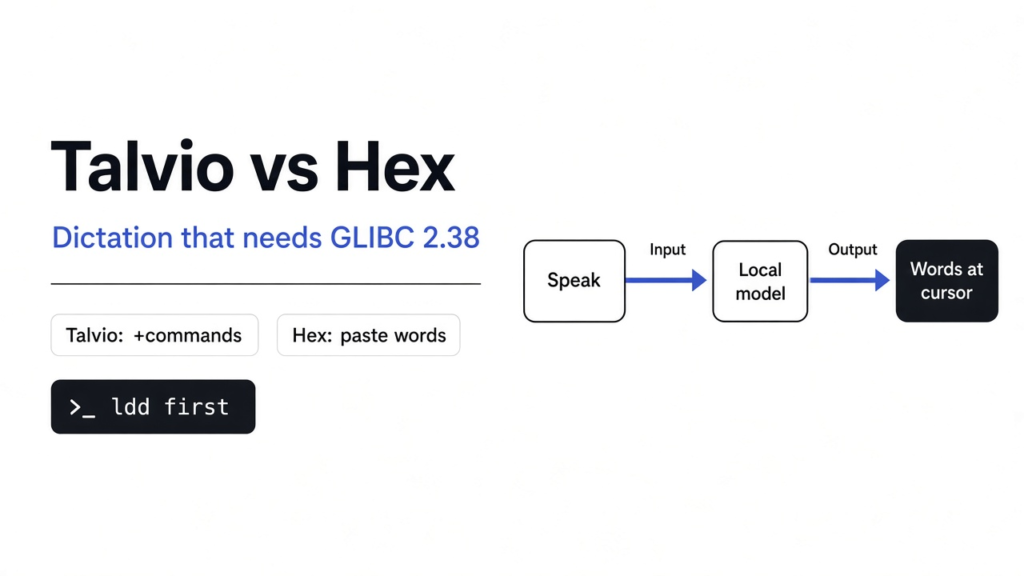

I clicked into a notes file, held the keys, and said a sentence out loud. Nothing appeared. I had just unpacked two free apps that both promise the same small trick: you talk, and the words land where the cursor already is. Talvio is the one that also wants to open your apps and draft mail. Hex is the one that mostly just types what you said. On this Debian computer, neither one started.
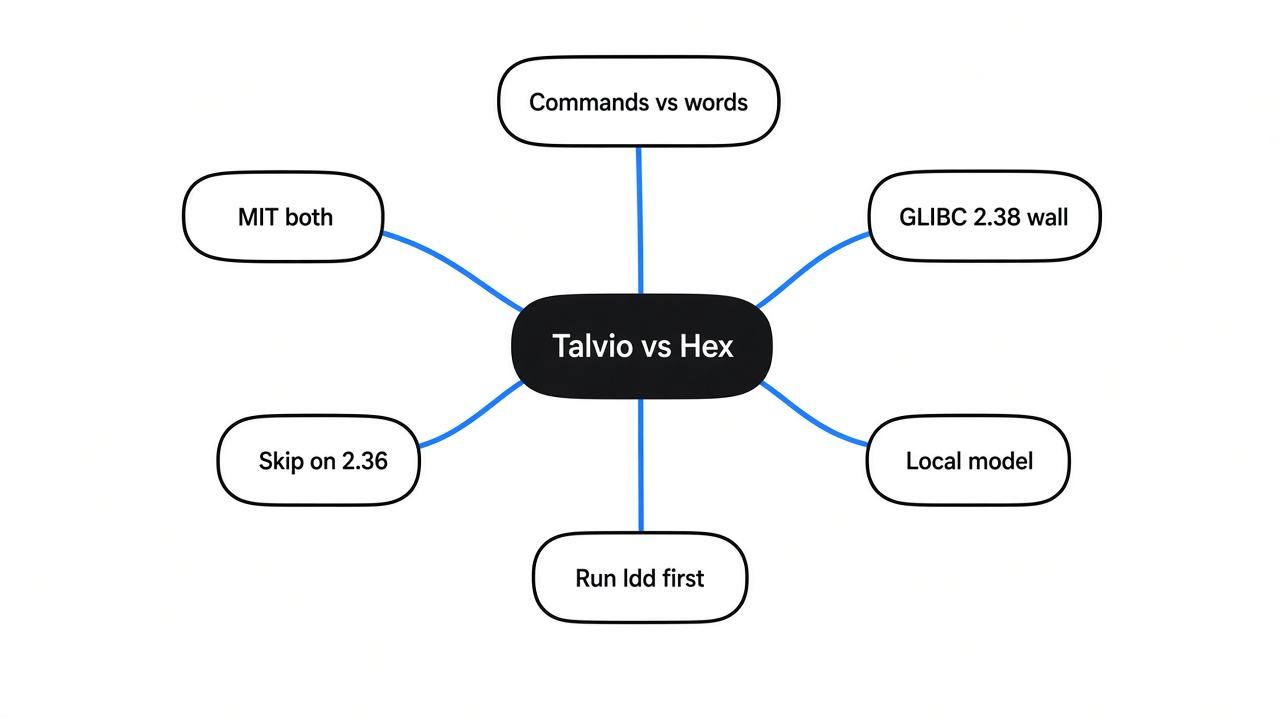
Short answer: Talvio vs Hex comes down to extra control versus a smaller dictation app. Both Linux builds on this machine stopped before either could listen, because they need a newer C library than the 2.36 here. Checked against the Talvio amd64 deb, the Hex linux-x64 binary, and ldd --version on Debian GLIBC 2.36 in November 2026.
What Voice Dictation Actually Does
Voice dictation means you hold a key, speak, and the words show up in whatever box already has the cursor.
Before any app is involved, there is just air. A microphone (a sensor that turns tiny changes in air pressure into a long list of numbers) is the only hardware you need. Those numbers are not words yet. They are a recording. Speech to text (the step that turns that list of numbers into written words) is the next job, and it is done by a model (a file of patterns learned from many hours of people talking, not a person and not the app window). A shortcut (the keys you hold so the app knows this moment is speech, not silence) tells it when to start and when you are done. The text then gets pasted at the cursor, often by way of the clipboard (the short holding spot your computer already uses for copy and paste).
That is the whole loop. Sound becomes numbers, numbers go through the model, words come out, words get pasted. If any step is missing, you get silence in the document, which is what I got. Windows already has a built-in version of this loop on many PCs, usually started with the Windows key and H, and that path often needs the network. Talvio and Hex exist for the case where you want the same loop on Linux or a Mac, with the model stored on your own disk.
If what you wanted was a phone as a wireless mic into a desktop app, not speech-to-text, that is a different tool: MicYou.
Talvio vs Hex: Commands or Just Words
Pick Talvio if you also want spoken commands that open apps and mail. Pick Hex if you only want the words you said pasted into the app in front of you.
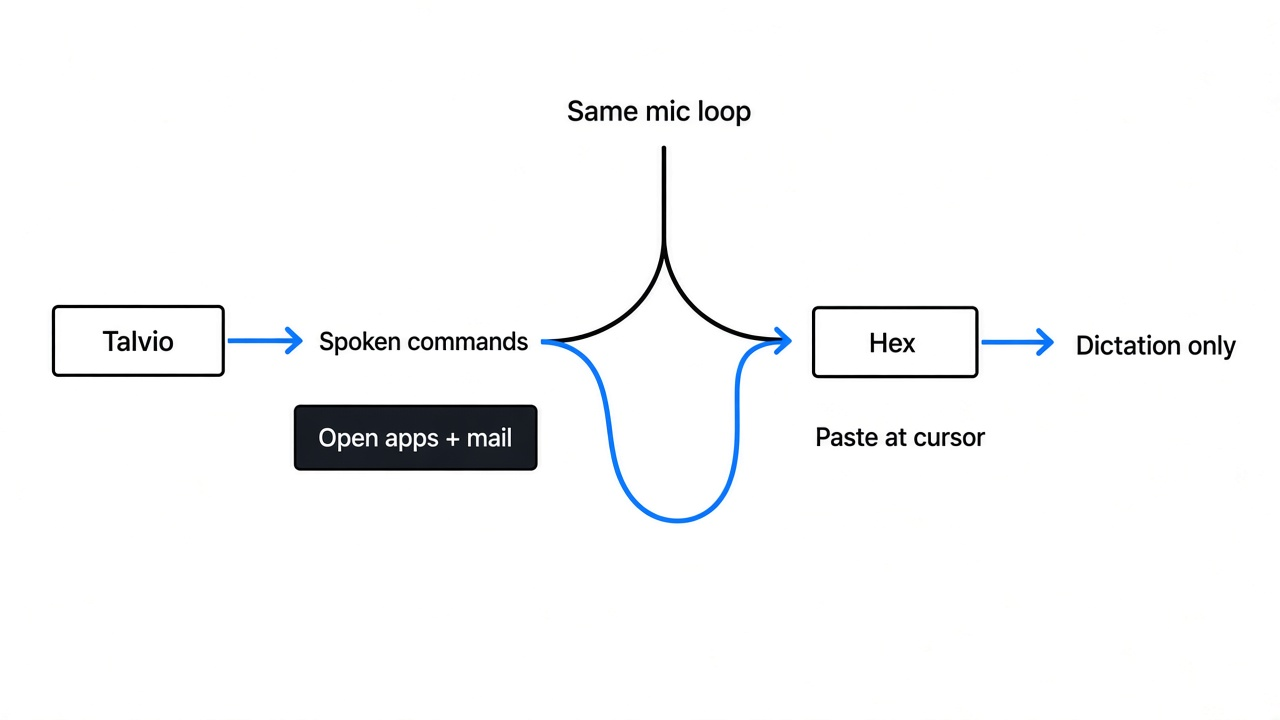
I expected two near-copies of the same tool. What I found in the files was a split. Hex’s Linux program, a 68 MB download, contains the pieces for dictation and a history of what it pasted: the names Parakeet, Nemotron 3.5 ASR, Whisper large, and Cohere sit inside the file as speech engines, next to the words dictation hotkey and history retention. Talvio’s program is larger and busier. The binary I unpacked is 71 MB, and beside the speech engines it contains commands whose jobs are plain: open an app, type a line of text, change the volume, control what is already playing, and open a mail draft. That is no longer only a keyboard you talk to. It is a voice remote for the computer.
| Talvio | Hex | |
|---|---|---|
| The job | Type what you say, and also run spoken commands | Type what you say |
| How you talk | Hold the keys, then let go. The Linux package’s settings file says ctrl+space | Hold a shortcut, then let go. The Linux page does not name the key |
| Where the words are guessed | On your computer, unless you later add a cloud key | On your computer, after a model download |
| What I found inside | Speech code plus open-app, type, volume, and email commands | Speech engines plus a pasted-text history |
| What stopped my run | C library 2.36, and missing window and math libraries | C library 2.36, and a missing graphics library |
| License named by the project | MIT | MIT |
The settings file inside the Talvio package is only 325 bytes, and it is specific. Push to talk is on, which means you hold the keys the whole time you are speaking and releasing them means you are finished. Language is set to auto. The shortcut line in that same file says ctrl+space on Linux and Windows, and alt+space on a Mac. I could not press those keys, because the window never opened. I am not going to pretend a Mac Fn key or a Hex Option key happened on this machine. The Hex page I used only says hold the shortcut, speak, let go.
One more thing was in the Talvio package, and it is easy to miss. There is a 1.8 MB file whose job is to notice when speech starts and stops, so the model is not asked to transcribe a room tone. There is also a tiny word-list file. The actual speech model was not in the package. Both projects say the first successful run downloads that model. I never got a first successful run, so I never saw that download happen.
The projects themselves are Talvio on GitHub and Hex on GitHub.
How Do I Install Talvio on Linux?
Install the amd64 deb from the Talvio releases, then run the library check below before you hunt for a microphone.
The package I used is the amd64 deb, about 38 MB. After it is unpacked, the program is talvio and the speech library sits next to it as libtranscribe. The project also ships an AppImage if you do not want the package manager. For Talvio I skipped the one-line internet install script. A script you pipe into a shell runs as you, and you only find out what it did afterward. A deb you can open is easier to distrust in a useful way: I opened it, and the claims in this page come from those files.
sudo dpkg -i Talvio_amd64.deb
ldd "$(command -v talvio)"If ldd says the C library version is not found, stop. Installing a microphone package will not fix that. The program has not even started, so it cannot ask for permission and it cannot download a model.
How Do I Install Hex on Linux?
Download the Linux executable, or use the project’s install script, then run ldd on the file before you look for a shortcut.
The file I fetched is the plain linux-x64 build, 68 MB, from the download named on the project page. The same page also lists a deb, an rpm, and this script:
curl -fsSL https://anoma.ly/hex/install-linux.sh | shThe install script stayed unused. The check below uses the plain linux-x64 executable and asks the loader what it needs:
chmod +x hex-linux
ldd ./hex-linux
./hex-linux --helpOn this computer, --help never printed. The loader quit first. A help screen you cannot reach is not a small polish issue. It means the dictation shortcut does not exist yet, because the process does not exist yet.
Why Talvio and Hex Failed to Start
Both failed because this computer’s C library is 2.36, and both files require 2.38 before they will load.
A C library (the shared basic code almost every Linux program is linked against, where the version has to be new enough or the program will not start) is not the speech model and not the window. It is underneath both. ldd --version on this machine printed Debian GLIBC 2.36. The Hex file and the Talvio file, plus Talvio’s speech library and its math library, all ask for GLIBC 2.38, and they mention 2.39 as well. An older library cannot pretend to be a newer one. That is why a careful install on Debian 12, or on any other system still at 2.36, ends in the same message I got.
Hex, exactly:
version `GLIBC_2.38' not found (required by hex-linux)
libvulkan.so.1 => not foundVulkan (a standard way for a program to talk to the graphics chip) is the second Hex blocker. Even a machine with a new enough C library still needs that graphics library, or the same file will stop one step later. I could not install it here in a way that would get past the C library, so I do not know whether Vulkan alone would have been enough to reach a microphone prompt.
Talvio’s loader named a different missing piece first, then the same C library, then a pile of window libraries:
libwayland-client.so.0 => not found
version `GLIBC_2.38' not found
libgtk-3.so.0 => not found
libwebkit2gtk-4.1.so.0 => not found
libjavascriptcoregtk-4.1.so.0 => not found
libgtk-layer-shell.so.0 => not found
libopenblas.so.0 => not foundWayland (the part of many Linux desktops that actually draws windows) is why libwayland-client shows up. Talvio is a desktop window, not a single command that reads a sound file and prints text. It also wants GTK and a web view, which is the usual shape of this kind of app, and OpenBLAS, which is a math library the speech code leans on. None of those names showed up as a friendly error inside the app. They showed up as the operating system refusing to start the file.
There is a switch compiled into Talvio called --list-devices. Its own text says it is there to check that the bundled math libraries load, and then exit, without opening the window. That is the test I wanted. I could not reach it. The loader fails before arguments are read. So the honest result is narrower than a quality score: I do not know how good the words are, because no model ever ran.
If your ldd --version line shows 2.38 or newer, you are past the wall that stopped me. You still have to satisfy the missing libraries above, allow the microphone, and wait for the model download the projects describe. I would do the ldd check first. It takes one minute and it saves the evening.
Does My Voice Leave the Computer?
For ordinary dictation, both projects say the audio stays on your computer once the model is local. I could not watch a live run, so treat that as their design, not as a recording I captured.
The design is still worth understanding, because the failure mode is quiet. A local model means the numbers from the microphone are turned into words on your CPU or graphics chip. A cloud path means those numbers, or a compressed copy of them, go to someone else’s server and the words come back. Talvio’s program includes cloud provider names as optional paths, which matches a local-first app that can be pointed at a key you add yourself. Hex’s page says the first run downloads a model and that after that nothing leaves the machine for ordinary dictation. History, in the Hex file, is text that was pasted, not a promise that I inspected a settings screen. I never opened that screen.
This is in contrast to a voice you clone so a program can speak as you. That job is a different page: can I clone my own voice locally. Dictation listens. A cloned voice talks. Mixing them up is how people install a studio when they wanted a keyboard.
If the worry is not the audio but what else the program is allowed to touch, Talvio is the bigger ask. A tool that can draft mail and open apps is not the same trust decision as a tool that only pastes a sentence. A check for unwanted software on the machine is also a different job, and it will not tell you whether a dictation app is accurate: Zero Breach Toolkit vs MVT. Sending a file to another computer without handing an app your mailbox is different again: Magic Wormhole vs LocalSend. And if what you wanted from a phone was a ping, not a wireless microphone, that is self-hosted push notifications, not Talvio’s phone companion.
When Should I Skip Talvio and Hex?
Skip both on a Linux system whose C library is older than 2.38, and skip Talvio if you do not want spoken commands that can open apps and mail.
I would install Hex on a newer Linux or a Mac when the only job is typing by voice, and I would install Talvio when I also want those commands and I have read what they can reach. On this computer I would install neither until the C library is new enough. A program that cannot start cannot type a single word, no matter how carefully it was built. I still do not know which one hears names better. That test starts the minute ldd is quiet and a model is on disk. Until then, the useful decision is the one in the table: extra control, or just the words.
Common questions about Talvio and Hex
Does Talvio work offline?
It is built to, after the speech model is on disk. The package I opened did not contain that model, only a small file that notices when you start and stop talking, so the first working launch still has to download the model. I could not do that launch here.
Is Hex only for a Mac?
No. There is a Linux executable, and a Windows build is listed beside it. The Linux file I ran the loader against would not start on C library 2.36, and it also wanted Vulkan. A Mac is not required. A new enough system library is.
Can Talvio open apps with my voice?
The program file contains those commands, including open an app, type text, change volume, and draft an email. Speaking them never happened here, because the process never started. If you do not want a dictation app to have that reach, use Hex, or leave command mode off once Talvio is actually running.
What if names keep coming out wrong?
Both projects describe a personal word list for names and odd terms. I could not open either window to add one, so I cannot tell you how much it helps. The check that comes first is still ldd. A word list inside an app that will not start does not fix a name.