
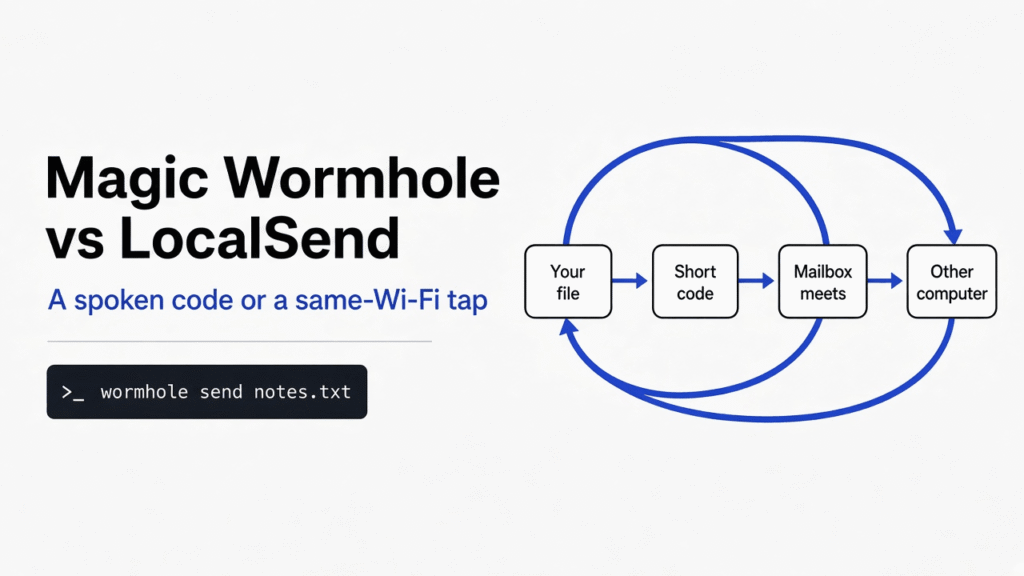

Short answer: Use Magic Wormhole when the other computer is not on your Wi-Fi. Use LocalSend when both devices are in the same room and you would rather tap a name than read a code aloud.
I had a short note the other program needed. A shared drive was the wrong shelf. Magic Wormhole is a terminal command that prints a short code. LocalSend is a window that lists devices on the same Wi-Fi. The choice is magic wormhole vs localsend, and it turns on where the other computer sits. I sent the note, then an 8 MiB file, and the log showed the file bytes went to 127.0.0.1, which is this machine talking to itself.
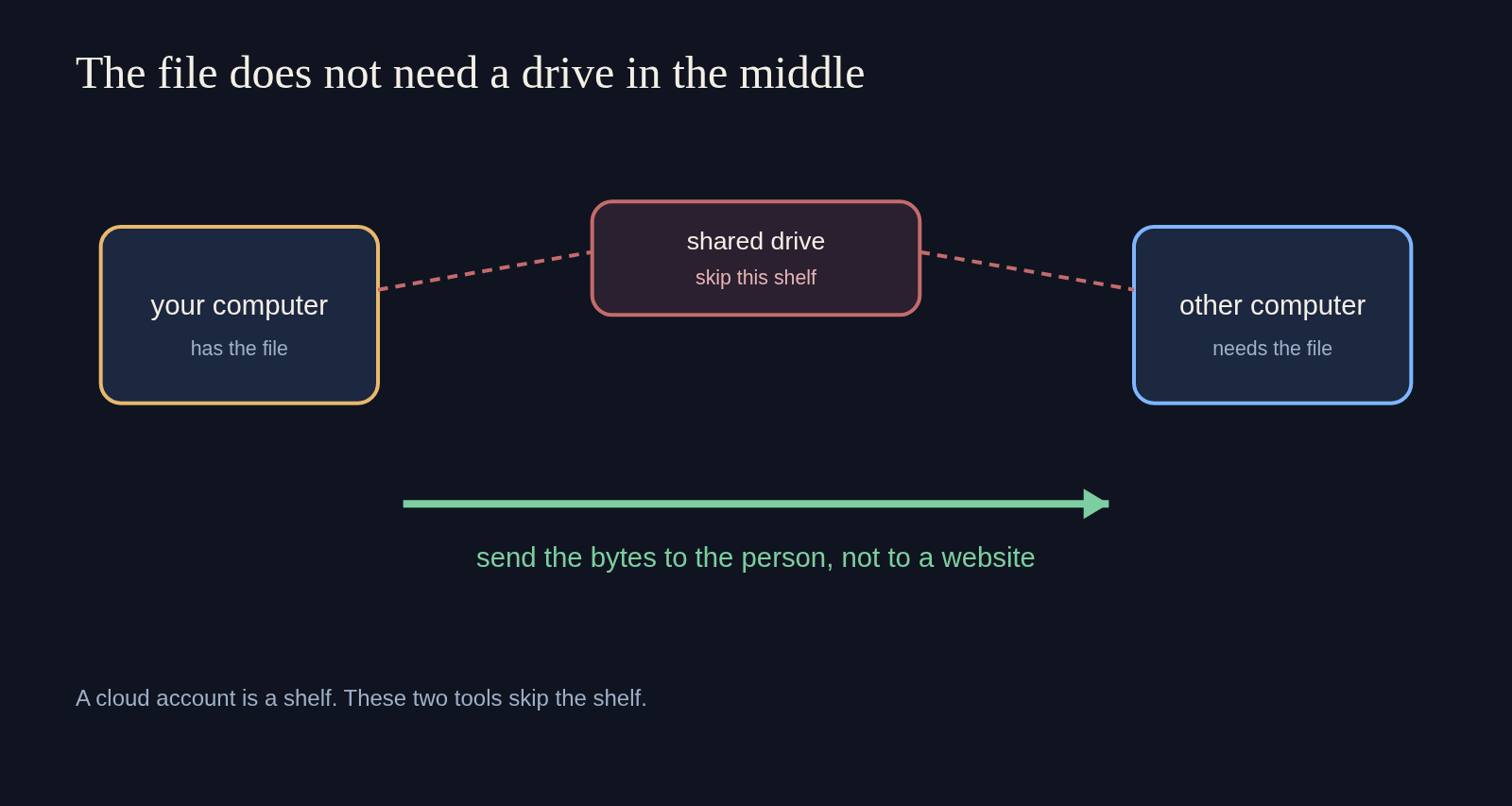
A file is bytes with a name. A cloud drive is a shelf that keeps a copy so someone can fetch it later. You do not need that shelf if the other person is waiting now. Both tools are built for that waiting person. They differ in how the two computers find each other.
Magic Wormhole vs LocalSend
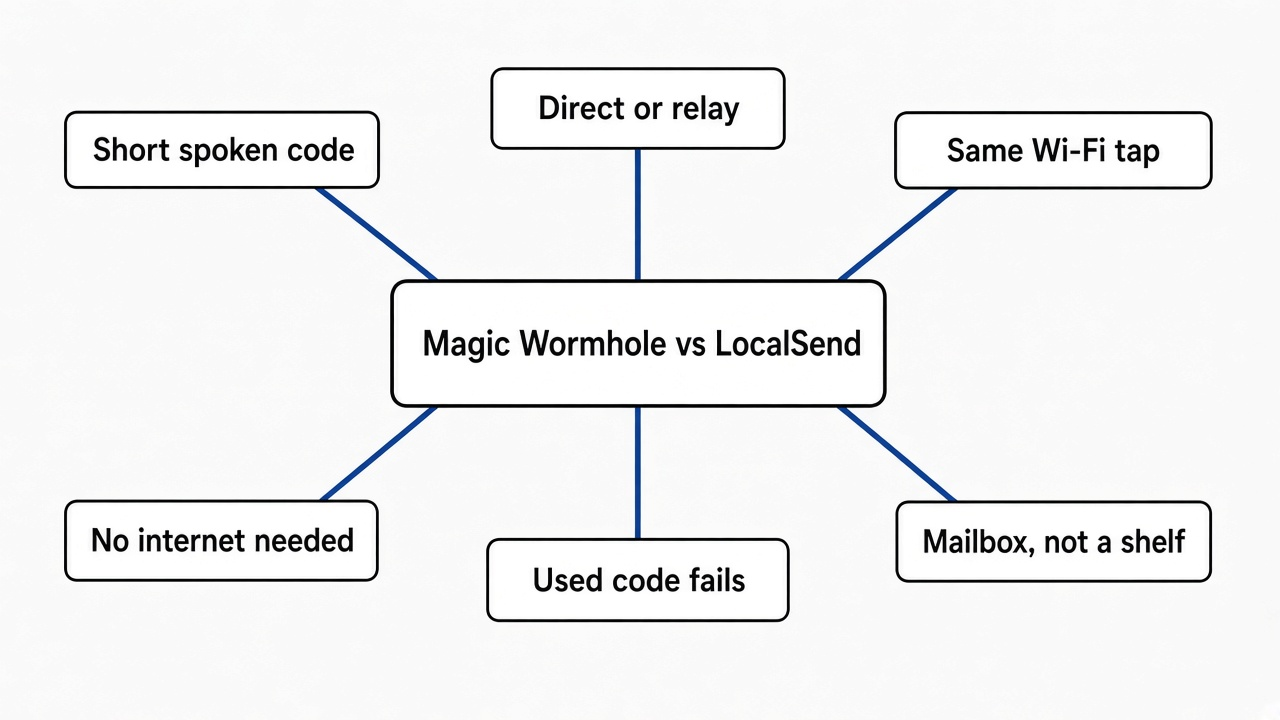
Magic Wormhole wins when the other computer is somewhere else. LocalSend wins when both devices already share a Wi-Fi and you want a tap instead of a code.
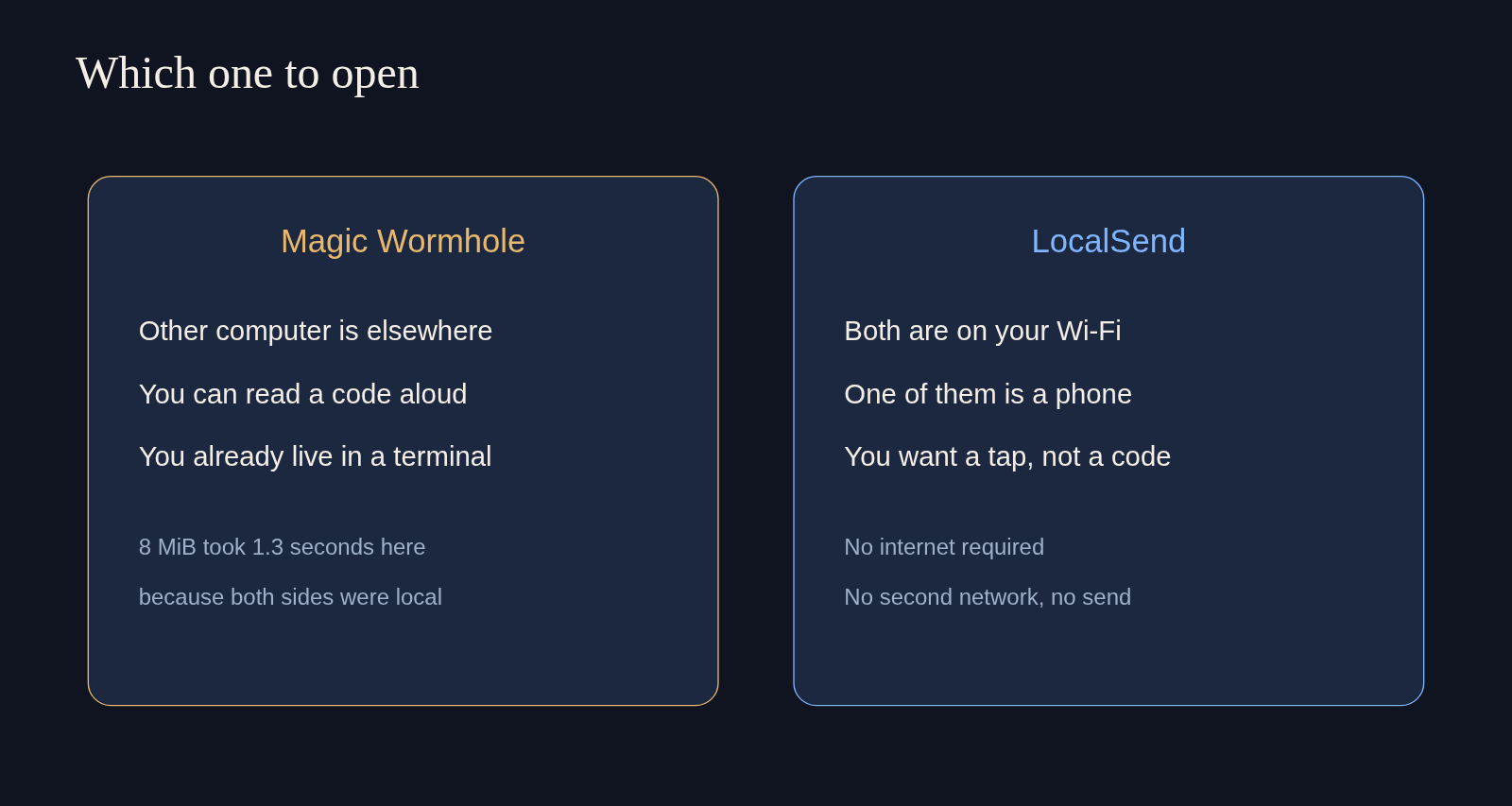
I expected the timed test to be a race. It was not. LocalSend needs two screens on one network, and this run had one computer, so the clock belongs only to Wormhole. On that computer, wormhole 0.24.0 copied 8,388,608 bytes in 1.3 seconds. The receive line said Receiving (->tcp:127.0.0.1:39465). That address means myself. It is not a cafe Wi-Fi speed, and I will not pretend it is. What it does prove is the path: once the two sides know each other, the file does not have to sit on a website.
| Magic Wormhole | LocalSend | |
|---|---|---|
| How you point at the other person | Read a short code | Tap the device name |
| Same Wi-Fi required | No | Yes |
| Internet required | Yes, so they can meet. The file can then go direct | No |
| Phone as a normal app | The tool I ran is a terminal command | Yes |
| What I timed | 8 MiB in 1.3 seconds, on one computer | Not this run |
If the other side is a server you already log into, skip both. Pushing a Docker image without a registry sends only the missing layers over the login you already have. A code is for a person, not for a machine that already trusts your key.
How do I send a file with Magic Wormhole?
Install the command, run wormhole send on the file, and type the printed code into wormhole receive on the other computer.
The program has to exist on both sides before any code matters. I installed it with pip install magic-wormhole. The copy that answered --version said 0.24.0. The command it put on disk is wormhole. The project page is magic-wormhole, and the longer explanation of the meeting is in the welcome notes.
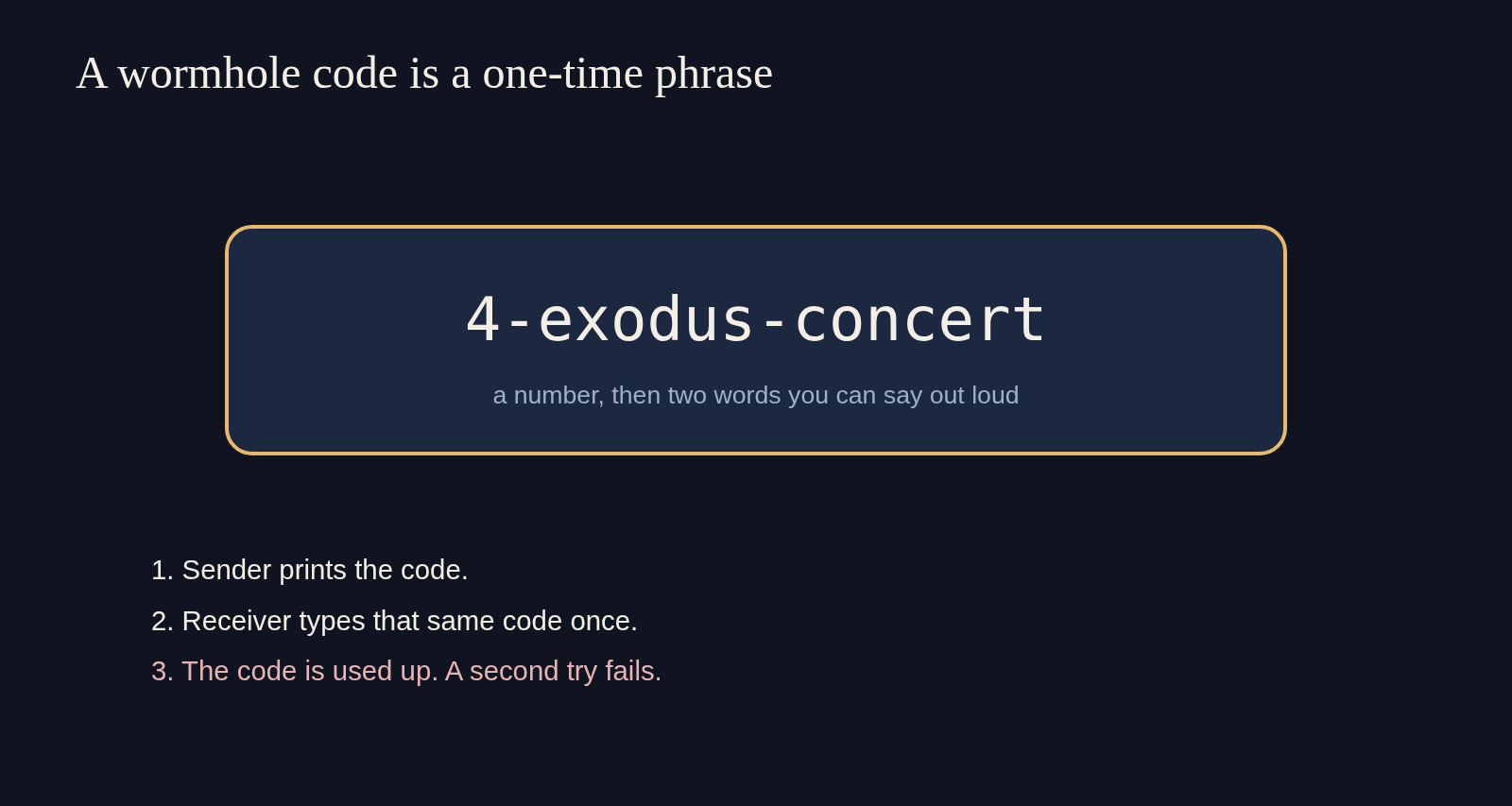
Then the code. A wormhole code (a one-time phrase made of a number and two words) is the only secret the two people share. Mine for the text test was 4-exodus-concert. You read it, they type it, and tab can finish a word. There is no account.
wormhole send notes.txtOn the other side:
wormhole receive 4-exodus-concertFor a file I did not want to confirm by hand, the receiver also takes --accept-file. I used that, and --output-file, so the 8 MiB landed in a folder I chose. The bytes matched. The sender then printed that the code was consumed.
A text message is the same shape, with --text. I sent desk lamp, not a secret. Twenty-three bytes arrived as those exact words. Nothing was added and nothing was trimmed.
If the phrase is hard to say in a noisy room, the sender can ask for more words. The help text calls that --code-length. A longer code is slower to read and harder to guess. The short default exists so a person can say it once.
How do I send a file with LocalSend?
Open LocalSend on both devices, stay on the same Wi-Fi, and tap the other device’s name.
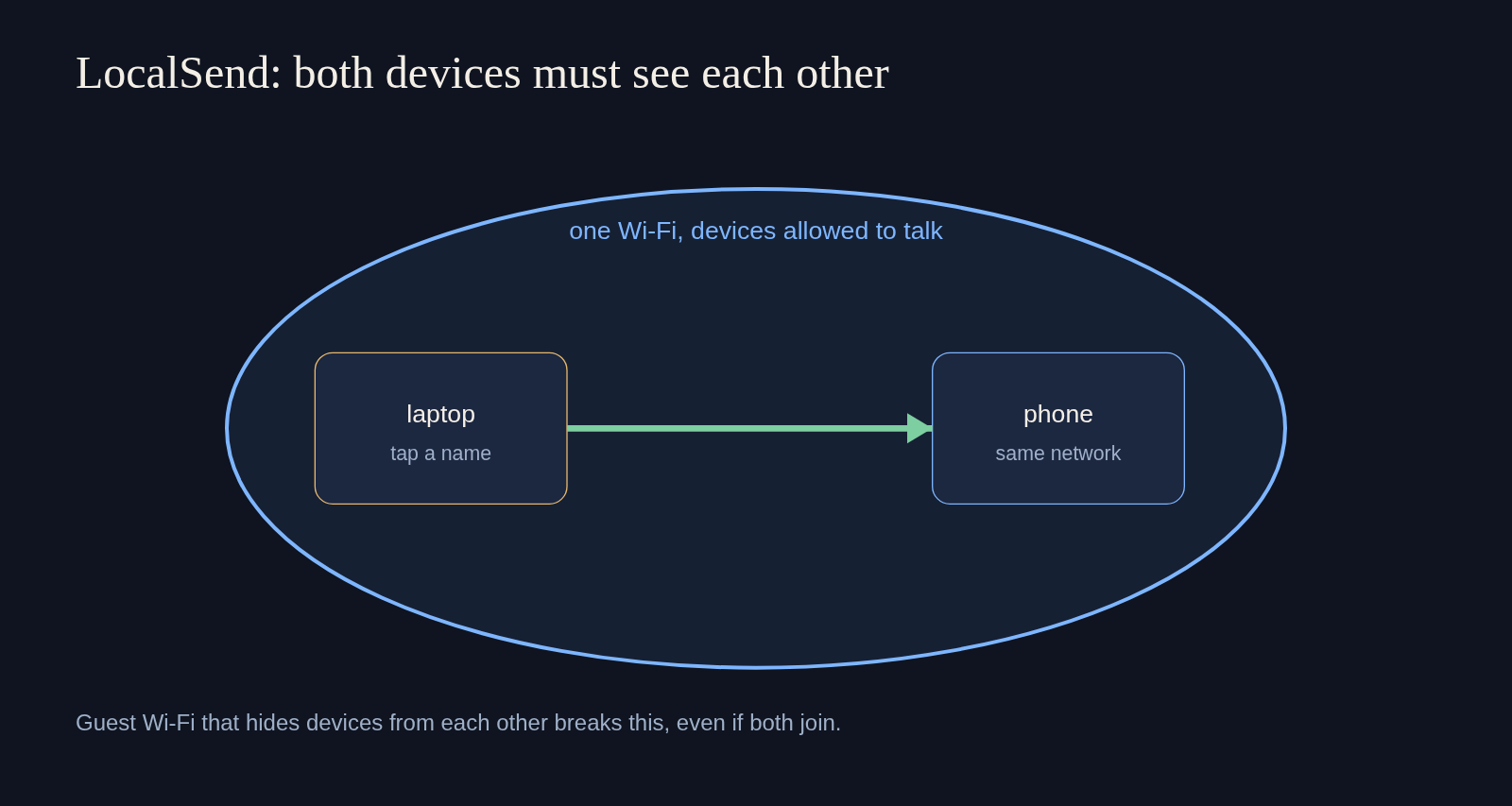
LocalSend is an app, not a one-line command. It runs on Windows, macOS, Linux, Android, and iOS. You do not make an account. The window lists nearby devices. You pick a file, a folder, or a bit of text, then you tap the name. The bytes go from one device to the other over the local network. The app speaks HTTPS (web traffic with a lock, so the bytes are not plain text on the wire), and each device makes its own certificate for that conversation. Internet is not part of the send. The app and the source are at localsend.org and localsend.
I did not have a second screen on this run, so I am not going to invent a speed for that tap. The part that fails in kitchens is not the tap. It is the network. Some guest Wi-Fi hides devices from each other on purpose. That setting is often called AP isolation (the router lets every phone reach the internet, and blocks them from reaching each other). If both phones are on Wi-Fi and neither shows up, that isolation is the first thing I would check. The project also asks for port 53317, both TCP and UDP, if a firewall is dropping the discovery. On Linux the documented allow is sudo ufw allow 53317.
A photo is not only a picture. The file can carry the place it was taken. If that matters, strip it before the tap. ExifCleaner vs ExifTool is the hands-on version of that check. A PDF can carry more than the page you see, and pdfcraft vs qpdf is the page for looking inside one before you hand it over.
What if we are not on the same Wi-Fi?
Magic Wormhole can still finish. LocalSend cannot, because its whole path is the local network.
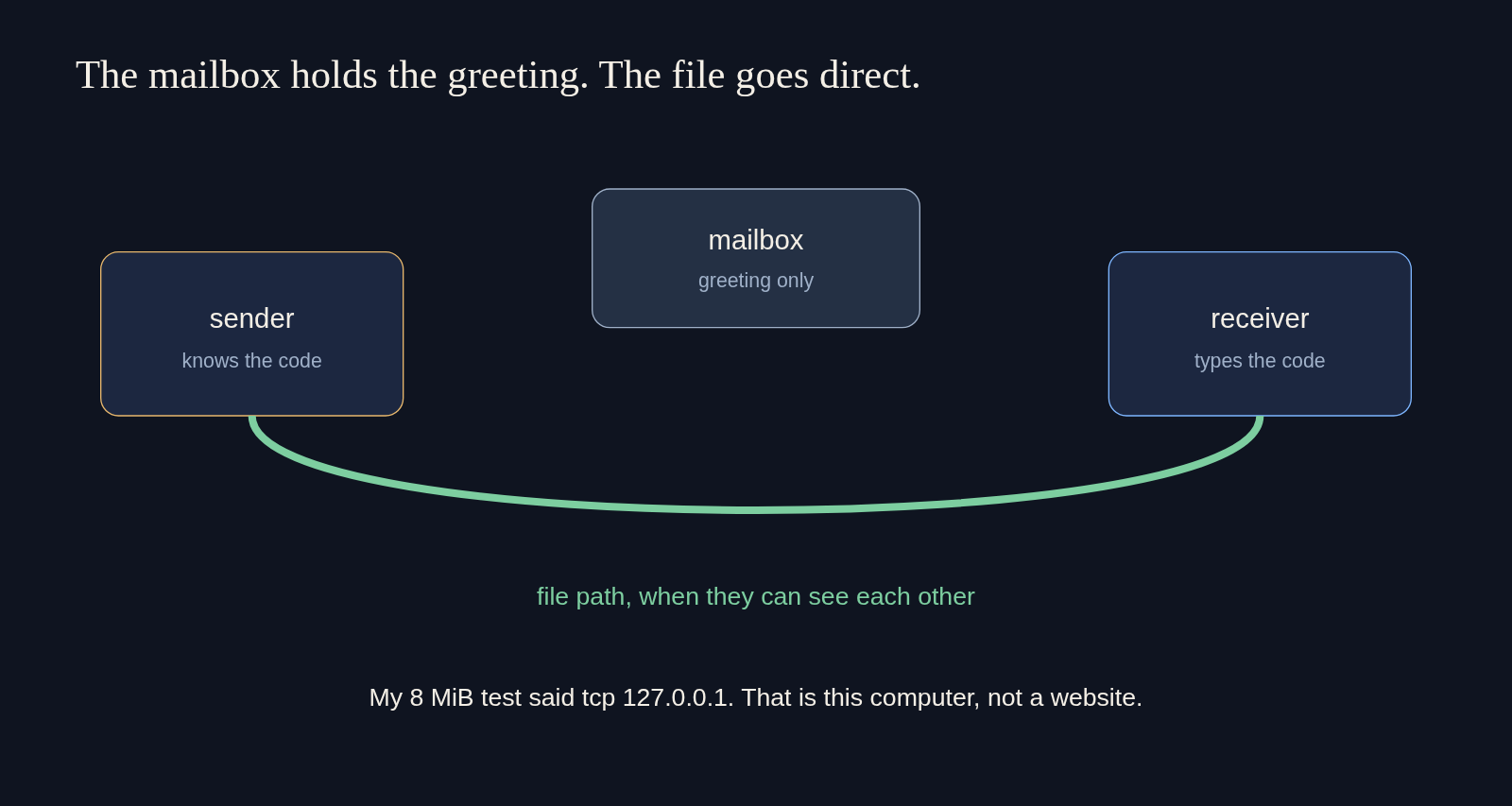
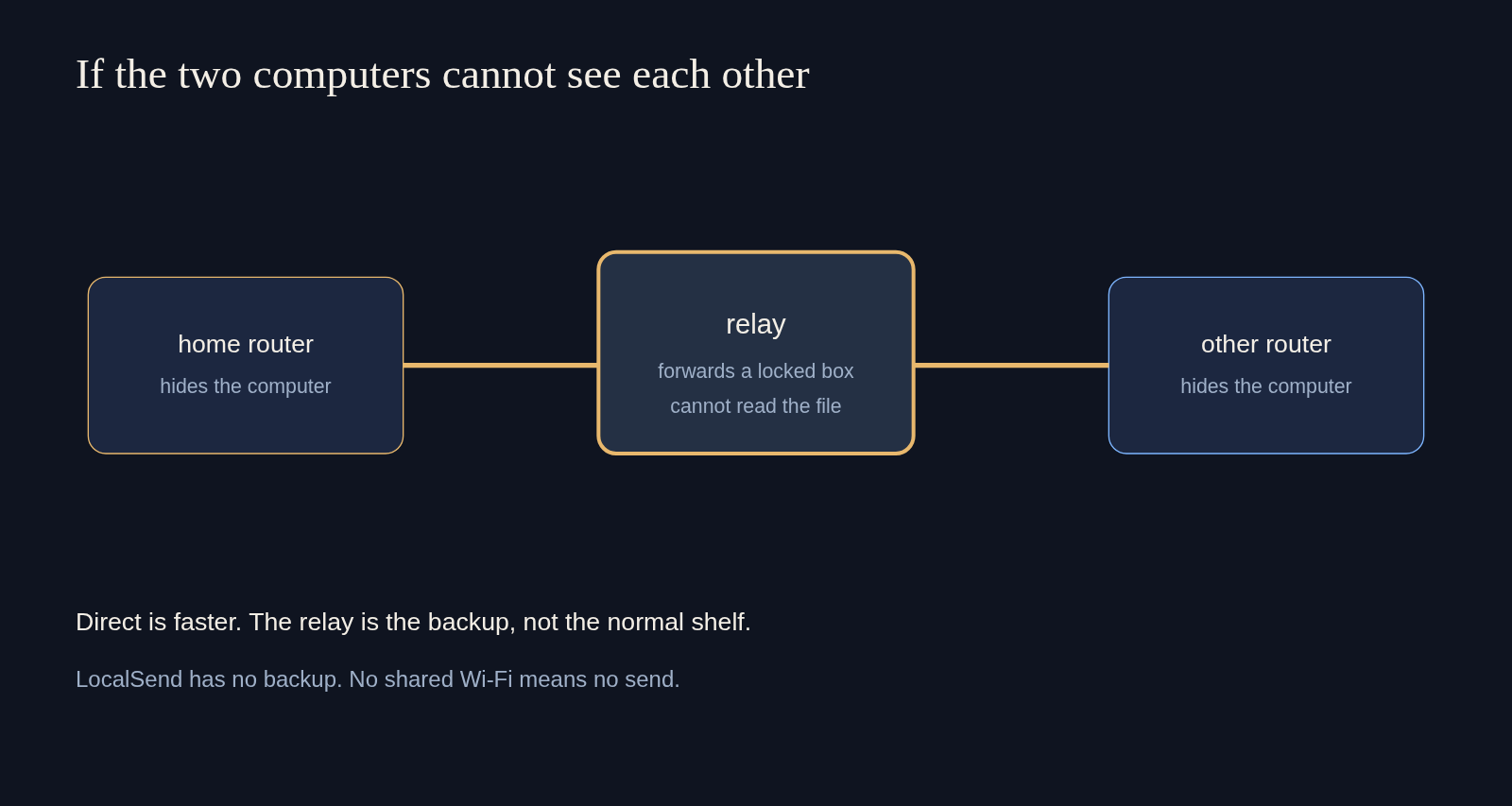
Here is the order, from the outside in. First the two programs do not know each other’s address. A home router usually hides the computer behind NAT (a trick that lets many devices share one public address, so a stranger cannot open a door straight to your laptop). Wormhole does not start by sending the file. It starts with a greeting.
That greeting goes to a mailbox (a public waiting room that stores the introduction, not the file). Both sides show up there because they know the same code. The code is checked without either side handing the code over as if it were the file. A wrong guess does not unlock a quiet copy. It fails the confirmation, and you see the failure.
After that handshake, the two sides try a direct connection. Direct means the file moves from one computer to the other. My test was the extreme of direct: both programs were here, and the log named 127.0.0.1. On two laptops in one house, direct is the path you want, because the speed is then your network, not a detour.
If direct cannot be built, a relay (a server that forwards the already-locked bytes when the computers cannot see each other) carries the file. The relay is a backup pipe. It is not a drive you browse later. The file is not sitting there for a third person with a link. LocalSend has no such backup. If the devices cannot see each other on the local network, the name never appears, and there is nothing to tap.
Is Magic Wormhole safe?
The code is a short password with one try, and a used code does not open again. That is safer than a link that lives in a chat log, and it is weaker than a long key you already trust.
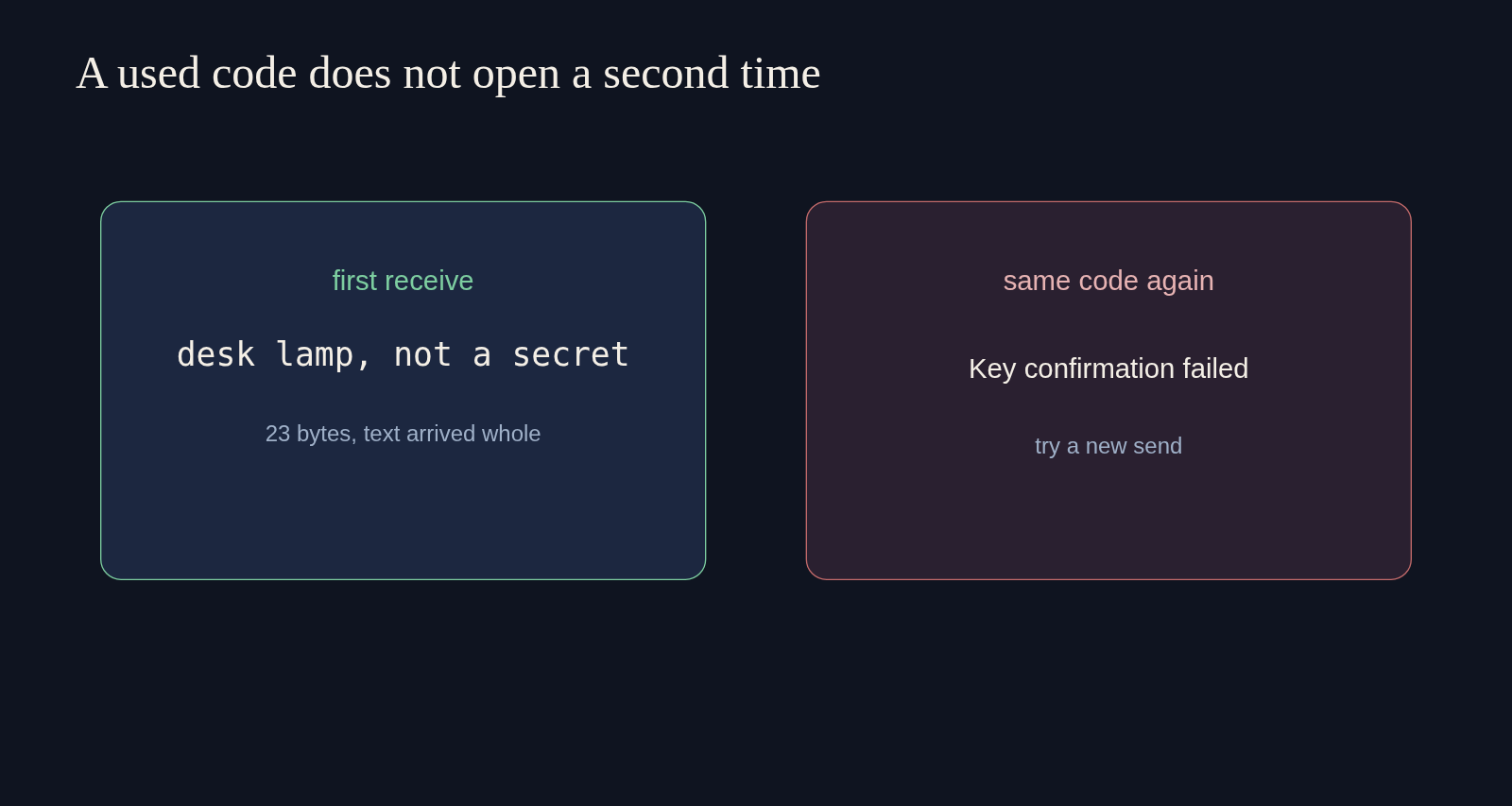
I ran the used-code check on purpose. After the text arrived, I asked to receive 4-exodus-concert a second time. The program stopped with: “Key confirmation failed. Either you or your correspondent typed the code wrong, or a would-be man-in-the-middle attacker guessed incorrectly.” Then it said the code was consumed. A reused phrase is not a second copy of the file. It is an error. Send again and get a new phrase.
The short code is small so you can say it. Small means a stranger who can reach the mailbox gets a guess, not a blank check. One wrong guess is supposed to break that attempt in a way you notice, rather than hand them the file. I would still not put a password database, a private key, or a customer’s export on a two-word code read across a cafe. For that, use a machine you already log into, or add words with --code-length.
LocalSend’s risk is different. There is no code to shout across a room, which is nice, and there is also no code. Anyone who can see your device name on that Wi-Fi can try to send you something. You still accept the receive. Do not accept a file you did not ask for. On a cafe network, prefer the code you can say to one person, or wait until you are home.
When should I not use Magic Wormhole?
Do not use it when the other side is not a person waiting, when the file must stay available tomorrow, or when you only have phones on one couch.
Wormhole is a meeting, not a shelf. If the other person is asleep, the code does nothing useful. A shared drive, annoying as it is, still has a job for that case. If the file is a zip and the disk is the problem, the network tool is the wrong page. HatchZip vs unzip is about room on the disk, not about finding the other computer.
Do not use Wormhole for a phone-to-phone photo on the same Wi-Fi. That is LocalSend’s job. Do not use LocalSend to reach a laptop in another city. That is Wormhole’s job, or a login you already have.
I would read a code to someone I can hear. I would tap LocalSend for a picture across the couch. I would not treat either one as a place the file lives after we hang up.
Common questions about Magic Wormhole vs LocalSend
Can Magic Wormhole send a folder?
Yes. wormhole send takes a file or a directory. The receiver writes what you send, and --output-file can choose the destination. I tested a text message and one 8 MiB file, not a nested folder of thousands of files, so I will not invent a time for that.
Does LocalSend work without internet?
Yes. Both devices need the same local network, and they need to be allowed to see each other. They do not need a route to the public internet.
What if I type the Wormhole code wrong?
The transfer stops with a key confirmation error. It does not drop a half file and call it done. Send a new code. Do not keep guessing the old one.
Is the file stored on a server?
Not as a file you can open later. Wormhole’s mailbox keeps the greeting long enough to meet. A relay, if one is used, forwards locked bytes. LocalSend does not use either. In the run I timed, the file path was 127.0.0.1, this computer.