
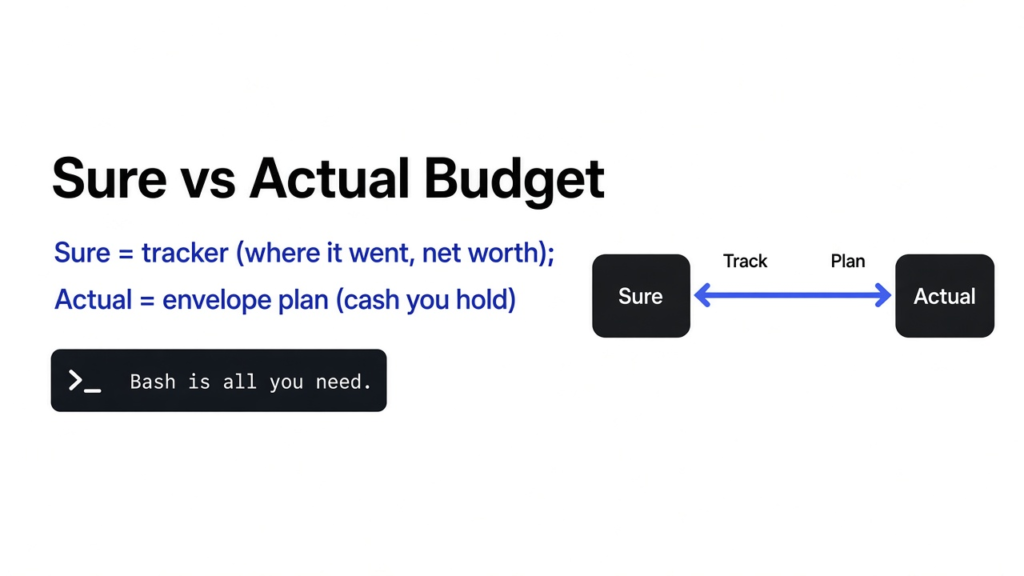

Payday landed, rent left the account, and the grocery total was higher than the number I had been carrying in my head. I wanted a page that shows where the money already went, and I also wanted a rule that stops grocery money and rent money from being the same cash. Those are two different jobs. sure vs actual budget is the choice between a spending and net-worth tracker and a plan for cash you already hold. Sure is the tracker. Actual is the plan.
A tracker looks backward. You bring in what the bank already recorded, and the page draws cash flow, spending by category, and net worth, which is what you own minus what you owe. A plan looks at the cash that is still sitting there. You split that cash into labeled pots until nothing is left without a name. If the question is “where did it go,” use Sure. If the question is “what job does the cash I still have,” use Actual.
what is sure vs actual budget
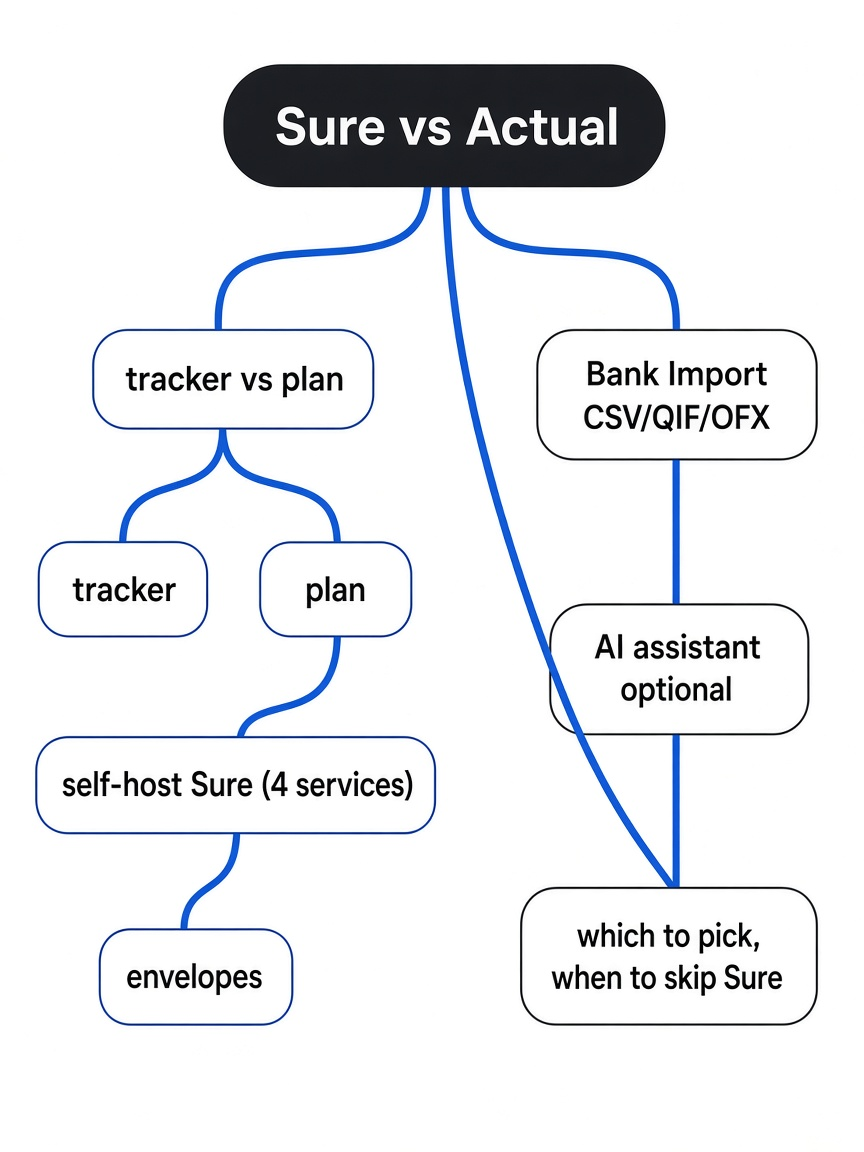
Sure is a self-hosted spending and net-worth tracker, and Actual is an envelope budget, so pick Sure to see where money went and Actual to give every dollar a job.
Sure is a personal finance app you open in a browser. It keeps accounts, cash flow, spending, and net worth on one dashboard, and it can also hold investments, not only the checking account. Self-hosting means the program runs on a computer you control, so the rows sit on your disk instead of on a company’s disk. Actual is smaller in a different way. You budget from money you already have. Its server exists so that budget file can sync between the browser and a folder you own. The budget is the file. The server is the shelf.
I expected two note apps that do the same job with different buttons. The install files say otherwise. Sure’s example compose file starts four programs before the site can answer: the website, a worker for imports and price updates, a database that stores the rows, and a queue those two programs share. Actual’s documented install is one container, port 5006, and one folder mounted at /data. Same kitchen-table problem. Not the same machine. The code for Sure is in the Sure project. The one-line install for Actual is in the Actual Docker guide.
how do i self host sure
You make a folder, save the example compose file and the example env file, set a secret and a database password, then start the stack.
Docker is the prerequisite, and it is the only one that has to exist before the folder does. Docker runs each program in its own box, with the libraries that program needs, so the computer itself does not need the language Sure is written in. A compose file is the list of those boxes, the ports they open, and the disks they keep. An env file is the list of secrets and settings the boxes read at start. Without Docker already installed, the commands below have nothing to talk to.
mkdir -p ~/docker-apps/sure
cd ~/docker-apps/sure
curl --fail --location --silent --show-error --output compose.yml https://raw.githubusercontent.com/we-promise/sure/main/compose.example.yml
curl --fail --location --silent --show-error --output .env https://raw.githubusercontent.com/we-promise/sure/main/.env.example
openssl rand -hex 64Paste that hex line into SECRET_KEY_BASE in .env. Replace the placeholder database password in the same file. Then run docker compose up -d. The site listens on port 3000 unless you set PORT. Open http://localhost:3000 on that machine.
I generated a secret with openssl rand -hex 64 and then threw the line away. It is one line of 128 hex characters. That whole line is the value. Do not reuse a secret you saw in a post, including this one. I also opened the example compose file looking for a built-in default. There is none. The setting is written as a required substitution, so Compose stops and tells you to set SECRET_KEY_BASE in .env if the value is missing. The secret signs the login cookie. If you do not set three separate encryption keys, the app derives those keys from this same secret. On a new install, generate it once and keep the env file with your backups. On an install that already has accounts, copy the old value. A fresh random string makes the old encrypted fields unreadable, which breaks logins and any provider keys you saved.
The four programs are not optional. The website and the worker use the image ghcr.io/we-promise/sure and the tag stable unless you set SURE_IMAGE_TAG. The worker is the same image with the command that starts the job runner, so imports and the daily price fetch happen off to the side while the page stays open. The database is Postgres 16, the program that keeps the account rows. The queue is Redis, a small store where a job can wait until the worker picks it up. The website and the worker both wait until the database and the queue report healthy, which is why a first start can sit for a few seconds before port 3000 answers. They also share one storage disk, so a file the worker imports is the same file the website can show.
Two more services are in that same file, and both stay off unless you ask. One writes a backup on a schedule. The other copies that backup folder to a remote disk. Day one does not need them. Day one does need the website, the worker, the database, and the queue. If any of those four is missing, you either have no page, or you have a page that cannot finish an import.
The hosting notes put steady use near 352 MB and say a 512 MB cap can hold that. The sample-data loader does not fit. It runs in the worker, climbs past a 512 MB limit, and the worker gets killed, so the fake family never finishes. A very large first import can do the same. On a small box, skip the sample data and bring history in as smaller files. There is a second sharp edge in the compose comments. If security prices fail with a connection error, the name may be resolving to an IPv6 address while the container has no IPv6 path. The file already points DNS at public resolvers. Look there before you decide the app is broken.
One more limit before you put this on a network. The example turns forced SSL off. That is fine for a browser on the same machine. It is a bad idea to publish port 3000 on the open internet with no proxy in front of it. The accounts, the secret, and the database password are the whole household ledger.
does sure do envelope budgeting
No. Sure compares spending with a category limit after the money has left. Envelope budgeting (cash you already hold, split into labeled pots) is how Actual works, and Sure does not do that job.
Think of paper envelopes on a table. The cash in the room is the only cash you may split. Food gets one envelope. Rent gets another. You stop when the table is empty, not when a forecast says you might earn more on Friday. Actual’s budgeting guide uses that rule. The balance you have is the only number you can assign. You type an amount on each category until the amount still called “to budget” is zero. One dollar can have only one job. Leftover cash and overspending roll forward, so next month starts from what is real, not from a guess you have to reconcile.
Here is the same idea with numbers, so the difference is not a slogan. Suppose the checking account holds 1200. You assign 700 to rent, 400 to food, and 100 to a buffer. To budget is now 0. Food then spends 450. In Actual, food is 50 short and you cover it by moving 50 from the buffer. The buffer is now 50. Nothing was invented. In Sure, that same month shows food at 450 against a 400 category. That is a report that the category ran hot. It does not move cash out of a rent pot, because Sure was not holding the cash in pots to begin with. Sure’s product page talks about category budgets, spending, and going over. Read that as a rear-view limit, not as envelopes.
If the habit you want is the one you had in YNAB, use Actual. The install, the sync-server shape, and what a YNAB file did and did not carry are already on the open source ynab alternative page. I am not repeating that file test here. The new question is only which job you are hiring.
sure vs actual budget for bank import
Actual reads an OFX or QFX download directly. Sure reads CSV, QIF, and PDF. OFX is not a built-in Sure importer.
A bank file is a list of rows. Each row needs a date, an amount, and a name for the shop or the payer. CSV is the loose text version: you tell the app which column is the date and which column is the amount, and you watch the sign, because some banks write spending as positive. QIF is an older Quicken layout with its own tags for those same fields. PDF is the statement you can already read, and Sure can take that too. OFX, and the Quicken-flavored QFX, are stricter. They include a transaction id the bank assigned, so a second import can skip rows you already have. Actual’s import guide lists CSV, QIF, OFX, QFX, and CAMT, and it recommends OFX or QFX for that reason. CAMT is the XML statement format some banks, especially in Europe, hand you instead.
Sure’s importers today are CSV, QIF, and PDF. Native OFX and QFX are requested next to those, which means they are not the path you can count on. If the bank gave you OFX, convert it to CSV before Sure, or open Actual and import the OFX as it stands. There is a Mint CSV template in Sure. Create credit card accounts yourself before a large Mint file, because those files do not always mark a card as a debt, and a big export is safer in batches than as one giant upload. Do not assume a YNAB export is a finished Sure import. If you already live in envelopes, stay on the Actual side of that move.
| Sure | Actual | |
|---|---|---|
| Job | Where money went, plus net worth | Give cash you hold a job |
| What boots | Website, worker, database, queue | One sync server |
| Port in the example | 3000 | 5006 |
| Bank files | CSV, QIF, PDF | CSV, QIF, OFX, QFX, CAMT |
| Envelope method | No | Yes, until to budget is zero |
| Assistant | Optional, and it can cost money | Not the product |
| License | AGPL | MIT |
| Small box | About 512 MB if you skip sample data | One small container |
The duplicate problem is the part worth slowing down on. A CSV row has no stable id unless you invent one. Import the same month twice and you can get the same grocery trip twice. OFX carries the bank’s id, so Actual can refuse the copy. That is why the file format changes the chore, not only the button label. If your bank’s cleanest download is OFX, that single fact can decide sure vs actual budget before you look at dashboards.
is the ai assistant required
No. Leave the token blank and the assistant stays off. Accounts, imports, and the dashboard still work.
The example env file sets the OpenAI token to an empty value. The compose notes say that filling it in costs money when you use chat, rules, and automatic categories, so set a spend cap on that account before you paste a key. Chat is you asking a question about your own books. Rules and automatic categories are the app sending batches of transactions out to be labeled. A PDF import can use that same path. None of it runs while the token is empty. A local stand-in is optional: the env file has a base URL and a context-window setting for an OpenAI-compatible server you run yourself. The chat wait defaults to 90 seconds. You do not need any of that to see net worth.
If you do paste a hosted key, separate two bills. The Sure app does not charge a license fee. The model provider charges for the replies. That split shows up in other self-hosted tools too. The open source litellm alternative test is the same lesson on a different job: the program on your server can be free while the service that writes the reply is not. For a household ledger, I would leave the token empty until the imports are boring and correct.
should i use sure or actual budget
Use Actual when you want envelopes. Use Sure when you want the dashboard of what already happened, including investments and net worth, and you can run four services.
I would not start both in the same week. Two sets of books drift, and then you trust neither. Pick the question you actually ask. “What is left for food” is Actual. “What do I own after the brokerage moved” is Sure. If you truly need both pictures, keep Actual as the cash plan and add Sure only for the investment page. Do not enter every grocery trip in two places.
The install weight should be part of that choice. Actual is one container and one folder. Sure is four programs, a secret you must not lose, and a database password you must change because the example env file ships a placeholder. A lighter self-host feels like TREK for trip plans, one compose and you are in the trip. Sure feels closer to a heavier browser app such as the open source Canva alternative, where several containers have to be healthy before the page is useful. Heavier is fine when the dashboard is the thing you wanted. It is a bad trade when all you wanted was envelopes.
when not to use sure
Skip Sure when you want envelopes, when the only clean bank file you have is OFX, or when the machine cannot keep four programs up without killing the worker.
Skip it too if you plan to change the code and let other people use your copy over a network, unless you are willing to share those changes. That duty is the AGPL (share your changes if others use your copy over a network). Using Sure for your own household does not trigger it. Actual uses the MIT license, which does not ask you to publish your changes. For a private home server the license is not the reason to pick. The job is. The license starts to matter only when the app leaves your house as a service.
Both are free to run in the “no subscription for the app” sense. You still pay for the computer, the disk, and the backups. Sure does not need a paid bank login if you import a file you downloaded yourself. The product site talks about syncing a long list of institutions, and that path can depend on a data provider with its own key and its own bill. You can ignore that path. CSV, QIF, or PDF is enough to fill the dashboard. On Actual, the same choice exists: a file import, or a bank connector you configure later. Start with the file. Add a connector only after the categories make sense.
Common questions about Sure and Actual Budget
does sure import ofx or qif
QIF yes. OFX no, not as a built-in importer. Convert OFX to CSV for Sure, or import the OFX into Actual and skip the conversion.
is sure free to self host
Yes. There is no license fee to run it on your own server. You pay for the machine, and you pay a model provider only if you paste a token. Change the placeholder database password before the first start, and keep SECRET_KEY_BASE with your backups.
does sure need paid bank sync
No. A file you download from the bank is enough. Keyed bank sync is optional, and it is a separate bill from the self-host itself.
is actual budget better if i liked ynab
Yes, if the part you liked was assigning money you already have until nothing is left over. Sure will show the spending after the fact. It will not keep rent cash and food cash from being the same dollars. Use the YNAB alternative write-up for the Actual install, then come back here only if you also want the net-worth dashboard.
I would install Actual on a small box when the Sunday question is what job the cash has. I would install Sure when the question is what I own and where last month went, and I would write the secret down before the first docker compose up.