
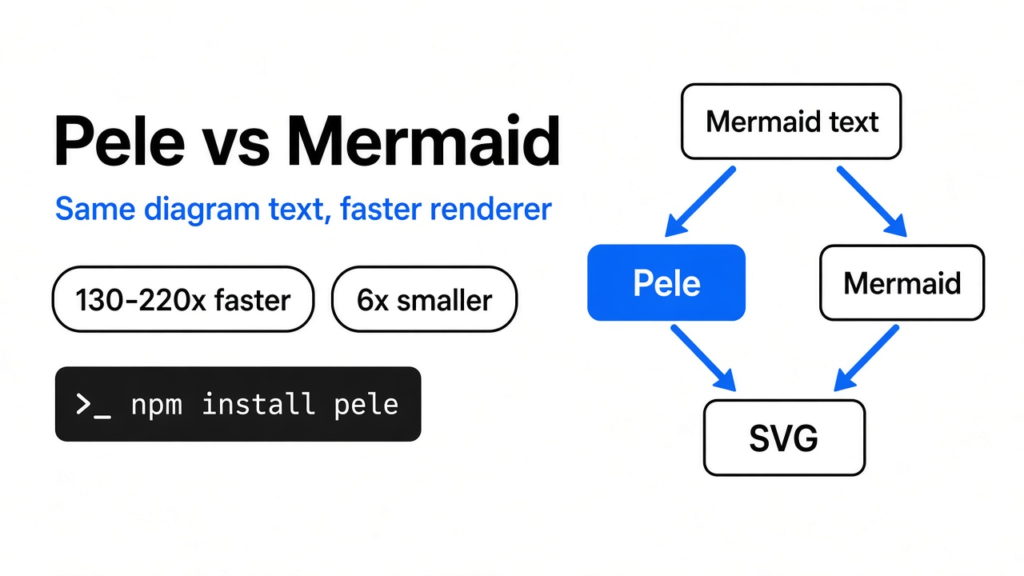
If you are deciding pele vs mermaid, you are not choosing a new way to write a diagram. You are choosing which program draws the text you already have. I opened a page whose pictures come from a few lines of that text, and the first picture took long enough that I noticed the wait. The text is Mermaid: a small language of boxes and arrows, and also the big program that turns that language into a picture. Pele is a smaller program that reads the same language. On the four diagrams I timed, Pele was about 130 to 220 times faster, and the file I loaded was about six times smaller.

That gap is real, and it is easy to overread. Fifty milliseconds is a pause you will not feel on a page with one chart. You feel it when a page draws many diagrams, or when the picture redraws while you are still typing.
What is Pele?
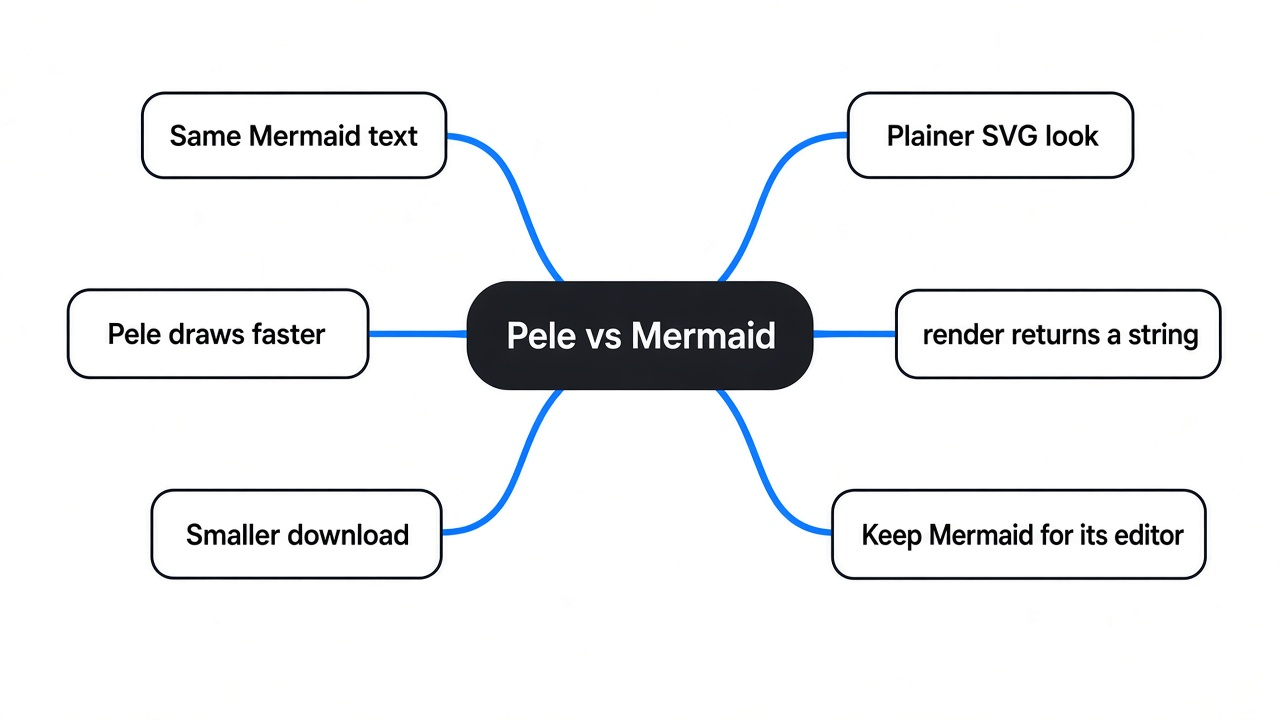
Pele is a library that turns Mermaid text into an SVG, a picture made of shapes instead of pixels. You keep the words. You swap the program that draws them.

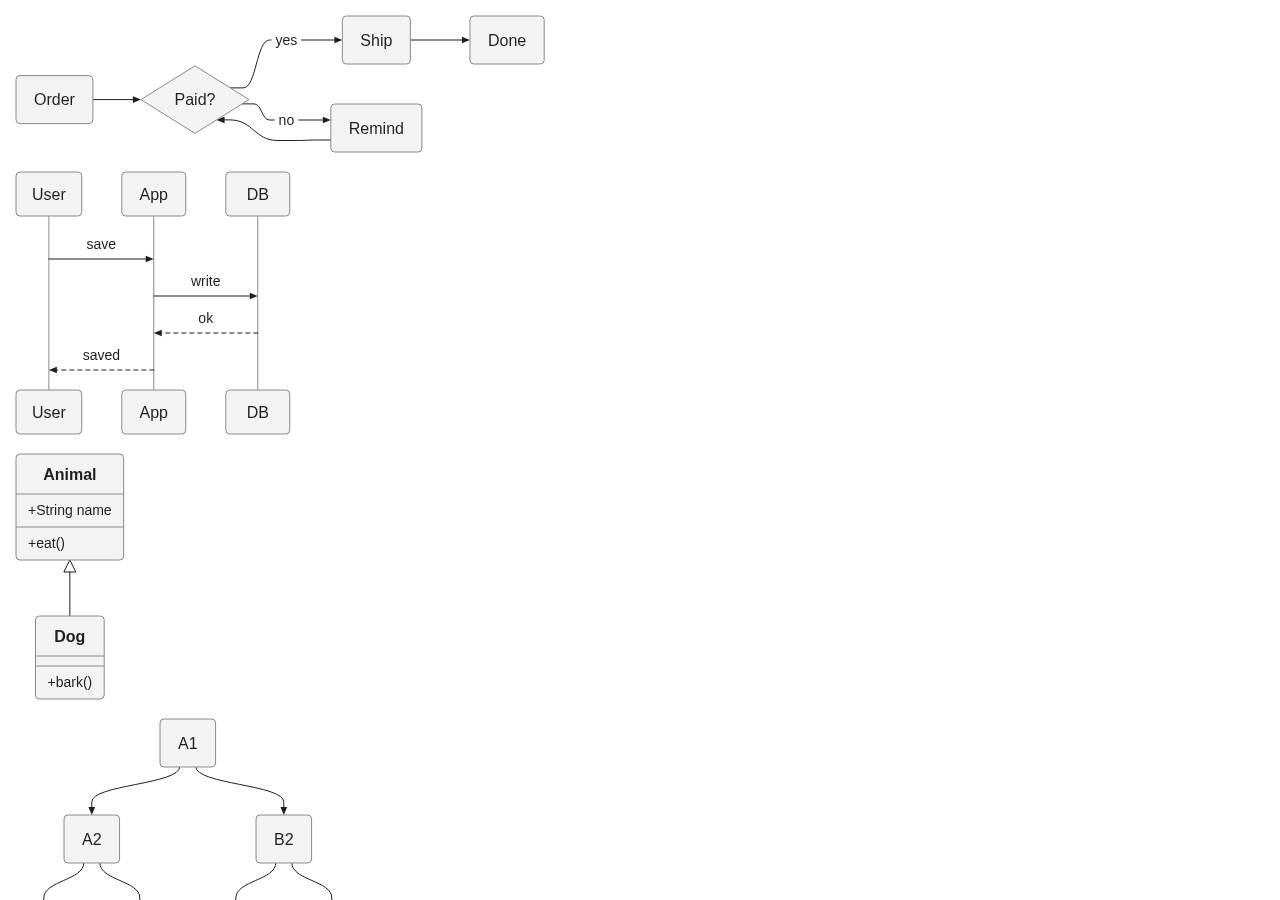
Mermaid grew up doing both jobs. You type the diagram type and a direction, then a box named A pointing at a box named B, and Mermaid’s own program lays that out and paints it. Pele only does the painting. The words stay Mermaid words. I checked a flowchart, a sequence, a class diagram, a pie, a mind map, a git graph, a state diagram, an entity diagram, a gantt chart, a user journey, a C4 sketch, and a flowchart that asked for the elk layout. Each one came back as a picture. The project is obsidianmd/pele. The language it reads is documented at Mermaid.
The copy I installed, Pele 1.7.0, needed no other packages. Mermaid 12.2.0 needed 23. On disk, Pele’s browser file was 667 KB and gzipped to 247 KB. Mermaid’s browser file was 5.4 MB and gzipped to 1.5 MB. Gzip is the size a browser actually downloads, and on that number Pele is about six times smaller. The raw files are about eight times apart, 667 KB against 5.4 MB.
Is Pele faster than Mermaid?
Yes. After both libraries were already loaded, Pele’s median time was a fraction of a millisecond and Mermaid’s was 16 to 111 milliseconds.
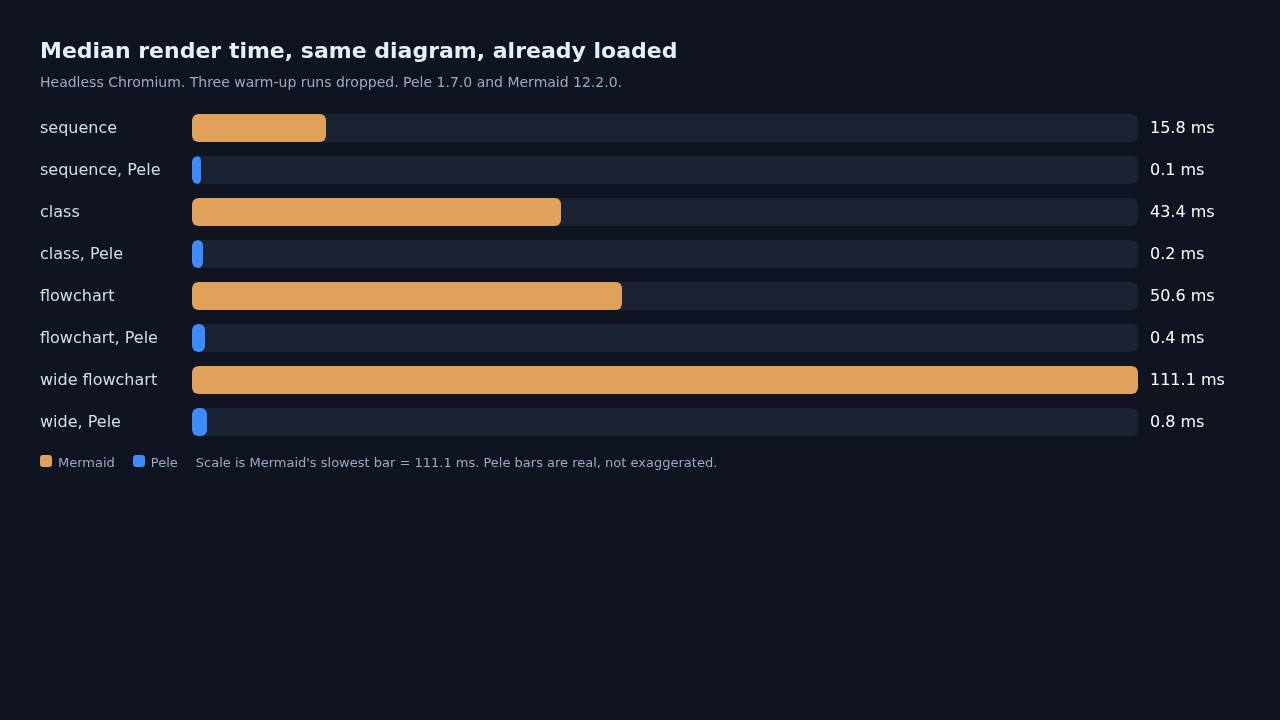
I ran this in headless Chromium, with Pele 1.7.0 and Mermaid 12.2.0, both pulled in by a script tag. I dropped the first few runs so a cold start would not decide the number, then took the median. The same four texts went to both programs.
| Diagram | Pele | Mermaid | Times faster |
|---|---|---|---|
| sequence | 0.1 ms | 15.8 ms | 158 |
| class | 0.2 ms | 43.4 ms | 217 |
| flowchart | 0.4 ms | 50.6 ms | 127 |
| wide flowchart | 0.8 ms | 111.1 ms | 139 |
I want to say this matches a 500 times claim, but that would be a half-truth. I never saw 500 times on these four. The high end of what I measured was 217 times, on the class diagram. The wide flowchart, the one with the most boxes, was 139 times. That is still a different league. It is not the top of the range people repeat.
One caveat. The sequence diagram’s Pele time sat at 0.1 ms, and one run rounded down to nothing. That is close to the clock’s floor, so the 158 times figure is a bit soft. The flowchart numbers are the ones I trust: 0.4 ms against 50.6 ms.
The pictures were not the same weight either. The flowchart Pele returned was about 3.6 KB of SVG. Mermaid’s was about 36 KB. Pele draws a plainer picture. If you liked Mermaid’s default look, the swap will look like a redesign, not a pure speedup.
How do I use Pele?
Install it, then call render with the same text you would have given Mermaid.
npm install pele
import { render } from 'pele';

const { svg } = render(`flowchart LR
  A[Order] --> B{Paid?}
  B -->|yes| C[Ship]
  B -->|no| D[Remind]`);

document.querySelector('#diagram').innerHTML = svg;
render returns the SVG string immediately. It does not wait. Mermaid’s render is a promise, and it wants an element id, because it draws into the page as it goes. That is why I could call Pele from Node with no browser open, which is what I did for the extra diagram types. The four timed runs were the ones in Chromium, so the comparison would include layout, not just a string of markup.
If you are not using a bundler, one script tag is enough. I fetched this address and it served Pele 1.7.0.
<script src="https://cdn.jsdelivr.net/npm/pele@1/dist/pele.global.js"></script>
<script>
  const text = document.querySelector('pre').textContent;
  pele.mount(document.querySelector('#diagram'), text);
</script>
mount draws into an element you already have, and it can follow that element’s width. render only hands you the string. The times above are from render, after the file had already loaded. They do not include the download. The download is the 247 KB against 1.5 MB.
Bad text does not invent a picture. I passed a nonsense line and Pele threw “No diagram type detected for the given text.”
A normal label, the word HelloLabel, showed up in the picture. A label that was only an HTML image tag with a script in it did not show up, and that script text was not in the SVG either. I would not call that a security review. I tried one nasty label, not a catalog of them. If your diagrams are typed by strangers, read the SVG before you drop it into a page with innerHTML.
Does Pele draw the same diagrams as Mermaid?
On every type I tried, both programs returned an SVG. That is not the same as pixel-identical, and it is not a promise about syntax outside these tests.
I also checked a few things people quietly rely on. A class style with a fill color showed up in Pele’s SVG. A click link to a URL stayed in the SVG. A subgraph, a note on a sequence, and an architecture diagram all drew. A line that starts with Mermaid’s init block still produced a flowchart. Whether that init block also changed the colors is a separate question. If your page depends on a theme named in that block, look at the picture before you ship the swap.
Pele aims at the Mermaid syntax from the 12.1 line. The Mermaid I compared it with was 12.2.0, one step newer, and the texts I wrote still worked on both. A feature that exists only in that newer Mermaid is the case I would not bet on.
When should I keep Mermaid?
Keep Mermaid when you have one diagram, or when you do not control the program that draws it. A single chart is the first case. My flowchart took 50.6 ms in Mermaid. Nobody is waiting on that. The download is the part they might feel, and only if your page was not already loading Mermaid for something else. Switching one chart does not get that weight back if another part of the page still asks for Mermaid.

Keep Mermaid’s own editor when you are still inventing the diagram and you want their hosted canvas. Pele does not replace that canvas. It replaces the program on your site.
And if the diagram should not look like Mermaid at all, a faster Mermaid renderer is the wrong tool. Diagram design vs Mermaid is the page for a picture someone is meant to judge as a design. An ER diagram from a Prisma schema is a different job: the picture is generated from the database, and Mermaid is only one of the outputs. Driving that text from the terminal is a third.
Pele vs Mermaid: which one should you use?
Use Pele when you already have Mermaid text and you own the page that draws it. Keep Mermaid when you need its editor, or when one chart is not worth a second library.
| Pele | Mermaid | |
|---|---|---|
| What you write | Mermaid text | Mermaid text |
| What you get | an SVG string | an SVG drawn in the page |
| Median on my flowchart | 0.4 ms | 50.6 ms |
| Browser file, gzipped | 247 KB | 1.5 MB |
| Packages it needs | none | 23 |
| Call style | returns immediately | a promise |
| Nonsense text | throws | not compared here |
I would put Pele on a docs site that redraws diagrams as I type, and on any page that ships more than a couple of them. I would leave a lonely chart on Mermaid.
Common questions about Pele vs Mermaid
Is Pele faster than Mermaid?
Yes. On four diagrams in headless Chromium, after both libraries were loaded, Pele was about 127 to 217 times faster. None of the four reached 500 times.
Does Pele replace Mermaid?
It replaces the drawing program, not the language. You still write Mermaid text. You do not get Mermaid’s hosted editor, and a page that already loads Mermaid does not get smaller until that load is gone.
How do I install Pele?
Run npm install pele, then import { render } from 'pele'. Without a bundler, the browser script is https://cdn.jsdelivr.net/npm/pele@1/dist/pele.global.js, and pele.mount draws into an element.
Can Pele render a flowchart?
Yes. A flowchart with a decision and two branches rendered in 0.4 ms median in my test, against 50.6 ms for Mermaid. A wider flowchart, with several rows of boxes, was 0.8 ms against 111.1 ms.
I opened the test expecting the loud number to be the whole story. The number I can stand behind is smaller, and it is still the reason I would switch the renderer and keep the text.