
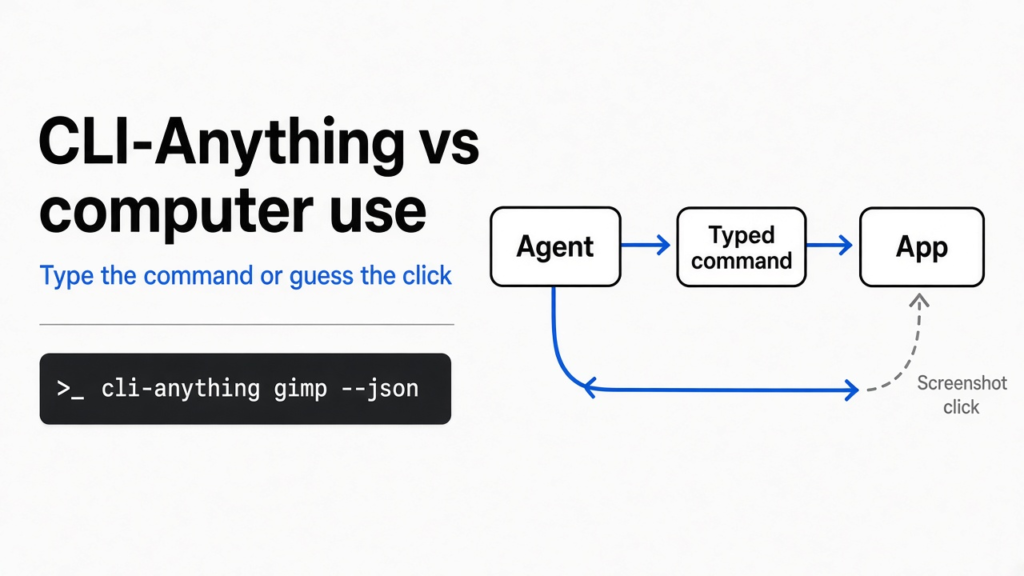
I needed one blue rectangle on a dark picture. The program people usually open for that is GIMP, and GIMP is a window full of menus. A coding agent can type a command and read the file that comes back. It cannot see those menus. Computer use is the workaround that hands the agent a screenshot and asks it to click. CLI-Anything is the other workaround: a typed command that is supposed to drive the real program. To test CLI-Anything vs computer use, I installed the GIMP command and a diagram command and ran both. The GIMP command drew the rectangle without GIMP on the machine.

That is the whole fork. A click is a guess about a picture. A command is a name for a job. The name on the GIMP command was not the program that ran. CLI-Anything vs computer use comes down to that check: open the file, and see which program actually painted it.
What is computer use?
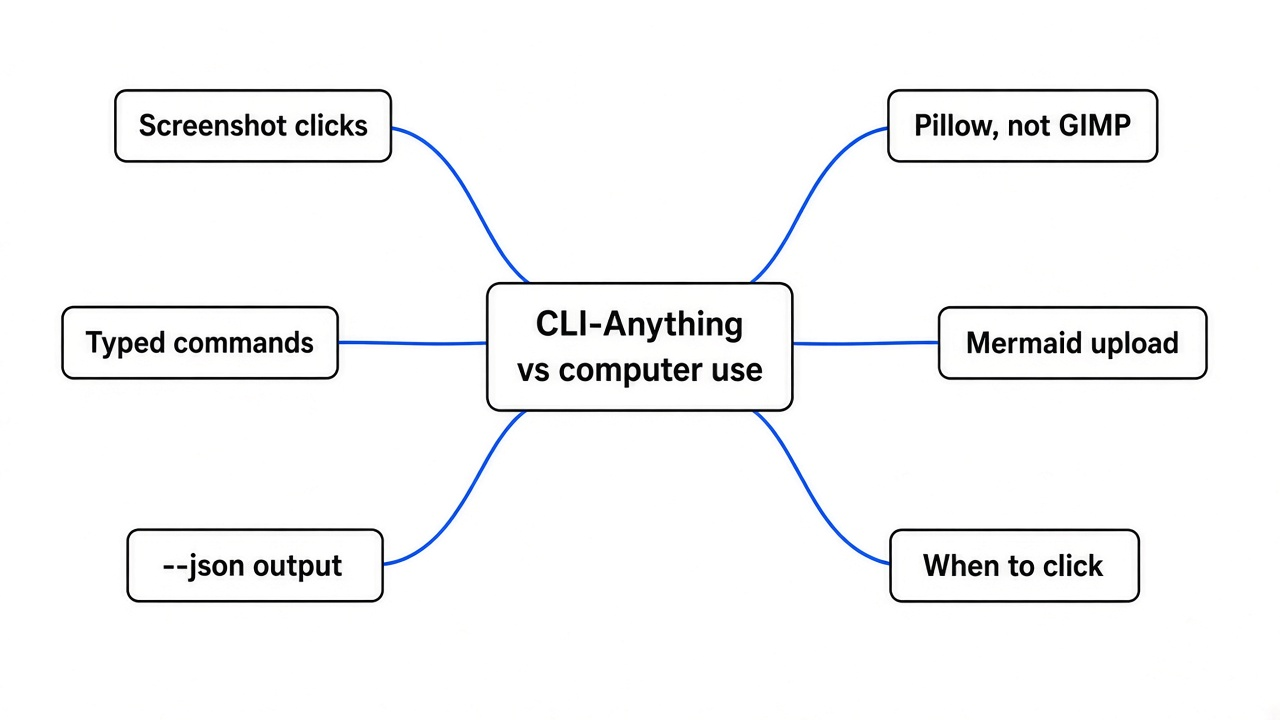
Computer use means the agent looks at the screen and guesses where to click.
Before the click, three plain things have to be true. A screen is a grid of colored dots. A button is only a cluster of those dots until someone recognizes the shape. A click is two numbers: how far across, and how far down. The agent writes those two numbers. If they land a little to the side, the click hits the wrong thing, or nothing. The agent then looks at a new picture and guesses again.
That loop can finish a one-off task. It is a bad loop for the same edit every day, because nothing in the loop is the name of the menu item. It is only a coordinate. Move the window, and the coordinate is wrong. A person does not have this problem, because a person reads the word on the menu. The agent, in this mode, does not read the word. It estimates a point.
What is CLI-Anything?
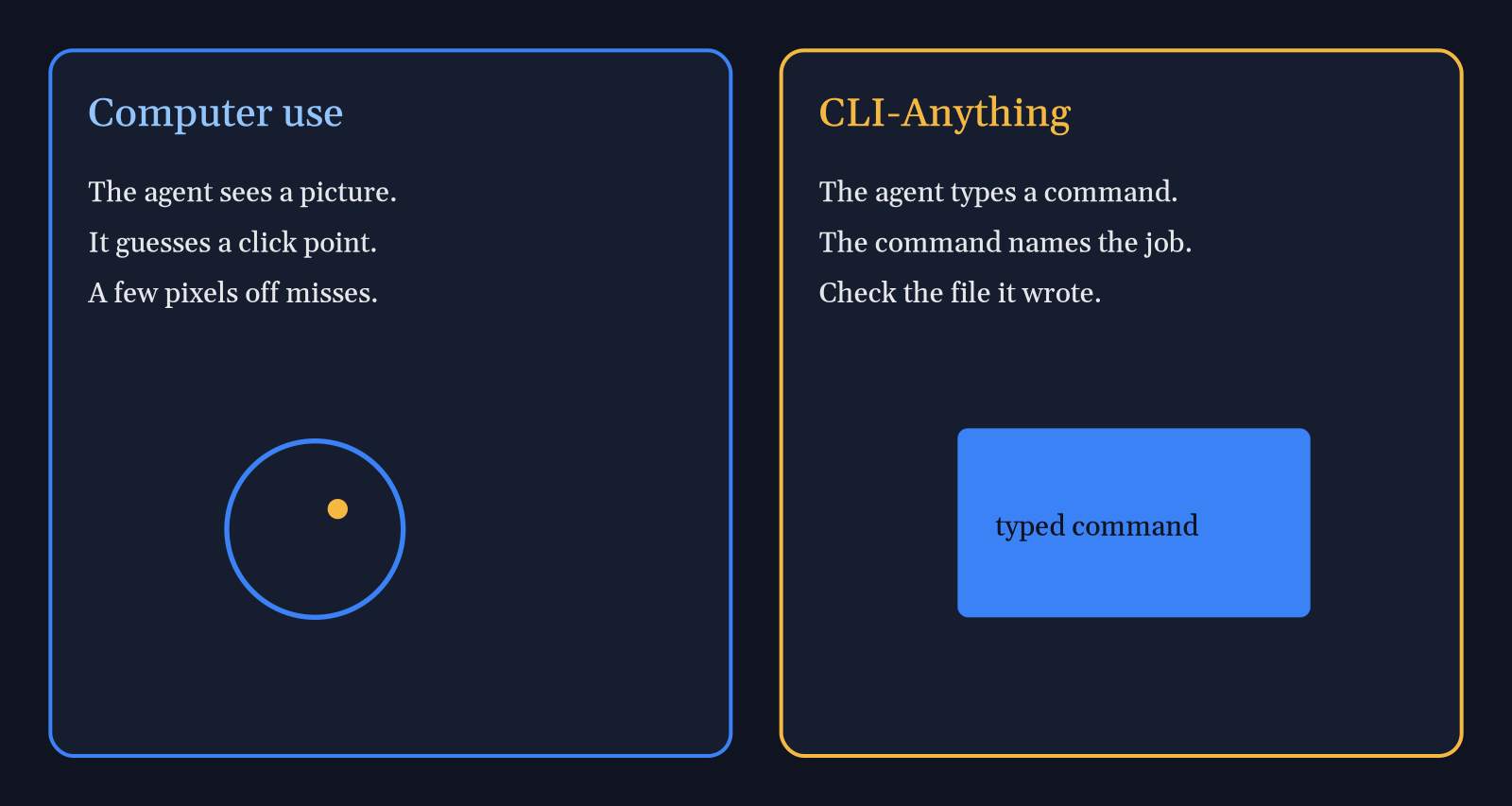
CLI-Anything is a set of typed commands that stand in front of programs which normally expect a mouse.
You install a small hub, then you install one program’s command from that hub. I used cli-hub. The list I pulled includes GIMP, Blender, Audacity, a diagram editor, and Mermaid, and it kept going. Each entry is a front door the agent can run. Add --json and the answer is labeled data, not a paragraph. No agent invented a new door here. I installed two that were already published, and I ran them myself.
A menu item inside an app is already a function with a name. If a command calls that function, the agent does not need eyes. It needs the command name, the arguments, and the file that comes out. That is the prerequisite people skip. They hear “the agent can use GIMP” and picture a mouse. The real offer is a command. The command is only as honest as the program it calls.
The project lives at HKUDS/CLI-Anything.
CLI-Anything vs computer use
Use CLI-Anything when the job has a command that calls the real program and returns a file you can open. Use computer use when there is no command and you only need one click.
| Computer use | CLI-Anything | |
|---|---|---|
| What the agent does | Guesses x and y on a screenshot | Types a command |
| Same task tomorrow | The window may have moved | The command stays the same |
| How you check | Watch the screen | Open the file and read the JSON |
| How it fails | The click misses | The command name can lie about which program ran |
I would not mix them in one step. If a command exists and it calls the real program, clicking is the slower way to do the same thing. If the command is a lookalike, which is what happened with GIMP, clicking the real GIMP is more honest than trusting the command name.
A coding agent that only types is the loop in how Claude Code works: run a command, read the result, run another command. Computer use breaks that loop on purpose, because a screenshot is not a command result. CLI-Anything tries to pull the graphical program back into the loop. Office files already have that kind of door in OfficeCLI, which edits Word, Excel, and PowerPoint without the Office apps installed. The question for GIMP is whether the door opens GIMP.
How do I let Claude Code use GIMP?
Install the hub, install the GIMP command, make the agent run the commands below, and open the PNG. Do not trust the command name until you do.
pip install cli-anything-hub
cli-hub install gimp
cli-anything-gimp --json project new -w 640 -h 360 --background "#0f1420" -n click-or-type -o edit.json
cli-anything-gimp --json --project edit.json layer new --name base
cli-anything-gimp --json --project edit.json draw rect -l 0 --x1 40 --y1 80 --x2 280 --y2 240 --fill "#3b82f6"
cli-anything-gimp --json --project edit.json draw text -l 0 -t "typed, not clicked" --x 60 --y 140 --size 28 --color "#f5b942"
cli-anything-gimp --json --project edit.json export render gimp-out.png --overwrite
Here is what came back, in order. The new-project call returned a canvas of 640 by 360, background #0f1420, and zero layers. The layer call added one layer named base. The rectangle call stored a shape from (40, 80) to (280, 240) filled with #3b82f6. The text call said it stored the words “typed, not clicked” in an amber color. The render call is the one that matters, because a stored shape is not a picture yet.
Claude Code will treat a zero exit and a JSON blob as success. That is not the same as GIMP running. Point the agent at these commands only after you have run them once yourself and looked at the file.
Does the GIMP command use GIMP?
No. On my machine the render method was pillow, and the gimp program was not installed.

The file is 6703 bytes, 640 by 360. The blue rectangle is there, and so are the amber words. The hub entry for this command says it needs GIMP, and it names the batch flag gimp -i -b. That flag never ran.
Pillow is the Python library that painted the pixels. It is not GIMP. It does not know GIMP’s layer modes, its color management, or its plugins. It can draw a box. If your task is “a blue rectangle on a dark field,” Pillow is enough, and you did not need this hub. If your task is a real GIMP edit, this file is the wrong kind of success.
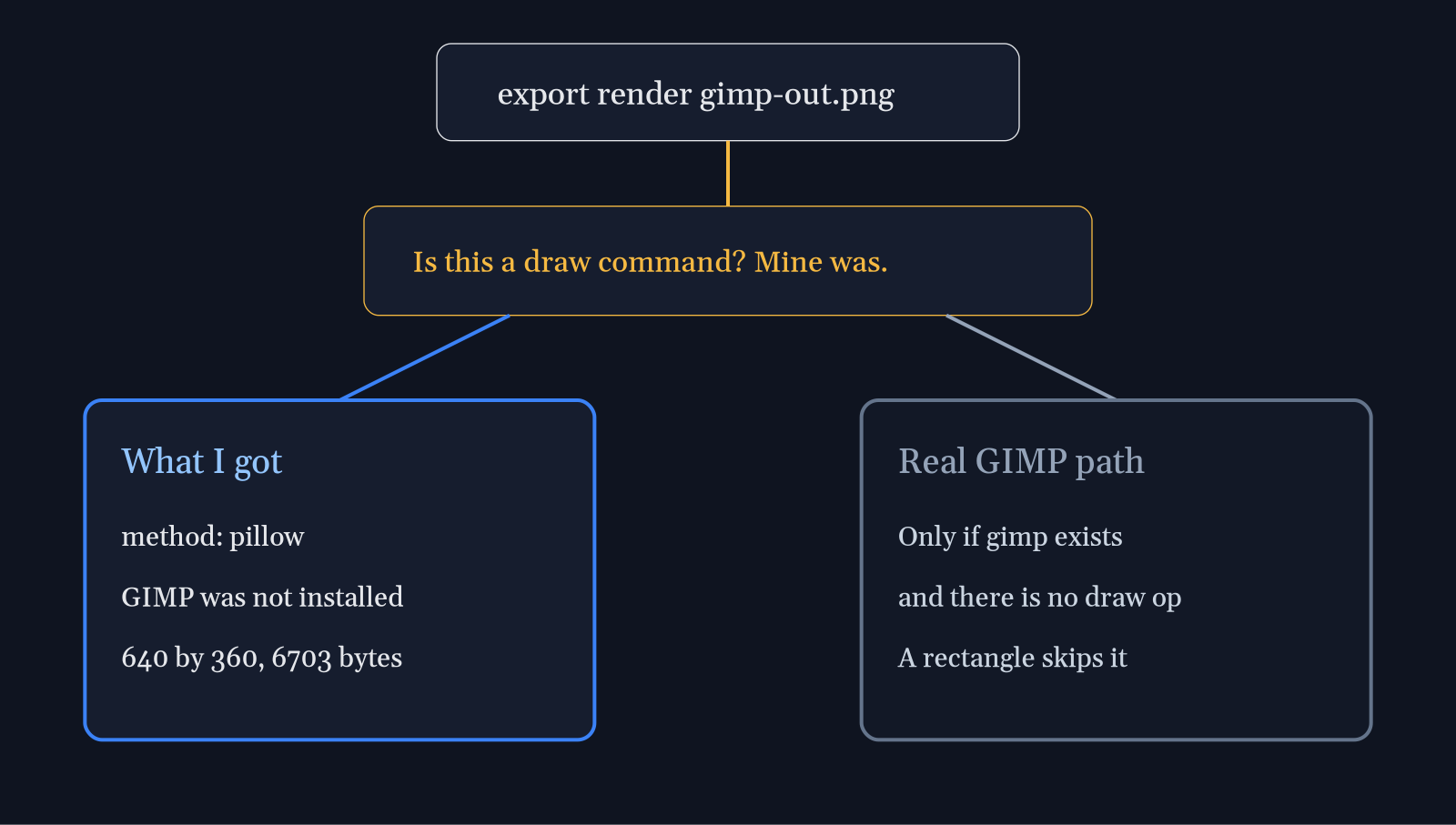
There is a second catch, and it survives installing GIMP. The render function tries the real GIMP only when two things are true: the gimp program is on the machine, and the project has no draw commands. A rectangle is a draw command. So this exact sequence stays on Pillow even after you install GIMP. If you need the real editor, do not start with draw rect. Or do not use this command for that edit.
This is the part to know before you point Claude Code at it. The agent will run cli-anything-gimp and report success, because the JSON says success. Success here means a PNG exists. It does not mean GIMP ran. If the agent is allowed to install packages on your machine, keep that session in a disposable machine, the way coop does, and still open the PNG yourself. An agent that can install packages can also install the wrong painter and call it GIMP.
Does the Mermaid command stay on my machine?
No. The SVG was built on a public Mermaid render site, so the diagram text left the machine.
cli-hub install mermaid
cli-anything-mermaid --json project new --sample flowchart -o box.json
cli-anything-mermaid --json --project box.json diagram set --text $'flowchart LR\n  Click[You click a menu] --> Type[The agent types a command]\n  Type --> App[The real app does the work]'
cli-anything-mermaid --json --project box.json export render out.svg -f svg --overwrite
The set call reported 3 lines. The render call reported method mermaid-renderer, format svg, and a file of 12834 bytes. It also returned a URL on that public render site. The hub lists this command as requiring nothing. That is true only if you are fine with that upload. The project file stayed in the folder I named. The picture did not stay local.

If the diagram is a private architecture, do not use this render. Keep the Mermaid text and render it with a tool that does not send it out. If the diagram is fine to send, the command is a clean typed door: JSON in, a URL and an SVG out. That is a real win next to the GIMP result, because the method field told the truth about where the picture was made.
Is CLI-Anything worth it?
It is worth it when you install one command, run one render, and the method field names the program you actually wanted.
It is not worth it as a way to control GIMP if the method field says pillow. The hub is still a useful menu of commands an agent can call. Blender and Audacity are on that menu too. Before you trust that they call the real apps, check the method field the same way. A command that needs a running server, a login, or a desktop app is a different promise from a command that paints locally.
I would use a hub command for a repeatable job: export a frame, make a diagram you are allowed to upload, or query a tool that already has a real backend. I would not use it to replace a careful edit in GIMP. For that, open GIMP. For a file-format conversion that was never GIMP’s job, use a converter and keep the agent on the typed side.
Computer use is still the right leftover for a button that has no command, once. Budget for a miss. Do not build a daily workflow on guessed coordinates. A coordinate is not a menu name, and a PNG from Pillow is not a GIMP file.
Common questions about CLI-Anything vs computer use
Can an agent click if the command is missing?
Yes, with computer use, and you should expect the click to miss when the window moves.
CLI-Anything does not add eyes. If the hub has no command for the app, the agent is back to screenshots, or you generate a new command from the app’s source. Generating one means pointing a coding agent at that source and waiting through its build steps. The two installs above are the test you can finish before a meeting: hub, one command, one render, read the method.
Do I need the real app installed?
For the GIMP rectangle, no. That is the problem, not a convenience.
The hub told me the GIMP command requires GIMP. The render succeeded without it, because Pillow is the fallback, and a draw command forces that fallback. Install the real app when you need its behavior. Then run a command that is allowed to reach it, and confirm the method is not pillow. For Mermaid, nothing graphical had to be installed, and the cost was a network call to that public render site.
Does CLI-Anything replace computer use?
No. It replaces computer use only for jobs that already have a checked command.
If the method field matches the program you named, stop clicking. If it does not, you do not have that program, and computer use or the real window is the honest path. I kept the blue rectangle. It was never a GIMP edit.