
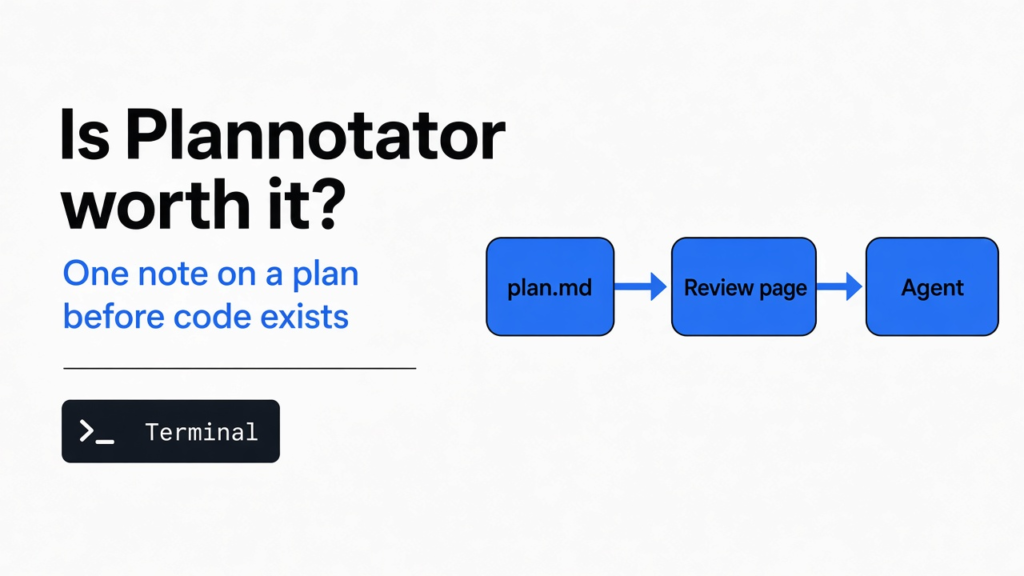

I asked for a health check. A health check is a tiny address on a running program that answers “I am up.” The plan that came back had three steps, and the middle one rewrote auth (the sign-in part of the program). The plan was markdown (a text file with a heading and a list). Plannotator is a page on your own computer that shows that file and sends one note back to the agent (the program that edits the project). So is Plannotator worth it? Yes, when that note stops a wrong step before any code exists. No, when you can say the correction in one chat sentence.
The mess is familiar. You ask for something small. The plan agrees, then adds a rebuild you did not ask for. If you only notice that after the files change, you are already doing a different job: reading a diff (the lines that would change). This page is about the moment before those lines exist. The file I used was three lines long, on purpose, so the wrong step could not hide.
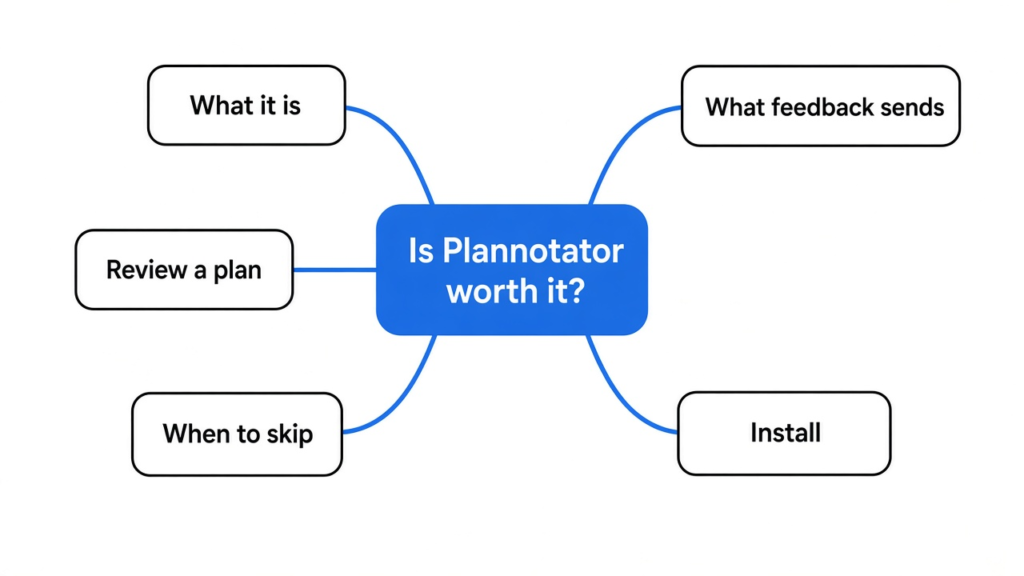
What is Plannotator?
Plannotator is a local review page for a plan file, not a second agent and not a place that writes the code. I pointed it at a file named plan.md. The page showed the heading “Add a health check” and the three steps under it. On the side was an empty notes list that said to select text. A button named Global comment opened a box for a note about the whole file.
Local means the address starts with localhost (this computer only). Nothing in my test asked for an account. The first visit asked how plans should look. Clean is a plain document from edge to edge. Grid is the same document on a floating card. I picked Clean. After that, the steps were just text.
The toolbar also offers Select, Pinpoint, Markup, Comment, Redline, and Label. Those are for marking a phrase inside the file. A dragged highlight never stuck in the browser I used, so I will not invent a line-level mark. The whole-file note was enough, because the bad step was one complete line and the note named it.
A health route and an auth rewrite are not the same job, and that is the whole reason the note matters. A route is an address the program answers. GET /health means “when someone asks this address, answer.” A test is a small check that the answer is the one you expect, here a status (a number the browser treats as success or failure) of 200. Auth is who is allowed in. A test that only calls /health will stay green even if the sign-in files were torn up. That is why a plan can look finished and still be the wrong plan.
How do I review a Claude Code plan?
You open the plan in Plannotator, write the note, and press Send Feedback. You do not need the agent running to try that on a file you already saved. The command I ran was plannotator annotate plan.md --browser none. The flag --browser none means do not try to open a window, just print the address. What came back was a localhost address with a port (the number that picks this page among other programs on the machine). I opened that address and the three steps were there.
plan.md
   |
   v
local page -- your note --> feedback text -- read by --> agentIf you use Claude Code, the full install can add a hook (a command that runs at one moment). The moment is the end of plan mode (write the plan, do not edit yet). I never installed that hook. I opened the file myself. The page is the same one the hook is there to open. How the hook is wired for that agent is written in the project docs: Claude Code and Plannotator.
The order I would use with an agent that is waiting is short. Read the plan on the page, not in the scrolling terminal, because a terminal (the text window where commands run) folds a long plan into a stream you cannot point at. Write one sentence that names the step to drop and the step to keep. Press Add, then Send Feedback. Do not press a share action. Then look at the terminal where the command is still running. The decision should be sitting there.
There is a second window in this program called the inbox. It is for messages that can wait while the agent keeps going. I never used it. A sign-off on this plan is the review page, not the inbox. If you only remember one button, remember Send Feedback.
What does Send Feedback give the agent?
Send Feedback gives the agent one block of text, not your mouse clicks. I typed this, exactly: “Do not rewrite auth. Only add GET /health and a test that expects 200.” I pressed Add. The note showed up in the side list as mine. The top button, which had said Approve, now said Send Feedback. I pressed it. The waiting program printed a decision named annotated, with annotationCount 1, and the target set to the path of plan.md. The feedback text was this:
# File Feedback

I've reviewed this file and have 1 piece of feedback:

## 1. General feedback about the file
> Do not rewrite auth. Only add GET /health and a test that expects 200.

---That is the whole handoff. One caveat: it called the plan a file. The sentence was still mine, unchanged, under a quote mark. An agent that reads the block can keep the health route and the test, and drop the auth rewrite. If it only skims headings, the sentence under the quote mark is the part that matters. annotationCount is just how many notes were in the block. Mine was one.
A vague note survives the trip too, and that is the trap. “Looks fine, be careful” would have been sent in the same shape. The agent cannot act on it. The useful note names the step, says what not to touch, and says what to keep. Mine did those three things in one sentence. I would not send a compliment. I would not send a new design. The page is a correction, not a second plan.
I expected the label to say “plan.” What happened was “file.” That did not hide the sentence. It does mean you should not depend on the word “plan” being in the block. Depend on the sentence you typed.
Is Plannotator worth it?
Yes, when one step of the plan is a different job and the code is not written yet. The health-check plan was three lines. The middle line was a different project. Sending that one sentence is cheaper than letting the rewrite land and then deleting it. I would open the page again for any plan that mixes a small fix with a redesign.
No, when the correction is shorter than the page. If you and the agent are both still looking at the same three lines, “drop step 2” in the chat is enough. The page earns its keep when the plan is long, or when you want the note attached to the file instead of buried up the chat. It also earns its keep when you are tired and you do not trust yourself to retype the constraint later. The block is the retype.
Is plannotator worth it for a team review of a finished pull request? That is a different button, plannotator review, and it was not run. Do not treat this test as a verdict on pull-request review. The verdict here is only about a plan file before the edit.
Plannotator vs typing the note in chat
Typing in the chat is better for one sentence you can point at with words. Plannotator is better when the note should travel as a block the next turn can read without you retyping it.
| You are looking at | Chat | Plannotator |
|---|---|---|
| Three lines, and you are watching | Say the fix | An extra page |
| A long plan, and one step is a different project | The sentence is easy to lose | The note comes back as one block |
| Files that already changed | You are late | Review the diff instead |
| A machine with no browser | Chat still works | The page is the review |
This is in contrast to writing a design file that a fresh chat can follow with no memory of the argument. That split is the subject of elephant vs goldfish. A Plannotator note does not write that design. It only marks the plan you already have. If the plan itself is missing the real rules, fix the plan. A note on a vague plan stays vague.
You can also edit the file yourself and delete the bad step. That works when nothing is waiting on the old text. It fails when the agent already holds the old plan and will build from that copy. The feedback block is how the waiting command learns the change. Deleting the line and sending the note is fine. Deleting the line and hoping the agent notices is not.
When should I skip Plannotator?
Skip it when the files have already changed. Then you are reviewing a diff, and the useful work is to make that reading shorter, not to open another copy of the plan. The walkthrough for that reading is how to review AI-generated code faster. Inside this same program the diff command is plannotator review. I never ran a diff session, so I will not claim the buttons match the plan page.
Skip it, too, when the real problem is the habit of extra pieces. If every plan grows a framework you did not ask for, one note helps once, and a standing rule helps every time. That rule is a different page: how to stop the extra build. Plannotator will not install the rule for you. It will only carry the sentence you type today.
Skip the share control unless you mean to send the plan off the machine. My test never left the computer. The decision was printed in the same terminal that started the page. The page can still look for a newer release of the program when it loads. That check is not your plan, and it is not a copy of your note. Do not confuse the two.
Skip it when you wanted a lesson in how the agent loop works. The loop is: the model asks for a tool, your machine runs the tool, the result goes back. A review page is one tool in that loop, not the loop. The plain rebuild of the loop is how Claude Code works, lesson by lesson. Read that if the question is “why does a note come back as text at all.” Read this page if the question is whether to open the note page.
How to install Plannotator and open one file
Install the binary (the program file you run), then point it at the markdown file. On Linux or a Mac the usual line is:
curl -fsSL https://plannotator.ai/install.sh | bashI added --minimal so the installer wrote the program and did not edit agent settings. The program landed in ~/.local/bin/plannotator. If that folder is not on your PATH (the folders the terminal searches for programs), either call the program by that full path or add the folder to PATH. Then, from the folder that holds the plan:
plannotator annotate plan.md --browser noneOpen the localhost address it prints. Pick Clean if it asks. Press Global comment. Write the sentence. Press Add, then Send Feedback. You should see a decision of annotated, and your sentence in the feedback text. The program I ran reported itself as v0.28.65. Button names move. The decision name annotated, and the quote of your sentence, are the parts I would trust if a later release renames a button.
The project files are at backnotprop/plannotator. If you want the page to open by itself when Claude Code finishes a plan, run the installer without --minimal, then restart the agent so it notices the hook. I never did that half. The file command above is enough to know whether the page is worth it for you. If Send Feedback feels like a longer way to say one sentence, stop using it. The test did its job.
Common questions about Plannotator
Does Approve send the note?
I do not know, because I never pressed Approve. Before the note existed, the top button said Approve. After I added the note, that button said Send Feedback, and that is the one I pressed. If you need the agent to stop and read the sentence, use Send Feedback so the sentence is in the block. Do not assume a bare Approve carries the comment. That was not measured, and I will not guess it.
Can I try this with no agent installed?
Yes. A markdown file and the binary are enough. That is what I did. The agent is only the reader of the block you send. If no agent is waiting, the terminal still prints the decision, and you can paste the feedback text into the chat yourself. Pasting is a fair trial. If the sentence is obvious once you see it in a block, you did not need the page. If the block is the first time the constraint looks solid, keep the page.
Does the plan get uploaded?
Not on the path I used. The page was on localhost, and the decision was printed on the same machine. Do not press a share action if the plan names private systems, keys, or customer data. I never pressed it. A share that puts the file on someone else’s server is a different product choice, and it is not required to send the note to an agent on this computer.
I would open the page the next time a plan smuggles in a second project. I would not open it to fix a typo. The sentence I sent is still the sentence I would want an agent to read: do not rewrite auth.