
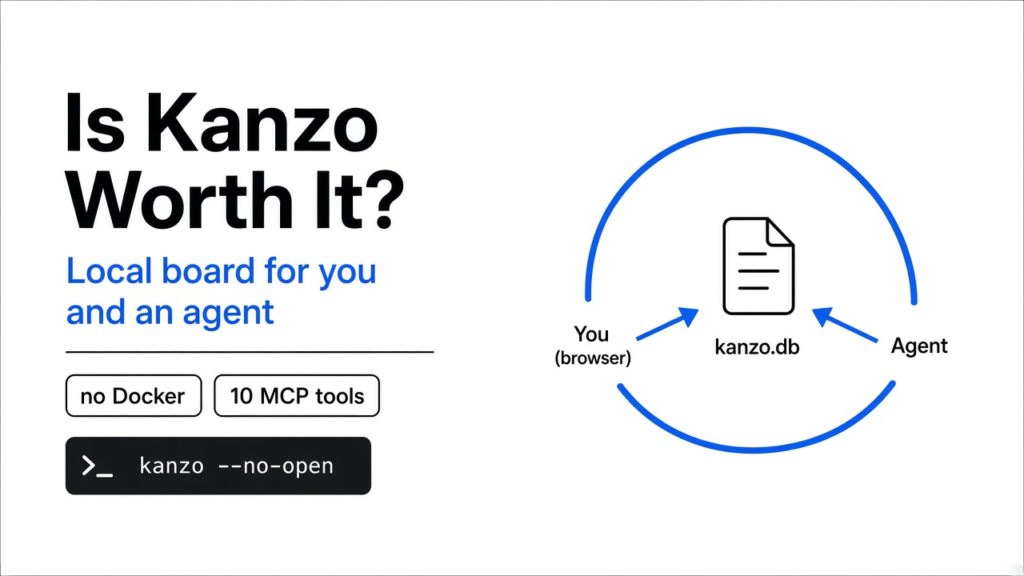

I had two coding agents on one project, and the only task list was the chat. One had started the bug. The other had started a rewrite. I could not tell which paragraph was still my job. Kanzo is one small program that shows a board in the browser and lets an agent move the same cards. Is kanzo worth it? Yes, when you want that shared list on your own machine, with no account and no Docker. No, when other people must be kept out by a password, because this board has no logins.
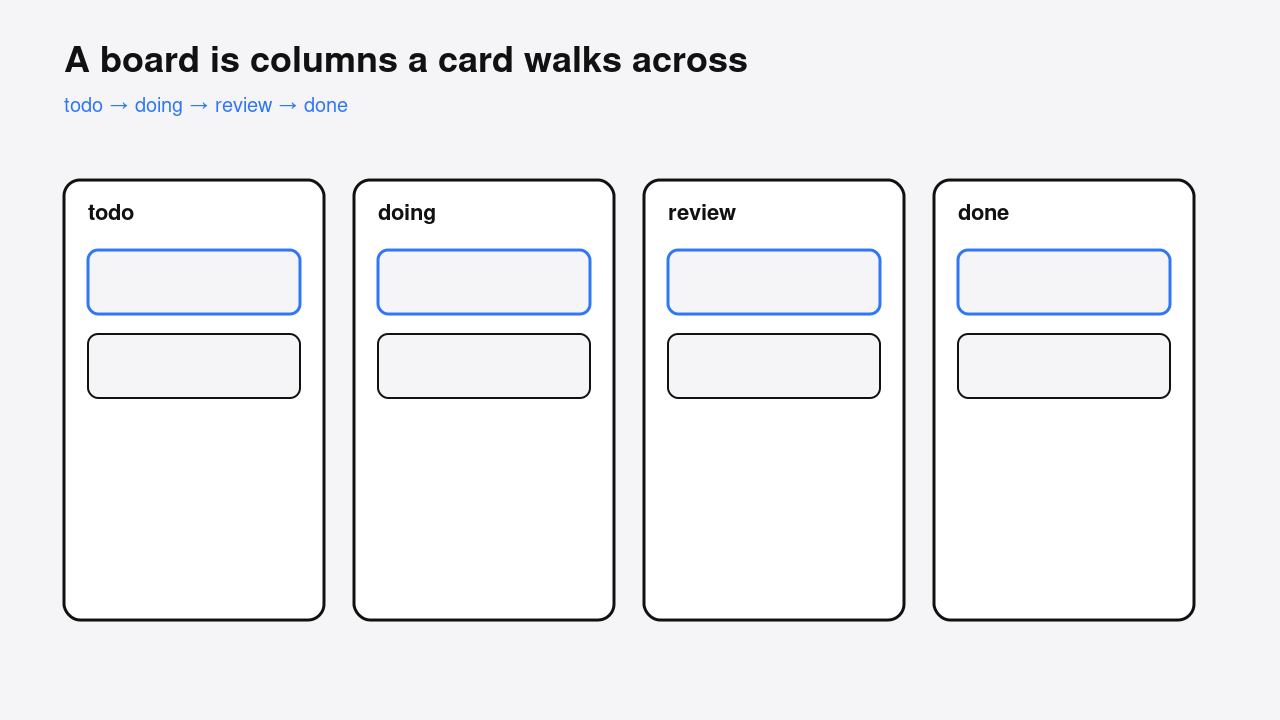
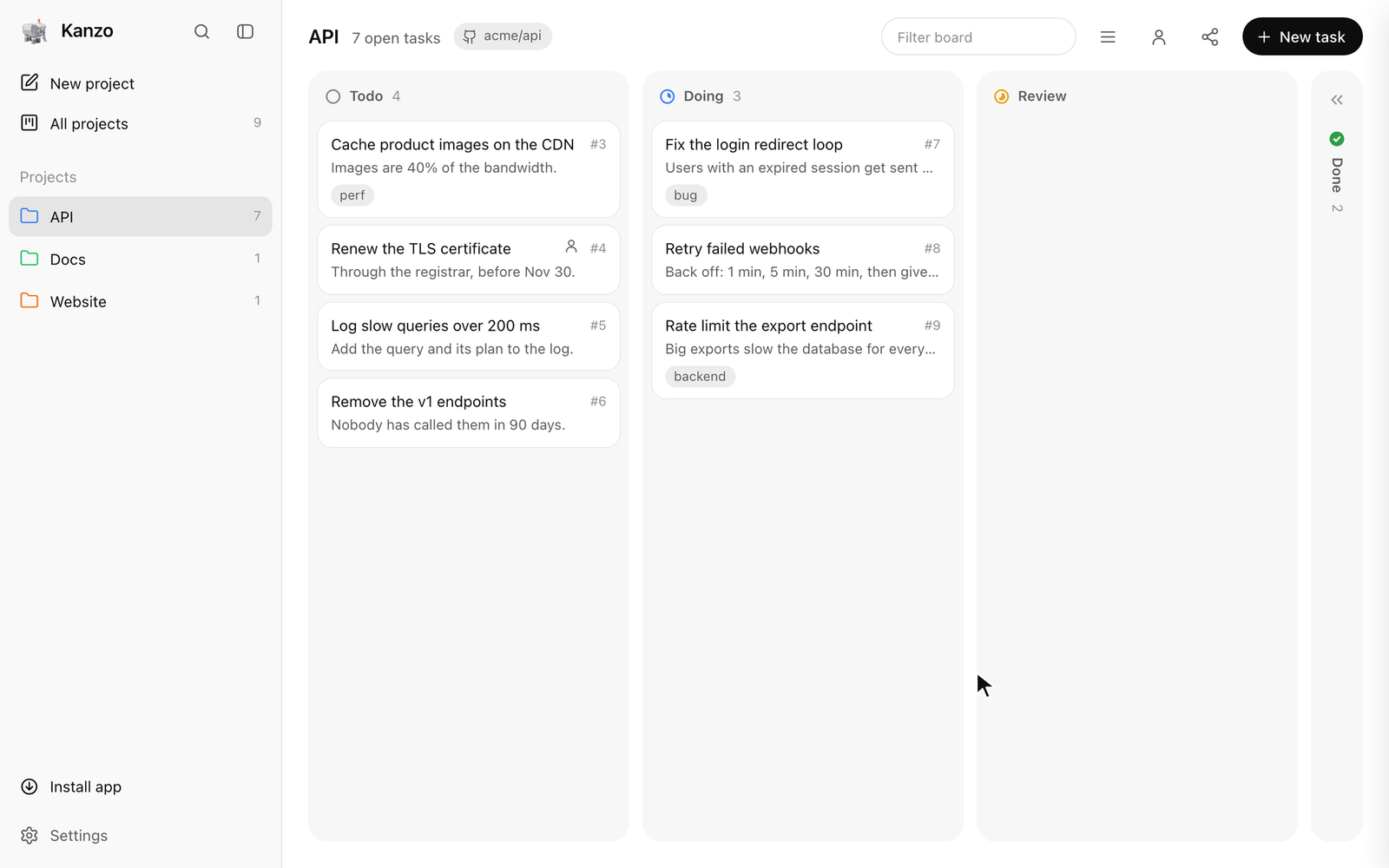
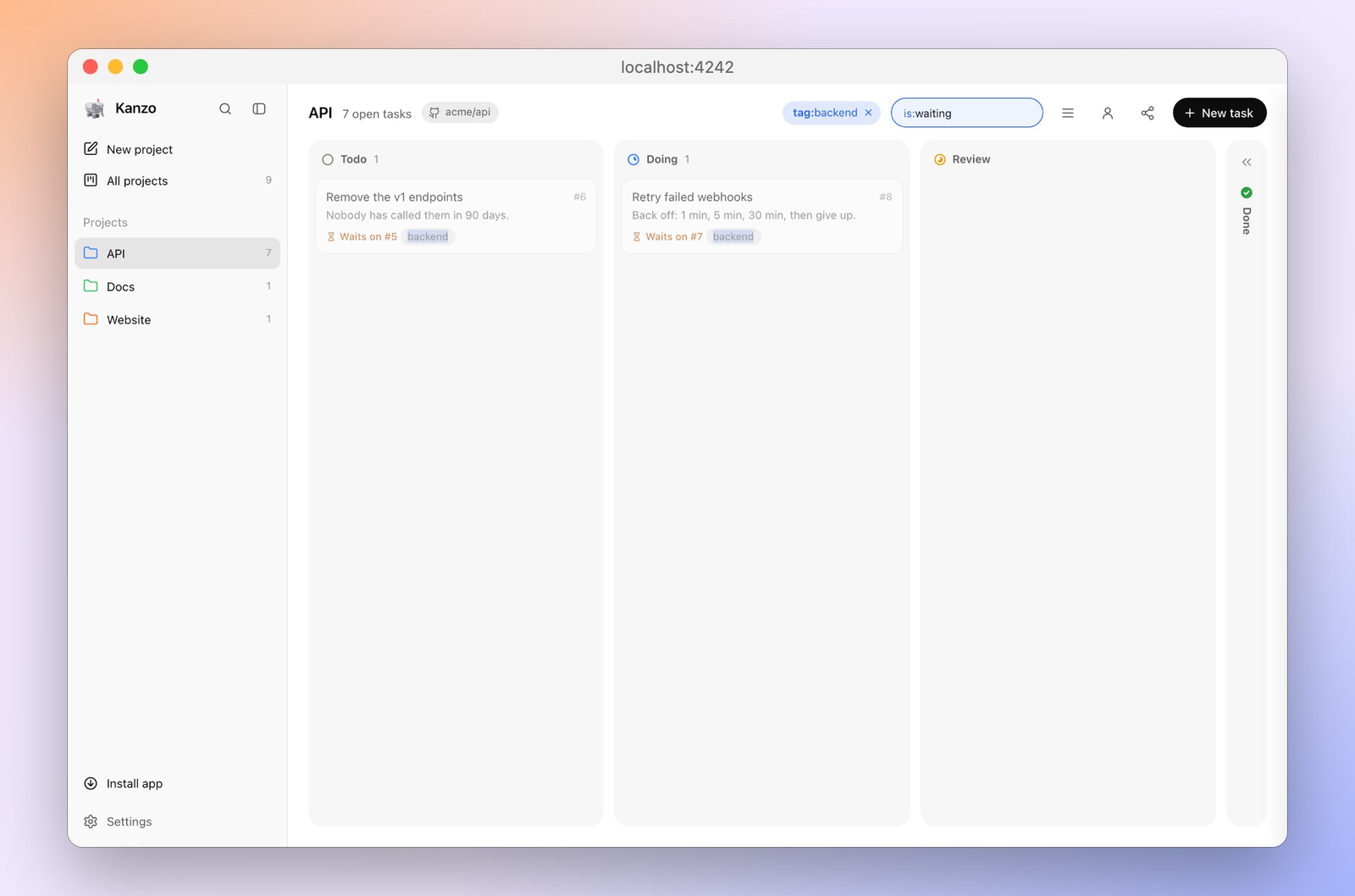
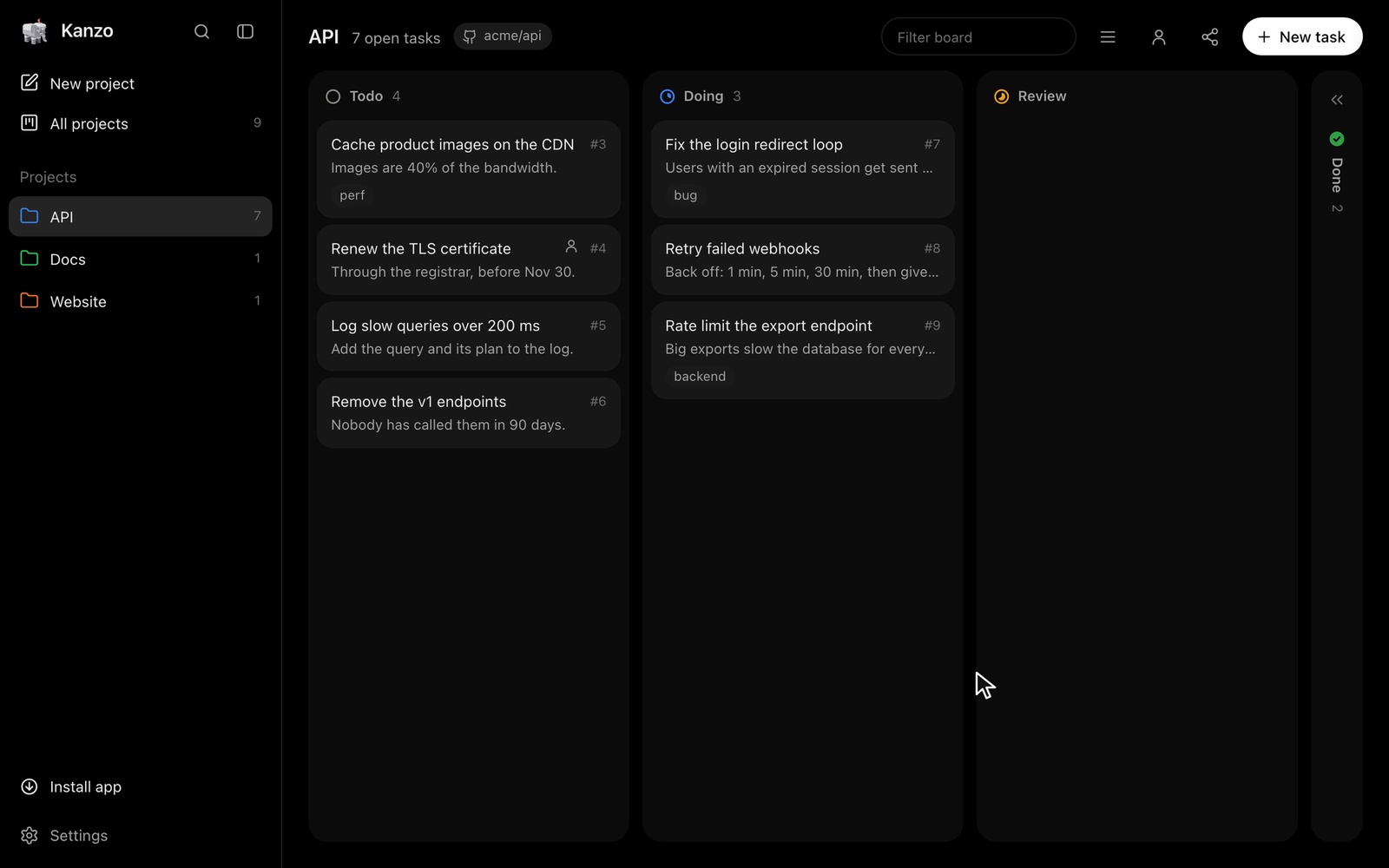
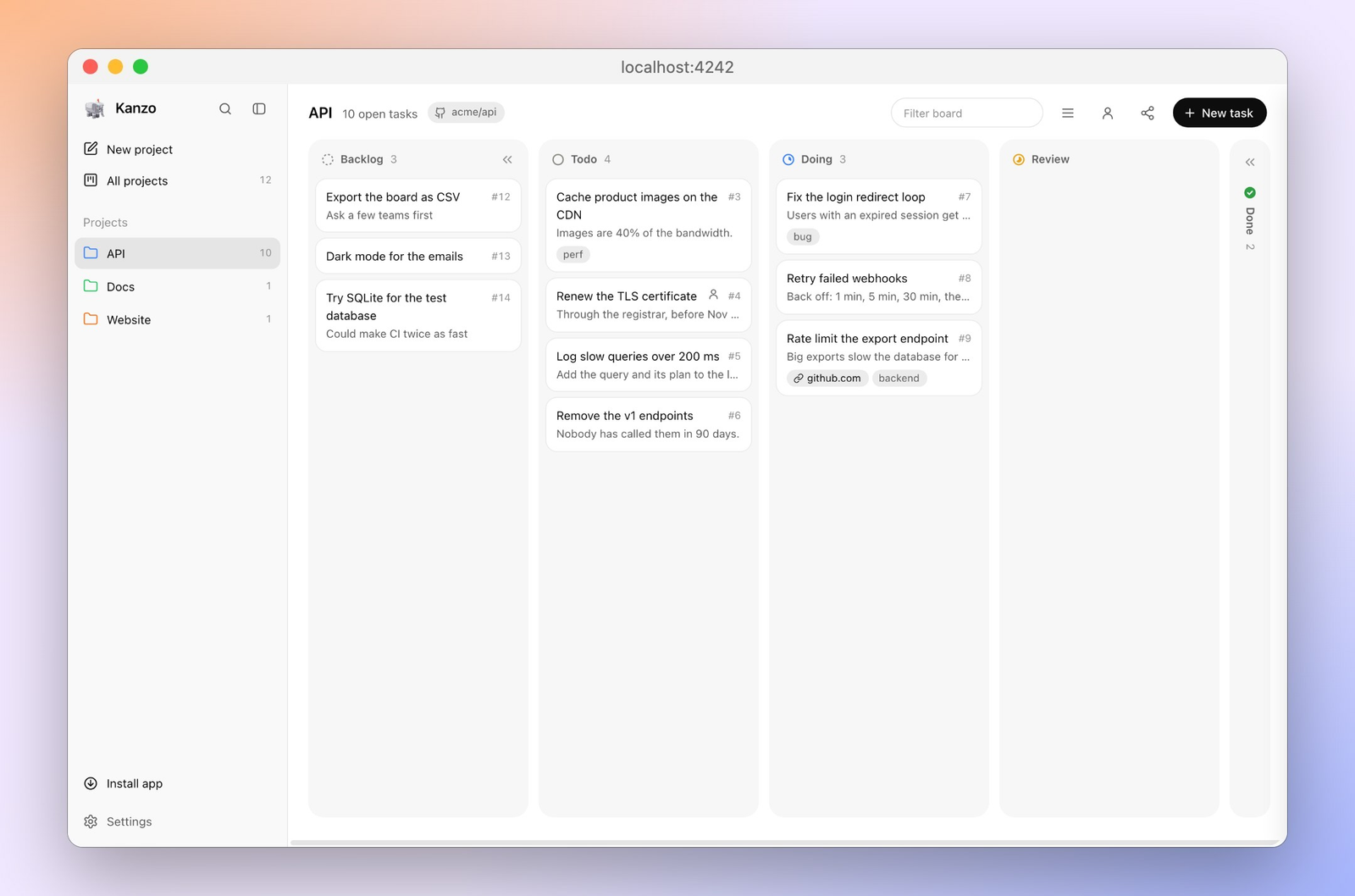
A task list goes stale inside a chat because the chat is a long letter, not a board. A board is a set of columns, and a card moves from one column to the next when the work moves. That kind of board is a kanban (columns a card walks across, so the state is visible without a meeting). Kanzo’s columns, on the board I ran, were todo, doing, review, and done.
What is Kanzo?
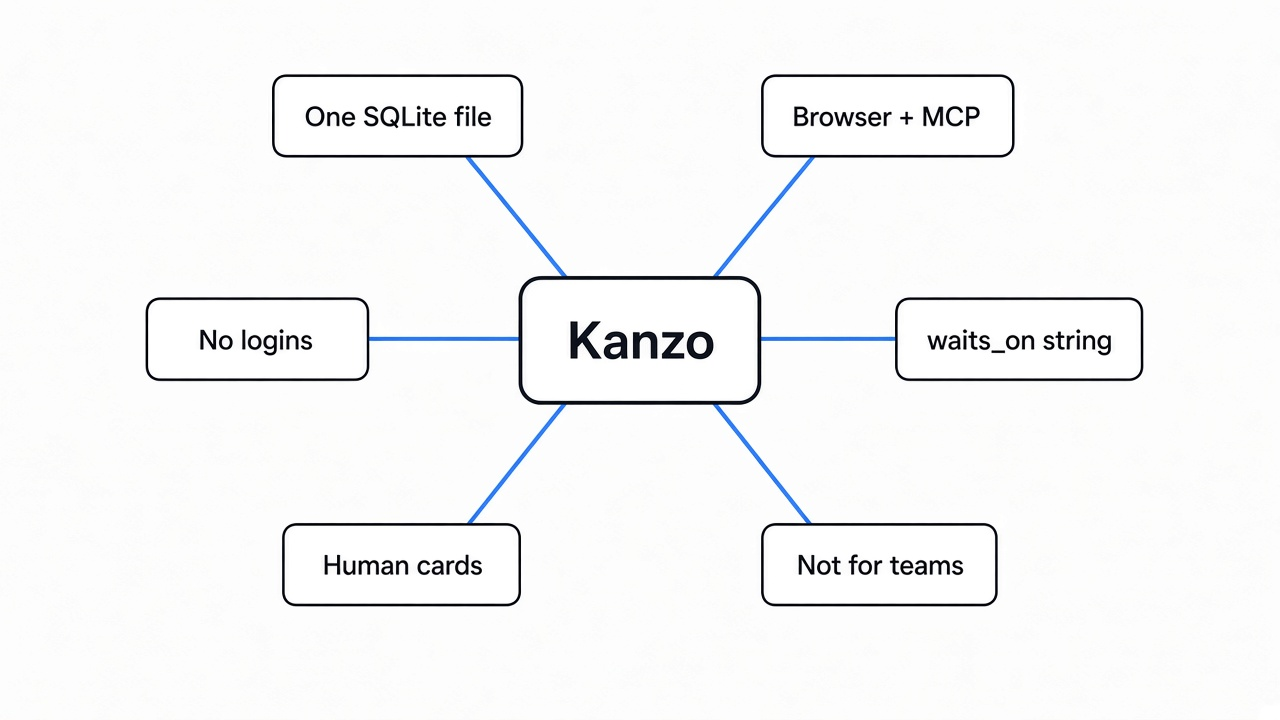
Kanzo is a task board and a tool an agent can call, packed as one program, with the cards stored in one file on your computer. You open a page, the agent calls the same cards, and neither of you has to copy status into the chat.
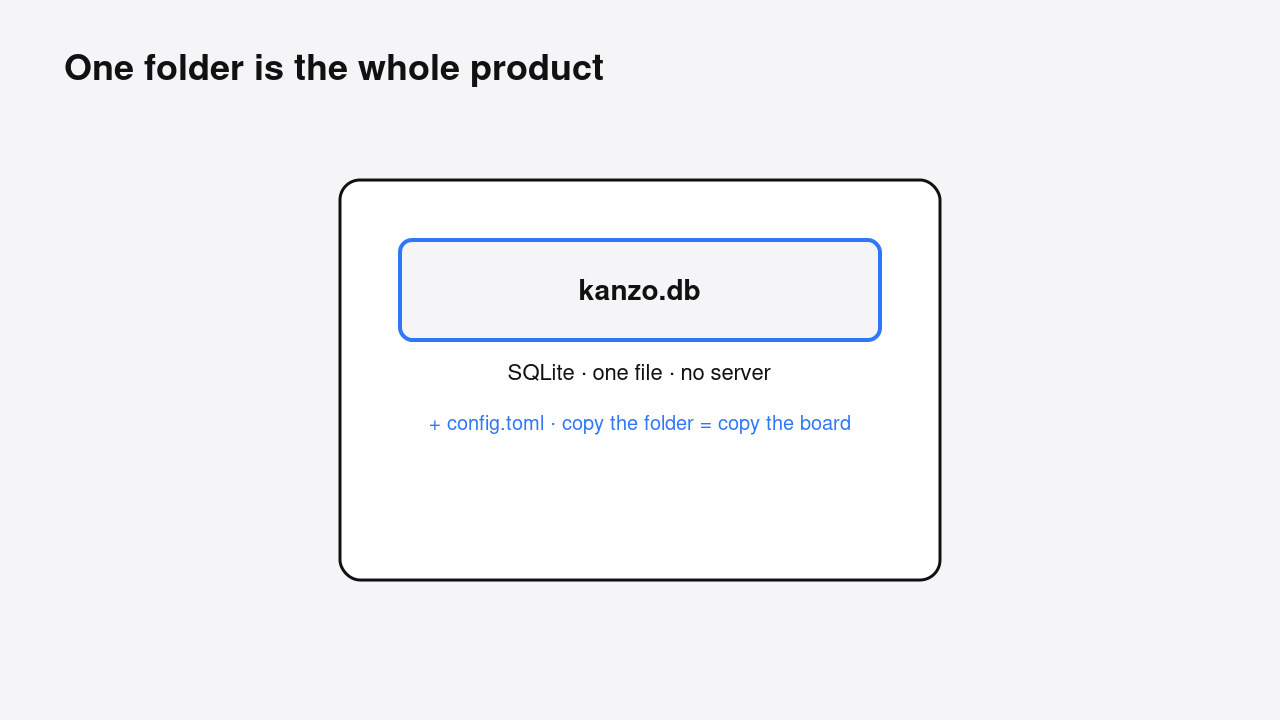
Before the name of the file format matters, the useful fact is this: there is no separate database server to install. The cards live in SQLite (a database that is one file, so a copy of the folder is a copy of the board). On my run that file was kanzo.db, 86,016 bytes, next to a short config.toml. The folder is the whole product.
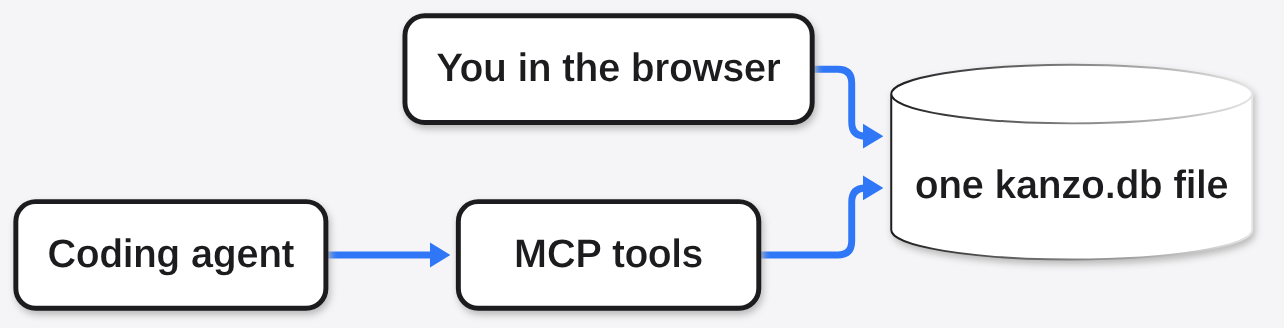
The program has two doors into that file. The first door is a web page on localhost (this computer, not the public internet). The second door is MCP (a small local server a coding agent is allowed to call). I started the page, and it answered with the title Kanzo. I then talked to the second door and created the cards from there. Same file.
The download I unpacked was one program file, 5,176,536 bytes. I checked the published checksum and it matched. There was no second service, no container, and no account screen. The license file in that download is the GNU Affero General Public License, the AGPL (if you change the program and serve your changes over a network, you must share those changes too). Using it locally, as I did, does not trigger that duty. Shipping a modified copy to other people over a network does.
How to use Kanzo
Install it, start it, put one card on the board, then point your agent at the same program. On a Mac or Linux the install line is:
curl -LsSf https://github.com/emanuele-em/kanzo/releases/latest/download/kanzo-installer.sh | sh
kanzo --no-openThen open http://localhost:4242. The letter n makes a card. For a clean throwaway folder, skip the installer script: unpack the Linux build, run kanzo --version, and you should see kanzo 0.4.0. Start it with --no-open and a fresh data folder. The first line, the one that says the board is up, took 7.8 milliseconds. The process was using 3,716 kB of memory. The page came back with status 200 and 45,328 bytes of HTML. The readme’s speed line is from a Mac. These numbers are the Linux run here, not that line.
The default settings file said listen = "127.0.0.1" and port = 4242, and it turned on MCP at /mcp. The comment in that file is the limit in one sentence: there are no logins, so anyone who can reach the port can read and change the board. Leave the listen address on this computer unless you mean to share.
An agent does not click n. It calls tools. Connected the way an agent does and asked for the tool list. Ten tools came back: create_project, create_task, list_tasks, next_task, update_task, add_comment, get_task, delete_task, list_projects, and link_repo. The definitions were 3,635 characters. That is small next to a repository. The loop those tools sit in is the same loop as any coding agent: the model asks for a tool, your machine runs it, the result goes back. If you want that loop from the ground up, the lesson-by-lesson Claude Code walk is the longer version. Kanzo is only the task list that loop can hold.
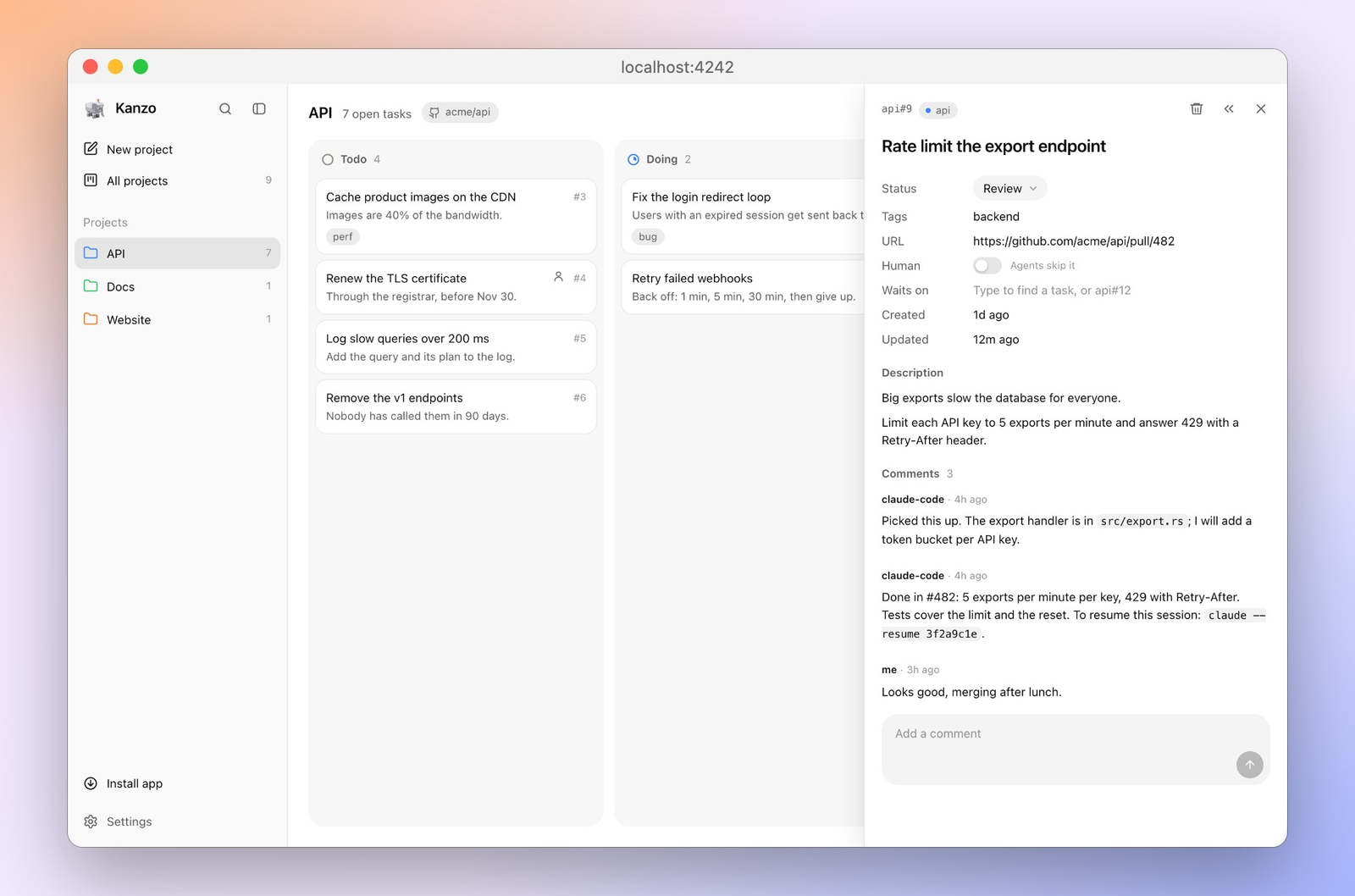
I created a project called Notes and a card, notes#1, titled “Write the install note”. next_task moved it to doing. A comment landed on it. update_task moved it to review and set a URL. kanzo export printed the board as Markdown, with the comment and the link under the review column. The database file was still that one kanzo.db.
One footgun showed up before the happy path. waits_on is a string, like api#1, not a list. Passing a list first fails with invalid type: sequence, expected a string. The string form worked: the new card came back as “waits on #1”. If your agent sends a JSON array here, the card will not be created.
A card can also be marked human, which means it is for you. After making one, the agent listing said the human card was not shown, “for the user, not for agents.” After the other card left todo, next_task answered “Nothing in todo” even though the human card was still sitting there. That is the switch you want for “I will do this one myself.”
Does Kanzo skip a task that is waiting?
Yes. Put a blocker in review, a waiter that named that blocker, and a free card under them. next_task moved the free card to doing and left the waiter in todo. The waiter is not invisible. It is just not eligible until the card it names is done. A card in review still blocks. Only done releases it. On a later board, once the blocker was done, the next call took the waiter, not a newer free card. Order among eligible cards is still the old order.
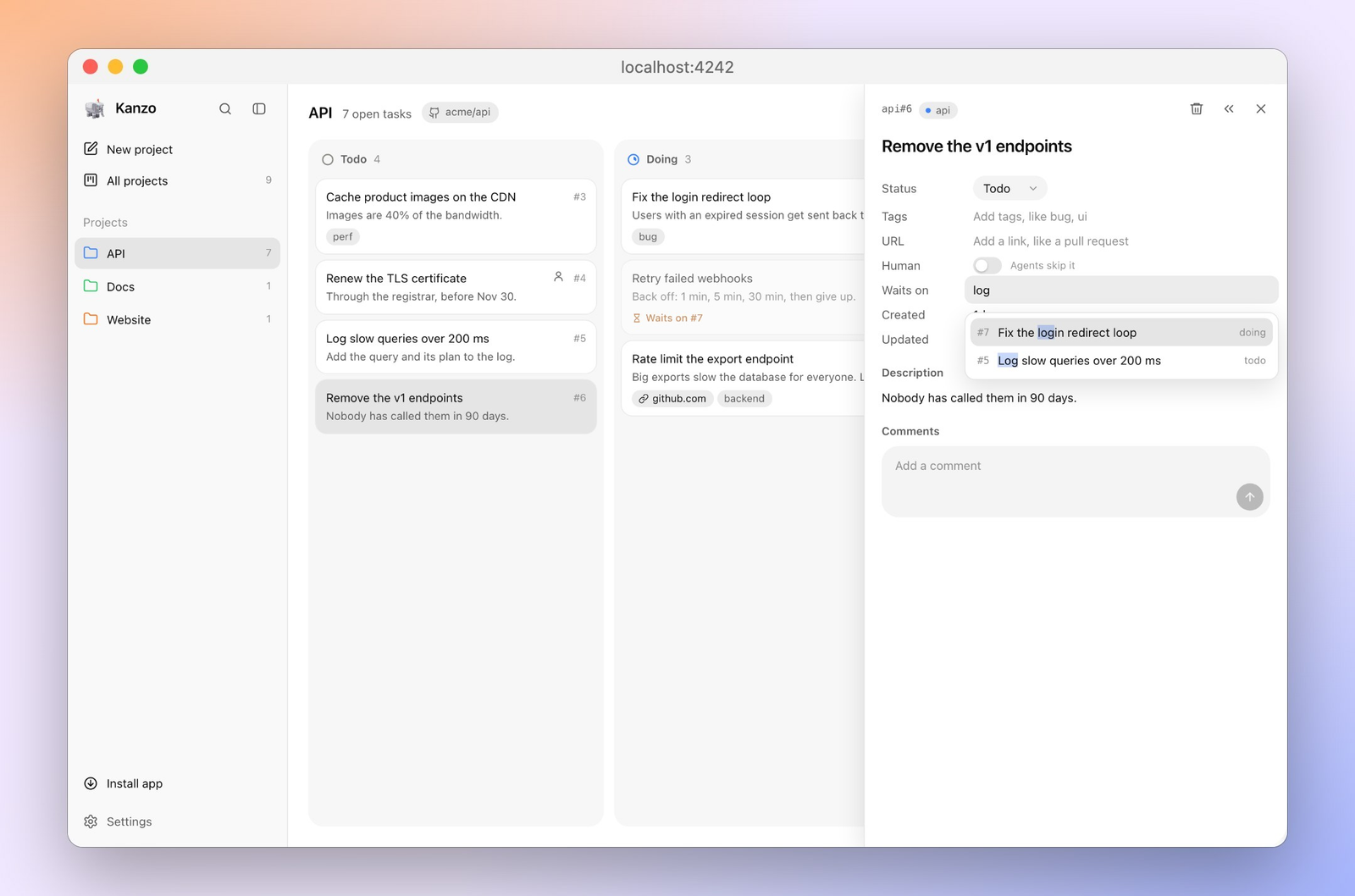
This is the part worth setting up on purpose. If you tell an agent “take the next task” and you have not marked the blocked work, it will start the blocked work. The string on waits_on is what stops that. A human card is the other stop, for work you do not want an agent to pick up at all.
Is Kanzo worth it?
Kanzo is worth it if the pain is a shared list, not a company process. Use it for your own projects and for one agent, or a few agents, on machines you trust. Skip it as the board for a team that needs to know who moved a card.
What the run measured:
| What | What happened on my run |
|---|---|
| Install weight | One file, 5,176,536 bytes, checksum matched |
| Start | 7.8 ms to the “board is up” line, 3,716 kB of memory |
| Page | HTTP 200, title Kanzo, 45,328 bytes |
| Agent path | Ten tools, a card created, moved, commented, exported |
| Waiting card | Skipped while the blocker was still in review |
| Human card | Hidden from the agent list, not taken by next_task |
| Logins | None. Default listen address is this computer only |
| Team audit | Not present. There is no who-clicked history |
The shape is the same idea as dbx, the small database client an agent can also drive: one local program, a page for you, a tool door for the agent, and the data stays in a folder you can see. Kanzo’s folder is tasks, not tables. The same local-tool, agent-door pattern shows up when you compare uncut vs Claude Code on cut-off answers.
Kanzo vs Trello
Use Trello when the board is for people who already live there and who need accounts. Use Kanzo when the board is for you and an agent, and the cards should sit in a file on disk. They are not substitutes. Trello’s job is a hosted board with permissions. Kanzo’s job is a local board with an agent door and no permissions.
| Kanzo | Trello | Vikunja | |
|---|---|---|---|
| Account | None | Required | You run the server, accounts included |
| Where the cards live | One folder on your disk | Their servers | Your server, with more moving parts |
| Agent door | Built in, ten tools | You add something yourself | Not the point of the app |
| Passwords | None, so do not open the port to the world | Yes | Yes |
| Setup I would expect | One program | A sign-up | A stack of containers |
| What this page ran | The Linux build, end to end | Not run for this page | Not run for this page |
Vikunja is the self-hosted board people usually mean when they say they want Trello without Trello. It is the right pick if you want users, projects, and a server you administer. Kanzo is the right pick if that already sounds like too much for a personal list. The Vikunja repository is the thing to read if the row above is the one you need. The Kanzo repository is the one that matches this page.
How do I share a kanban board with Claude Code?
You do not share the chat. You add Kanzo as a tool, then you say “take the next task from kanzo.” The command the project documents for Claude Code is:
claude mcp add kanzo --scope user -- kanzo mcpFor Codex it is codex mcp add kanzo -- kanzo mcp. Other clients can run kanzo mcp, or call http://localhost:4242/mcp while the board is up. The direct kanzo mcp door was the path used here. The initialize reply named the server kanzo and told the caller to keep cards current: doing when work starts, a comment for what changed, review when it finishes, and a URL if there is a pull request. That instruction is doing the job a sticky note on your monitor usually fails at.
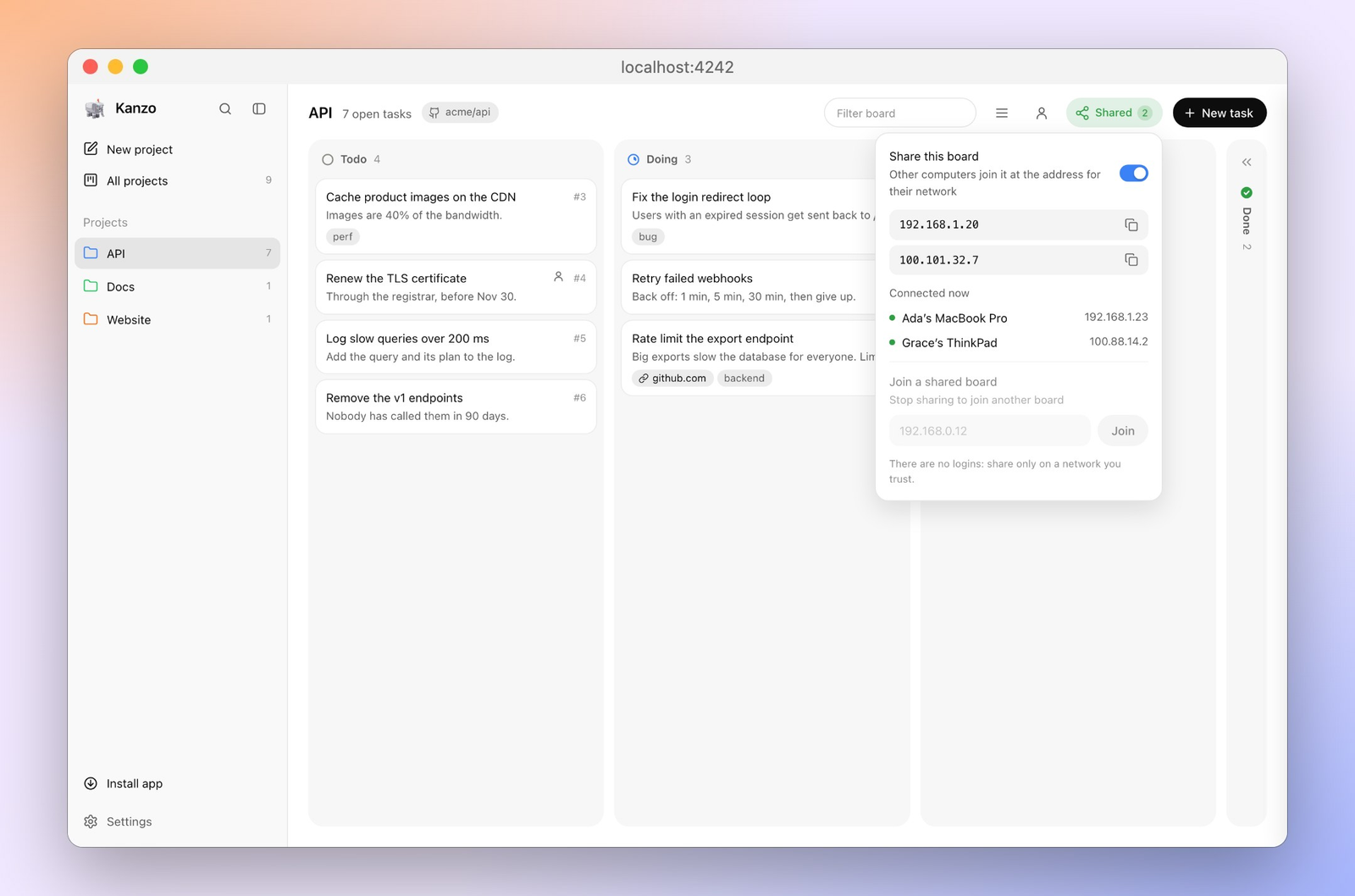
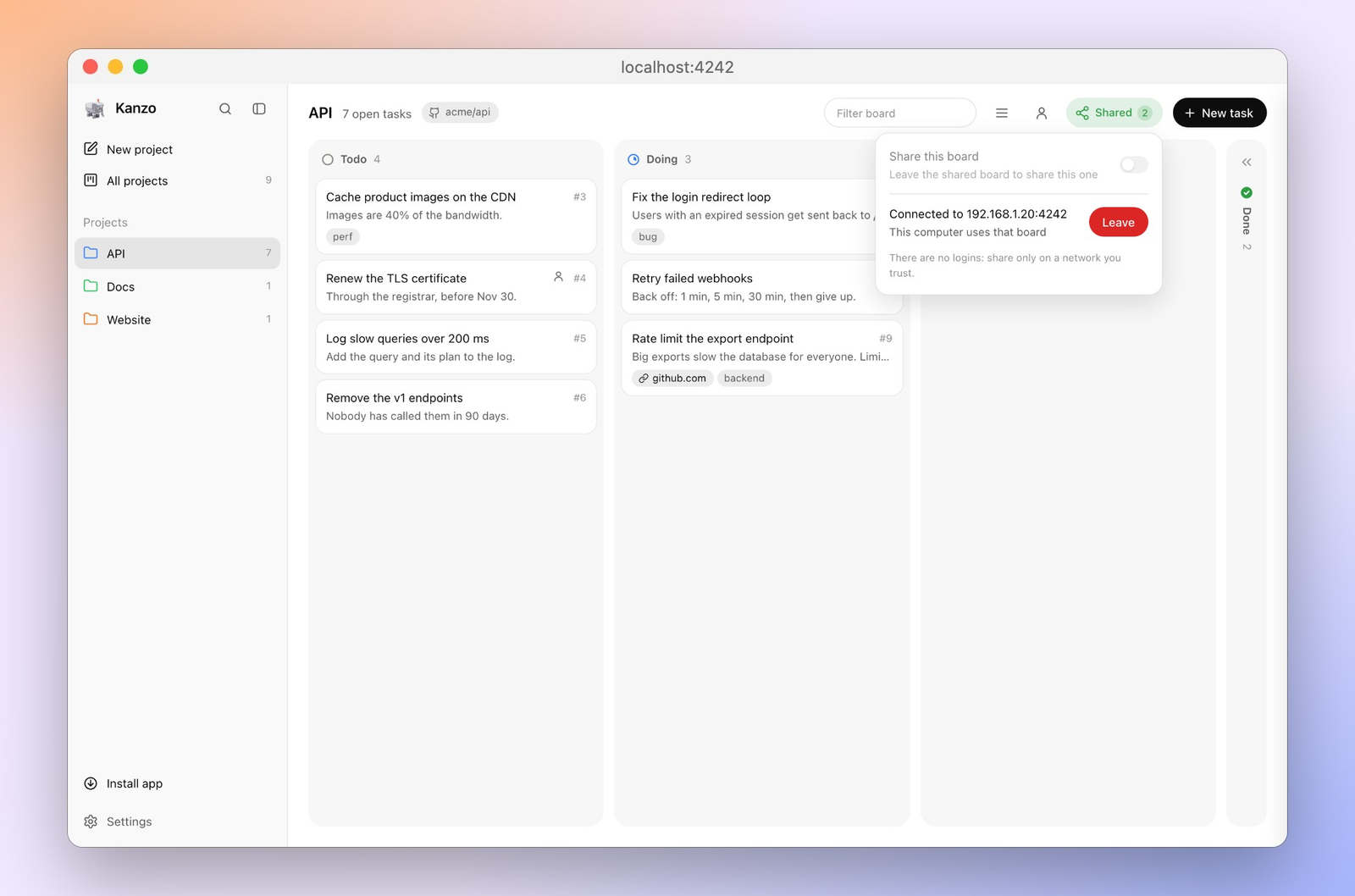
Sharing with a second computer is a different step from sharing with an agent. kanzo share on opens the board to your network. kanzo join <address> on the other computer points that computer’s board and its agents at the first one. A second machine was not joined in this run. The setting that makes the risk plain is still there: if the port is reachable, there is no password in the way.
The window you type into is not the model, and it is not the board. That split is the same one JetBrains Air makes inside an IDE: a client shows the work, something else does the work. Here the client can be Claude Code, and the task state is Kanzo. If your real problem is “how does this program work,” not “what should be done next,” a board will not answer it. A reader for that job is rea versus Ghidra.
A private git repository can carry the folder between machines you use one at a time. kanzo sync commits the board and pulls or pushes. The settings file stays on each machine. No remote was pushed here. The command exists, and the data it would push is the folder already listed.
When should I not use Kanzo?
Do not use Kanzo if a stranger, or a coworker you do not fully trust, can open the port. There is no user account to take away. Do not use it as the system of record for a company, because there is no history of who changed a card. Do not use it if you need the backlog column, languages, or a 3,000-card board to be proven here: the readme talks about those, and this run left them off and never loaded thousands of cards.
Do not use it if your agent cannot pass waits_on as a single string. Fix the call, or the dependency feature will look broken when it is only the type that is wrong. And do not use it if you wanted a hosted board your phone can open from a cafe with a login. That product is Trello, or a self-hosted board that has users.
I would keep Kanzo for the mess I started with: two agents, one project, and a chat that is a bad place to store “who is doing the bug.” One file, one page, ten tools. The card marked human stayed mine. The card that was waiting stayed put. That is enough to be worth it, and it is not a team product wearing a small costume.
Common questions about Kanzo
Does Kanzo need Docker?
No. The run here was one program file and a folder. Docker never started.
Can I use Kanzo without an account?
Yes. Nothing asked for a sign-in. The cost of that is the missing password, not a missing feature you turn on later.
What if I open Kanzo on my network?
Anyone who can reach the port can change the cards and call the agent tools. Share it only on a network you trust, or leave listen on 127.0.0.1.
Can I keep a card for myself?
Yes. Mark it human. On this board the agent list hid it, and next_task would not take it.