
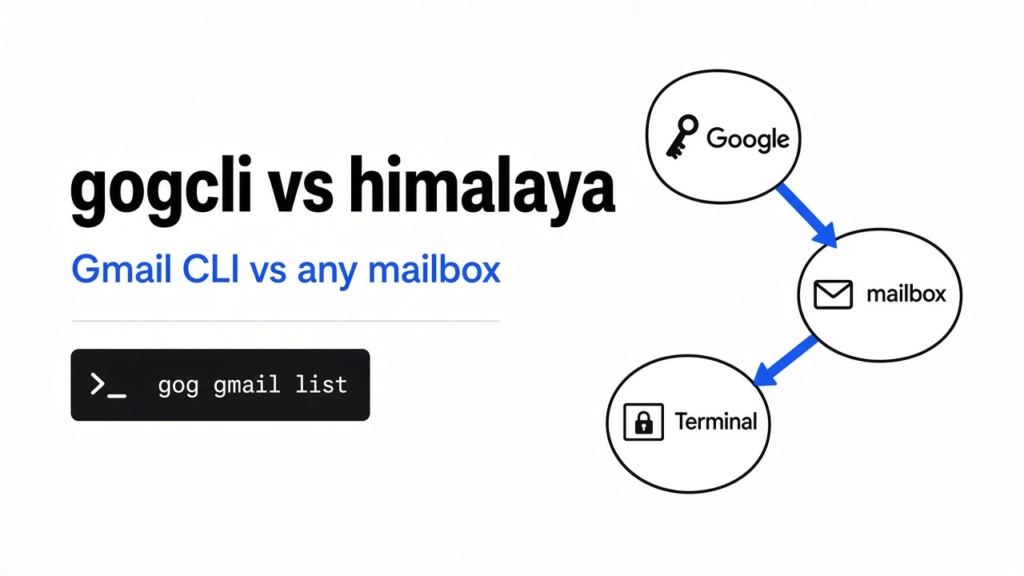

gogcli vs himalaya is a mailbox pick, not a brand pick.
I wanted unread mail in a terminal, and I installed two programs that both claim they can do it. A terminal is the text window where you type a program’s name instead of clicking an icon. gogcli is a single program for Google’s apps, started as gog. himalaya is a mail program that can talk to more than one kind of mailbox. Use gog when the job is Gmail plus Calendar, Drive, Docs, or Sheets. Use himalaya when the mailbox is not Google, or when you already have a server name and a password. Neither one showed me a message. They stopped in different places, and those stops are the part worth keeping.

Checked November 2026 against gogcli and himalaya. Both installs were started here; neither returned a message body because sign-in stopped each tool in a different place.
A key on one side, an envelope on the other. That is the whole split: gog starts from a Google sign-in file, himalaya starts from a mailbox.
gogcli vs himalaya
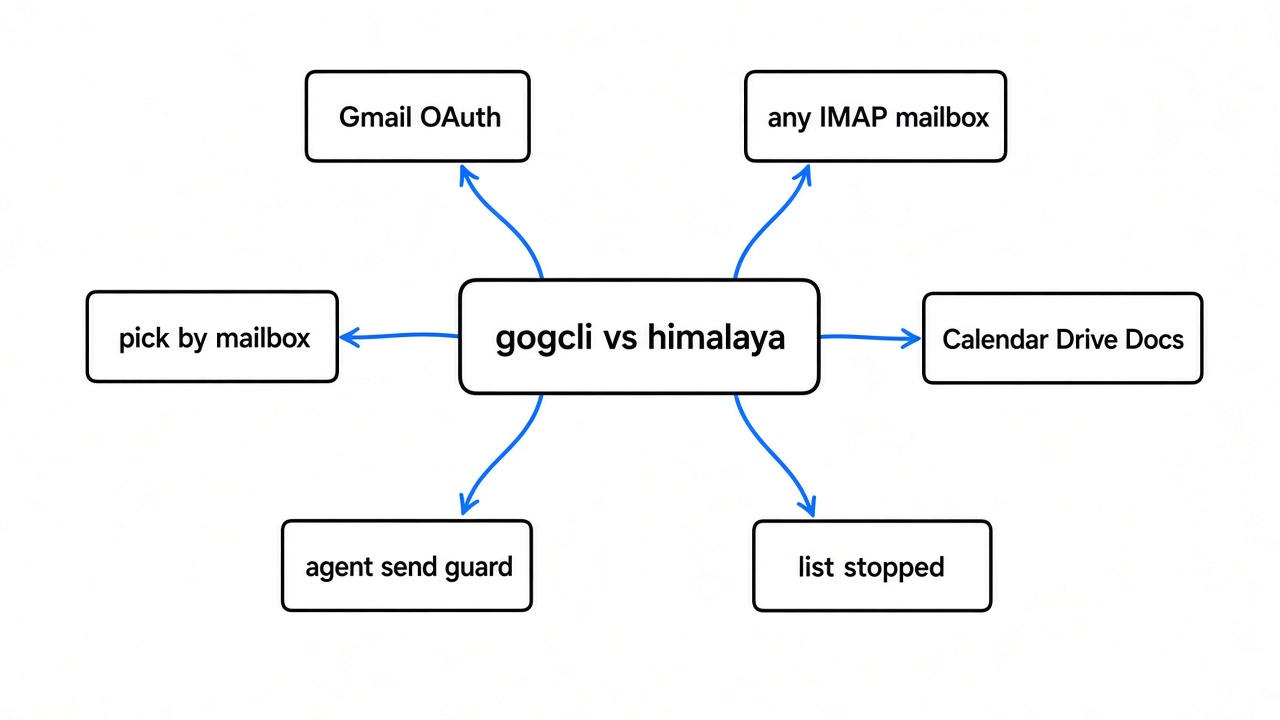
gogcli vs himalaya is not “Google mail versus every other mail” anymore. I ran both with no account set up. gog refused to search until I named an account, then refused to sign in until a desktop client file existed, and that second command exited 10. himalaya refused the old list command outright, and envelope list exited 1 because there was no config file. Pick by the setup you already have, and by whether mail is the only Google thing you need.
A mailbox is a pile of messages on someone else’s computer, or sometimes in a folder on yours. Both tools print text. They do not open an inbox window. When the setup is missing, the text is an error, and the error is specific. That is more useful than a feature list, because the feature list only matters after the error is gone.
What is gogcli
gogcli is one program that talks to Google’s own services, and mail is only one of them. The help text I printed also names Calendar, Drive, Docs, Sheets, Slides, Contacts, Tasks, Forms, and Meet, plus a long tail of admin tools. One binary, many products. A binary is the file you actually run. That is why the picture is several shapes tied to one bar.
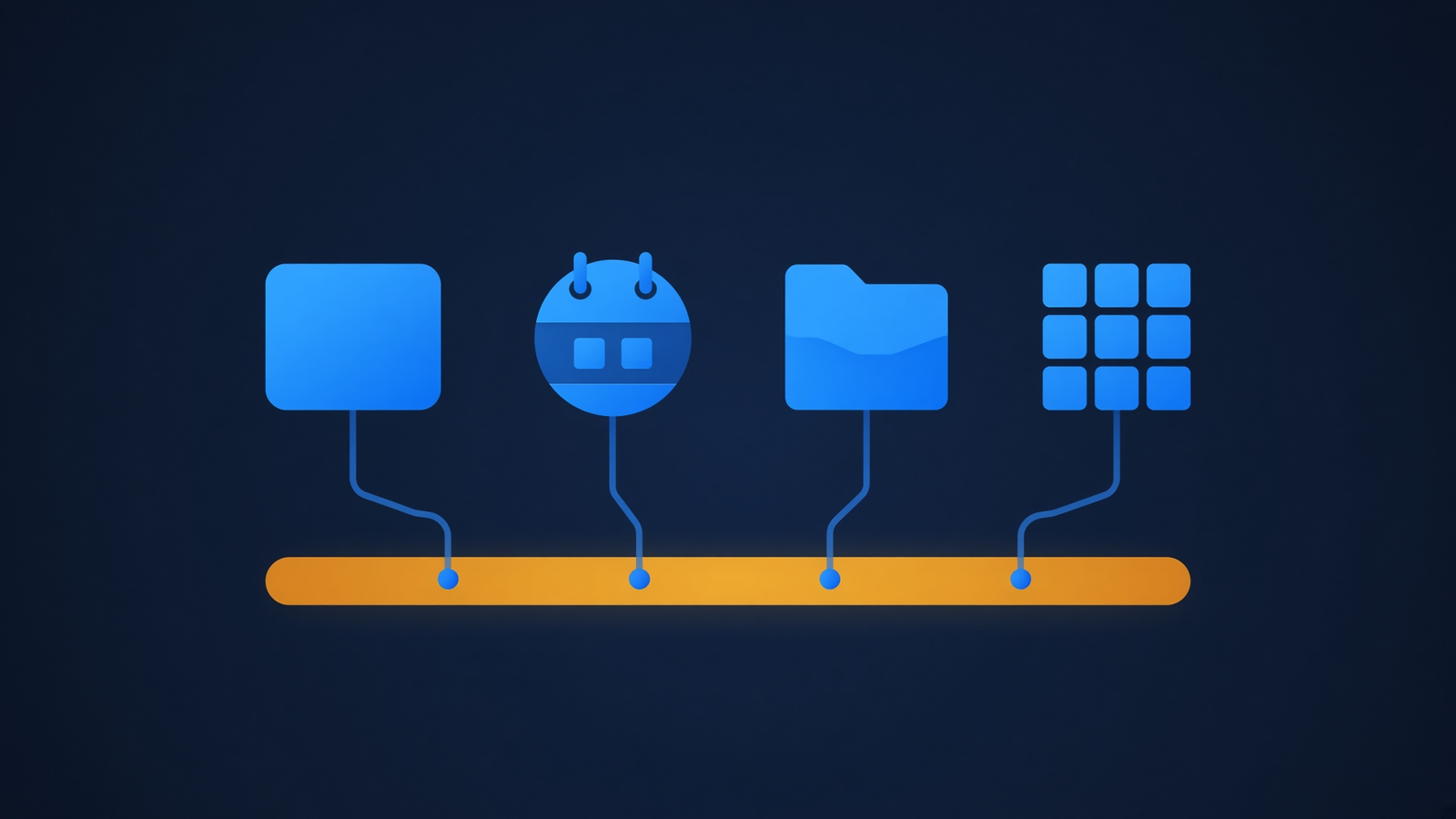
Several Google products hang off one program. Mail is the left-hand shape, not the whole bar.
The run never reached a subject line. gog gmail search 'in:inbox' --max 1 exited 2. Exit 2, in gog’s own help, means the command was used wrong, not that Google rejected a password. The text was: missing --account (or set GOG_ACCOUNT, set a default, or store exactly one token). A token is the string a program keeps after you approve it, so it does not have to open a browser every time. I had not told gog which mailbox, so it stopped before any network call that would need one.
The next step is the one that surprises people. gog auth add me@example.com --services gmail --no-input exited 10. Exit 10 is config, again from gog’s own list of codes. The message said the client file was missing. It told me to create an OAuth client of type Desktop app in Google Cloud, download the JSON, and run gog auth credentials on that file. OAuth, in this case, means Google will not take your mailbox password inside the terminal. You create a small ID for the program, you approve that program in a browser, and the program stores a token. A desktop client is that ID for a program that runs on your computer, as opposed to a website. The JSON file is the ID plus a secret.
I pointed gog at an empty home directory so it would not touch a real config. There was no client file, so it stopped. I never reached a browser page, and I never saw a subject line. The doctor check matches that order. With no keyring password in a non-interactive shell, the doctor failed on the password line and the status was error. A keyring is the locked store for the token. After I set GOG_KEYRING_PASSWORD to a throwaway value, the doctor opened the keyring and warned that no tokens were stored. The hint was gog auth add. So the order is: client file, then add the account, then search.
Two flags matter if a coding agent will run this. An agent here is a program that types commands for you. --readonly blocks changes and, on auth add, asks Google for read-only permission only. --gmail-no-send blocks sending mail. I saw both described in gog --help. I would turn both on before I let anything else read a mailbox. A search does not need permission to send.
On a Mac, the short install the project documents is Homebrew. I used the Linux build, and gog --version answered. The repo is openclaw/gogcli. Older notes may still say steipete/gogcli. The help I ran is the openclaw build. If a copy-paste install line still uses the old path, switch it before you debug a missing command.
What is himalaya
himalaya is a mail program, not a Google remote control. The build I ran can talk to mail in several ways: IMAP, a Gmail-specific group, Microsoft’s mail API, JMAP (a newer mailbox protocol that does many actions on one connection), plus a mailbox that is just files on disk, either maildir or mbox. IMAP is the old way. You give a server name, a username, and a password, and the app fetches headers. It is what a host means by “incoming mail server.”
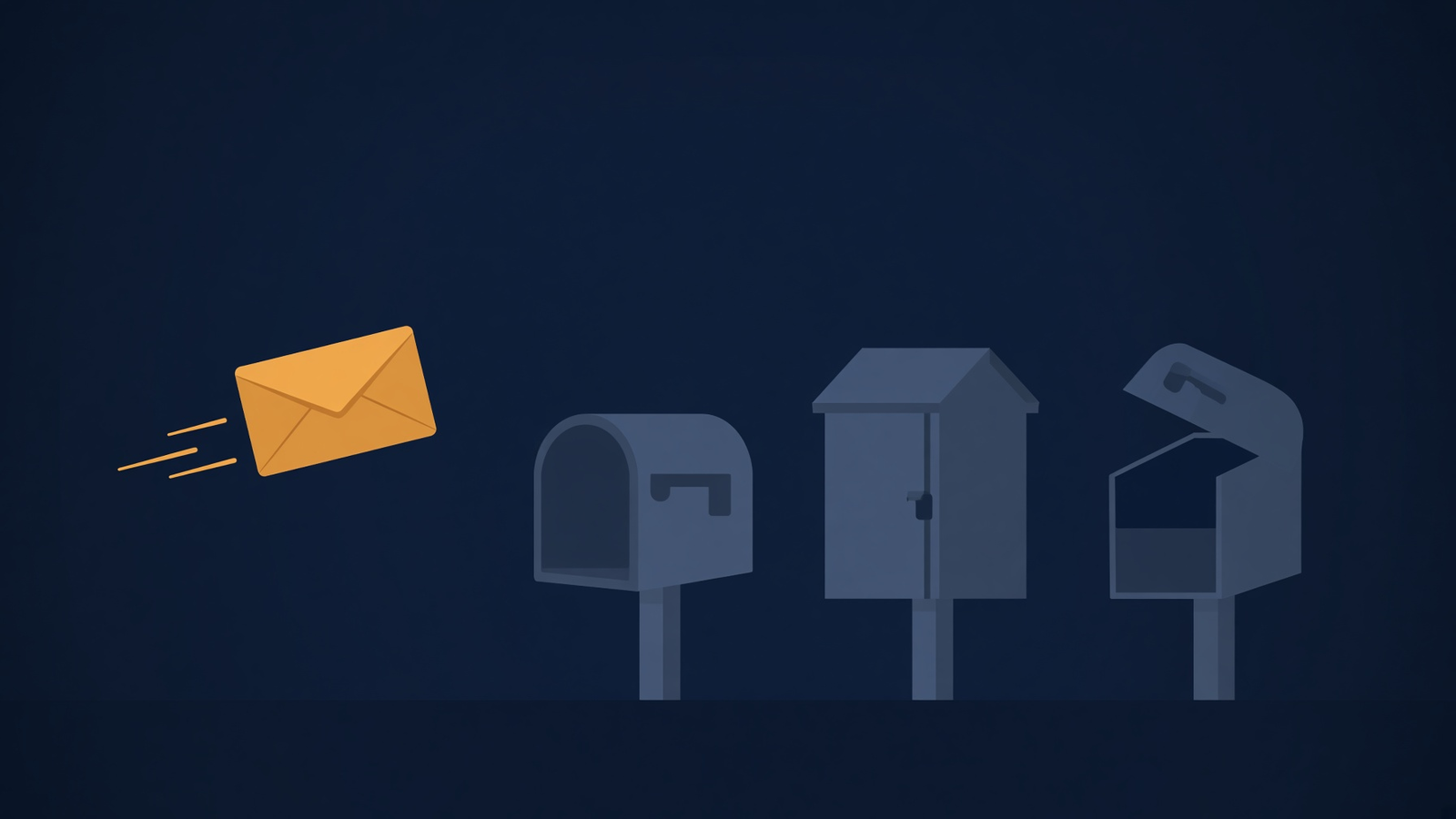
One envelope, several kinds of mailbox. himalaya is built for that row, not for your calendar.
That list changes the comparison. himalaya is not “the non-Google tool.” The build I ran has a gmail command group. Its help says each subgroup tracks one Gmail resource: profile, labels, messages, drafts, threads, history, settings. So both programs can speak Gmail’s API. An API is the door a program knocks on, instead of clicking the website. gog is the one that also speaks Calendar and Drive. himalaya is the one that also speaks a normal mail server and a folder of mail on disk.
himalaya envelope list exited 1. The error was: no configuration found at ~/.config/himalaya/config.toml. It said to run himalaya configure, or to write the file by hand, and it pointed at a sample. No password was written into a file on this machine, so no message was fetched. The stop is the same kind of stop as gog’s, in a different shape. himalaya wants a text file. gog wants a Google Cloud client file. Neither file was there, so neither program had a mailbox to open.
How do I read Gmail from the terminal
You finish the setup the program actually asked for, then you search. For a Google account, and for someone who can create a desktop client, gog is the shorter story after that file exists.
gog auth credentials ~/Downloads/client_secret.json
gog auth add you@gmail.com --services gmail --readonly
export GOG_ACCOUNT=you@gmail.com
gog --readonly --gmail-no-send gmail search 'is:unread newer_than:7d' --max 10 --json
The terminal is ready. The lock is the missing sign-in file, not a broken install.
The last line was not run against a real inbox. I ran the search with no account, and I ran auth add with no client file. Those two failures are what you will see if you skip a step. Do the client file first, or the search never starts. The query language in the help is Gmail’s own: is:unread, newer_than:7d, from:. --json prints a stable shape for a script. --results-only drops the extra wrapper fields if you only want the messages.
For a mailbox that is not Google, himalaya wants the config file first. After that file exists, listing is not himalaya list. It is:
himalaya envelope list
himalaya message read <id>If you specifically want Gmail’s API through himalaya, the group is himalaya gmail, and it still needs the account in that same config. That sign-in was not finished either. The project is pimalaya/himalaya. Read himalaya gmail --help on your machine before you assume the subcommands match a blog snippet. Mine named profile, labels, messages, attachments, drafts, threads, history, and settings.
Why did himalaya list stop working
himalaya list stopped because that word is not a command on the build I ran. The program printed: unrecognized subcommand list, and told me to try --help.
The old command hits a wall. The program did not say the mailbox was empty. It said the word was not a command.
The help screen’s commands are mailbox, envelope, flag, message, and attachment, then one group per way of talking to mail, then configure and account. An envelope here is the outside of a message: who sent it, the subject, when it arrived. It is not the body. You list envelopes, then you read one message. People and agent notes still say himalaya list and himalaya read. The second of those is also not a top-level command now. Read is himalaya message read. If a snippet in a chat still shows himalaya list, it is describing an older shape. Run himalaya --help before you trust it.
Creating an account is not himalaya account add. The account help says creating one is bare himalaya, and himalaya configure is the wizard. himalaya account list only lists accounts already written in the file. I learned that from the help text, not from a successful login. If you run account list on a fresh machine, expect the same missing config error you get from envelope list, because there is no file to list yet.
Can himalaya talk to Gmail too
Yes. The build I ran includes a Gmail command group, and the version line includes a Gmail flag. That does not make himalaya a replacement for gog.
The wide door is many Google products. The narrow door is mail, including Gmail, and also mail that is not Gmail.
gog’s help is a map of Google products. himalaya’s help is a map of mail protocols, and Gmail is one protocol on that map. A protocol is the set of rules two programs agree on so a message can move. If you need today’s calendar, a Drive file, or a cell in a Sheet from the same binary, himalaya will not do it. If you need the same commands against a work mail server on Monday and a local folder of mail on Tuesday, gog will not do it.
There is a third case, and it is the one I would actually choose for a lot of people. You already have an app password or an IMAP password for Gmail, and you do not want to create a Google Cloud project. himalaya’s IMAP path is the one that fits. gog’s path, on the run I did, always went through the desktop client. No mode showed up where gog accepted a Gmail password typed into the terminal. If your company will not let you create a Cloud project, do not spend the evening on gog. Write the himalaya config, or stay in the browser.
When should I skip both
Skip both when you only need to send one mail from a script and your host already gives you a send-only server. A tiny send does not need a full client. Skip gog when you cannot create a Google Cloud project. A personal Gmail account can create a desktop client. A company account often cannot, because an admin has to allow it. Skip himalaya when the job is not mail. Drive sharing, calendar conflicts, and Sheets are gog’s side of the table.
| Job | gog | himalaya |
|---|---|---|
| Unread Gmail, after setup | gog gmail search | himalaya gmail, or IMAP, after config.toml |
| Mail on a normal server | no | yes, IMAP |
| Mail that is a folder on disk | no | yes, maildir or mbox |
| Calendar, Drive, Docs, Sheets | yes | no |
| First thing that blocked me | desktop client file, exit 10 | missing config.toml, exit 1 |
Old snippet himalaya list | not this tool | not a command on the build I ran |
| Keep an agent from sending | --readonly and --gmail-no-send | Those two flags are not in the top help on this build |
I would not hand either binary to an agent with send left on. For gog I would add the two flags above, and I would request read-only permission when I add the account. For himalaya I would start from a config that has no send password until I had read one message on purpose. Neither tool was used to send mail, so this is not a claim that a send was watched and blocked. The claim is gog documents the block, and that himalaya’s top help did not show me the same two switches.
If the thing you actually wanted was a Word file or a spreadsheet from the terminal, that is a different program: OfficeCLI. If the thing you wanted was a text table, xan versus csvkit is the closer split. If a coding agent is the one that will run the mail command, the same care you use for its keys applies to the mailbox. Magpie versus CC Switch is about which file holds a model key, not about mail, but the lesson matches. Do not leave a send-capable tool as the default just because the binary ran.
How do I keep an agent from sending mail with gog
Put --readonly and --gmail-no-send on the command the agent runs, and ask for read-only permission when you add the account. --readonly blocks changes while the command is running. On auth add it also asks Google for a token that was never granted send. --gmail-no-send blocks send even if some other flag is loose. I read both descriptions in gog --help. No send was attempted, so the proof is the help text, not a rejected message in a Sent folder.
Also set GOG_ACCOUNT to one address in the script. The search I ran failed with exit 2 because no account was set. The message said gog would proceed on its own only if exactly one token was stored. One stored token is a trap once you add a second Google account and forget the flag. Name the account every time. A script that works on your laptop and then sends from a teammate’s mailbox is worse than a script that exits 2.
The client JSON is a secret in the same way a password is a secret. Do not paste it into a chat, and do not commit it. gog auth credentials copies it into gog’s own data folder. After that, the download in ~/Downloads should not stay there. The token lives in the keyring. On my run the file keyring would not open until GOG_KEYRING_PASSWORD was set. Use the same value in the shell, in a service, and in the agent, or the doctor will fail closed. That failure is the one you want. An agent that cannot open the keyring cannot read the mail.
The ten minute check
You can repeat the failures before you create any Google project. The point of the ten minutes is to see the stop, not to finish sign-in.
- Install both binaries.
- Run
gog gmail search 'in:inbox' --max 1with a fresh home, or at least with no account. You want exit 2 and the missing-account line. If you get a real inbox, you already have a token, and this test is not clean. - Run
gog auth doctor --check. With no keyring password in a non-interactive shell, mine failed the password line and reported status error. AfterGOG_KEYRING_PASSWORDwas set, status dropped to a warning: keyring open, no tokens. - Run
gog auth add you@gmail.com --services gmail --no-input. You want exit 10 and the desktop-client sentence, unless a client file is already stored. The credentials page it named is Google Cloud credentials. Create an OAuth client ID, choose Desktop app, download the JSON. - Run
himalaya list. You want “unrecognized subcommand.” - Run
himalaya envelope list. You want exit 1 and a path ending inconfig.toml.
If step 4 opens a browser instead, you already have a client file. Cancel it if the page asks for more than mail. Add the account again with --readonly and only --services gmail when mail is the job. The message I got also said to name services explicitly, and to keep existing services when you sign in again. A second auth add can shrink what you already granted, or keep it. Read that line before you confirm. A scope is the slice of permission you asked for. Read-only is a smaller slice. You cannot send with a token that was never given send, which is the whole reason to pass --readonly at add time, not only later.
This is in contrast to a password sitting in himalaya’s config, which is the IMAP shape. That password is the mailbox password. Anyone who can read the file can read the mail. gog’s token is also a secret, and the doctor wanted it in a keyring, not in a command you paste into a chat. Do not put either secret in git.
If your snippet still says himalaya list, throw the snippet away and use the six commands above. The install is not the part that fails. The missing file is. I would rather know that in ten minutes than find it after an agent has been told it may send.
Common questions about gogcli vs himalaya
common questions
is gogcli the same thing as gog
Yes. The binary I ran is named gog. gogcli is the project name. gog --help starts with Usage: gog.
does himalaya still use himalaya list
No, not on the build I ran. himalaya list was an unrecognized subcommand. List messages with himalaya envelope list after ~/.config/himalaya/config.toml exists. Read one with himalaya message read.
can i use gog without a google cloud project
Not on the path I hit. gog auth add exited 10 and asked for a Desktop app client file from the credentials page. If you cannot create that project, use himalaya with IMAP, or stay in the browser.
which one should i install if i only have gmail
Install gog if you will also want Calendar or Drive from the same place, and you can create a desktop client. Install himalaya if you want one mail config that can also point at a non-Google server, or if you already have an IMAP password and you do not want a Cloud project. A binary with no client file and no config file will not show you mail. I checked. Both stopped.