
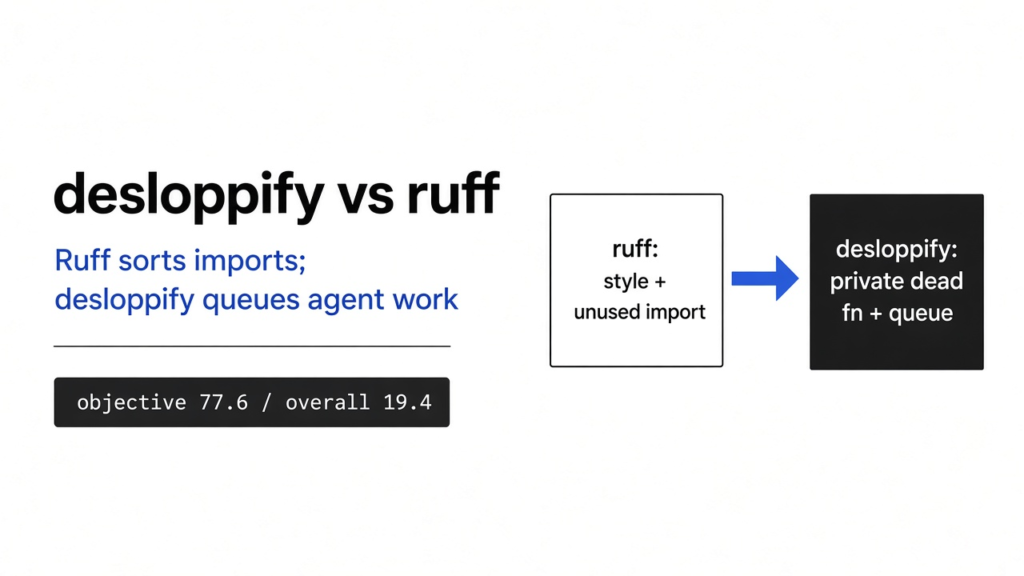

I had a two-file Python shop and a function nothing called. A checker is a program that reads your files and prints problems. It does not change the files unless you ask. Ruff is the fast checker most Python projects already run for style and for imports you never use. Desloppify is a second checker that stores a score and a queue, so a coding agent can pick the list up again tomorrow. That is desloppify vs ruff in one line.
On a single script, both tools saw an unused os import. Ruff stopped there. Desloppify added that the file had no other file importing it, and that it had no tests. Neither one mentioned the public function nothing called.
Checked November 2026 against desloppify on GitHub and ruff. The two-file shop scan below was run with desloppify --lang python scan --path . --profile objective on Python 3.11 and ruff check ..
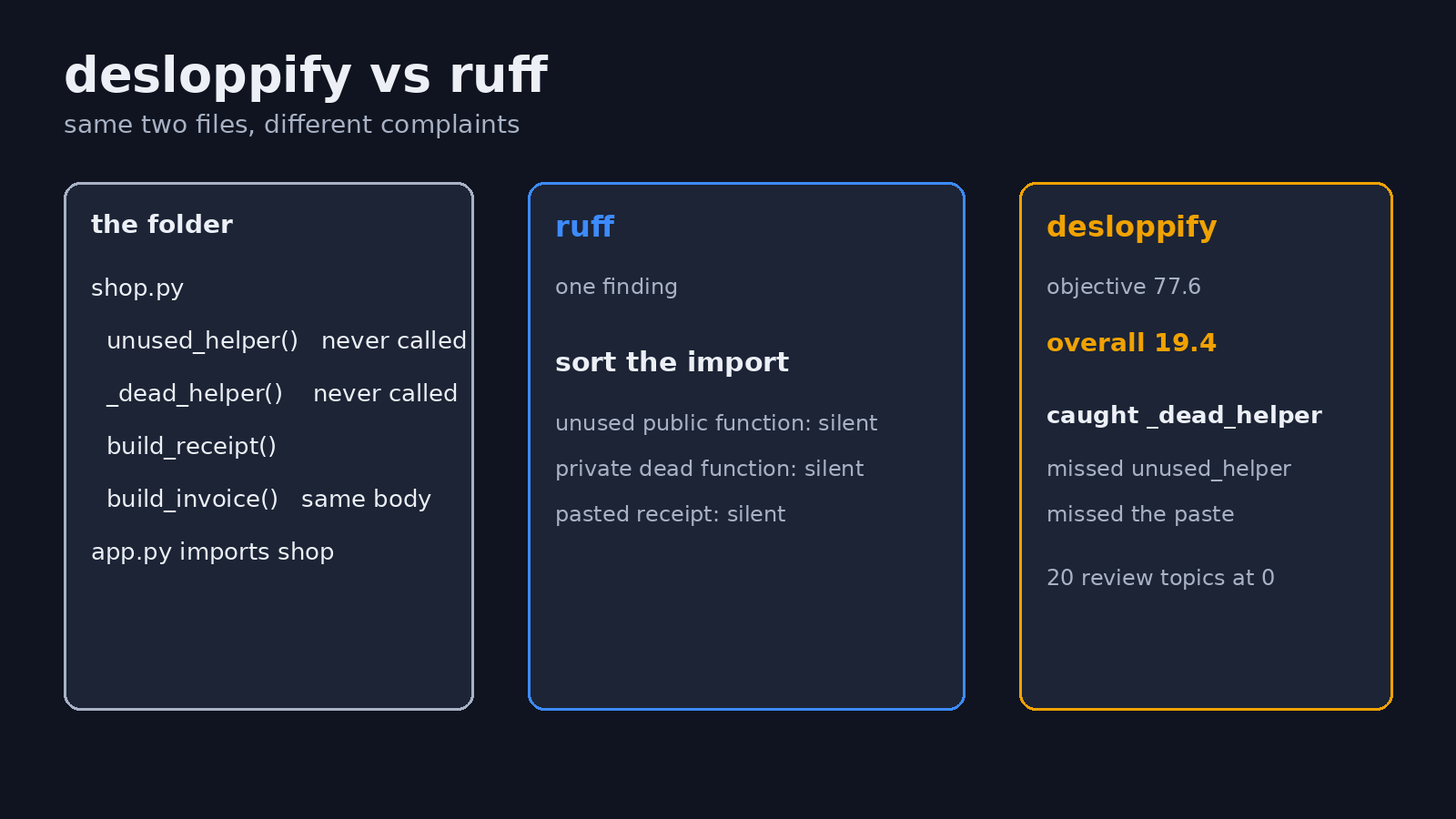
desloppify vs ruff is not a swap. Ruff is the check you run on every save. Desloppify is the list you hand an agent, and only after you know which part of its score is empty. On the two-file shop, ruff asked me to sort one import. Desloppify caught a private function, a name starting with an underscore, once the body was longer than three lines. It missed the public unused function, and it missed a receipt builder I had pasted under a second name. The overall score, 19.4 out of 100, is mostly twenty review topics left at zero. The mechanical score, the part the scan actually measured, was 77.6.
What is desloppify
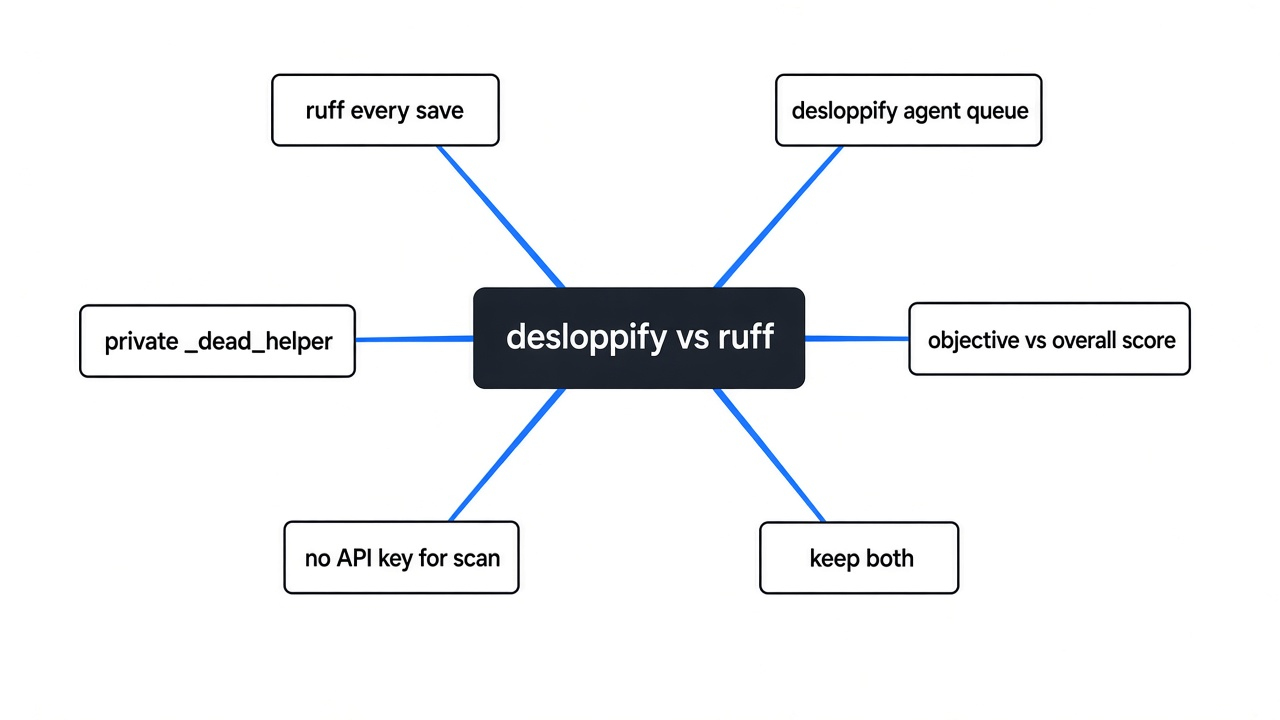
Desloppify is a program you install with Python and point at a folder. Python here means the language the shop is written in, and also the program that has to be version 3.11 or newer before this tool will start. The copy I tried refused 3.10.
It looks for mess a later edit will trip on, then writes that list into a hidden folder named .desloppify. Hidden, here, means the name starts with a dot, so a normal directory listing skips it. The next run reads that folder and remembers what it already saw. Add .desloppify to .gitignore, the file that tells git which paths not to commit. The list is local scratch, not source.
A coding agent is the app that can edit the repo for you, the project folder under git. Desloppify’s extra idea is a queue that agent can keep pulling from, plus a score it is told to push up. A queue is just an ordered list of next jobs. Ruff does not keep one. Ruff prints the problems and stops. That is why these are not two names for the same tool.
You do not need an API key for the scan. An API key is a password a program sends when it calls a model over the network. The review step, the one that fills the empty topics, is where a model would come in. The review step was not run for this article. The scan only read the files on disk.
The project is desloppify on GitHub. Ruff is ruff on GitHub.
desloppify vs ruff
I split the shop so one file could import the other. An import is a line that pulls a name in from another file. app.py imported line_total and build_receipt from shop.py. I left unused_helper with no callers. I added _dead_helper, six lines, also with no callers. I pasted the receipt builder a second time and named the copy build_invoice.
| What I planted | ruff | desloppify |
|---|---|---|
| public function nothing calls | silent | silent |
| private function nothing calls, six lines | silent | flagged _dead_helper |
| receipt builder pasted under a second name | silent | silent, duplication stayed at 100 |
| import names in the wrong order | asked me to sort them | not on this run’s list |
| no tests in the folder | silent | flagged the module as untested |
| functions with no type notes | silent | two loose type notes |
| file imported by only one other file | silent | called shop.py single-use |
Ruff’s whole report on that folder was one fix: write build_receipt before line_total in the import. That is a style nit. It is also the only thing ruff was sure about, once the unused os import from the first file was gone.
Desloppify’s measured list was four items. The private dead function. The missing tests. The missing type notes. And the fact that only app.py imports shop.py. A single-use file is not a bug in a two-file shop. It is the shape of a small example. Treat that row as noise until a file in a real repo should have more than one caller and does not.
The duplication row is the surprise. A paste means the same block twice. Copies shorter than ten lines are dropped on purpose. These receipt builders were longer than that, and the duplication score still stayed at 100, which in this tool means “no copies found.” A second duplication rule is not invented here; that 100 stayed on top of a pasted function. If a pasted function is what you fear, do not trust that 100 from one small folder.
How to use desloppify
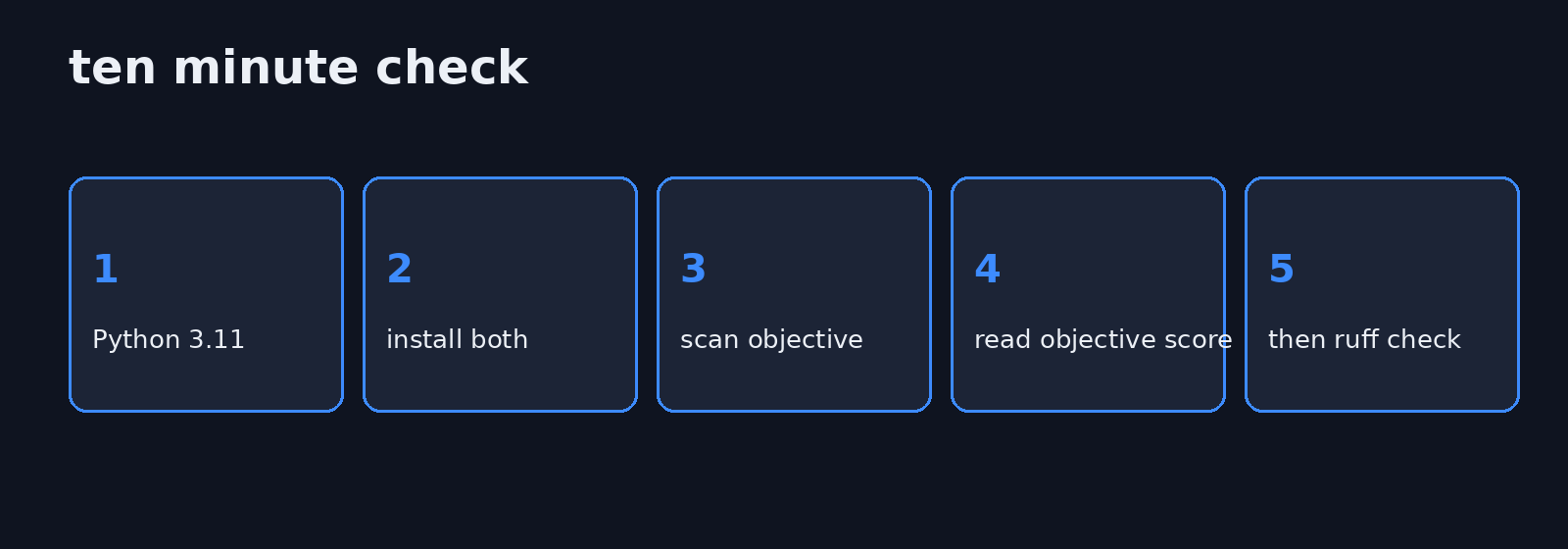
Use Python 3.11 or newer. I made the environment with uv, a tool that creates a clean Python folder so this install does not touch the rest of the machine. Any installer that can target 3.11 is fine.
uv venv --python 3.11
uv pip install desloppify ruff
desloppify --lang python scan --path . --profile objective
ruff check .--lang python tells it which language rules to load. --path . means the folder you are standing in. --profile objective keeps the scan on things the program can measure without calling a model. The first run writes .desloppify next to your code.
The shop I scanned is short enough to paste. shop.py:
def line_total(price, count):
    return price * count

def unused_helper(price, count):
    return price * count

def _dead_helper(price, count):
    base = price * count
    tax = base * 0.08
    total = base + tax
    note = "nobody calls this"
return total, noteapp.py only needs:
from shop import line_total

def main():
print(line_total(10, 2))You can leave the receipt builders out. They did not change the duplication score. They are there so you can see a miss, not so the scan depends on them.
After the scan, desloppify next prints the item it wants done first. On my run that queue was dominated by the twenty review topics, not by _dead_helper. If you hand the raw queue to an agent, it will start writing about elegance before it deletes the dead function. Ask it for mechanical items only, or run desloppify show uncalled_functions and read that list yourself.
Ruff can apply its own safe fixes with ruff check . --fix. That sorts the import. It does not delete a function it never reported.
Does desloppify find dead code that ruff misses
Yes, for one narrow shape. No, for the shape I tried first.
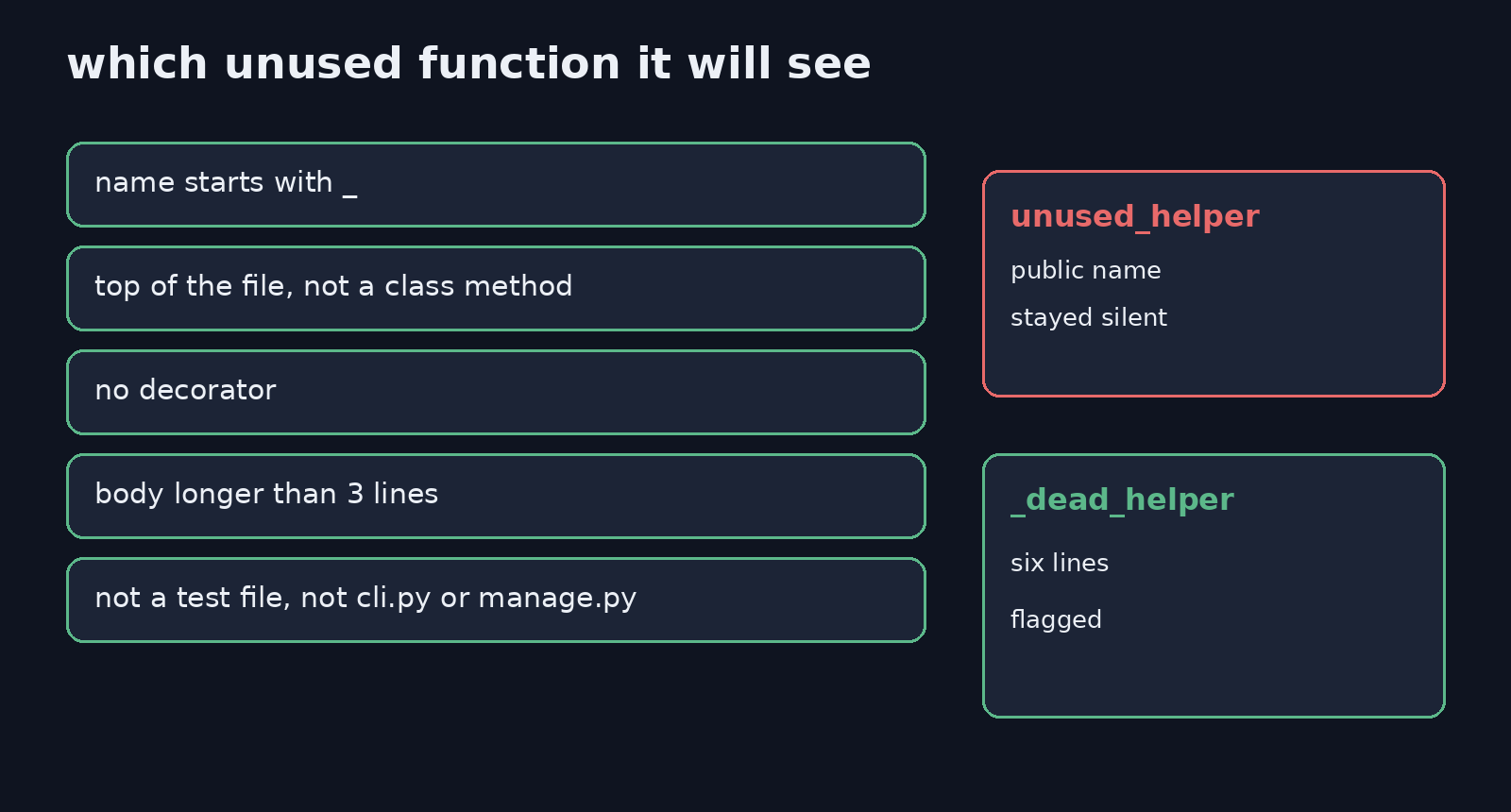
Dead code, in this test, means a function no other line calls. The checker I installed only reports that when all of these are true. The name starts with a single underscore, the mark Python uses for “internal, not part of the public list.” It sits at the top of the file, not inside a class. A class is a bundle of functions that share data. This rule skips those, because it is easy to be wrong about which method a class calls. The function has no decorator. A decorator is a line starting with @ that wraps the function. The body is longer than three lines. The file is not a test, and it is not an entry file such as cli.py or manage.py.
unused_helper failed the first rule, so it was invisible to both tools. _dead_helper passed, and the scan said it was an uncalled private function, six lines, zero references. Ruff said nothing about it.
That is the whole gap I could reproduce. It is real, and it is smaller than the project description sounds. A public helper that nothing calls can sit in the file forever, and both tools will stay quiet.
Why is my desloppify score so low
The overall score is a blend, and the blend is harsh before any review.
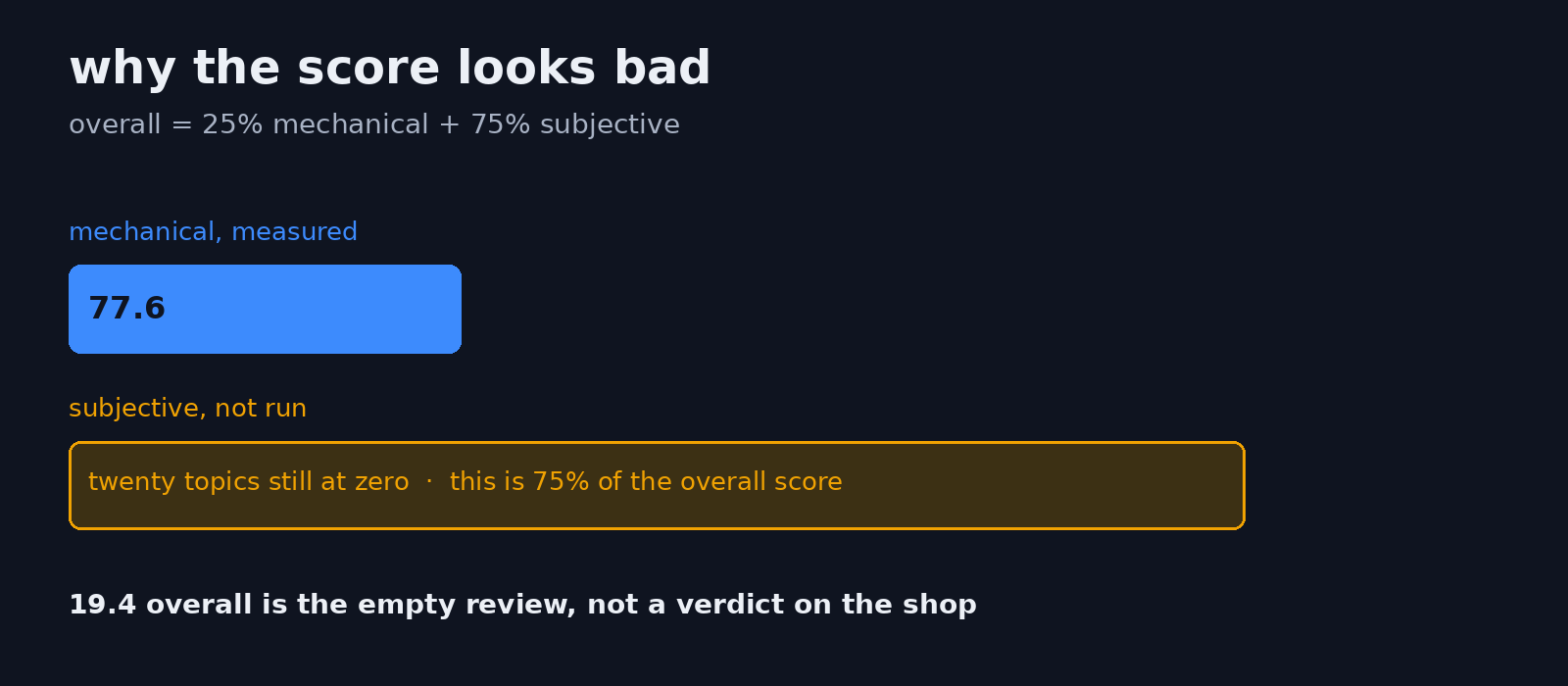
The tool printed its own recipe on my run: overall equals 25 percent mechanical plus 75 percent subjective. Mechanical means the scan measured it: unused names, missing tests, and the private function. Subjective means a model has looked at naming, structure, and similar topics and written a judgment. desloppify review --prepare was not run, so those twenty topics stayed at zero. Zero, times most of the score, pulls a 77.6 mechanical result down to 19.4 overall.
Read the objective number when you have not run a review. The tool prints that number on the same screen, next to the overall. Read the overall number only after a review you actually trust. A 19.4 on a two-file shop is not a verdict that the shop is junk. It is a verdict that most of the score has nothing in it yet.
One more empty bar. The security line can print clean while a helper named bandit is missing. Bandit is a separate checker for risky Python calls, such as a shell command built from a string. Without it, desloppify says the security coverage is reduced. My plain install did not include it. A fuller install is pip install "desloppify[full]". A clean security bar is not a security audit. Holes are a different job from messy functions. The write-up of Claude Code security review versus a full audit is that other job.
Is desloppify free
Running it on your own code is free. That includes a company using it inside a private repo, as a tool, not as a product it sells.
The license is not the usual MIT text. MIT, the common grant, lets you use, change, and ship a program if you keep the notice. This project uses the Open Source Native License instead. You pay only if you ship desloppify itself inside a product or a service, your company is not open source, and you are past the small-company line written in that license. Using the command to clean your app is not the same as selling the command. Read the license file before you put the program in something customers download. I am not your lawyer. The line that mattered for this test is the first one: I installed it and scanned a folder with no account and no fee.
Ruff does not ask that extra question. If the only thing you need is the import check, stay with ruff and skip the license reading.
When should I skip desloppify
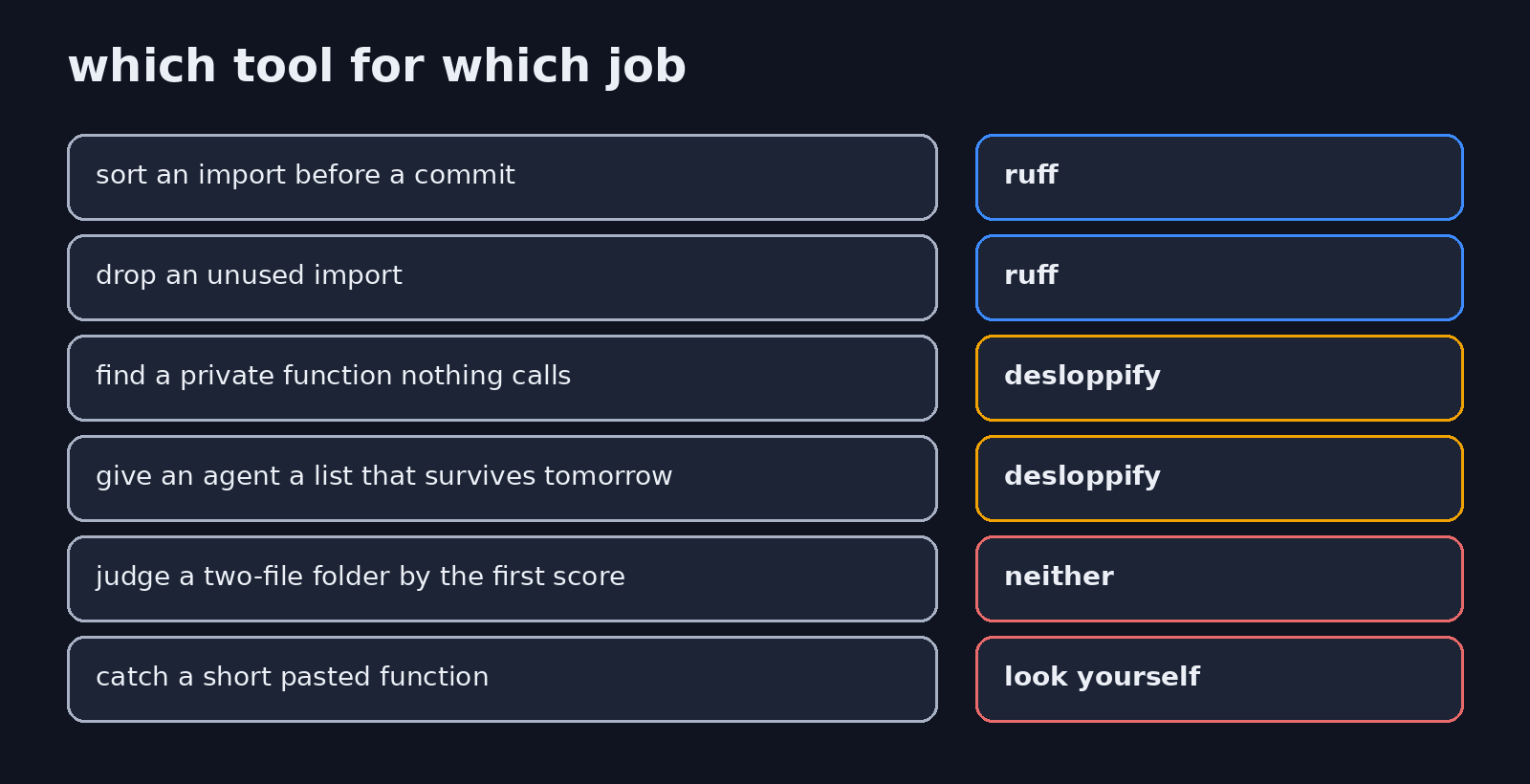
Skip it when the job is “sort this import and drop unused imports before I commit.” Ruff already does that, and it can fix those lines. A second score will not sort the import better.
Skip it when the folder is two files and you are staring at 19.4. That number is the empty review. You will waste an afternoon on elegance topics that have no notes yet.
Skip the duplication score when the copies are short, or when you just watched a 100 sit on top of a pasted function. Open the file.
Use it when an agent is about to “clean the repo” and you want a list that is still there after you close the laptop. Point the agent at desloppify show uncalled_functions and the other mechanical rows. Do not let the empty review topics become the task.
Nearby jobs are different tools. A huge table wants a terminal CSV checker, which is the xan versus csvkit comparison, not a Python checker. An agent that keeps adding functions you did not ask for is a habit problem before it is a scanner problem: how to stop Claude Code from overengineering. A page that looks generated is a design pass, not a dead-function pass: which Claude Code skill to use for a website. Reading a compiled program is a different page again: rea versus Ghidra.
I would keep ruff on. I would run desloppify when the agent needs a list that survives the session, and I would read the objective score, not the first overall number.
Common questions about desloppify vs ruff
does desloppify replace ruff
No. On the single script, ruff caught an unused import that mattered. On the two-file shop, desloppify caught a private dead function that ruff never listed. Keep both if you want both reports. Drop desloppify if you will not read past the overall score.
do i need an api key for desloppify
Not for the scan I ran. desloppify --lang python scan --path . --profile objective only reads files. The review that fills the subjective topics is the step that needs a model. Skip that step and the overall score stays harsh. That is fine, as long as you quote the objective number instead.
can desloppify fix the code for me
It has an autofix command for some mechanical issues. The autofix path was not run on the shop, so which lines it would change is unknown. Ruff’s --fix is the one I would run first, and only for the import class of fix. Deleting a function is a decision. A sort is not.
what python version does desloppify need
3.11 or newer. On 3.10 I could not start it. uv venv --python 3.11 was enough, then uv pip install desloppify ruff inside that environment.