
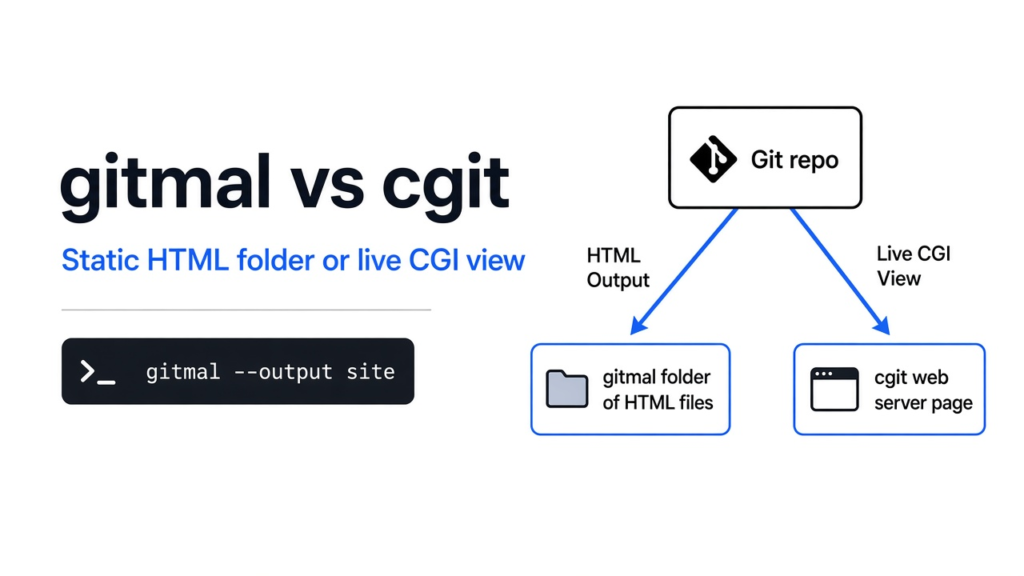

gitmal vs cgit is the choice between a folder of finished HTML pages and a server that draws the page live.
I had a small folder with a note and one Python file, and I wanted a page a person could click through without a login and without a program staying awake. Git (the tool that stores each saved copy of a folder) already held the history. The missing piece was the looking. gitmal writes that look as ordinary web pages you can copy. cgit asks a web server to build the look when someone visits. For a folder you can put anywhere, use gitmal. For a repository that stays on one machine and should refresh when you push, use cgit.
That choice is the whole post. The next sections start from the folder itself, then the two tools, then the run I did, then the cases where I would not use gitmal.
what is a git repository
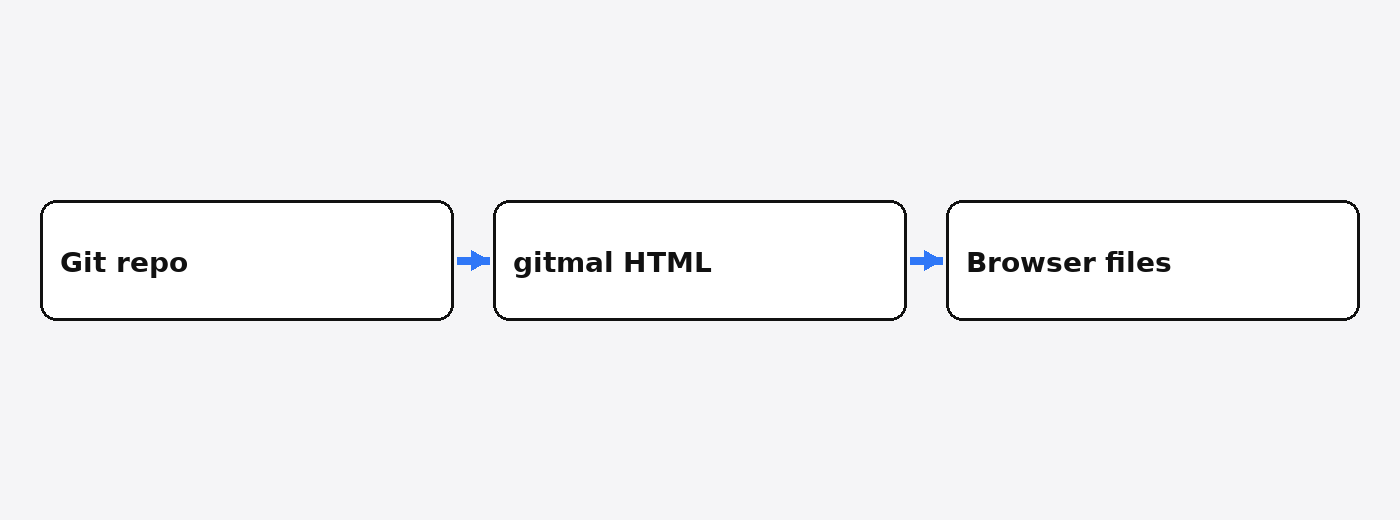
A repository (the folder plus the hidden history Git keeps beside it) is not the website. It is the pile of saved copies.
Start one step earlier than either tool. A file is a name plus bytes. A folder is a list of those names. When you save a moment you care about, Git stores a commit (one saved snapshot, plus a short note about what changed, plus a pointer to the snapshot before it). A branch (a movable label stuck on one commit) lets you keep two lines of work, such as main and a side experiment, without mixing the files. A tag (a label that stays put) marks one commit you do not plan to move, often a release.
None of that is a web page yet. A browser does not open a commit. It opens HTML (the text that says what is on a page) and uses CSS (the rules for color, type, and layout) to paint it. If those files are already finished, the site is static (no program runs at the moment someone opens the page). If a program builds the HTML when the request arrives, you have a web server (a program that waits for a visit and answers with bytes) doing work on every click.
gitmal is the first shape. It reads the repository once and writes the HTML. cgit is the second shape. The repository stays in place, and the server draws a page from it.
what is gitmal
gitmal is a small program that turns one repository into a folder of HTML pages: files, commits, branches, and tags.
You run it on a machine that already has the repository. It walks the commits and the files, then writes pages. In my run the Python file was colored in the page, which is syntax highlighting (color on words so a person can see strings, names, and punctuation apart). The note’s headings and list were turned into a page, not left as raw marks. The program itself is MIT licensed, so you can use it at work and read how it writes the pages. The project lives at github.com/antonmedv/gitmal.
It does not create accounts. It does not open issues. It does not review a change request. Those jobs belong to a forge (a site that hosts the repository and also the talk around it). gitmal only makes the looking part. If you later need to ship the folder the way you ship any other files, that is a different job from pushing a Docker image without a registry.
what is cgit
cgit is a fast web front end that reads a Git repository on the server and shows files, history, and diffs when someone visits.
A diff (the lines added and the lines removed between two snapshots) is the thing you open when you want the change, not the whole file. cgit is built to show that on request. It is a CGI program (a program the web server starts to answer one visit) written in C. The repository has to sit on that same machine, because cgit reads it. It can cache pages so the second visitor is cheaper than the first, but the cache is still the server’s cache, not a folder you upload to any static host. It can also show blame (which commit last touched each line), side by side diffs, feeds, and downloadable snapshots. The about page is git.zx2c4.com/cgit/about.
cgit is not GitHub and not a forge. It will not assign a reviewer. It will not store an issue thread. It is the old, small answer to “let people read this repository in a browser” when you are happy to keep a web server running beside the Git files.
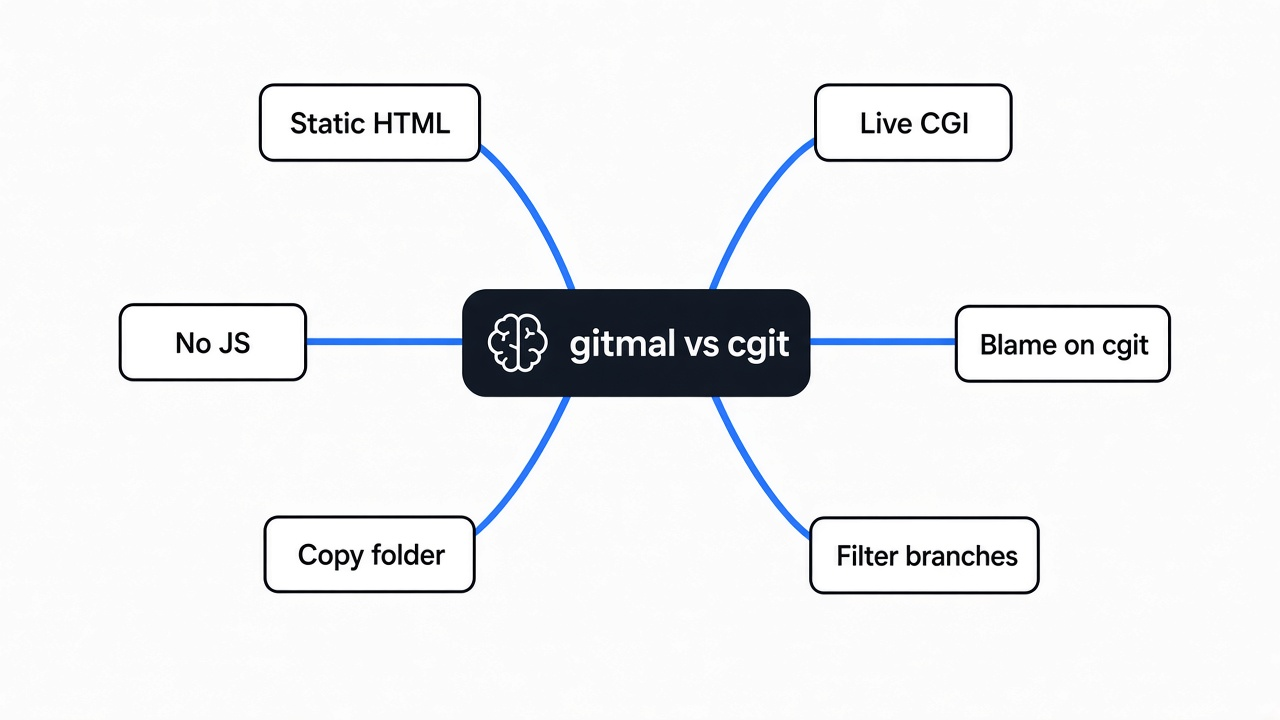
gitmal vs cgit
gitmal vs cgit is a choice between a folder of finished pages and a server that draws the page from the live repository.
I made a repository with two files, a note and src/hello.py, then three commits and a second branch. I ran gitmal on it. It finished in 90 milliseconds and wrote 16 HTML files, 395,328 bytes, about 386 KB. The home page alone was 36,290 bytes. The Python page was 18,898 bytes. With minify and gzip turned on, the same 16 files were 74,839 bytes, about 73 KB. Every page I opened had a style block inside it and zero script tags. The words from the note, including the list, showed up as a real page. The Python line was wrapped in highlight marks. Each commit had its own page, and those pages contained a diff.
| gitmal, my run | cgit | |
|---|---|---|
| What you end up with | A folder of HTML | A program behind a web server |
| When the page is built | Once, when you run the command | When someone visits, then cached |
| Git must be installed on the public machine | No, only on the machine that generates | Yes |
| JavaScript in the page | None in the 16 files I checked | Not required to read the repository |
| Both branches | Included unless you filter | You configure which repos and how they show |
| Blame view | Not in the pages I got | Yes |
| Issues, accounts, review | No | No |
The size is the part Two tiny source files became 16 pages because gitmal writes a page for the repository, a page for branches, a page for tags, a page for each branch’s file tree, a page for each file on each branch, a commit list per branch, and a page per commit. The stylesheet is repeated inside each file, which is why the folder was hundreds of kilobytes before gzip. That pattern is what will hurt on a large repository: pages grow with files times branches, plus one page per commit, not with the size of the code alone.
A static host is enough for gitmal after the command finishes. A search page about sending a file without a cloud account is a different transfer problem, but the same idea: once you have finished files, you do not need the program that made them to stay running.
how do i install gitmal
Download the gitmal program for your machine, mark it runnable, and call it with the path of the repository.
I used the Linux build. After it was on disk I ran:
chmod +x gitmal
./gitmal --helpThe help text is the install check. If it prints the flags, you are done. You do not need a web server for that check. If you already have Go, the other install is go install github.com/antonmedv/gitmal@latest. If you already have Docker, you can run the image with the repository folder mounted in. The single file was enough.
There is no account step and no key. gitmal reads the local repository. It does not phone a forge to do the work. The one outbound link I saw in the generated home page was a credit link back to the project, not a call that loads the page.
how do i use gitmal
Stand in the repository, or pass its path, and gitmal writes a site folder you open at index.html.
This is the command I ran:
./gitmal . --name shop --owner tester --output site--name is the title on the pages. --owner is the name printed beside it. --output is the folder that receives the HTML. Open site/index.html after it finishes. The links I checked were relative (./branches.html, blob/main/README.md.html, ./commits/main/index.html), so a static host can serve that folder as it is.
A second run, for a smaller upload:
./gitmal . --name shop --owner tester --output site-small --minify --gzipMinify (stripping spaces the browser does not need) and gzip (a compression wrapper around each file) cut my folder from about 421 KB to about 72 KB. The host has to know those files are gzip compressed, or you skip --gzip and upload the plain HTML.
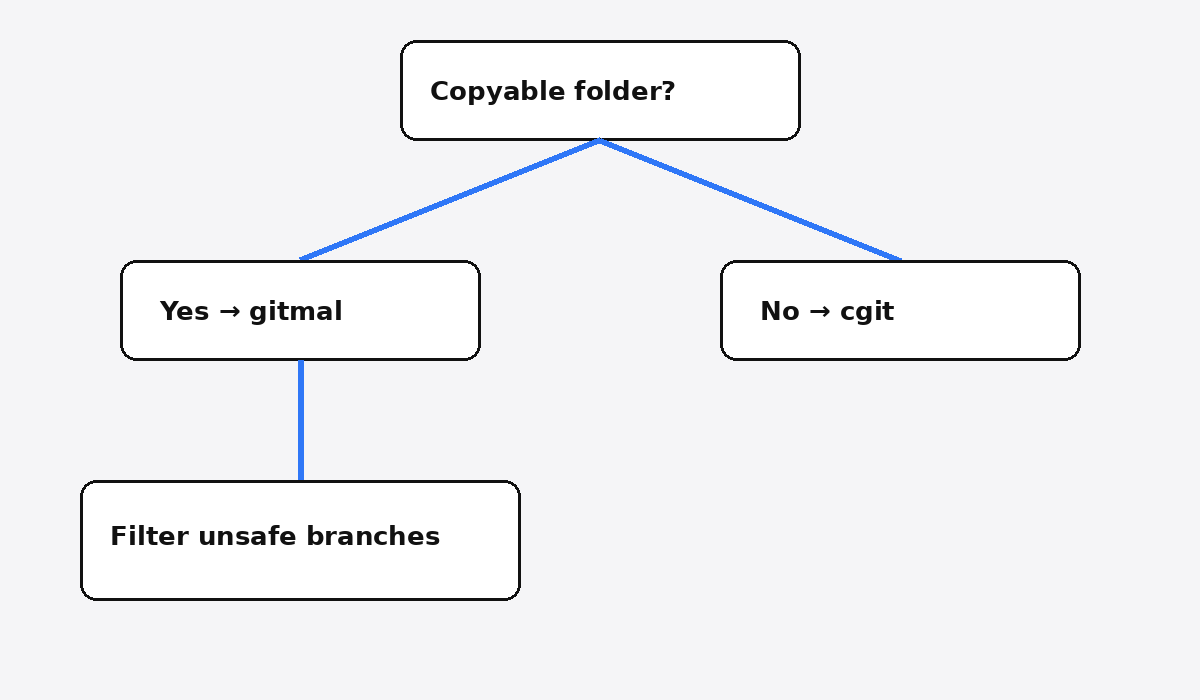
Two flags matter before you publish. --default-branch picks the branch the home page treats as the front door when you do not want the guess. --branches takes a regex (a pattern that selects names) so a side branch does not become public pages. gitmal included both main and extra. The note that existed only on extra was in the HTML. That is the gotcha. If a branch holds a secret, a scratch password, or a private name, it is in the folder until you filter it or delete that branch before you generate.
The theme flag defaults to github. --preview-themes lists the others. I left the default.
To refresh the site after new commits, run the same command again. If you want that to happen on every push, put the command in a hook (a script Git runs for you at a moment you choose, such as after a push). The folder is still a snapshot. It does not watch the repository by itself.
If the files you are publishing are tables rather than a repository, the closer page is xan vs csvkit. If they are a long document, it is wordcraft vs libreoffice. gitmal is only for a Git history you want people to click through.
when should i skip gitmal
Skip gitmal when you need a live view, blame, or a place for issues, and use it when a copyable snapshot is the job.
Skip it when the repository is large in files or in commits. My two files already became 16 pages. A repository with thousands of files and a long history will spend real time and real disk, because every file on every included branch becomes a page and every commit becomes a page. cgit keeps one copy of the repository and draws what the visitor asked for.
Skip it when the page must match the repository the moment after a push, and you do not want a second command. cgit is already that second shape. A hook can call gitmal, but until the hook finishes, the HTML is the old snapshot.
Skip it when you need blame. cgit has one.
Skip it when the work around the code matters as much as the code: accounts, issues, permissions, a review button. Neither tool is that. A forge is that. gitmal vs cgit does not pick a forge for you.
Use gitmal when the repository is small or medium, every included branch is safe to show, and you want the result to be files. A laptop, a static host, or a plain file server can hold them. Nobody has to keep a CGI program patched for the pages to keep opening.
does gitmal need javascript
No. The 16 pages from my run had no script tags, and the browser can paint them from the HTML and the CSS inside each file.
That is why opening the folder is simple, and also why the pages are bulky before gzip. The look travels inside every file instead of one shared script and one shared style file. Highlighting is already baked into the HTML as spans. A reader with scripts turned off still sees the color and the diff.
cgit does not need a browser script to show the repository either. The work happens on the server. The difference is where the work sits, not whether the visitor must run code.
Common questions about gitmal vs cgit
is gitmal the same as github
No. GitHub is a forge: hosting, accounts, issues, and review, plus a web view. gitmal only writes the web view, as files, from a repository you already have on disk.
can i hide one branch in gitmal
Yes. Pass --branches with a pattern that matches only the branches you want, or delete the private branch before you generate. If you do neither, gitmal writes pages for every branch it finds. Mine wrote both.
does gitmal replace cgit
It replaces cgit only when you are happy with a snapshot folder and you do not need blame or a live read of the Git files. If the server must draw the latest commit without a rebuild, keep cgit.
how big does the gitmal folder get
In my test, two source files, three commits, and two branches became 16 HTML files and 395,328 bytes, or 74,839 bytes with minify and gzip. Expect the folder to grow with files, branches, and commits, not with the byte size of the code alone.
I would publish the shop folder. I would not point gitmal at a repository whose side branches I had not read, and I would not point it at a history so long that a full rebuild became the outage. cgit stays on that machine. gitmal leaves as files.