
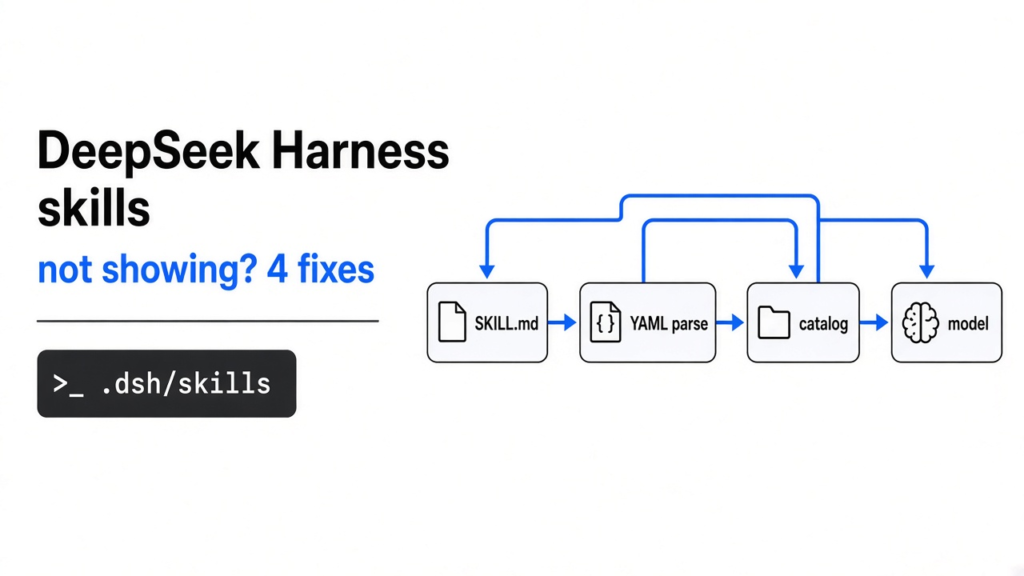
You moved a skill into a new coding app and the app acts like the folder is empty. A skill (a markdown file of steps the agent can load by name) is not a prompt you paste every time. Claude Code (Anthropic’s terminal app that edits a repo) already runs that file. DeepSeek Harness (an open source coding app that lets you pick the model, short name DSH) does not see it. This page is for you if the same skill works in one app and vanishes in the other.
DeepSeek Harness skills are not showing because DSH never scans .claude/skills, and a description with an unquoted colon makes the YAML parser throw, so that file is dropped from the catalog.
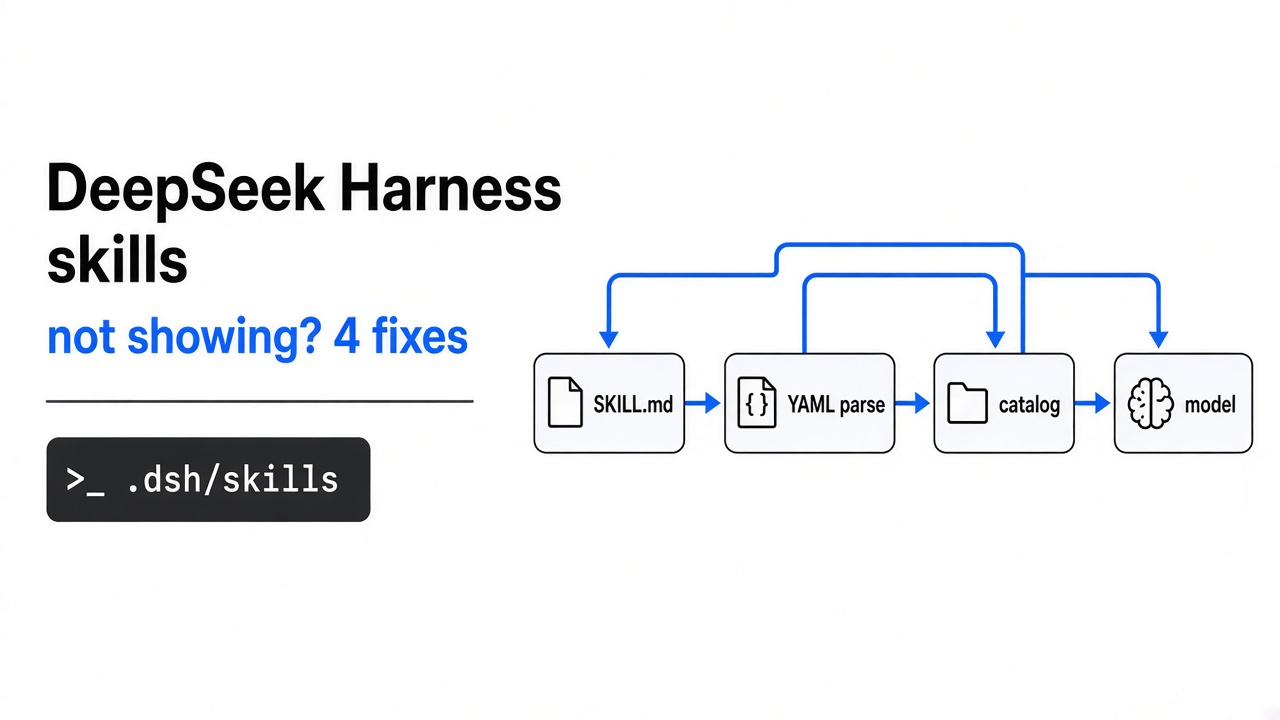
A catalog (the short list of skill names the model sees) is not the file on disk. The model only loads a full skill after the name is on that list. If the list is empty, the model is not ignoring you. It was never told the skill exists.

Why are DeepSeek Harness skills not showing?
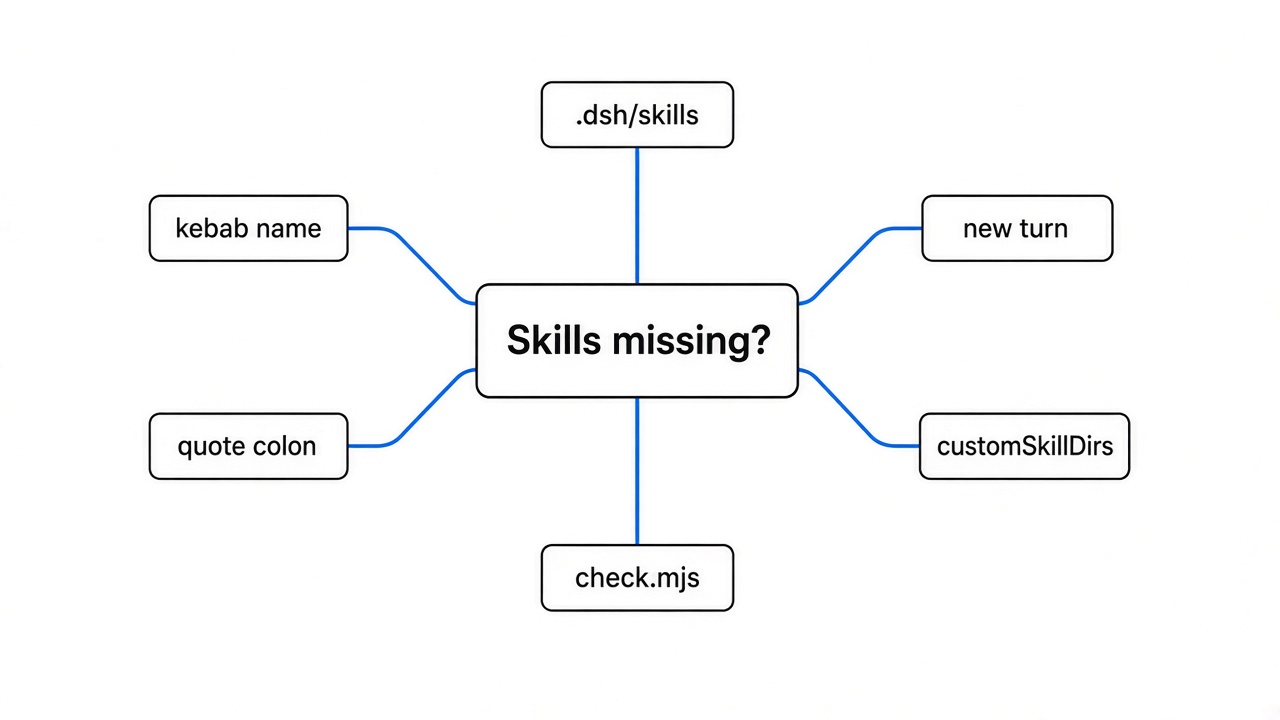
DeepSeek Harness skills are not showing because the file is outside the folders DSH scans, or the file failed a strict parse and was skipped.
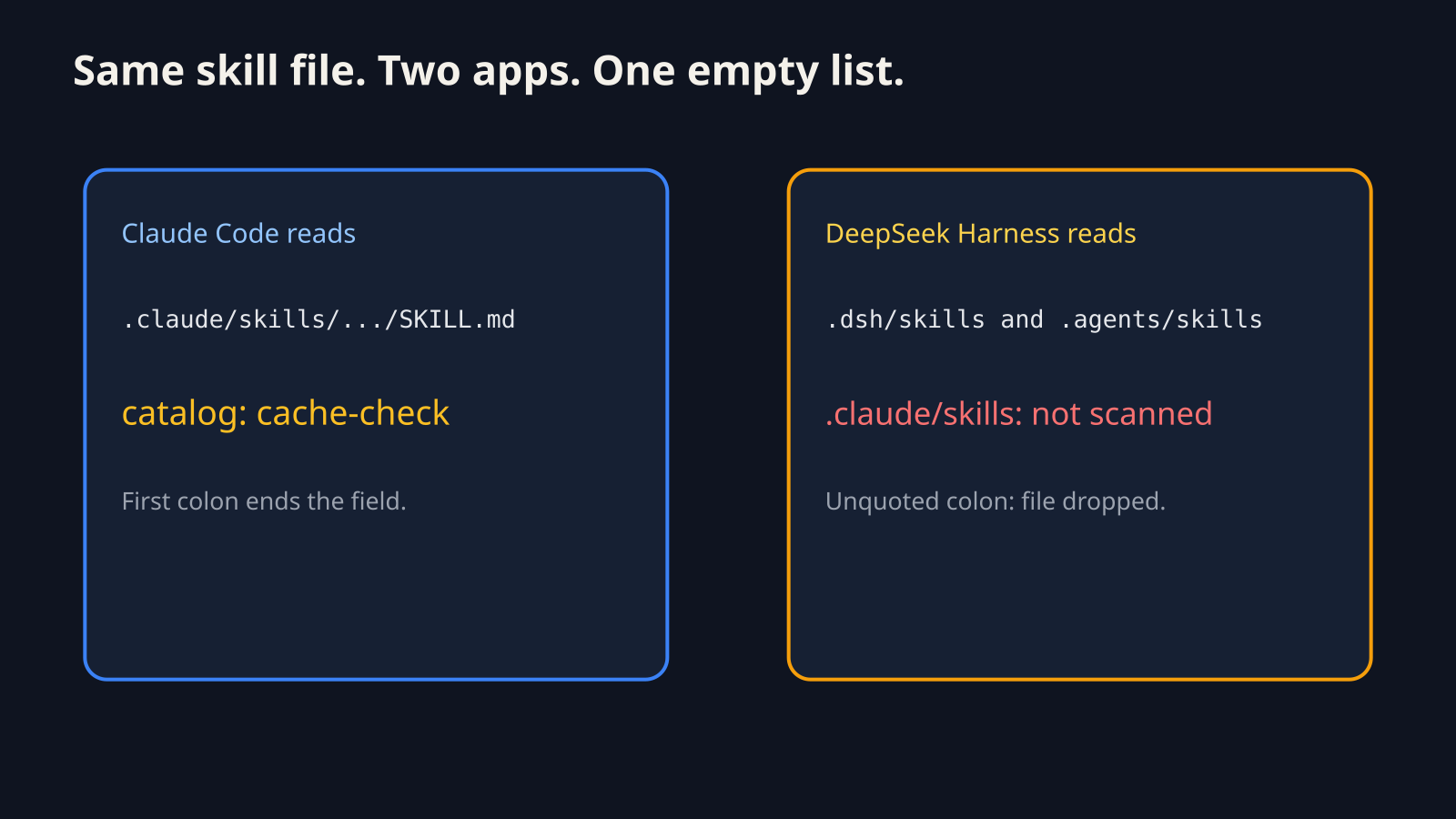
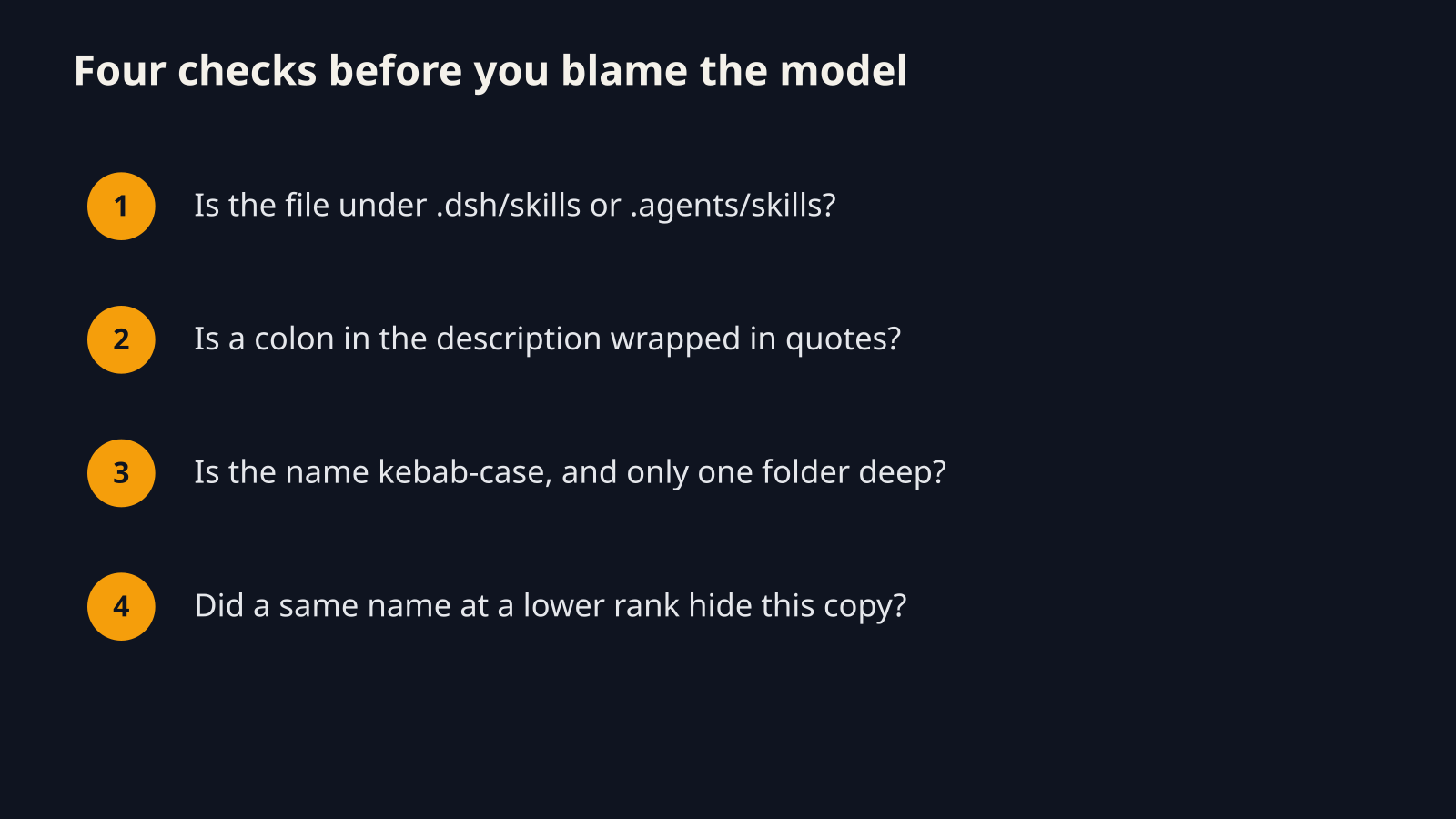
Claude Code looks in .claude/skills inside the project, and in ~/.claude/skills for skills you want everywhere. DSH does not look there. It looks in a different set of folders, listed in the next section.
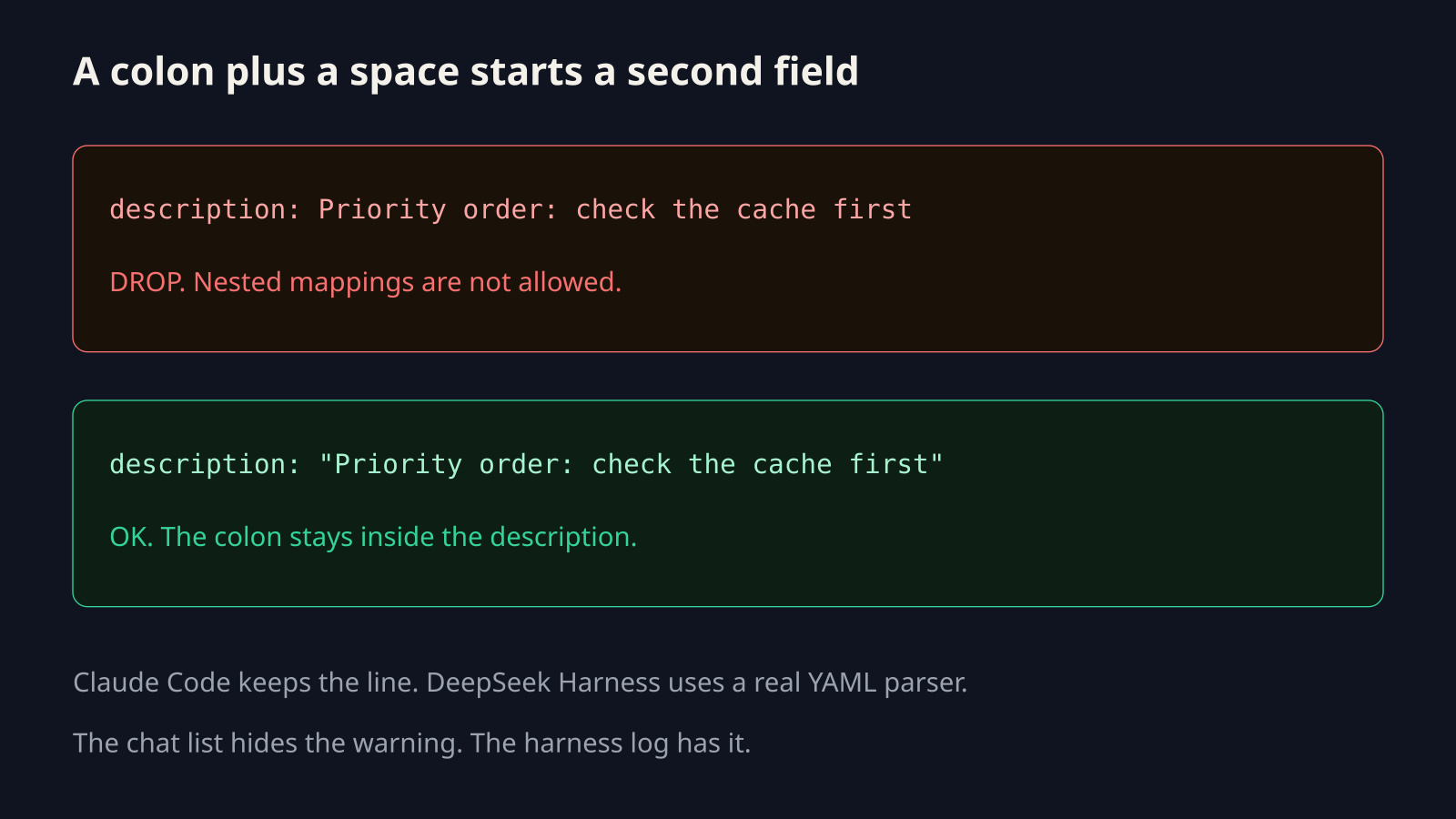
YAML (a text format where a colon starts a value) is the other trap. Claude Code reads the top of SKILL.md in a loose way: the first colon ends the field name, and the rest of the line is the value. DSH hands that same block to a real YAML parser. A second colon followed by a space is a syntax error. The loader catches the error, writes a warning to the harness log, and leaves the skill out of the catalog. The chat does not show that warning. The skill looks missing.
Where does DeepSeek Harness look for skills?
DeepSeek Harness looks for skills in five roots, and the lowest rank number wins when two files share a name.
The project root (the nearest folder above you that contains .git) is where the first two roots live. If you start DSH inside a package of a monorepo (one repo that holds many projects), you can land on a different root than the folder that holds the skill.
| Rank | Where | Path |
|---|---|---|
| 100 | this project | <projectRoot>/.dsh/skills |
| 200 | this project | <projectRoot>/.agents/skills |
| 300 | extra roots you set | customSkillDirs on the filesystem skill plugin |
| 400 | your user folder | ~/.dsh/skills, or $DSH_HOME/skills |
| 500 | your user folder | ~/.agents/skills, or $DSH_AGENTS_HOME/skills |
.claude/skills is not on that list. A copy that only lives there is invisible. A bundled root can sit at rank 600 when the app sets one. Lower rank wins, so a project file at 100 hides a user file at 400 with the same name.

You can keep the Claude folder and add its path as a custom root. The setting is customSkillDirs on the plugin @deepseek-ai/dsh-skill-filesystem. I am not pasting a guessed config file, because the shipping docs show the field and not one copy-paste profile snippet. The path that needs no extra config is .dsh/skills.
Why does a colon in the description hide the skill?
A colon followed by a space in an unquoted description hides the skill, because YAML treats it as a nested field and DSH drops the file when that parse throws.
The description (the one line that tells the model when to use the skill) is required, next to name. This line works in Claude Code and fails in DSH:
description: Use when the user asks to find plugins. Priority order: check the curated list first.Quote it:
description: "Use when the user asks to find plugins. Priority order: check the curated list first."A colon with no space after it, as in 10:30 or foo:bar, is still a normal YAML value. The break is colon, then space.
Two other frontmatter flags (settings between the --- lines at the top) can drop the file the same quiet way. disable-model-invocation keeps a skill off the model list when it is true. user-invocable keeps it off human commands when it is false. The loader accepts true or false, yes or no, on or off, and 1 or 0. A misspelled word is not treated as false. The whole skill is skipped.
I ran the two skill files. Here is what changed.
The unquoted description was dropped, and the quoted description parsed, when I ran both files through the same YAML parser DSH imports.
I did not need a model key for this. The failure happens before any model is called. I took the frontmatter block and called parse from the yaml package.
Unquoted result: drop. The first line of the error was Nested mappings are not allowed in compact mappings.
Quoted result: ok. The description kept the words Priority order: check the curated list first.
A lenient split on the first colon only, which is the Claude Code style of read, kept the unquoted file. That is why the same SKILL.md can look fine in one app and missing in the other.
I also read the loader that wraps this parser. On a throw it logs invalid YAML frontmatter and returns no skill. The catalog the model sees has no per-file error, so an invalid skill and a missing skill look the same in chat.
How do I fix DeepSeek Harness skills not showing?
Put a valid SKILL.md one level under <project>/.dsh/skills/<name>/, with a kebab-case name and a quoted description, then start a new turn so the catalog refresh can run.
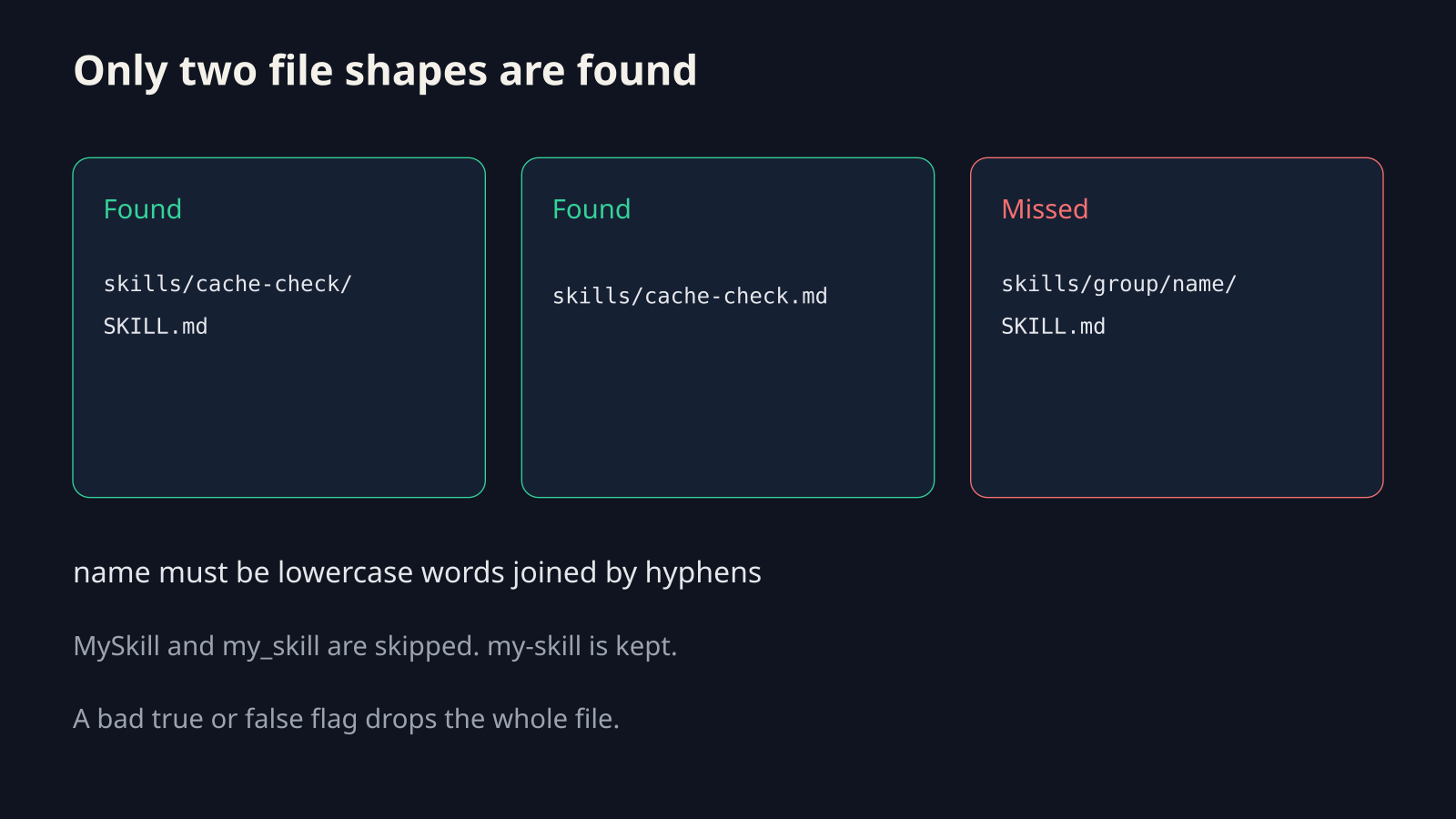
Kebab-case (lowercase words joined by hyphens, such as cache-check) is the only name shape that passes. MySkill and my_skill are skipped.
Two shapes are discovered, and nothing deeper:
<root>/<name>/SKILL.md<root>/<name>.md
A file at <root>/group/<name>/SKILL.md is ignored on purpose. The watcher only looks one folder down.
The body of the skill is re-read every time it loads, so a later edit to the steps does not need a new file version. A frontmatter edit is supposed to refresh the catalog for the next model step, because the folder is watched. If the list stays stale, the watcher may have failed to start. That marks discovery incomplete. A network folder or a symlink farm is the usual cause. Copy the skill into a normal local .dsh/skills folder and open a new session.
Do this from the project root:
- Find the folder that contains
.git. That folder is the project root. - Create
.dsh/skills/cache-check/. - Save
SKILL.mdwithname: cache-checkand a quoteddescription. - Confirm the description has no bare colon-space, or that every colon sits inside quotes.
- Start DSH from that project root, not from a nested package folder.
- Ask for the skill by the exact name.
If an older copy exists in ~/.dsh/skills with the same name, the project copy wins. If the project copy is the broken one, the good user copy stays hidden.
If the skill body tells the agent to run shell, read what the agent is allowed to touch before you trust it. The coop Claude Code sandbox covers that box. How a harness loads a skill only when needed is the walk-through in how Claude Code works.
Should I move every Claude skill into DeepSeek Harness?
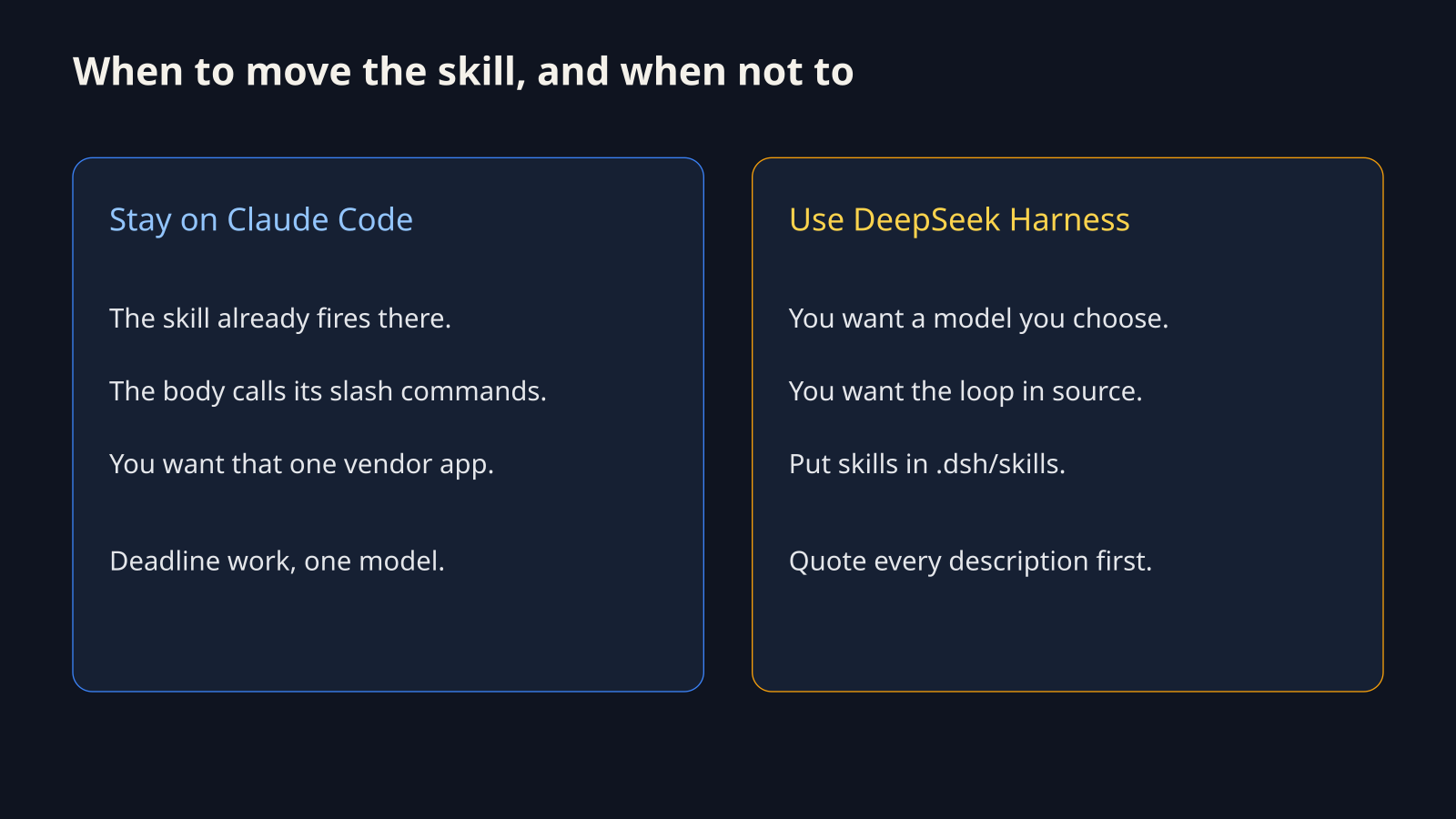
No. Move a skill when you want DSH to run it. Leave it when Claude Code is the app you will keep using for that job.
DSH is the better fit when you want the agent loop (the cycle of think, use a tool, read the result) in source you can read, and a model endpoint you choose. Claude Code is the better fit when you want one maintained app and the skill already fires there.
Do not move a skill whose steps call Claude-only slash commands (short commands that start with a slash inside that app). The markdown file may load, and the steps will still point at a command DSH does not have.
Do not treat a feature table as this fix. Those pages argue which app writes better code. None of that puts your file on the catalog. If you wanted a different terminal agent rather than a skill move, the Step Code vs Claude Code test is the closer read. If the failure is the briefing file and not the skill, start with the CLAUDE.md file that fixes AI coding.
Try this 8 minute test on your machine
You can rerun the parser test in about eight minutes with Node (the program that runs JavaScript, which DSH already needs) and no model key.
mkdir -p /tmp/skill-check && cd /tmp/skill-check
npm init -y
npm install yamlSave this as check.mjs:
import { parse } from "yaml"

const bad = `name: cache-check
description: Priority order: check the cache first
`
const good = `name: cache-check
description: "Priority order: check the cache first"
`

for (const [label, text] of [["UNQUOTED", bad], ["QUOTED", good]]) {
  try {
    console.log(label, "OK", JSON.stringify(parse(text)))
  } catch (error) {
    console.log(label, "DROP", String(error).split("\n")[0])
  }
}Run node check.mjs. You want UNQUOTED DROP and QUOTED OK. If your real SKILL.md matches the drop, quote the description and move the folder under .dsh/skills.
The roots are documented on the filesystem skill package inside the DeepSeek Harness repo. The guide index is the DeepSeek Harness docs.
Common questions about DeepSeek Harness skills
Why don’t my Claude skills show up in DeepSeek Harness?
They do not show up because DSH does not scan .claude/skills, and a bad description line removes the file from the catalog with no chat error.
Copy the skill to .dsh/skills/<name>/SKILL.md, quote any description that contains a colon and a space, and use a lowercase hyphenated name. Then ask again by that exact name.
Can I keep skills in .claude/skills and still use DeepSeek Harness?
Yes, if you add that folder to customSkillDirs on the filesystem skill plugin, or if you place each skill in .dsh/skills.
A symlink is followed, so the colon bug still applies to the target file. Copying the file does not fix a bad description. Quoting does.
Does an unquoted colon in the description break the skill?
Yes. description: Priority order: check the cache first is invalid YAML, and DSH skips the skill.
Wrap the value in double quotes. A colon without a following space does not trigger this.
Is DeepSeek Harness worth it if I only want my old skills?
Not by itself. If the only goal is to keep using skills that already run in Claude Code, stay there.
DSH is worth the move when you also want a model you choose and a loop you can read. Budget eight minutes for the folder move and the quote fix before you judge the app. If you are choosing among several agents rather than fixing one skill, Paperclip vs Orca is a different job: many agents, not one missing file.
Quote the description, put the file in .dsh/skills, and ask for the skill by name.