
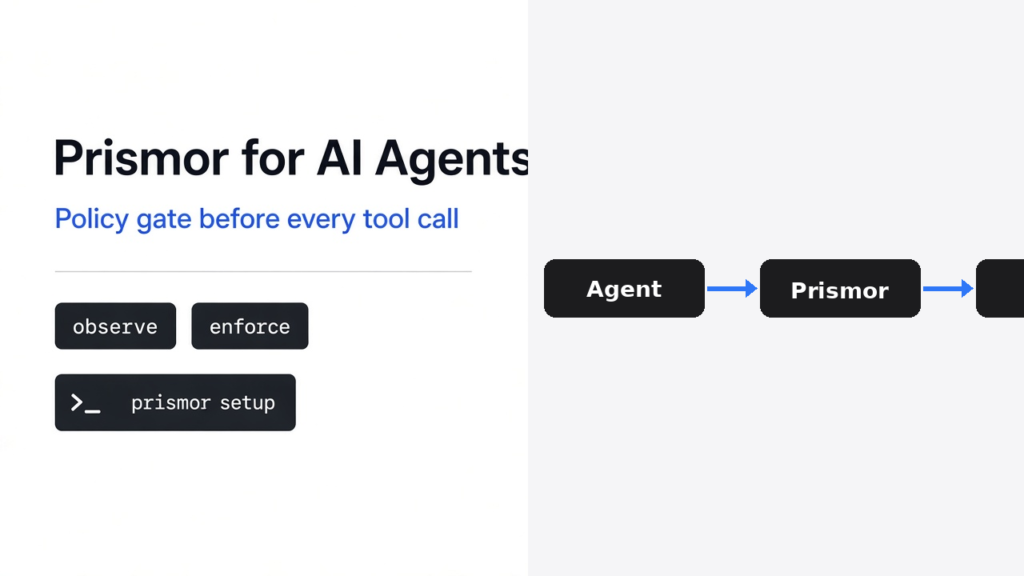

Short answer: Prismor for AI agents is a local policy layer that sits in front of every tool call. On prismor 1.73.0 (PyPI, Apache-2.0), prismor check "cat .env" fired rule secret-file-shell-read as HIGH, and a clean echo hi passed. Start in observe, then flip the risky rules to enforce so a secret read or a suspicious install is blocked before it runs.
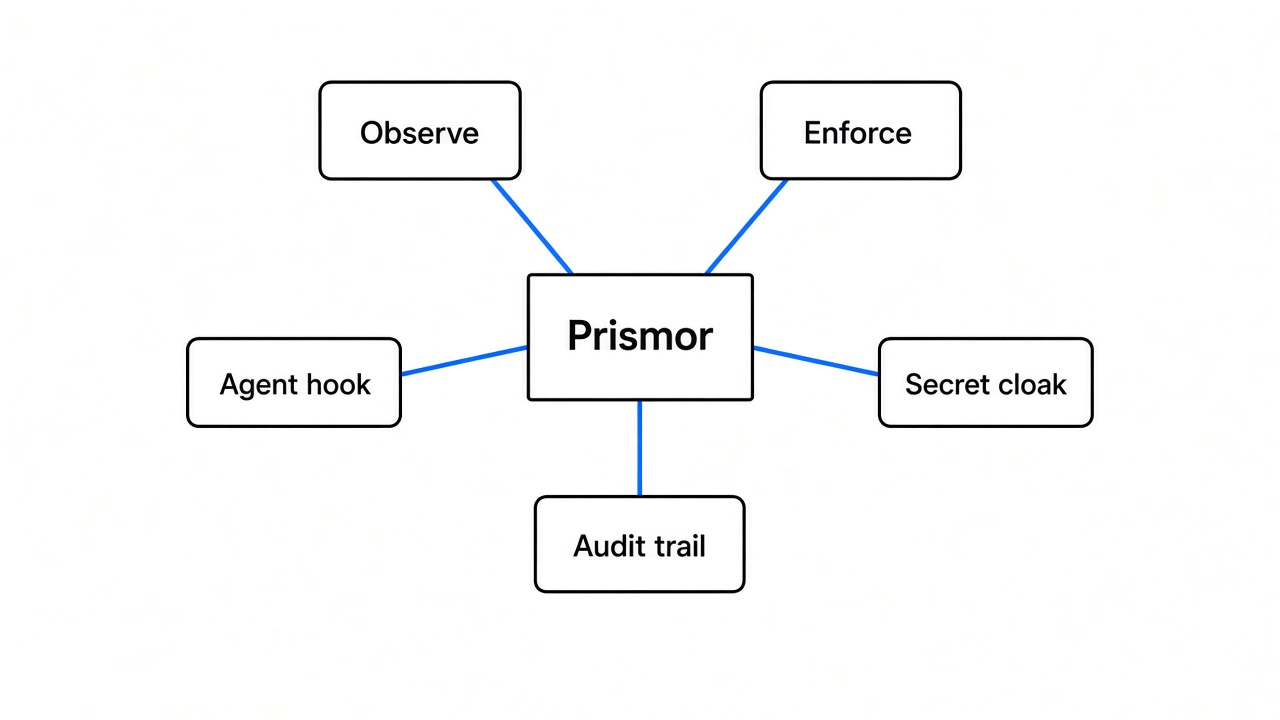
An AI coding agent can read files, run shell commands, install packages, and call tools with little or no human review on every step. Endpoint scanners see the damage after it happens. Prismor checks the call against a policy you control first. You can watch, ask for approval, or block. Everything starts on your machine: a local dashboard and an audit trail. Optional enrollment links an org control plane later; this page stays on the local path.
Related security reads on this site: Zero Breach Toolkit vs MVT for spyware checks after the fact, and What Does Claude Code Send to Anthropic? for what leaves the machine in model traffic. For a hard stop on a cut-off answer instead of a tool-call gate, see Uncut vs Claude Code. For a process cage around the agent, see Coop for Claude Code and Microsoft Execution Containers.
Checked on this box: 9 November 2026 (Asia/Calcutta), pip install prismor==1.73.0 into a fresh venv, no IDE hooks installed, default policy mode observe, not enrolled.
Why Do AI Agents Need a Policy Layer?
Because once an agent can execute, one bad step can read secrets or install malware. A poisoned file, a prompt injection, or a compromised package can open a reverse shell or dump .env. Prismor steps in one step earlier than an endpoint tool: at the tool call itself.
That is a different job from a full sandbox. A sandbox cages the whole process. Prismor is a policy gate on the agent’s tool surface. You can use both.
How Do I Install Prismor and See What It Loads?
Install from PyPI, then run status and doctor before you trust a block.
python3 -m venv .venv
source .venv/bin/activate
pip install prismor==1.73.0
prismor status
prismor doctorFresh status on this box printed:
Doctor added the enforcement picture without failing the run:
Read that carefully. 98 rules are loaded. Only 28 can block, and the status line’s 19 block is the set already marked to block under the default policy. The default mode is observe: findings are scored and logged; the action still runs until you flip rules (or use a setup that starts in enforce). Hooks were not installed here, so this page’s checks use prismor check against the local policy — the same rules the hooks would call after prismor setup / prismor install-hooks.
The setup wizard asks for mode (start with observe), which agents to hook (Claude Code, Cursor, Codex, and others — the project lists 14 coding agents via hooks), and whether to enable secret cloaking. Secret cloaking registers a real secret under a placeholder so the model never sees the value. The real value is substituted only at the moment of execution.
What Does prismor check Catch on a Real Command?
It flags secret-file reads and suspicious package names as HIGH, and it passes a boring echo.
prismor check 'cat .env'
prismor check 'pip install unknown-malware-pkg'
prismor check 'echo hi'Exact lines from this box:
WARN here matches observe: the rule fired, the command was not blocked by check. After you install hooks and flip the matching rules to enforce, the same pre-tool path is what denies the call before the shell runs. Do not quote a latency number from marketing alone — time a few check / hooked calls on your machine after setup.
How Does Prismor Attach to an Agent?
Four paths, with an agent hook preferred for Claude Code and Cursor.
- Agent hook — preferred for Claude Code and Cursor (and the other hook-supported agents).
- MCP gateway — one connector in front of every MCP server.
- LLM proxy — point the agent at Prismor’s proxy URL.
- Server-side / SDK adapters — framework agents (LangGraph, CrewAI, OpenAI Agents SDK, and others) wrap the tool runner so
Decision.allowis honored before the tool body runs.
Policy is YAML. Default rules cover prompt-injection patterns, known supply-chain indicators, destructive shell commands, and secret exfiltration. You add or tighten rules yourself. The dashboard shows every call, every verdict, and the full trail. Day-to-day CLI surface also includes allow, approvals, pause / resume, cloak, discover, and audit — useful after the first week, not required for the first test.
What Are the Honest Limits of Prismor?
It is not code review and not a whole-machine sandbox. If you never switch any rule to enforce, it only logs. If hooks are not installed, the IDE agent is not gated — only what you send through check or an SDK adapter is. If the agent can talk to a system Prismor cannot see, that path stays open. Keep enforce mode on for the rules that match your real risk, and keep a separate brake for spend or send actions when you need one outside the model.
Common questions about Prismor for AI agents
Is Prismor a sandbox?
No. It is a policy layer in front of tool calls. A sandbox isolates the process. You can use both.
Does observe mode block anything?
No. Observe logs and scores. Enforce blocks. On 1.73.0 here, doctor reported default mode observe with 28/98 rules able to block once flipped.
What is secret cloaking?
You register a real secret under a placeholder. The model sees the placeholder. The real value is substituted only when the tool runs. Cloaking showed as “not installed” until you enable it in setup.
Which agents can it hook?
The setup wizard and docs list Claude Code, Cursor, Codex, Copilot, Windsurf, and more (14 coding agents via hooks on the project site), plus framework SDK adapters.
Can Prismor replace code review?
No. It stops a class of dangerous tool calls. It does not judge whether the code change is correct.
Do I need to enroll?
No for local protection. Enrollment links org policy and telemetry. This page’s checks were local-only, not enrolled.