
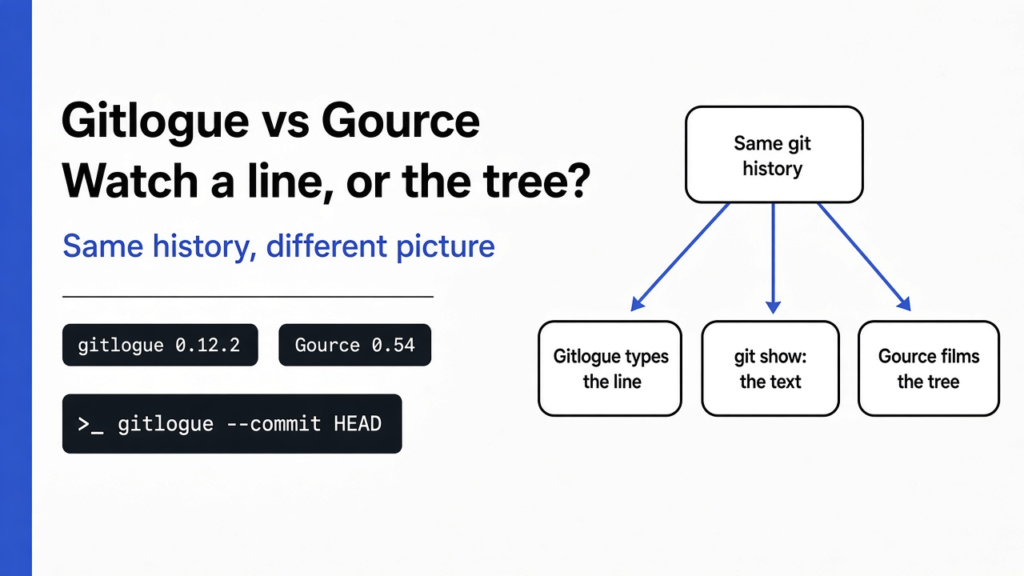

Short answer: gitlogue vs Gource is a split: use gitlogue to watch one change arrive as typed characters, and use Gource to film the project as a growing tree. I ran both on the same three-commit Python file on 13 November 2026. Gitlogue 0.12.2 typed the new check into the terminal. Gource 0.54 drew a glowing node and the author, and it never showed the line.
I wrote a tiny function called greet and saved it in three commits, so I could watch one edit land. The first commit returned a fixed “hi”. The second used a name. The third added a check: if the name is empty, stay with “hi”. Git kept those snapshots in the repository (the folder of saved snapshots). Each save is a commit (one snapshot plus a short message). The message on the third commit told me the intent. It did not show the characters arriving.
A diff (only the lines that changed, not the whole file) would have printed the new check in one block. I wanted to watch those characters appear, the way a person types, so I could see the check land before the return. That watching happens in the terminal (the text window where you type commands). Gource (a moving picture of the whole project as a tree) would have shown activity at a file. I needed the line.
Use gitlogue when you need to read one change. Use Gource when you need a video of the project growing.
Gitlogue Types the Line, Gource Draws the Tree
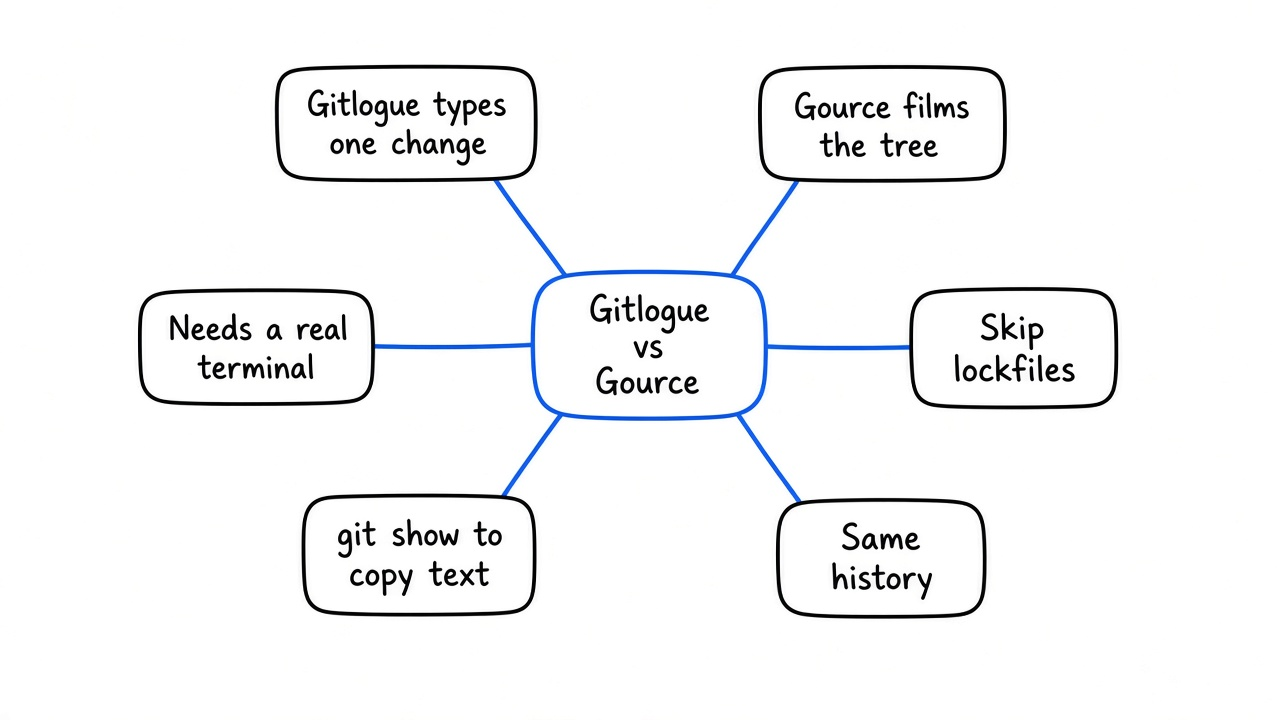
Gitlogue types the changed lines in your terminal. Gource plays a movie of the whole project as a tree.
They both start from the same history. They answer different questions. Gitlogue asks, what did this one edit look like as it was written. Gource asks, where did the work go, and who touched which part, across a long stretch of the project.
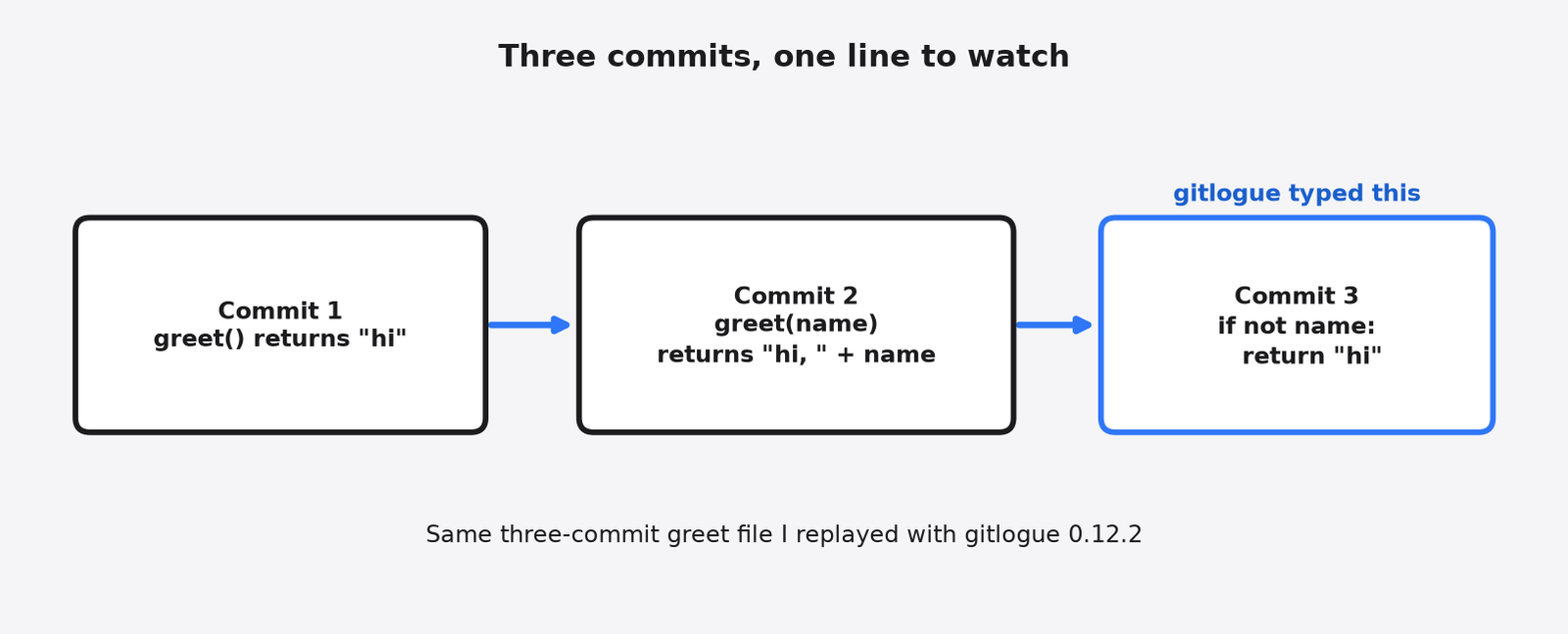
I pointed gitlogue 0.12.2 at that third commit, with --speed 30 (the default, in milliseconds per character) and --theme nord. The first paint said “No commit loaded”. A moment later a short splash showed the file name app.py and the commit. Then the file opened, and I could read if not name arriving before the new return "hi" line. That is the whole product.
commit 1   greet() returns "hi"
    |
commit 2   greet(name) returns "hi, " + name
    |
commit 3 if the name is empty, stay with "hi" <-- gitlogue typed thisGource does not do that. I ran Gource 0.54 on the same repository and wrote a 1280×720 frame stream with --output-ppm-stream. With only one file, the picture was a single glowing node in the middle. At the start, a figure labeled Tester, the commit author, appeared beside it. I still could not read if not name. The project’s own description, on gource.io and in the official README, is a tree with the root of the repository in the middle, folders as branches, and files as leaves, with people appearing beside the files they change. That is the picture you get on a larger tree. You can record that picture to a video. You still cannot read the new line.
If the talk needs a two-minute film of a long stretch of work, Gource is the tool. If a teammate asks why the third line exists, gitlogue is the tool. The official README says Gource’s display is rendered with OpenGL and needs a 3D accelerated video card. I recorded frames under a virtual display with software OpenGL. The interactive window is still built for a real graphics chip. Gitlogue needs a terminal you can see.
gource picture          gitlogue picture

      (root)            app.py
     /      \
  src/      docs/       i f   n o t   n a m e
 file  file  file       return "hi"
people fly in characters appear one by one| gitlogue | Gource | |
|---|---|---|
| Where it runs | A terminal | Its own window, and it can export a video |
| What you see | The characters of one change | The tree of the project and who touched files |
| Best for | Reading one edit, teaching one function | A talk, or a long stretch of history |
| Needs | A git repository and a real terminal | A git repository, a display, and a graphics card |
| Weak at | Lockfiles, copied libraries, and pipes | Reading the actual new line |
What Is Gitlogue?
Gitlogue is a terminal program that replays one commit as if someone were typing the edit.
Git already saved the before and the after. A commit points at a full snapshot of the files, and it points at the commit before it. That chain is the history. Gitlogue walks one step of the chain and paints the change as keystrokes: characters appear, some vanish, and the file tree on the side updates. Syntax highlighting (color on code words, so a keyword looks different from a name) makes the new line easier to follow than a plain wall of text.
It is not a new kind of git. It does not rewrite history. It does not search. Press q (the quit key) and the picture is gone. The commits are still there, the way they were. Ctrl+C also exits.
Two commands sit next to the replay. gitlogue theme list prints the color sets. On the 0.12.2 build I ran, that list had 17 themes, including nord, dracula, github-dark, gruvbox, tokyo-night, fluorite, and telemetry, plus more. gitlogue diff paints the change you have not committed yet. A staged change (a change you have marked to include in the next commit) is the default. Add the flag (an extra word on a command that changes how it runs) --unstaged and it paints the edits still sitting in the file, the unstaged ones (edits not marked for the next commit). Both of those are screens, not text you can search.
your file  --mark it-->  staged  --commit-->  history
                \
                 \-- gitlogue diff --unstaged  |
                     gitlogue diff ------------+
gitlogue --commit HEAD ---+ (replay, typed)How Do I Install Gitlogue?
Install it, open the repository in a real terminal, then run gitlogue.
If you already build tools with Rust (a language people use to build fast command-line tools), the short path is Cargo (the installer that ships with Rust):
cargo install gitlogueOn this box, that path failed. rustc 1.85.1 is too old for gitlogue 0.12.2, whose crates ask for rustc 1.88. If your Rust is older than that, use the project’s install script or a prebuilt binary instead.
If you do not have a new enough Rust, the gitlogue README documents an install script that downloads the official Linux or Mac binary from the GitHub release. I installed the v0.12.2 x86_64-unknown-linux-gnu binary from that v0.12.2 release, then ran gitlogue --version and got gitlogue 0.12.2. The script warns if your glibc is older than 2.35; this box is 2.41, and the binary ran.
Mac users with Homebrew (a Mac program that installs command-line tools) can use brew install gitlogue, which is the path listed in the official README. I skipped Homebrew; this box is Linux. After any of those installs, gitlogue --help should print the options. If that line fails, the program is not on your path yet. The path (the list of folders the computer searches when you type a command) is the thing to fix before you blame the repository.
type:  gitlogue --help
see:   a list of options     --> installed
see: command not found --> not on your path yetI ran the help, the theme list, and a replay of a real commit. The replay only drew once the program had a terminal with a size. When I asked gitlogue diff --unstaged for an unstaged edit with no terminal attached, it stopped with Error: No such device or address (os error 6). When there was nothing to show, the same command with no terminal printed No changes to display and exited cleanly. That is the limit to remember. Gitlogue is a screen. It is not a report. Do not put it in a job that only collects logs. A pipe (a way to send one program’s output straight into another, with no screen) is the wrong place for it.
real terminal, sized window  -->  characters appear
no terminal, a change to show -->  "No such device or address"
no terminal, nothing to show --> "No changes to display"The project lives at gitlogue. Gource lives at gource.io.
How Do I Replay One Git Commit?
Pass that commit to --commit, wait past the empty first frame, and press q when you have seen the lines.
HEAD (the name for the latest commit on your current line of work) is the usual target:
cd your-repo
gitlogue --commit HEAD --speed 30 --theme nord--speed is milliseconds per character. A millisecond (one thousandth of a second) is the unit, so 30 means a short pause between letters, and it is the default. A smaller number types faster. I used 30 on a three-line function and could still read each new character. A huge generated file at that pace is a blur. Skip those files, or slow the ones you care about.
speed 30   i  f     n  o  t     n  a  m  e     (readable)
speed 1 ifnotname (a blur on a big file)A range replays more than one commit. Official docs say a range already plays from older to newer. --order asc makes that order explicit, which is the order a person would have typed:
gitlogue --commit HEAD~5..HEAD --order asc --speed 20HEAD~5 means five commits back from the latest. The two dots mean “from here up to there”. If the range is long, you are watching a film of typing, not skimming. That is fine for a short feature. It is the wrong shape for a year of history. That long film is Gource’s job.
older -------------------------------------> newer

HEAD~5   HEAD~4   HEAD~3   HEAD~2   HEAD~1   HEAD
  |        |        |        |        |       |
+--------+--------+--------+--------+-------+ --order ascWhile it plays, q quits. If the first frame says “No commit loaded”, wait. On my run that frame came first, and the file name followed.
When Is Gitlogue the Wrong Tool?
Use Gource for a video of the whole history, and use git blame when you need the line that is already sitting there. Git blame (a command that names the commit that last touched each line) answers “who last changed this”, not “watch it being typed”.
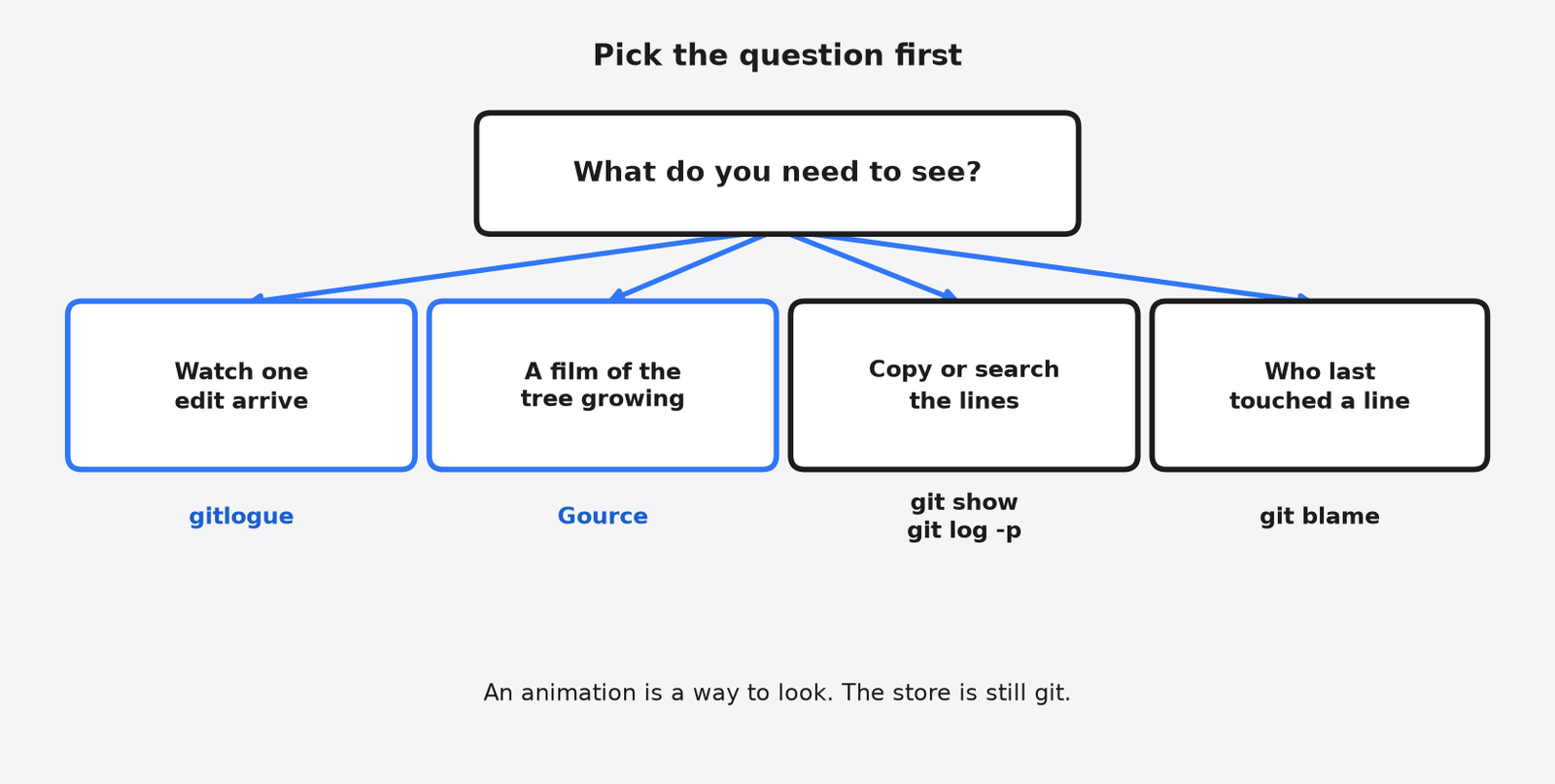
question                         tool
--------------------------------  -----------------
watch this one edit appear        gitlogue
film of the tree growing          Gource
who last touched this line        git blame
find the commit that added text git log -SGitlogue is the wrong tool in four ordinary cases.
The change is noise. A lockfile (a generated file that pins the exact library versions) types forever and teaches nothing. So does a vendored folder (a copy of someone else’s code stored inside your project). Official docs already skip binary files such as pictures, so you do not have to hide those by hand. Hide the text noise:
gitlogue --commit HEAD --ignore 'package-lock.json' --ignore 'dist/*'The pattern is the same kind git already uses to skip files. You can repeat --ignore. You can also point --ignore-file at a list. Start there on any repository that commits generated output.
replay this:   app.py, src/check.py
skip this: package-lock.json, dist/*You need to search, not watch. An animation cannot answer “which commit introduced this string”. git log -S and git blame can. If the reason you care is that a coding agent (a program that writes code for you) wrote the line, the prompt behind it is a different record again. Git blame for AI code is about saving that prompt. git-ai is not Scion is about which tool actually stores the agent mark. Neither one types the diff for you. Gitlogue does not store the prompt. Pick the question first.
saved prompt of an agent   -->  a prompt record, not gitlogue
who last touched a line    -->  git blame
watch the characters --> gitlogueYou need several attempts side by side, not a replay of the past. That is a worktree problem. A worktree (a second checkout of the same repository) is a second copy so two edits do not overwrite each other. A checkout (a copy of the files from one point in history, ready to edit) is the thing you are protecting. Paperclip vs Orca is that job. A replay will not keep two agents apart.
one checkout, two writers   -->  they overwrite each other
two worktrees               -->  each writer has a copy
a gitlogue replay --> shows the past, keeps nobody apartYou have no terminal. A remote log, a web page, or a script that only prints text will not show the typing. Gource can emit a video file, which is why it survives in a slide deck. I used --output-ppm-stream on this box, the official flag for a raw frame stream you can pass to ffmpeg. Gitlogue survives in a terminal you can see. Record the terminal yourself if you need to send the picture. The program does not hand you a movie. If what you want is a web page of commits to click through, that is a different job again, the one in gitmal vs cgit.
slide deck, no terminal   -->  Gource video
person at a keyboard      -->  gitlogue
log file only             -->  neither; use git show
a page of commits to click --> a git web, not an animationHow Do I Show a Teammate How This File Changed?
Replay a short commit range from old to new, hide generated files, and sit with them while the characters appear.
This is the sequence I would send.
- Agree on the commits. Five is a lesson. Fifty is a punishment.
- Hide lockfiles and build output with
--ignore. - Play oldest first:
gitlogue --commit HEAD~5..HEAD --order asc --theme github-dark. - Pause on the commit, then talk. The message is the claim. The typing is the evidence.
- Press q, then open the same commit in
git showif they want the plain diff to copy.
1 pick 5 commits
2 hide generated files
3 play oldest first
4 read the message, then watch the typing
5 q, then git show if they need text to copyIf the teammate only needs the movie for a demo, do not force the typing. Install Gource, run it on the repository, and export a video. They will see the tree grow. They will not see the empty-name check. Say that out loud so nobody thinks the film replaced the reading.
One more flag if the demo is live: --watch waits and replays commits as they are made. I left a live --watch run for another day. The help lists it, and it matches a second screen while you commit on the first. It is still a terminal. Close the laptop and the show stops. Official docs also say --watch cannot be combined with --commit or --order.
screen 1: you commit
screen 2: gitlogue --watch   -->  the new commit types itself
laptop closed --> the show stopsCommon questions about gitlogue vs Gource
How Do I See Git History Without an Animation?
Use git show for one commit and git log -p when you need to search the lines.
git show HEAD     -->  one message + one diff, text you can copy
git log -p -5     -->  the last five, same text, searchable
gitlogue --> the same change, typed, not searchableGitlogue is a way to look. It is not the store. The store is still git. For one commit, git show HEAD prints the message and the diff in text you can scroll, copy, and search. For a stretch, git log -p -5 prints the last five the same way. I still reach for those when I know the string I want. I reach for gitlogue when the message is vague and I want to see the edit happen in order: the check, then the return, not both at once in a patch.
vague message, one function, a person next to you   -->  gitlogue
a long tree, or a video to send                     -->  Gource
a string to find, or a line to copy --> plain gitThat split is the decision. Vague message, one function, a person next to you: gitlogue. A year of the tree, or a video to send: Gource. A string to find, or a line to copy: plain git.
Is Gitlogue the Same as Gource?
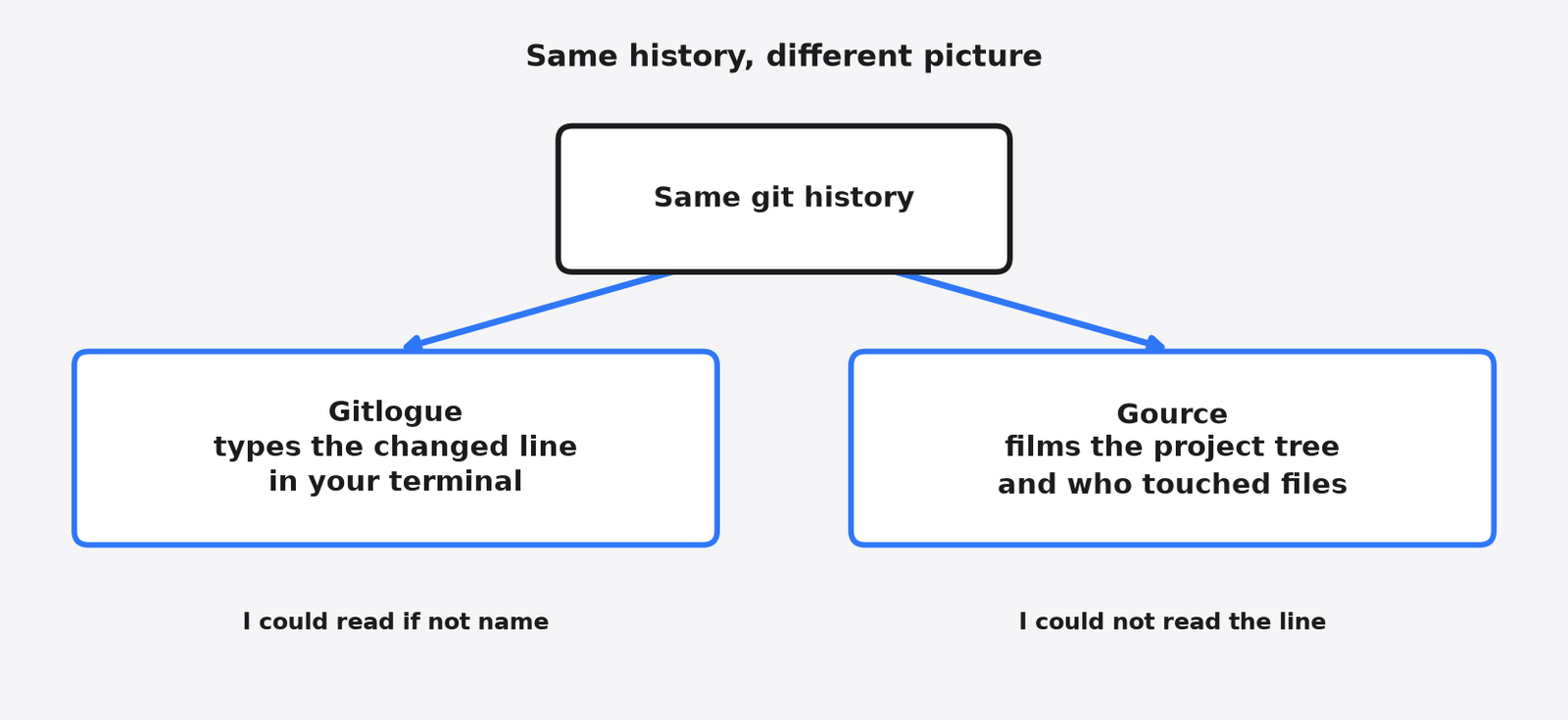
No. Gitlogue types one change. Gource draws the project tree over time.
same history
    |
    +-- gitlogue: one commit, characters arriving
    |
    +-- Gource:   the tree, people, a video
    |
+-- git show: the lines as textSame history, different picture. If you can already read the line you care about in git show, you do not need either program. If the line only makes sense as it arrives, gitlogue is the one to open. If the room needs to see the project grow, open Gource and leave the typing for later.
I tested this on 13 November 2026 in Asia/Calcutta (IST), with gitlogue 0.12.2 and Gource 0.54, on a three-commit Python file in a Linux terminal and a virtual display.