
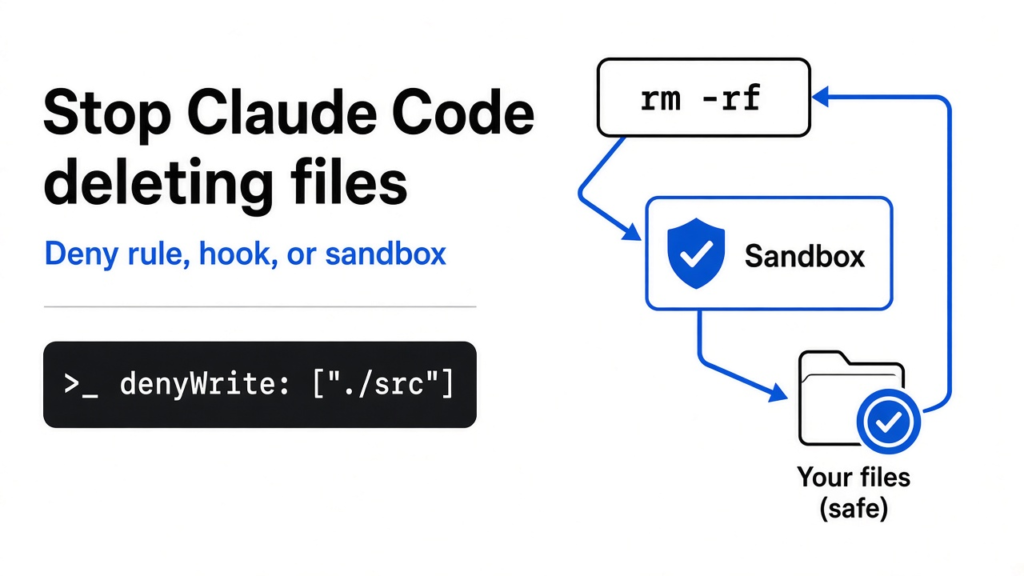
Short answer: to stop Claude Code from deleting files, do not trust a text rule alone. A deny rule like Bash(rm *) only blocks the plain rm spelling, and a hook only blocks the words it knows. To really protect a folder, turn on Claude Code’s sandbox, add the folder to sandbox.filesystem.denyWrite, block the retry escape hatch, and add an Edit deny rule for the same path.
You tell Claude Code to tidy up a project. It runs one shell command, and a folder you needed is gone. Most people react the same way: they add a rule that says “never run rm”.
That rule feels safe. It is not. I checked 14 ways a shell command can delete or wreck a folder, and the plain rule stops only 3 of them.
So this post follows one idea. A rule that reads the command’s words can be dodged by different words. A wall around the folder cannot. You will see each layer, what it caught, what it missed, and the exact settings that held.
Why does Claude Code delete files you wanted to keep?
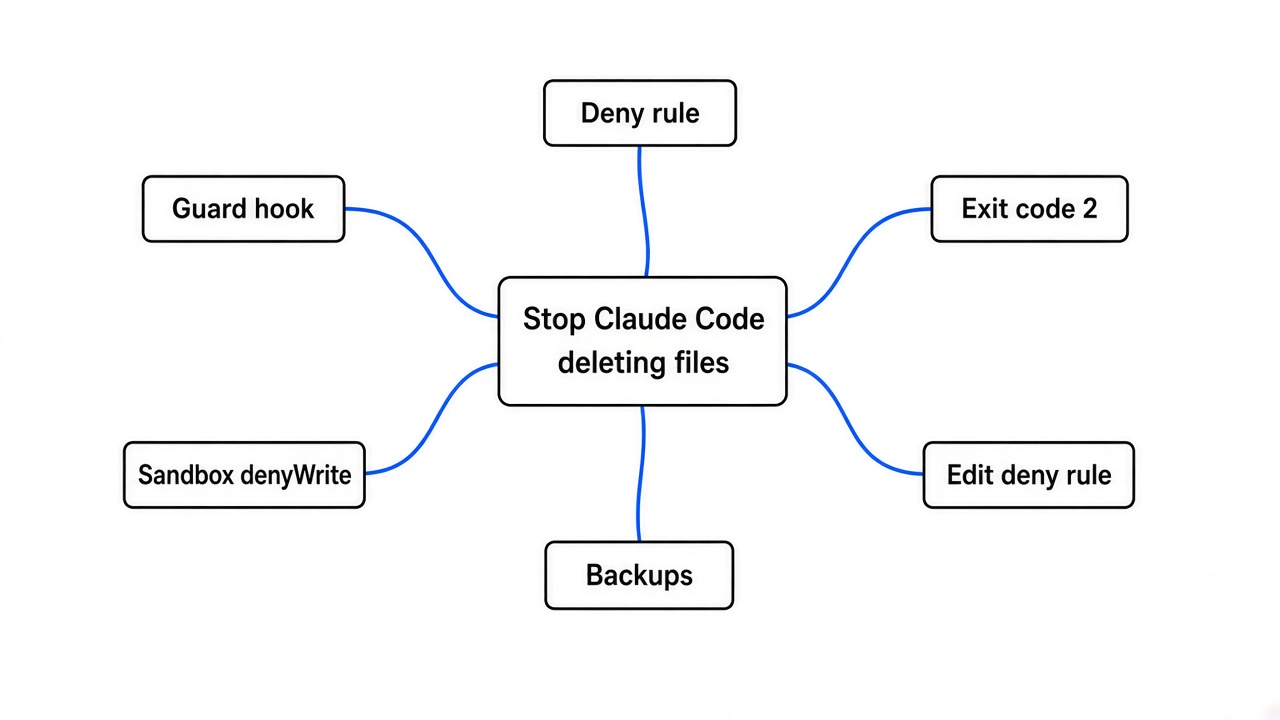
Claude Code deletes files because its shell tool can run anything you can run.
Start with the base fact. Claude Code works by calling tools, and one of them is the Bash tool (the part that types shell commands for you). Whatever that shell can do, Claude can do: build, test, move, and delete.
Each shell command normally waits for your “yes”. That pause is the permission prompt. But clicking “yes” fifty times an hour gets old, so people add allow rules, pick auto mode, or run with bypassPermissions (a mode that skips almost every prompt).
That is where the risk comes from. The fewer prompts you see, the more the safety depends on rules you wrote ahead of time. So the real question is how good those rules are.
Does a deny rule like Bash(rm *) stop it?
A deny rule stops the usual spelling of rm, not the act of deleting.
A permission rule lives in settings.json and looks like this:
{
  "permissions": {
    "deny": ["Bash(rm *)"]
  }
}
Deny rules always win over allow rules, so this one cannot be cancelled by a broader “allow Bash”. It is also smarter than a plain text search. Claude Code splits chained commands at &&, ; and |, and it looks past a leading variable like FOO=1. So cd . && rm -rf important and FOO=1 rm -rf important are both blocked.
Here is the catch. The rule matches the text Claude writes, not the program that runs. Claude Code’s own permission rules say that Bash(rm *) does not match /bin/rm -rf build/ or bash -c 'rm -rf build/'. It also has nothing to say about find -delete, a Python one-liner, or npm run clean.
Think of a shop guard told to stop anyone named Bob. Bob walks in wearing a name tag that says Robert. The guard did his job exactly as told, and Bob still got in.
That is why the deny rule is a good first layer and a bad last one. It catches the command Claude usually writes. It does not catch a second attempt in different words.
Can a PreToolUse hook block rm -rf?
A hook catches far more spellings than a deny rule, but it is still reading words.
A hook is a small script Claude Code runs at a fixed moment. A PreToolUse hook (a script that runs before each tool call) gets the full command as JSON on its input. If the script exits with code 2, the command is blocked and the script’s message goes back to Claude.
So I wrote a guard script that hunts for the common ways to delete. It looks for rm anywhere (even inside bash -c '...'), plus rmdir, unlink, find -delete, shutil.rmtree, os.remove, git clean, base64 -d, and text piped into sh.
{
  "hooks": {
    "PreToolUse": [
      {
        "matcher": "Bash",
        "hooks": [{ "type": "command", "command": "python3 ~/.claude/guard.py" }]
      }
    ]
  }
}
Then I fed it the same 14 commands. It blocked 8.
The 6 it let through are not exotic. They are python3 cleanup.py, npm run clean, node -e "...rmSync...", a Perl one-liner, mv important /tmp/trash, and a plain echo that overwrites a file. In most of them the delete happens inside a file or a program the hook never reads. The hook sees npm run clean and has no idea that script wipes a folder.
There is a second trap that bites people. A hook only blocks on exit code 2. When my guard got broken input, Python crashed with exit code 1, and for a PreToolUse hook that counts as a non-blocking error: the command runs anyway.
So if you use a hook, make it fail closed. Wrap the whole script in try, and exit 2 on any error. A guard that crashes open is worse than no guard, because you think you are covered.
Here is the version I ended with. Save it as ~/.claude/guard.py:
#!/usr/bin/env python3
# PreToolUse hook: block shell commands that look like deletes.
# Fails closed: any error also blocks (exit 2).
import json, re, sys

PATTERNS = [
    r"(^|[\s;&|(/'\"`])rm\s",      # rm, /bin/rm, inside bash -c '...'
    r"\brmdir\b", r"\bunlink\b",
    r"\bfind\b.*\s-delete\b", r"\bfind\b.*-exec\s+rm\b",
    r"shutil\.rmtree", r"os\.remove", r"os\.unlink",
    r"\|\s*(ba|z)?sh\b",            # text piped into a shell
    r"base64\s+(-d|--decode)",
    r"\bgit\s+clean\b",
]

try:
    cmd = json.load(sys.stdin)["tool_input"]["command"]
    for p in PATTERNS:
        if re.search(p, cmd):
            print(f"Blocked: deleting files is not allowed here (matched {p}).", file=sys.stderr)
            sys.exit(2)
    sys.exit(0)
except SystemExit:
    raise
except Exception as e:
    print(f"Blocked: guard hook failed ({e}).", file=sys.stderr)
    sys.exit(2)
Fed broken input, this one exits 2 and blocks. A normal command like npm test still passes.
What actually stops every delete?
The sandbox does, because it blocks the write itself instead of reading the command.
Picture the difference between a guard reading name tags and a locked door. The locked door does not care what you call yourself. It will not open.
Claude Code’s sandbox is that door. It wraps every shell command, and every program that command starts, in an operating system boundary. On macOS it uses the built-in Seatbelt system. On Linux and WSL2 it uses bubblewrap (a small tool that runs a program in a cut-down view of your files). Inside that view, a folder you list in denyWrite is mounted read-only.
I ran all 14 commands through Anthropic’s open-source sandbox engine, the one built for Claude Code, with important/ on the deny list. Every single one failed. rm, /bin/rm, bash -c, find -delete, Python, Node, Perl, base64, npm run clean, mv, even overwriting one file with echo. The three files were still there after each try, and the shell printed Read-only file system.
Normal work kept going. Writing a new file next to the protected folder worked fine, because the rest of the project stayed writable.
Two gaps still need closing, and both are in the settings.
First, the sandbox only wraps shell commands. Claude’s own Write and Edit tools run outside it, so a Write call could still overwrite a file in that folder. An Edit deny rule covers those tools.
Second, when a command fails inside the sandbox, Claude can ask to retry it outside the sandbox. That retry is meant for tools that break under the sandbox, but it is also a door around your wall. Setting allowUnsandboxedCommands to false shuts it.
How do the three layers compare?
Only the sandbox blocked every delete in the test.
| Delete command | Deny rule Bash(rm *) | Guard hook | Sandbox + denyWrite |
|---|---|---|---|
rm -rf important | Blocked | Blocked | Blocked |
FOO=1 rm -rf important | Blocked | Blocked | Blocked |
cd . && rm -rf important | Blocked | Blocked | Blocked |
/bin/rm -rf important | Missed | Blocked | Blocked |
bash -c 'rm -rf important' | Missed | Blocked | Blocked |
find important -delete | Missed | Blocked | Blocked |
python3 -c "shutil.rmtree(...)" | Missed | Blocked | Blocked |
echo ... | base64 -d | sh | Missed | Blocked | Blocked |
python3 cleanup.py | Missed | Missed | Blocked |
npm run clean | Missed | Missed | Blocked |
node -e "rmSync(...)" | Missed | Missed | Blocked |
perl -e 'rmtree(...)' | Missed | Missed | Blocked |
mv important /tmp/trash | Missed | Missed | Blocked |
echo x > important/a.txt | Missed | Missed | Blocked |
The deny rule column follows Claude Code’s documented matching rules. The hook and sandbox columns are my own runs.
One row moves once you add the full setup below. Claude Code checks the target of a > redirect against your Edit deny rules, so Edit(./important/**) also catches the echo overwrite. It still cannot see inside npm run clean.
How do I set it up?
One settings file, two packages on Linux, and one check.
- On Linux or WSL2, install the two helpers:
sudo apt-get install bubblewrap socat. macOS needs nothing. - Put this in
.claude/settings.jsonin your project (change./importantto the folder you care about):
{
  "permissions": {
    "deny": ["Bash(rm *)", "Edit(./important/**)"]
  },
  "sandbox": {
    "enabled": true,
    "failIfUnavailable": true,
    "allowUnsandboxedCommands": false,
    "filesystem": {
      "denyWrite": ["./important"]
    }
  }
}
- Start Claude Code and run
/sandbox. If it shows only a Dependencies tab, something is missing. - Test it the safe way: ask Claude to run
touch important/probe.txt. It should fail withRead-only file systemon Linux orOperation not permittedon macOS.
Why keep the deny rule if the sandbox does the work? Because it is cheap and it stops the obvious attempt before it even reaches the sandbox, which keeps the session quieter. failIfUnavailable matters too: without it, a missing package makes Claude Code quietly run commands with no sandbox at all.
Native Windows has no sandbox. There, run Claude Code inside WSL2, or inside a container you are happy to lose.
Which one should you use?
Use the sandbox for anything you cannot afford to lose, and treat rules and hooks as early warnings.
There is a fair case for the hook alone. It needs no extra packages, it works on native Windows, and it lets you write a custom message that tells Claude why it was stopped. For catching honest mistakes, that is often enough.
But honest mistakes are not the dangerous case. The dangerous case is Claude getting blocked and trying again in different words, or a prompt injection (hidden text in a file or web page that gives the AI orders) telling it to. Against that, anything that reads words loses, and only the locked door holds.
Keep a git commit or a backup anyway. A sandbox protects the folders you listed, and nothing else.
So put the folder on the deny list, then ask Claude to touch it. If the shell says read-only, you have a wall, not a fence.
Common questions about stopping Claude Code from deleting files
Does Bash(rm *) in deny stop rm -rf?
It stops rm -rf written the plain way, including after && or a variable. It does not stop /bin/rm, bash -c 'rm ...', find -delete, or a script that deletes files.
Can a Claude Code hook block dangerous commands?
Yes, a PreToolUse hook that exits with code 2 blocks the command. It can only block patterns it recognizes, and a crash with any other exit code lets the command run.
Does the Claude Code sandbox work on Windows?
Not natively. It runs on macOS, Linux and WSL2, so on Windows run Claude Code inside WSL2.
Does the sandbox protect files from Claude’s Write and Edit tools?
No, it only wraps shell commands. Add an Edit(./folder/**) deny rule to cover the file tools too.