
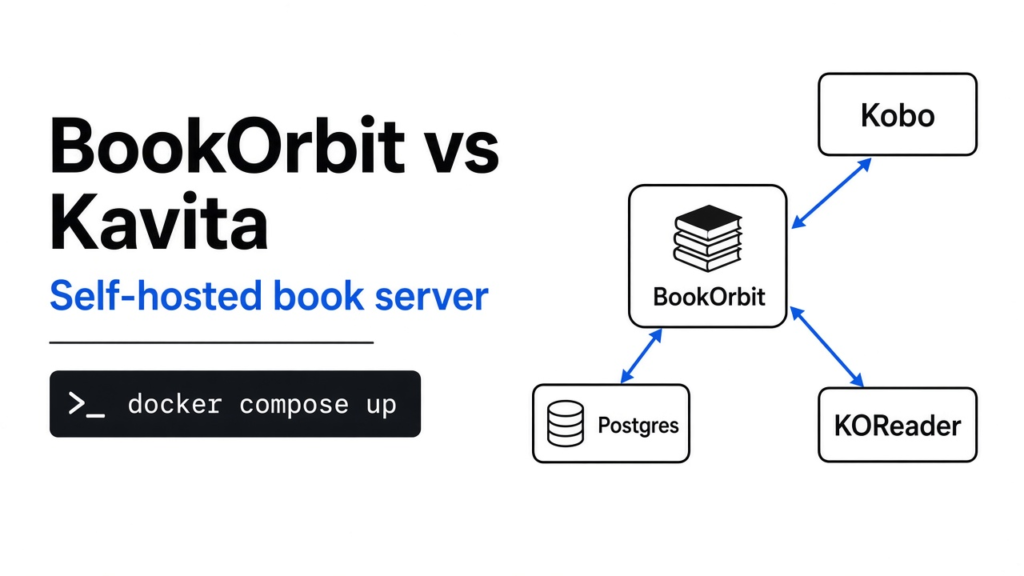

I stopped a chapter on my phone and opened the same book on an ereader. The ereader started at page one. The phone still knew the chapter. The two devices were not sharing a place to remember.
Kavita is the shelf people already run for comics, manga, and ebooks, and it is one container. BookOrbit is a shelf for ebooks, PDFs, comics, and audiobooks, and the default install is the app plus a database. On a BookOrbit vs Kavita choice for a small shelf, stay on Kavita. Move only if you want one progress line across the web reader, a Kobo, and KOReader, and you will keep that database running next to the app.
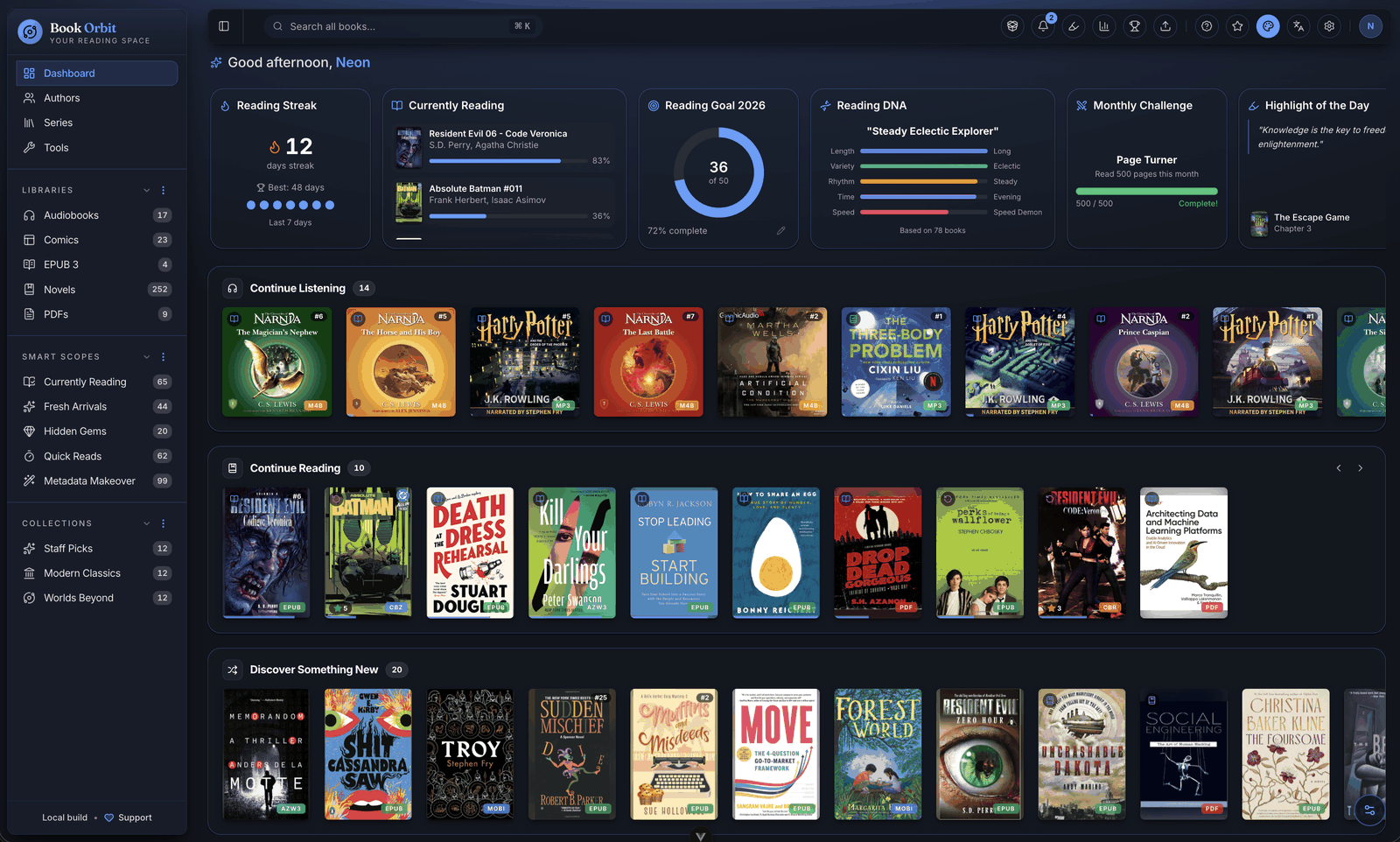
BookOrbit vs Kavita at a glance
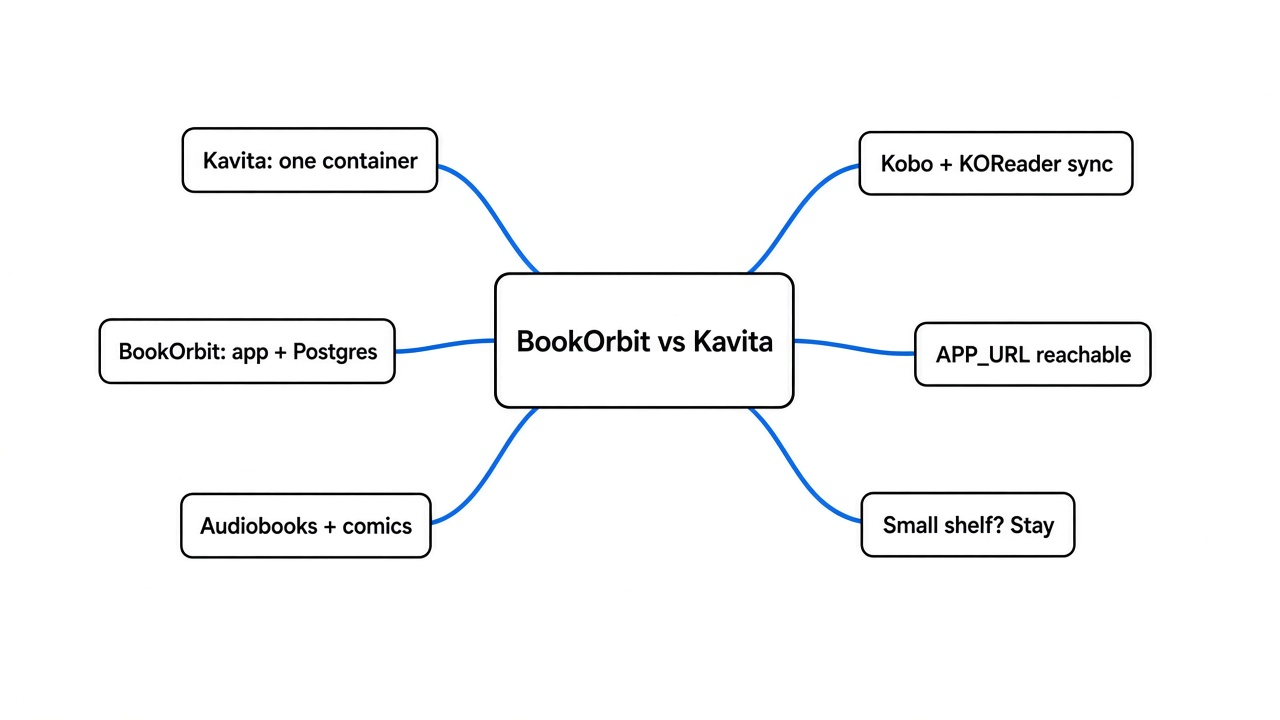
Stay on Kavita when the library is comics, manga, and ebooks and you want one container. Pick BookOrbit when the same server should also hold audiobooks and keep progress in sync with a Kobo and with KOReader.
Kavita is one container. You point it at folders, it scans, and you read in the browser. The usual Docker file publishes port 5000 and keeps its data in a config folder, so there is no separate database. People use it for EPUB, PDF, and comic archives such as CBZ and CBR. It is not an audiobook server. M4B and MP3 belong somewhere else.
BookOrbit covers a wider pile. In the browser that is EPUB, KEPUB, MOBI, AZW3, AZW, and FB2, plus PDF, CBZ, CBR, and CB7, plus M4B, MP3, M4A, OPUS, OGG, and FLAC. The default compose file starts two services: the app, and Postgres 18 with the vector extension. A speech engine starts only if you ask for it. A claim that one container replaces the stack is wrong about that file.
Postgres is where users, progress, and the book list live. The files stay in a folder you mount in. An existing Postgres server works only if it has uuid-ossp, pg_trgm, and vector. Otherwise use the database in the compose file.
| Kavita | BookOrbit | |
|---|---|---|
| What it holds | comics, manga, ebooks, PDF | those, plus audiobooks |
| What you run | one container | app plus Postgres |
| Port in the usual file | 5000 | 3000 |
| Progress outside the web reader | its own clients and a catalog feed | web reader, Kobo, and a KOReader plugin, both ways |
| Phone | the browser, or an app that reads the catalog | an iPhone app that still needs your server; no Android app yet |
| Who should stay | small shelf, comics first, one box | mixed formats, Kobo plus KOReader |
OPDS (a catalog other reading apps can browse) is how a third app gets the list. Both servers can offer one. It is not the Kobo and KOReader progress sync.
A public scan of generated epubs, which I did not run, is the size story. Same desktop, Docker capped at 8 GB of memory and 6 CPUs. BookOrbit finished first at every size they tried: about 2 minutes 33 seconds for 10,000 files, 16 minutes for 100,000, and 23 minutes for 150,000. Kavita was close at the small sizes and a few minutes slower at the top. Idle memory went the other way. Around 100,000 files Kavita sat near 336 MB and BookOrbit near 472 MB, because Postgres is inside that number. At 150,000 it flipped: BookOrbit near 524 MB, Kavita near 1 GB. Under about 20,000 books the times are not why you switch. The formats and the sync are.
How do I try BookOrbit before I install it?
Open the public demo and search one title you know. You can see a real shelf. You cannot add a file or change the server.
I did that. The demo signs you in as a shared reader named Orbiton. That account is not an admin. Setup was already finished, and new registration was closed. A health check said the database was up.
Four libraries were visible, and I was only a viewer on each of them.
| Library | Items I could see |
|---|---|
| Books | 56,251 |
| Audiobooks | 24 |
| Comics | 61 |
| Multi Format | 19 |
The same session also reported 19,389 authors, 22 series, and 186 highlights. I searched for Pride and Prejudice. Three hits came back. I opened the Jane Austen one in the Books library. It was one EPUB, 4,754,315 bytes, and the record already had fields for reading progress and read status. Writes were turned off, with the reason that the library itself does not allow them. I could look. I could not drop my own file in.
Then I asked the catalog feed for a listing while that same login was still valid. It answered that a separate password was required. The website session is not the catalog password. If you try the demo and the feed looks empty, that is the split, not a broken shelf.
The project publishes that demo from bookorbit.app. The code is at github.com/bookorbit/bookorbit. Treat the shared login as a door everyone has. Do not paste it into a chat.
How to install BookOrbit
You need Docker, a folder of books, and a few secrets before the app will start. Docker runs each piece in its own box. The compose file starts those boxes together and waits until the database says it is healthy.
The install notes put the floor at one core and 512 MB free, and they call 1 GB comfortable. That is before your books, and before Postgres has been busy. Measure a tight box first. How to benchmark a VPS covers CPU, memory, disk, and network. If you are unpacking the library onto a small disk, HatchZip versus unzip is the case where the packed file and the unpacked files do not fit at the same time.
On the server:
mkdir bookorbit && cd bookorbit
mkdir -p books data/app data/postgres
curl -fsSLo .env https://raw.githubusercontent.com/bookorbit/bookorbit/main/.env.example
curl -fsSLo docker-compose.yml https://raw.githubusercontent.com/bookorbit/bookorbit/main/docker-compose.yml
Edit .env before docker compose up -d. The compose file refuses to start if these are missing: the image name, the database user, the database password, the database name, JWT_SECRET, SETUP_BOOTSTRAP_TOKEN, and APP_URL. The example file also wants a podcast encryption key that is different from the JWT secret. Leave the database user and database name as bookorbit unless you have a reason. Change the password and both secrets. These three commands make them:
openssl rand -hex 24
openssl rand -hex 32
openssl rand -hex 16
Use the first for the database password, the second for JWT_SECRET, and the third for the setup token. Generate a second 32-byte string for the podcast key. Do not reuse the JWT secret for it.
APP_URL is the address you type in a browser, and the address a Kobo will call. http://your-server-ip:3000 is enough on a home network. localhost is not enough for any other device. If you put HTTPS in front, the ereader has to trust that certificate. A site that looks fine on a laptop can still fail on the Kobo when the chain is wrong. What breaks when a certificate chain is bad is the check: read the chain, do not trust the padlock alone.
BOOKS_HOST_PATH is the folder on the host that shows up as /books inside the app. The default is ./books. Point it at the library you already have if the files live somewhere else, and use a full path on a NAS.
PUID and PGID default to 1000. That is the user id the app uses when it reads the folder. If the books are owned by another user, the first scan cannot read them even though the container looks healthy. Match those two numbers to the owner of the folder, or change the owner. I did not hit that error myself, because I did not start Docker on this machine. The file is set up so the numbers have to agree.
Then:
docker compose up -dWait about half a minute the first time, until the database health check passes. Open port 3000. The setup page asks for the setup token, then an admin account. After that the token is only for first setup. Do not leave port 3000 open to the whole internet with a weak password. The image line in the example is ghcr.io/bookorbit/bookorbit:latest. Pin a specific tag once the shelf is in use, so a later pull does not surprise you. If the image is one you built yourself and you do not want it on a public registry, pushing a Docker image without a registry sends only the layers the server is missing.
What BookOrbit syncs to Kobo and KOReader
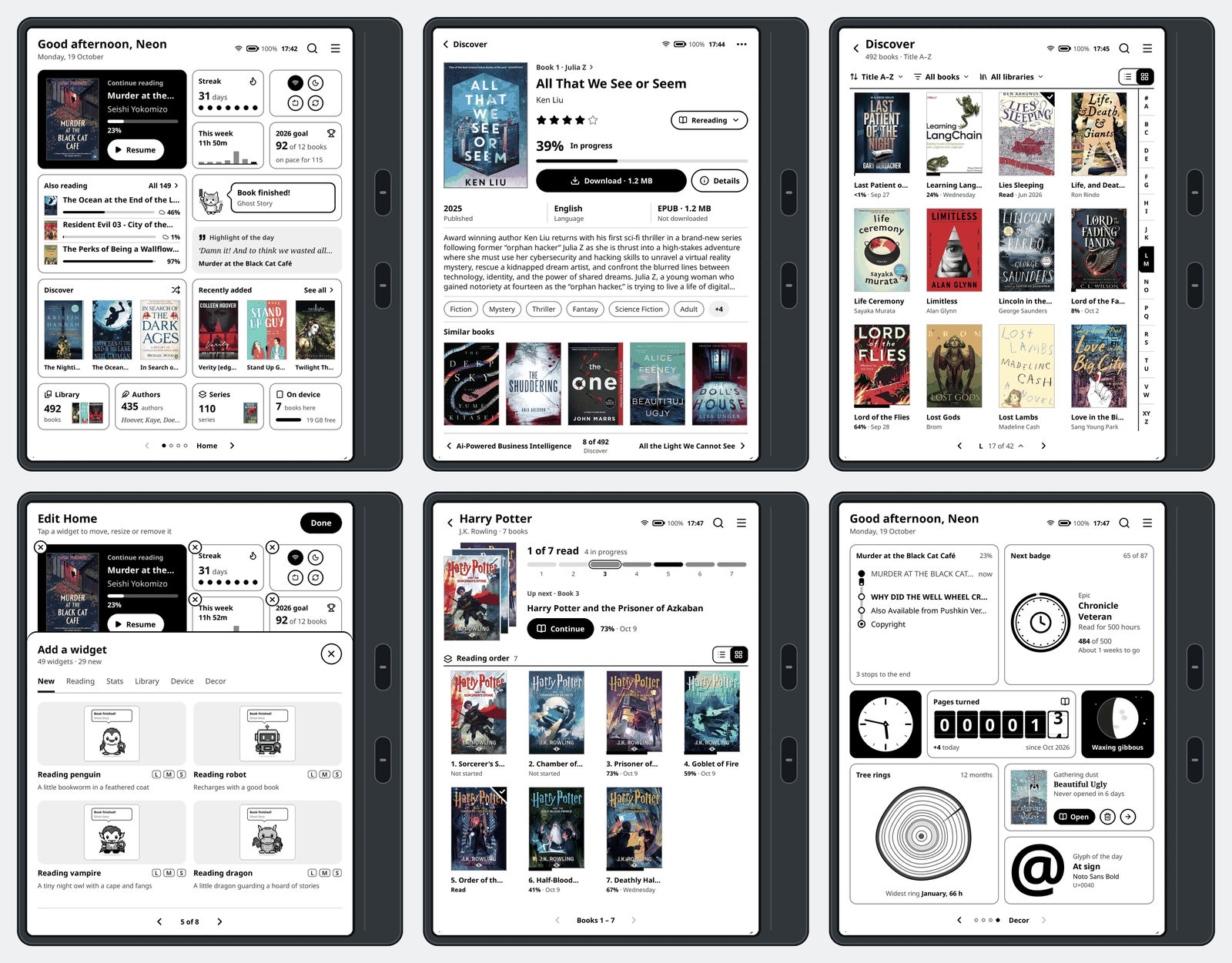
Progress and highlights move both ways between the web reader, a Kobo, and KOReader. A highlight you delete in one place is supposed to disappear in the others.
I did not pair a Kobo. I do not have one on this machine. What the demo did show is that a book record already carries reading progress and a read status, and that the public reader account was not allowed to change them. The sync is three surfaces, not “any app that can open an EPUB.”
For KOReader the steps are short. In BookOrbit, open Settings, then KOReader, create credentials if it asks, and download the plugin. Install that plugin on the device, restart KOReader, and open a book. The plugin also browses the catalog on the device, so you are not copying files by hand.
The catch is whether the ereader can reach the server. APP_URL has to be an address that device can open. A server that only answers on localhost will look finished in your browser and silent on the Kobo. If the Kobo sits on a guest network that cannot see the server, sync fails for the same reason. Fix the path before you blame the plugin.
Does BookOrbit need Postgres?
Yes. The default compose file starts Postgres, and the app waits until that database says it is healthy.
You can remove that service and set DATABASE_URL to a Postgres you already run. It still has to be Postgres, and it still needs uuid-ossp, pg_trgm, and vector. There is no switch in that file for a single-file database. This is the real difference from Kavita, which keeps its data beside the app and does not ask you to run a database at all.
Back up the Postgres folder, not only the books folder. The files are the books. The database is the users, the progress, the highlights, and the metadata you fixed by hand. Losing the books folder loses the books. Losing only the database loses the memory of who was where.
Should I replace Kavita with BookOrbit?
Replace Kavita if you are also running a separate audiobook server and a separate comic server, and you want one login. Do not replace it if Kavita already scans the shelf you have and you do not own a Kobo or use KOReader.
I would not move a working comic shelf for speed. Under 20,000 books the published scan times are close, and Kavita uses less memory through the middle of that range. I would move if the pain is the split: ebooks in one app, audio in another, and a page number I type into the ereader by hand. BookOrbit is built for that split. Kavita is the comic and ebook shelf that stays out of the way.
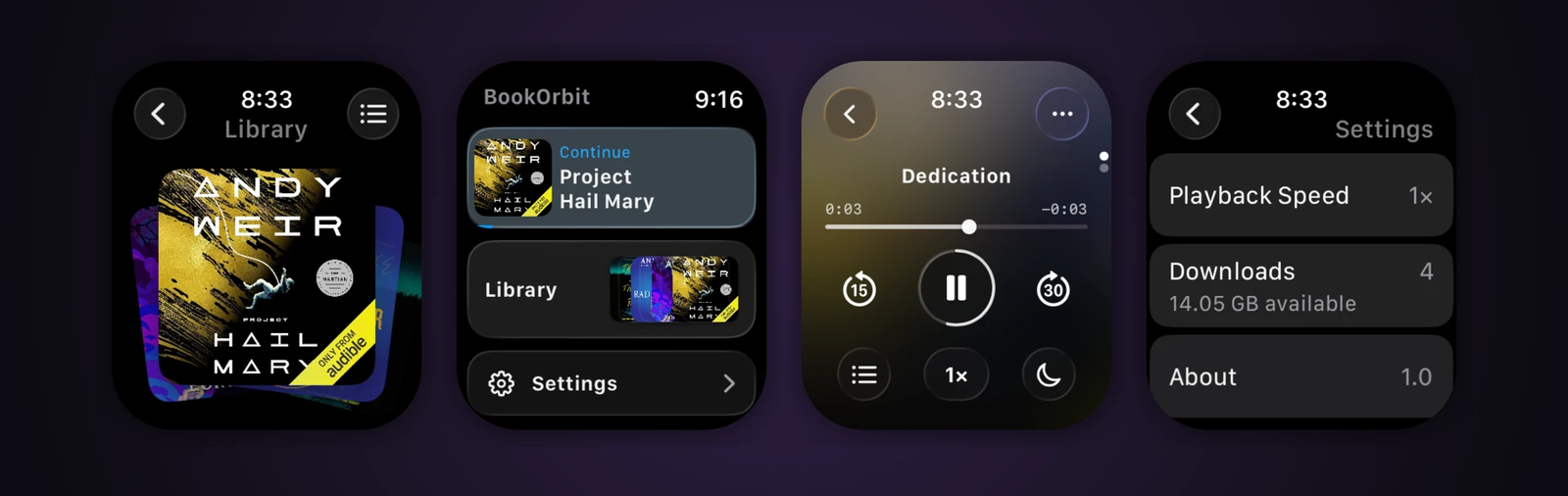
The phone side is narrower than the website. There is an iPhone app, and an audiobook can keep playing on an Apple Watch, but both talk to a server you host. There is no Android app shipping with it. On Android the client is the browser, or an app that reads the catalog feed.
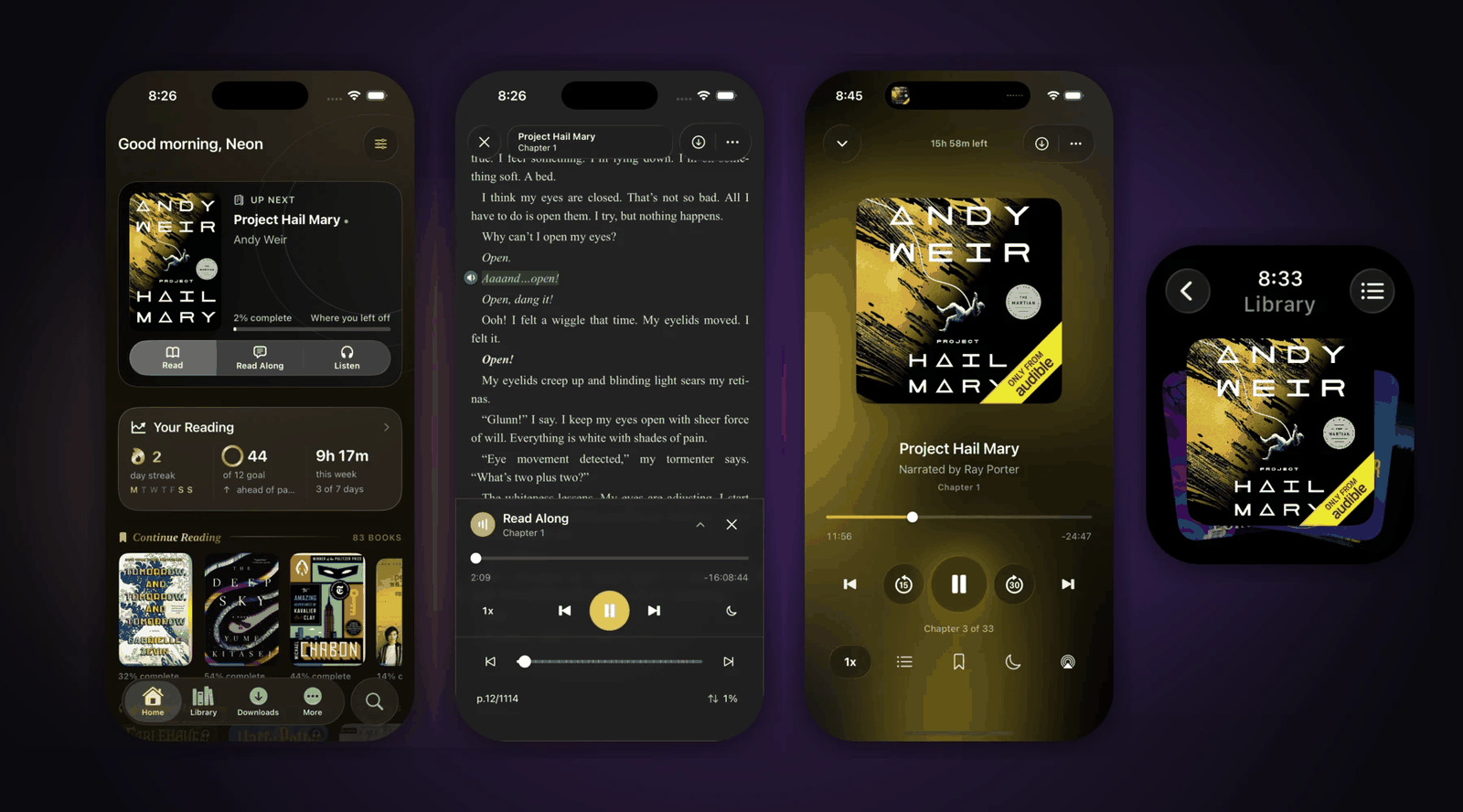
You can also sign people in with an account system you already run at home. That helps when several people share the server. It is not a reason to leave a shelf one person already reads in Kavita.
When not to use BookOrbit
Do not use BookOrbit if you want one container, if the box cannot spare a database, or if you need to search the words inside the books.
Full text search, the kind that finds a sentence inside the file, is not something to count on. Title, author, and series search worked in the demo. That is a different search. If the habit is “what was the line about the garden,” keep the tool that already does that, or keep Calibre for the search and use a shelf only for reading.
Do not use it as a Calibre replacement if Calibre is how you fix broken files. BookOrbit can be the shelf people read from. Calibre is still the desk where you repair an EPUB and write metadata back into the file. A web front on a Calibre database stays right when that database is already the record and you do not want a second copy of the truth.
Do not use it if you will not expose an address your devices can reach. The sync is the reason to pick it, and the sync is useless when APP_URL is a name only your laptop can resolve.
Is BookOrbit worth it for a small library?
For a small library, BookOrbit is worth it only when the features are the reason, not the scan speed.
A few hundred or a few thousand books will not show the gap in that published scan. Kavita will feel the same, with less to run. BookOrbit earns the extra service when at least one of these is true: you have audiobooks in the same pile, you read on a Kobo and in KOReader and you are tired of retyping the page, or you want several people on one server with separate progress. If none of those are true, install Kavita, or leave the shelf you have.
I opened a public shelf of 56,251 books as a viewer, found a known novel, and confirmed the server would not let that account write. That is enough to know the demo is a library and not a picture of one. It is not enough to know how your disk will feel on the first scan. Measure the box, match the file owner to user 1000 or change the setting, set APP_URL to an address the ereader can open, and then decide.
Common questions about BookOrbit vs Kavita
Is BookOrbit a single Docker container like Kavita?
No. The default BookOrbit compose file starts two services: the app and Postgres 18 with the vector extension. Kavita runs as one container and keeps its data in a config folder, with no separate database.
Can BookOrbit play audiobooks?
Yes. Next to EPUB, PDF, and comic archives, the BookOrbit web reader handles M4B, MP3, M4A, OPUS, OGG, and FLAC. Kavita is not an audiobook server, so audio has to live somewhere else.
Does BookOrbit have an Android app?
Not yet. There is an iPhone app, and audio can continue on an Apple Watch, but both still talk to a server you host. On Android the client is the browser, or an app that reads the OPDS catalog.
Why does the BookOrbit catalog feed ask for a password?
The catalog feed has its own password. The website session is not the catalog password, so a feed that looks empty in the demo is that split, not a broken shelf.